[How To] Create a Spotify follow button widget

Our Community Rock Stars with the Blog Maverick role can submit blog posts to be published on the Spotify Community Blog. This blog submission comes from Rock Star @JoeThomas.
Hey everyone! Joe here with more cool tips and tricks!
Today I'm going to show you how to get more followers using the follow widget. If you’re on the forums this is a must have as it’s a great way to attract an audience for your awesome playlists.
What do they look like?
You’ve probably seen one of these throughout the forums:

This is a follow widget. By simply tapping in the follow button you’ve just instantly followed them.

So what’s the advantage of having a follow button?
There are various reasons to get a follow button. One of the main reasons why I have one is that when someone from the forums wants to follow me, they have a quick and easy way of doing it--they don't have to go out of their way.
So can I get one?
Yeah!
Really?
Uh-huh.
How?
- Open Spotify
- Go to your Profile Page by clicking your username in the top right corner.
- Click on the three dots by your photo and hit ‘Copy Spotify URL’.
- Go back to this website.
- Paste the link into the box which says ‘Spotify HTTP Link (or Spotify URI)’.
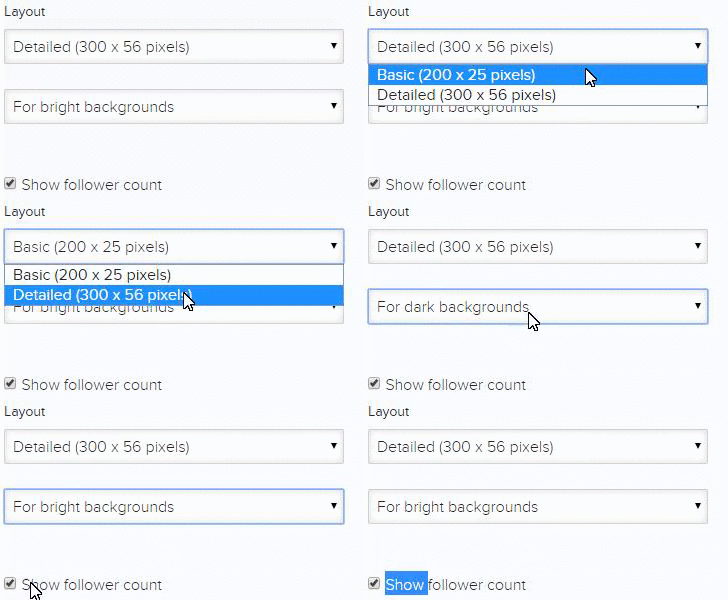
- Set the layout exactly how you want it to. Experiment!
- Check the preview to see if the widget is swanky enough:
- Copy the HTML code below and paste it into your blog or website.


HTM-wha?
HTML. It’s the language that brings the Internet together.
Oh. You didn’t mention me learning a language. You should have seen me in those Spanish lessons.
Don’t worry! You don’t need to know a thing about HTML. Just follow me (pun not intended):
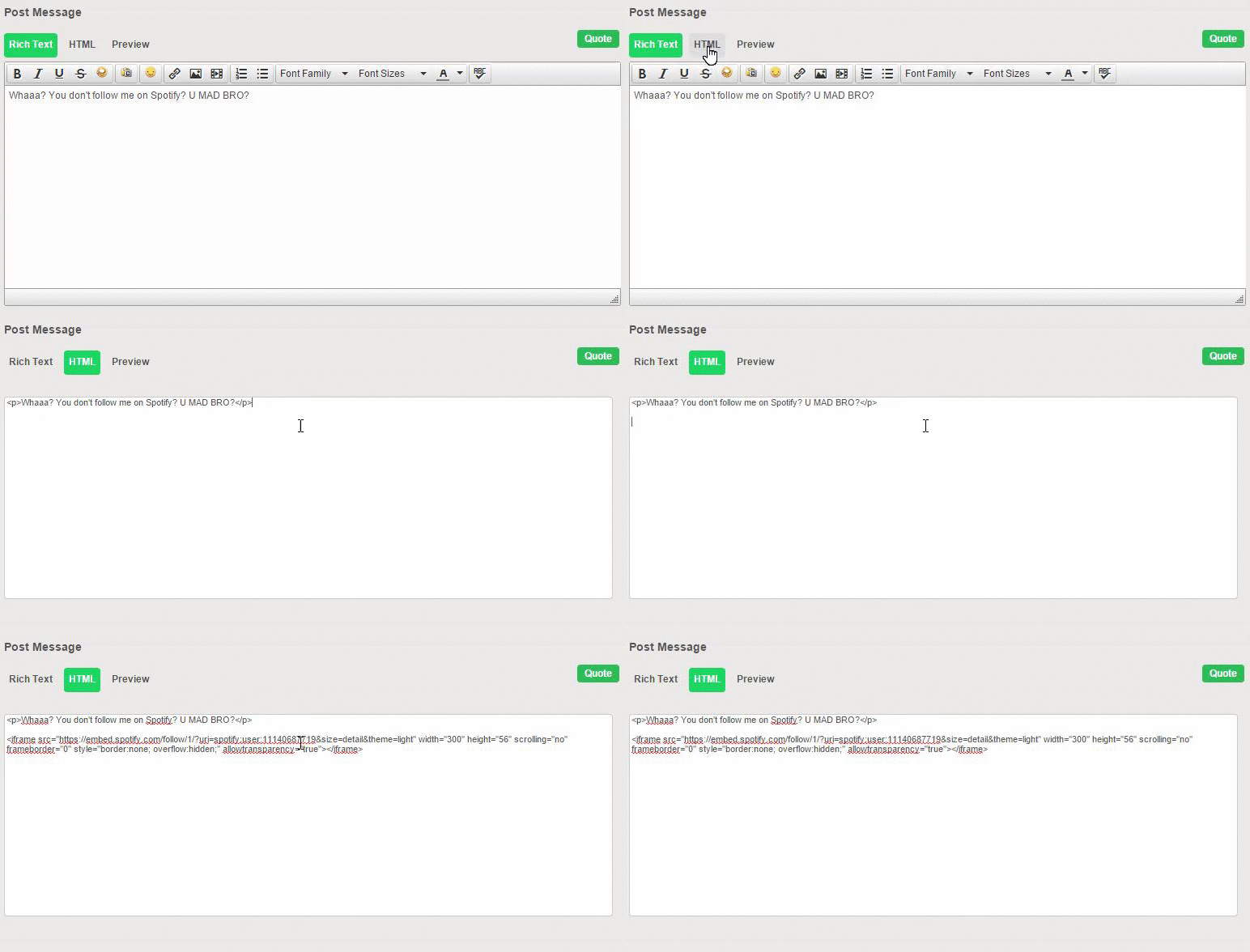
If you’re trying to post it within a thread/message, simply hit HTML and paste the HTML code where you want it to go.
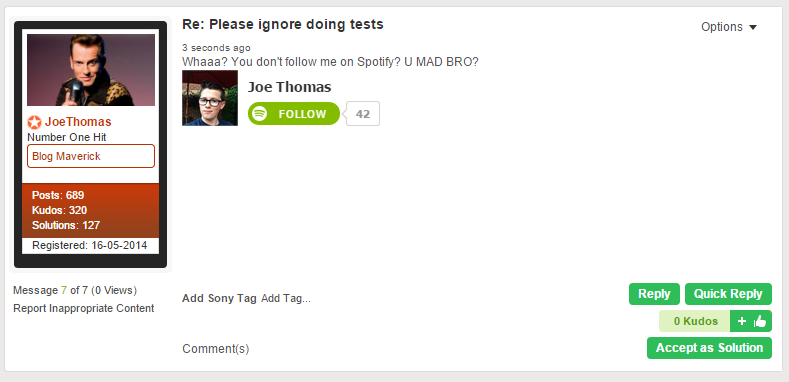
Lookin’ good!
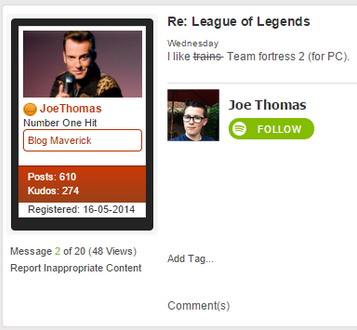
If you want to put the widget in your signature (the thing that’s at the bottom of every single one of your posts) then select My Settings:

Then under Personal Profile hit Personal Information:

Paste the code in the signature box and hit Save:

Boom! There you go.
That's all I've got time for!
Want to make cool blog posts like this? Check out the Rock Star Program - it's right up your street!
~Joe (AKA @JoeThomas)
Comments

I amount of times I kept clicking the Kudos button on the picture insted of the actual one was insane!

Awesome, thanks!

Can't seem to get it to work. I'm guessing it's because I don't have a number for my account just >spotify:user:livinlargo<
<iframe src="https://embed.spotify.com/follow/1/?uri=spotify:user:livinlargo&size=detail&theme=light&show-count=0" width="300" height="56" scrolling="no" frameborder="0" style="border:none; overflow:hidden;" allowtransparency="true"></iframe>
Keep getting this error message:
Your setting's value has been changed because invalid HTML was found. The invalid HTML has been removed. Please review the value and re-submit the form when you are satisfied.

I can't make it work neither in my signature nor in the post, too. It says that HTML is not allowed...
Could it be that only certain members with high ranks can do that?

I have @cloudsmaker same problem. When I edit the signature, the system says that the HTML is not allowed...
What can I do?
@diestro@cloudsmaker Did you go to My Settings > Personal Profile > Personal Infromation > Signature? You may have gone to the mobile section, which says no HTML.

Hey @diestro
HTML signatures are disabled for new community users because in the past people would abuse the signature space.
You should be able to add an HTML signature after you post a little bit more and rank up.
@diestro, turns out it's not about embedding the code itself, this forum has already implemented that so you only need to get your SpotifyURI and put it in the signature field
<a href="SpotifyURI">Follow me</a>
Hey @diestro!
I think you need to rank up to a Festival Fanatic. You can see all the different ranks and what they do here:
@Mattosaurus (how do I actually mention/tag someone?),
It's not the case, myself I don't have Festival Fanatic yet, i'm only Garage Band and I managed to embed the Follow button.
@Mattosaurus I am a Bedroom Songwriter, I think that is more than Festival Fanatic, and I can't create the play button in my signature...
So what can I do?
@cloudsmaker The link redirects to this thread 😞
Hey @diestro
I talked with one of the community managers.
They are not sure what is going on here. Your permissions are set to allow HTML in posts and signatures.
Can you attach a screen shot of the page with the error?
Also, follow this guide to make sure you are embedding the follow button correctly:

I am doing exactly as you are saying but I cannot add the HTML to my Signature. When I paste the code, I get this message:
Your setting's value has been changed because invalid HTML was found. The invalid HTML has been removed. Please review the value and re-submit the form when you are satisfied.
And then my entire HTML is gone and the textbox gets a green background. Has there been any changes in the way the form validation rules?
Hey @gxhxoxsxtxfxm
This could be because you are new to the community. HTML signatures for new users is disabled until you post a little bit more and your account gets older. We had a problem in the past where people would sign up just to spam and abuse the signature so those restricitons had to be put in place.
@MattSuda- I'm still new to the community but definately not a spammer and don't think I've "abused" the message board- Idk why I can't add a follow button. It's not a big deal = I'm not looking for "followers" but I'd like to be able to connect to people w/a similar outlook on music. Thanx in advance for your time.
Sorry, I'm not acusing you of being a spammer. The community staff have put these restrictions in place and I can't really do anything about it. I'm just trying to help out and let you know that might be the reason why. I know once you reach about 30 or so posts you should be able to add HTML to your signature.
Oh I know. No worries. 🙂
Whoops, I thought I was replying to the user who posted before you.
With your community rank, you should definitely be able to post HTML in posts and your signature.
Read this guide to make sure you are doing it properly:
If people continue to have problems with HTML, I can raise this as an issue to community staff. Other people have been able to post HTML fine, so I think you guys just need to read over the guide I linked to make sure you are doing it right.
Hope that helps!
@MattSuda - it really is no problem and I really appreciate you looking into the why.
@MattSuda yes I got it. Thanks!
thanks.:-D pain in the @ss playlist

Waaa? You don't follow me on Spotify? You Mad Bro?
I tried and got
"Your post has been changed because invalid HTML was found in the message body. The invalid HTML has been removed. Please review the message and submit the message when you are satisfied."
I guess this is a windows 8 problem? I will try with my older Vista and see what happens.
From android is definitely NOT working as well.
waa u mad bro?
no - here on vista is the same issue

Invalid HTML code error on my end also.
I think this is working for me now, BUT i don't know why, since I didn't do anything different. Some day it just began to show up. One of those misteries of life.
Thank you @JoeThomas