Only works on wifi
Accepted answers
 Sassyb30
All comments

Hey @Sassyb30
On your iOS device go to
settings --> cellular --> snd scroll down to the "use cellular data for" section. Find Spotify and turn it on.
Then Spotify should work using cellular data.
Let me know how it goes.
Which device are you using? And which version of iOS?
I know in iOS 9, if you open settings there and scroll all the way to the bottom it will have a listing for each app. Go to Spotify and under "allow Spotify to access" turn on cellular data.
6s Plus.
IOS 9.2.1 I
Again, spotify is not on the list of apps under: use cellular data for.
Thanks!
Hmmm....
Try this:
Open the settings app and swipe down. A search bar should appear. Try searching for Spotify.
After tapping on Spotify from the results, there should be a list of option for the app. Do you see a cellular option?
Hopefully that works. This is such a weird problem.

When I swipe down and type in spotify the only options are notifications and background app refresh.
Seems that this phone is the issue as I cannot replicate the issue on anyone else's phone 😞
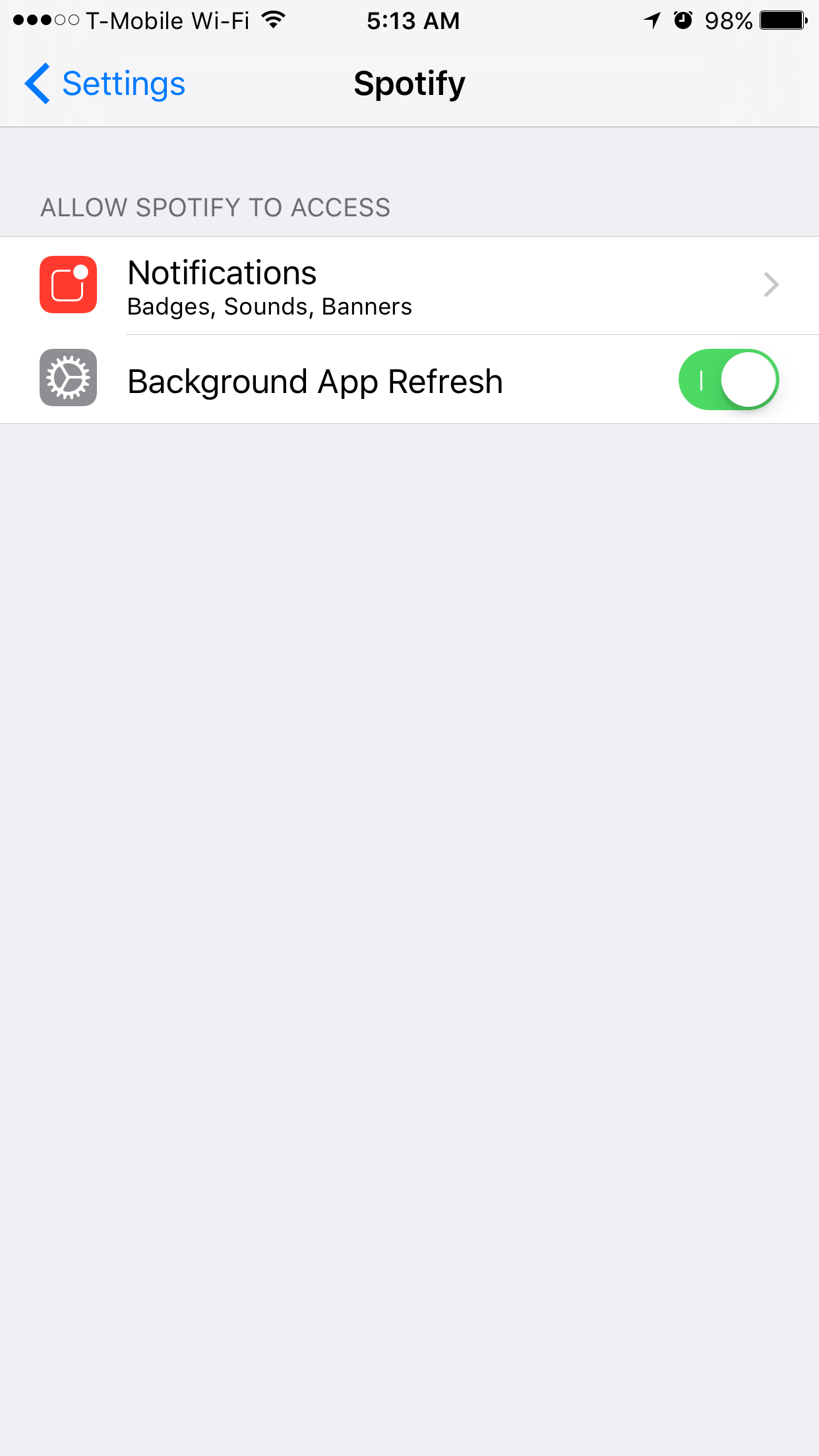 Lack of cellular option
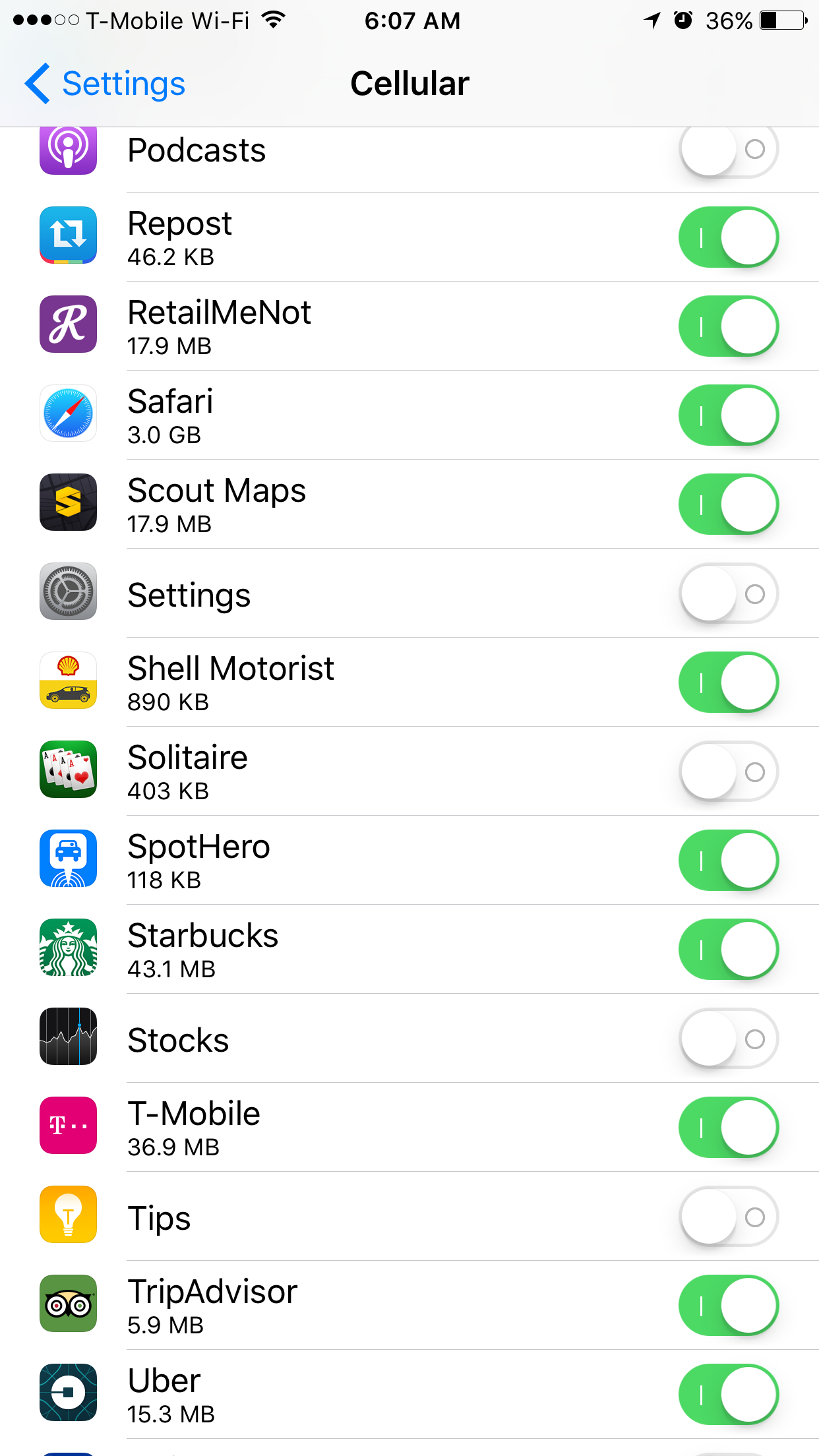 Under use cellular: spotify does not show up
Thanks. I tried your suggestion.
Even posted a pic.
Only thing I can think of that might be related to your specific device is to turn off WiFi calling, then open up Spotify, then go back to settings to see if you have the option.
I suggest taking it to an Apple Store if you have one near you.
Otherwise make a backup of your device over iCloud or in iTunes and do a complete reset of the phone, and then after the reset, restore from the backup you made to see if the problem is fixed.


Hi - I'm having this problem on Android. Any idea how to fix?
Thanks