Popup current playing song

Hi,
When using Spotify on my laptop a pupup apears on my Android phone.
The popup shows the current playing song choosen on my laptop.
Question is, how can I disable the popup on my Android phone if I dont want this notification to apear on my phone ?
I hope someone can help me :-
Best regard
Alan
Accepted answers
All comments

Do you mean the white box saying you are listening on your laptop and offering the choices to continue or listen on your phone? Clicking continue dismisses this notification. If you mean the android notification on your hom/lock screen, this only appears while spotify is running on your mobile.
If I haven't answered your issue, could you maybe provide a bit more detail?
Hi Joe,
I really appreciate your help.
Here are some more details.
I do not mean the popup where I am given the choice to continue to listen or listen on my phone.
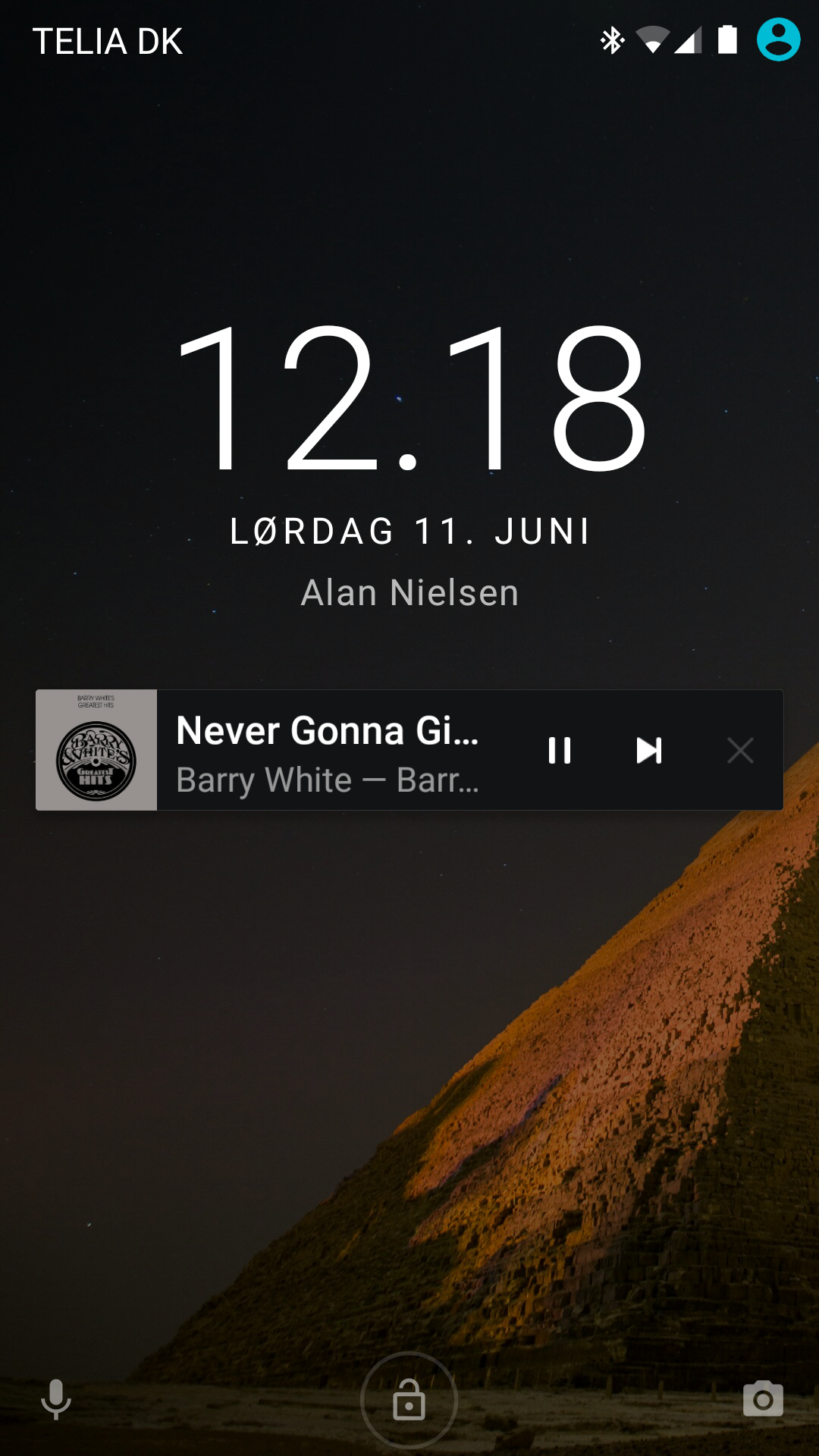
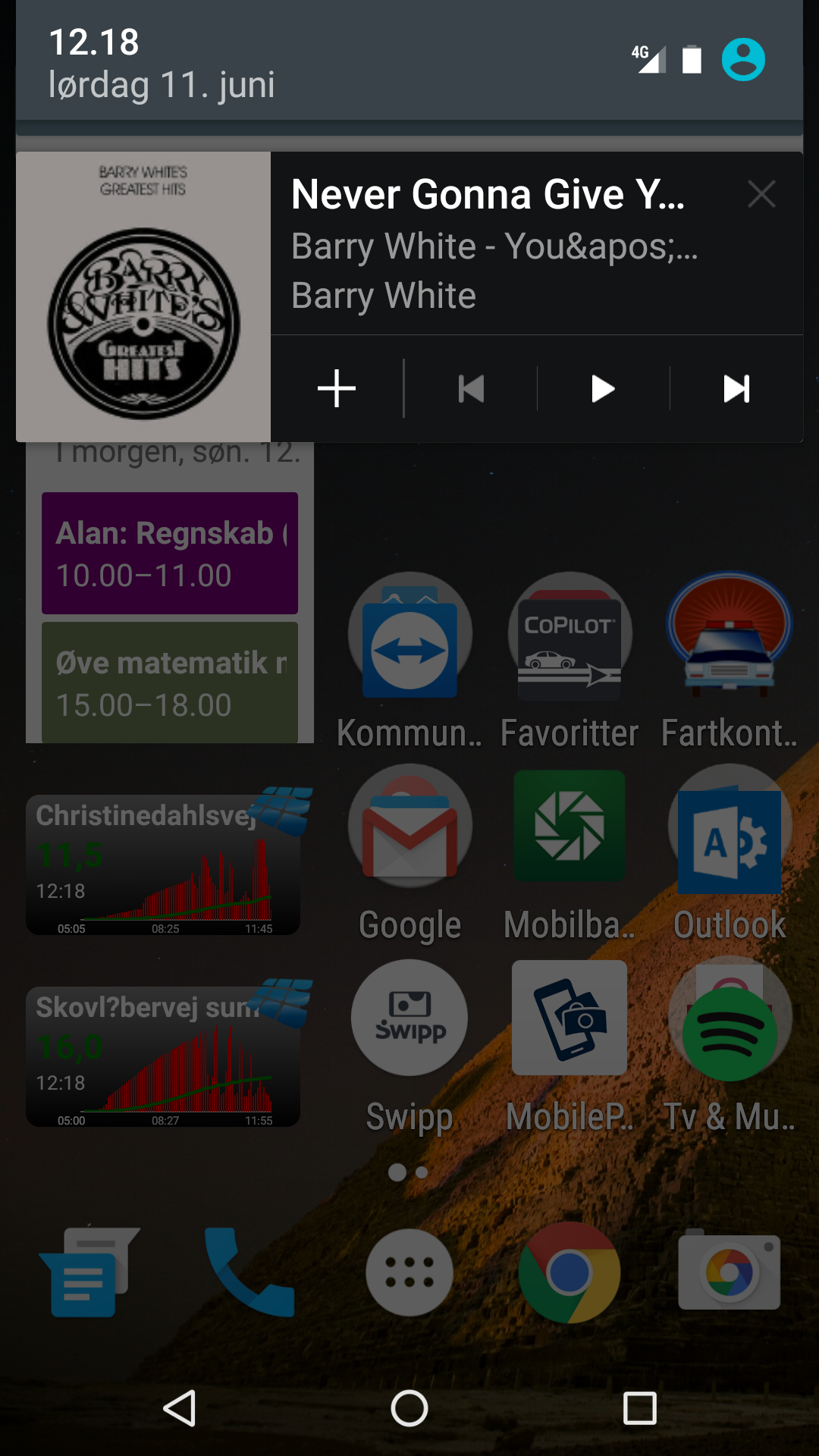
I mean the Android notification on my home/lock screen.
I did a test this morning.
I first checked that no applications are running on my phone. Also not Spotify.
Then I started Spotify on my laptop at home.
Nothing happened on my Android.
Then I left home with my phone. I left Spotify playing at home on my laptop.
The minute my phone switched from WiFi to mobile internet connection I got the notification on my phone.
I don’t know if the last info is relevant but the issue is that I find it annoying with the popup´s on my Android when playing
music on another device.
I have attached some screenshots from my phone.
I hope these additional details are of some help.
Alan
That's strange, I only get the notification if spotify is running in the background and this is a feature of connect. Maybe someone else will have some ideas but, in the meantime, putting spotify into offline mode on your mobile should fix it hopefully.
That's strange, I only get the notification if spotify is running in the background and this is a feature of connect. Maybe someone else will have some ideas but, in the meantime, putting spotify into offline mode on your mobile should fix it hopefully.