Ps4. Spotify stuck on loading screen

(Attachment added)
Comments
Sorry but no still the same problem 😞

Thanks for letting us know, @Manfredas2020.
It might be worth restoring lisences on your PS4. Just select Settings > PlayStation™Network/Account Management > Restore Licenses. If content you've downloaded from PlayStation®Store or add-on content fails to start, this might fix the problem. We'd recommend restarting your PS4 after completeing the steps.
Let us know how that works out.
So yes i restored Lisence on my ps4 but still the same problem nothing changed. stuck on loading screen.
Thanks for giving it a try!
We've reported this to our technical team to keep investigating. We'll keep you updated.
Stay tuned.
Hey, @Manfredas2020!
Can you try the steps on this thread?
If that doesn't help, let us know and we'll keep investigating.
My language was english (UK) already so i changed to english (USA) but nothing . Then i tryed other languages nothing. Then i changed languages and tryed reinstalling spotify app on every language still nothing. Stuck on three dots poor me.
Thanks for trying!
We'll keep investigating internally.
Stay tuned.


Hey there,
Are you still having trouble? If so, would you be able to send us a picture of your screen?
Thanks!
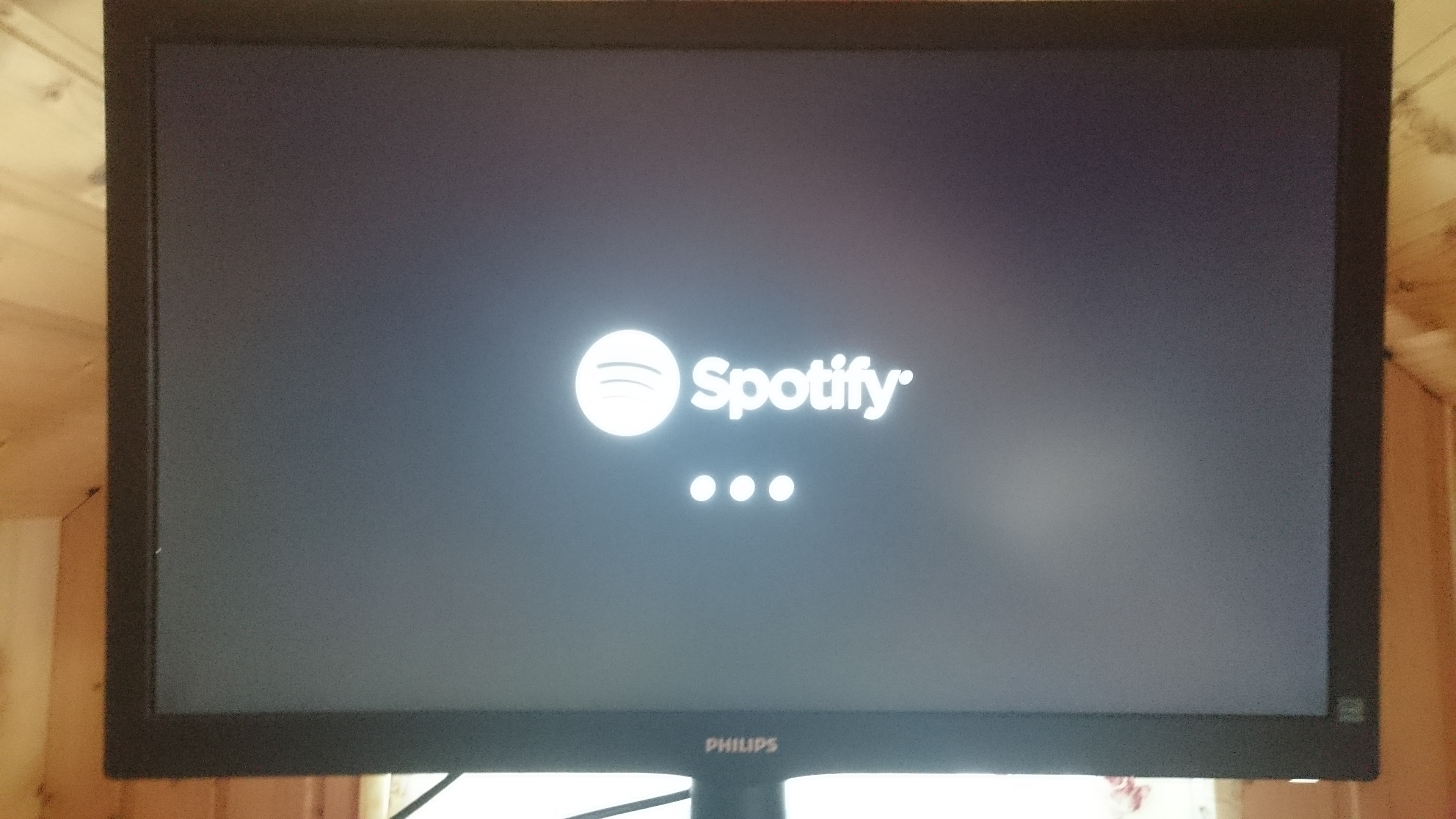

Thanks @Manfredas2020
We've passed your details on to our tech folks and hope to have some news soon.
In the meantime, make sure that your apps and PS4 firmware is up to date.
Cheers,
James.

Hey folks!
Our tech team are still looking into this at the moment. We'll be sure to update you here as soon as we have some info.
Thanks for waiting. 🙂
Kayleigh

I have the same problem ._ spotify works fine on my brothers account but stays on that loading on my account ( Same ps4 device)
Edit: Tried spotify with my PSNID on my brothers ps4 loading screen stays there too (Only my account with the problem)

I have this problem as well... But i get an error message "not able to connect to ps network" tried uninstalling, changing language and different user,. Still nothing

Hey @Cosanostra19 and @Monkeystar!
Thanks for letting us know that. If you haven't tried it, you can use Connect and see if it makes any difference.
In the meantime, our Tech team is still working on it to have a fix soon.
Keep us posted.
Hey everybody. Thanks for the extra info!
Playstation have recently rolled out a firmware update for the PS4. Could you make sure you're on the latest version (4.0)? If you've updated and are still having trouble, let us know.
Hey folks!
We'd like to go ahead and close this thread in 24hrs. Everything's looking good on our end.
Let us know if you're still having the same issues when using your PS4 and Spotify and we'll dig a little deeper 🙂
Thanks.

Hey @Cosanostra19!
Thanks for letting us know.
Can we just double-check your PS4's updated to the latest firmware (4.0.0 or later)? Also is your Spotify up-to-date?
Keep us posted, and we'll report back to our best tech folks too 🙂
/M
my Spotify account on the ps4 no matther what i tried

Thanks for confirming @Cosanostra19! Could you give your router a quick reinstall and let us know if that helps at all?
Another little trick that we've found can get things running again is changing your PS4's system language to English. Can you give it a try and keep us posted?
Thanks!
Hey @Cosanostra19!
How're you getting on with @JackF's suggestion? If you're still having trouble we'd suggest getting in touch with us backstage. We'll see what else we can try.
Keep us posted.
Hey @Cosanostra19!
We haven't heard from you for a while. Are you still having issues logging in on your PS4?
Keep us updated 🙂
again thx for all the help you all gave me
greetz jeffrey
Hey Folks!
@Cosanostra19 Thank you for letting us know, that's great.
We're hoping to change this thread to 'Fixed' in around 48 hours.
If you do need any help with things still, just give us a shout.
Take care, and have a lovely day
/M

Hey!
We're going to change the status of the one to 'Fixed'.
If anyone's still experiencing the issue, don't hesitate to give us a shout and we'll look into it further.
Thanks for all the info 🙂
/L

Still not working for me
Hey @Manfredas2020, welcome to the Community!
Does it help if you restart your network connection or use a different one?
Let us know how that goes.