Child Item
Logging out on my new Smart TV
I have Spotify on my new TV but I had to change my password on the website and now I cannot get to my account on the TV. I'm trying to log out but it does not accept the command. I need to know how to log out so I can log back in with the new password. Thanks, Joe
Child Item
Child Item
Child Item
Accepted answers
 Joe5426
Thank you, however that did not solve the problem. I had to uninstall the app on my TV and reinstall it, then log in.
All comments

Hey @Joe5426! Welcome to the Spotify Community. ^^
Try this:
1. Go to your 'Account Overview'
2. Scroll down
3. Click on 'Sign Out Everywhere'
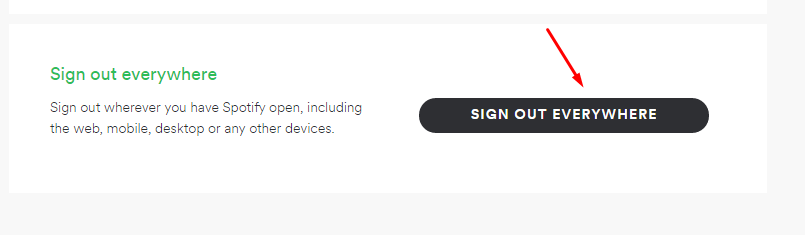
Let us know if that helps, thanks! ^^
Peace
Thank you, however that did not solve the problem. I had to uninstall the app on my TV and reinstall it, then log in.

That doesn't work.
Any other suggestions? I logged in while staying at various Airbnb's .... If I knew which one, I would reachout to them.
It's messing up my playlist.

Reply to edgarfleming: Try changing your password? Then the Smart TVs in the AirBnB's won't be able to continue using your account?
Child Item
Child Item