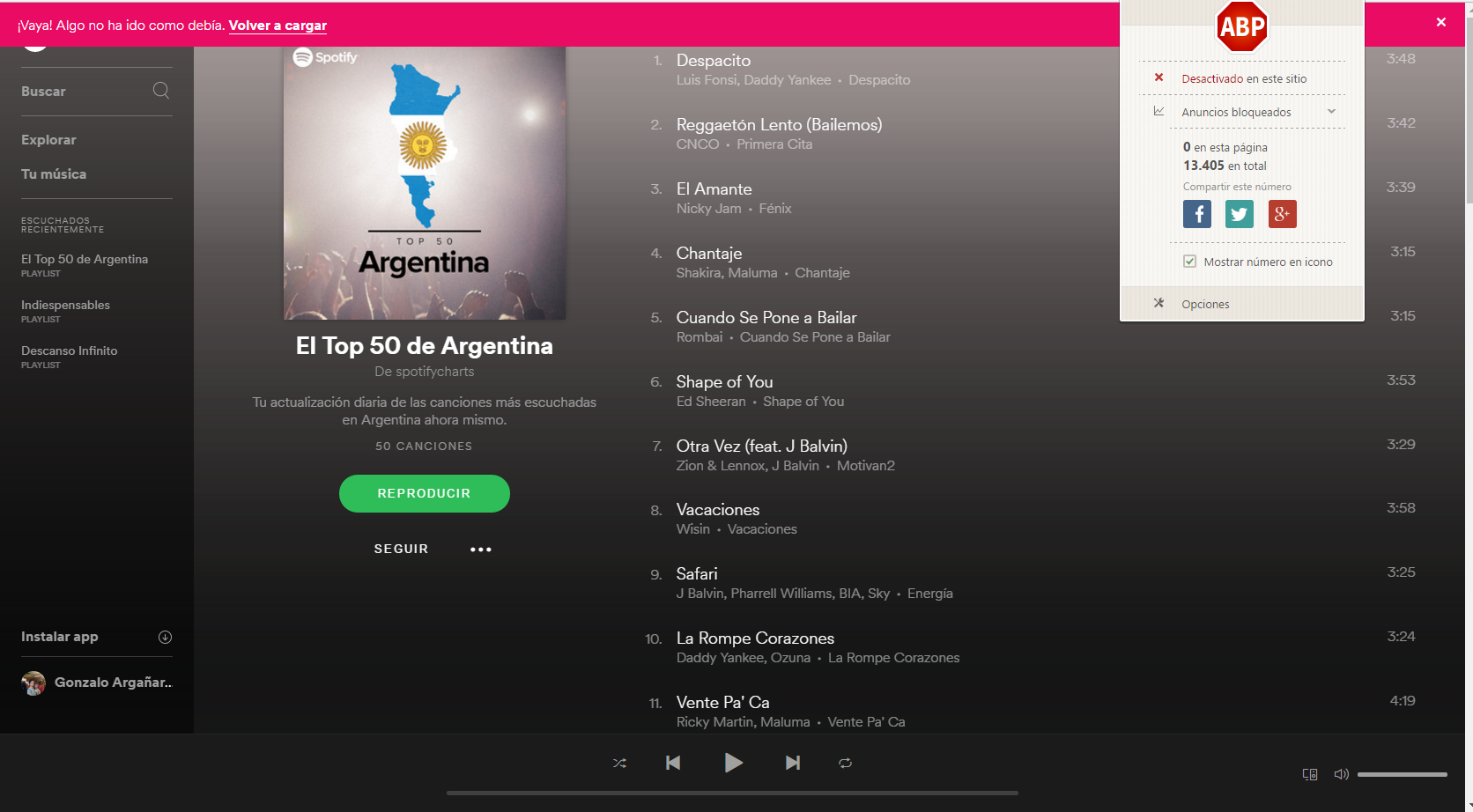
https://play.spotify.com/browse not loading on Chrome anyone that can help please email me *********@yahoo.co.uk
Hey @00t1do! Welcome to the community!
It looks like you have an ad-blocker enabled. That might be interfering with the Web Player. Try to disable your adblocker and see if it works after that. Let me know how it goes.
Take care! 🙂
same problem and no ad blocker in incognit mode
Hey @Antister! Welcome to the community!
That's not alright! Could you try to use a different browser and see if that solves it? Let me know how it goes.
@Hubo wrote:Hey @Antister! Welcome to the community!That's not alright! Could you try to use a different browser and see if that solves it? Let me know how it goes. Take care! 🙂
thx for answer, it works. But if i want to use it on chrome it seems like i have to uninstall ad block because i'm trying to deactivate on the site and it doesn't work
😕
Hey @Antister!
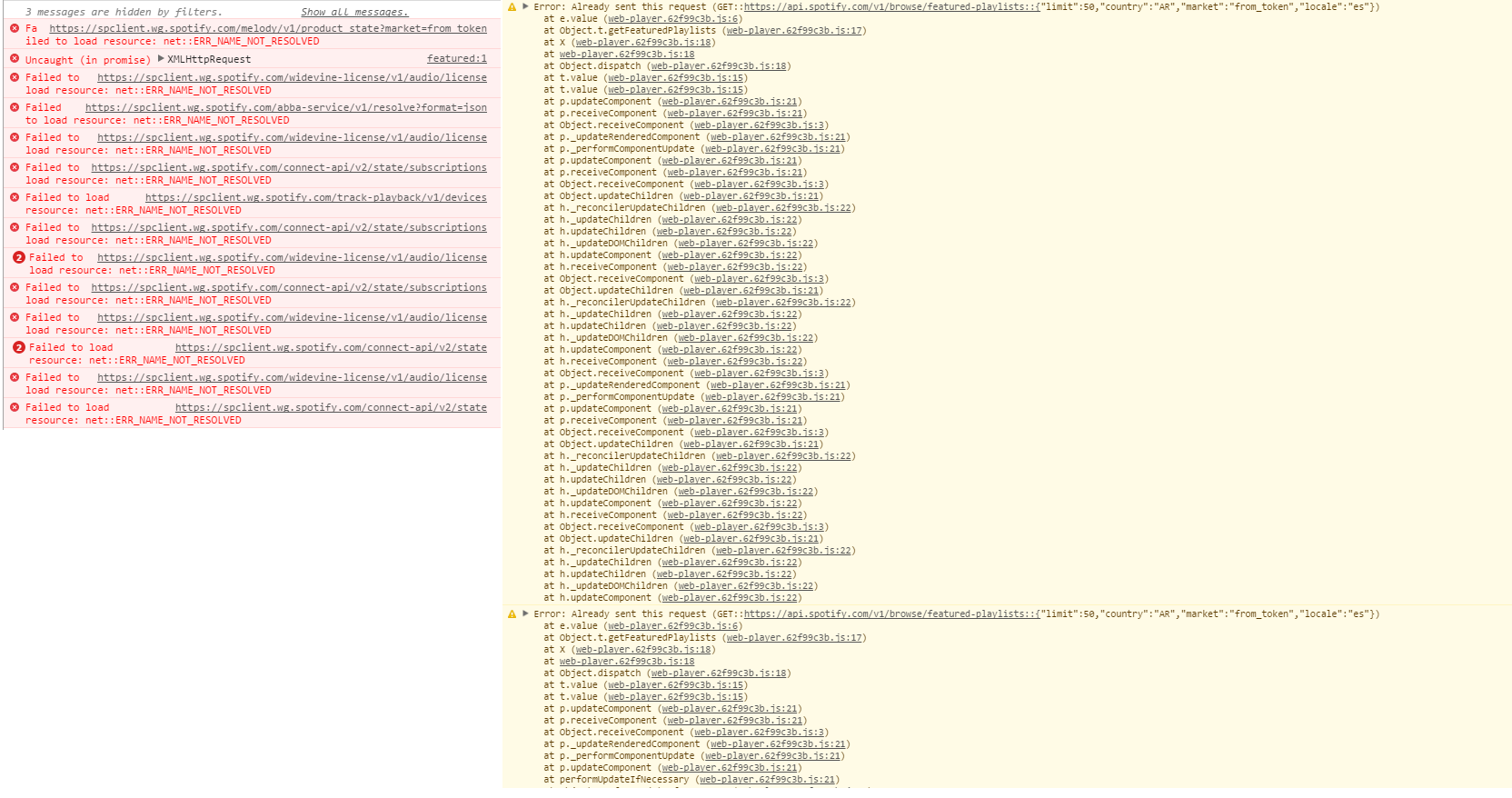
Alright, thanks! These steps are a bit more difficult but can you:
And could you send a screenshot of what's showing there?
Thanks for your patience! Keep rockin'! 🙂
@Hubo wrote:Hey @Antister! Alright, thanks! These steps are a bit more difficult but can you:Right-click the Web Player Click on Inspect ElementOpen the Console viewAnd could you send a screenshot of what's showing there? Thanks for your patience! Keep rockin'! 🙂
imposible to press right-click on spotify but i use F12.
Hmm, thanks for those screenshot! Alright, could you restart your router/modem and see if it works after that? If that didn't work, could you try to use a different DNS server? Here's how to do that. Let me know.
@Hubo wrote:Hey @Antister! Hmm, thanks for those screenshot! Alright, could you restart your router/modem and see if it works after that? If that didn't work, could you try to use a different DNS server? Here's how to do that. Let me know. Take care! 🙂
dosn't work 😕but your windows aplication work fine so... i will use it.