[BUG][ANDROID]Storage usage reported incorrectly

I am having exactly the same issue as that was originally reported here
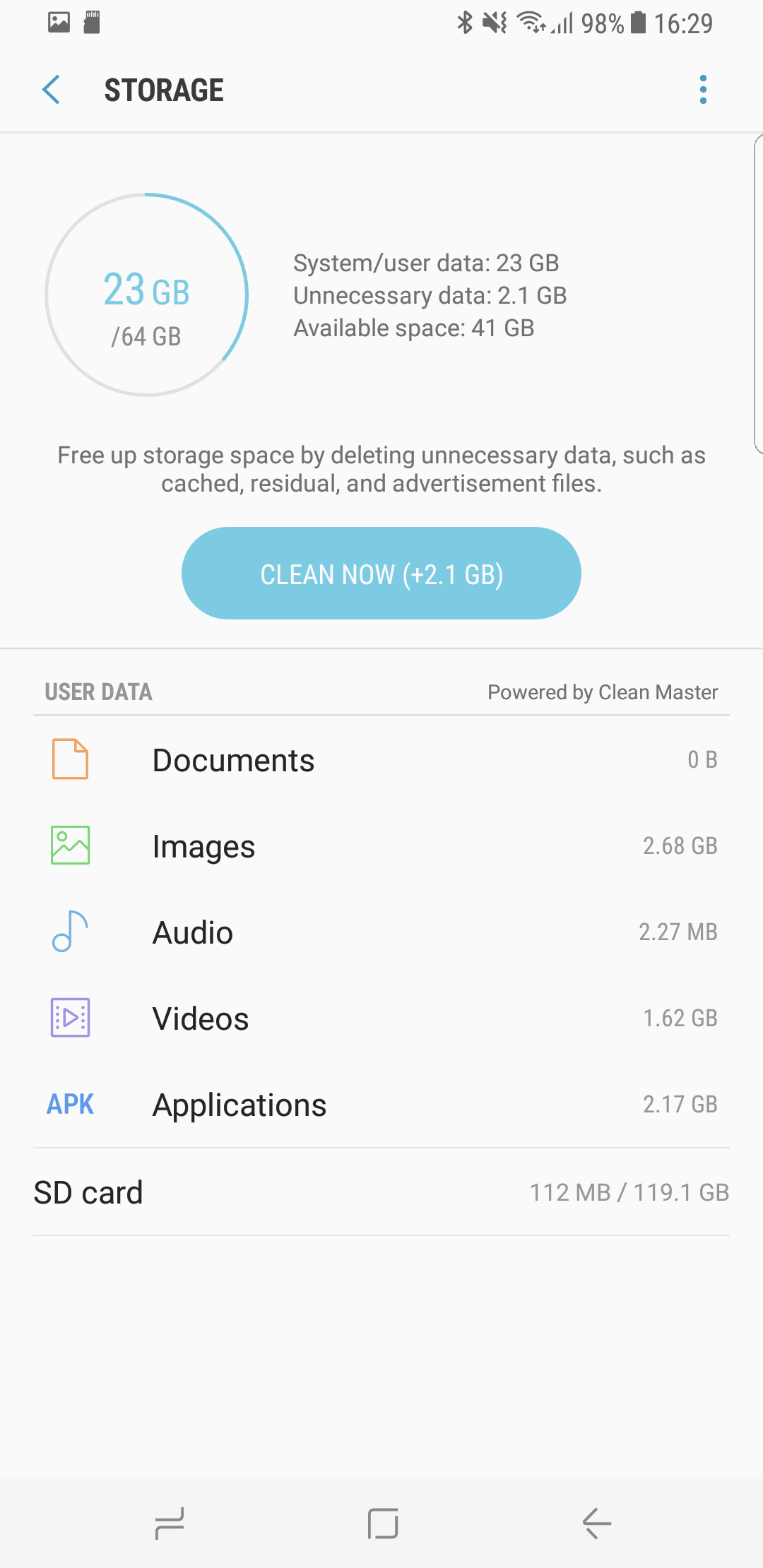
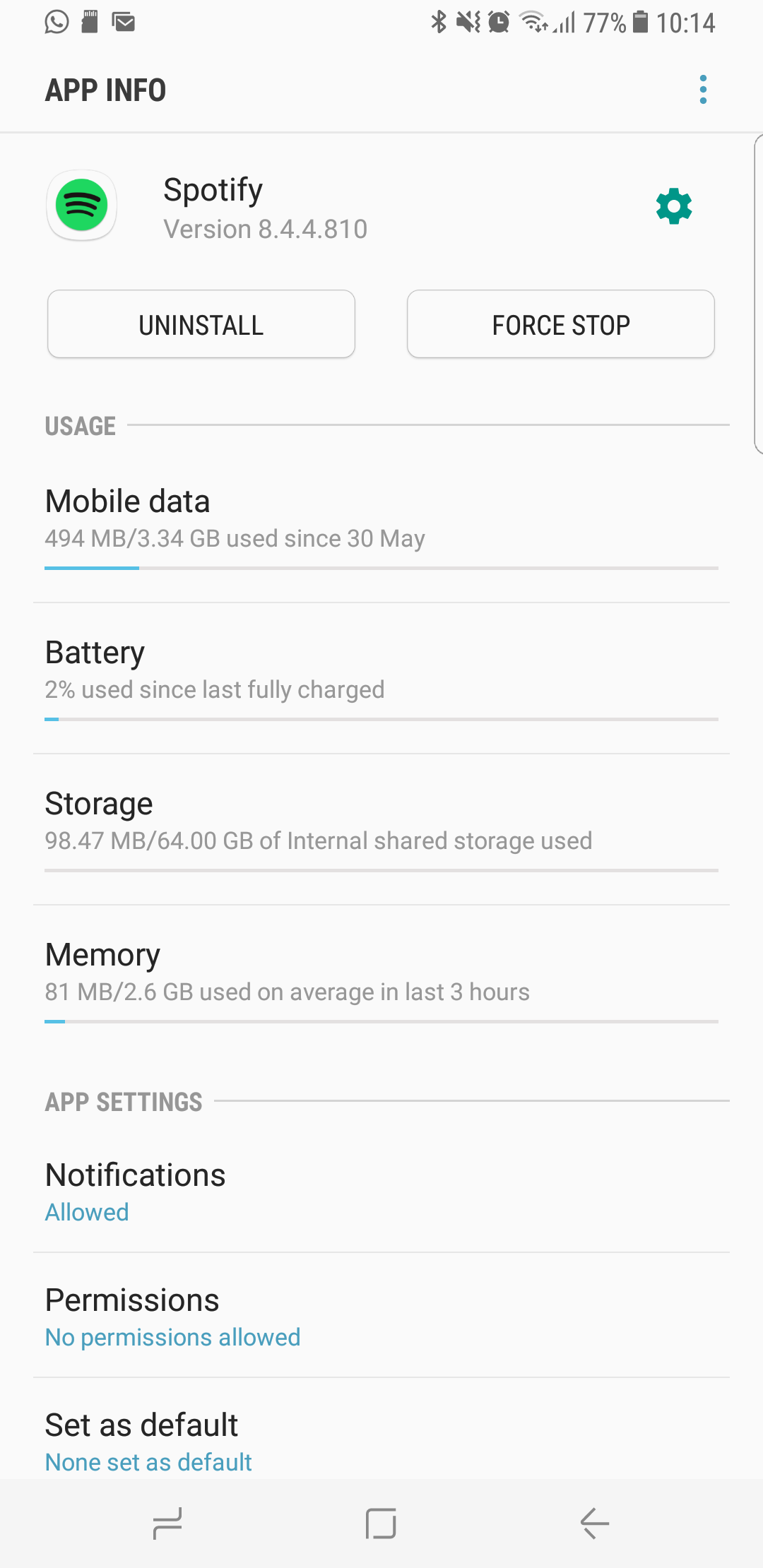
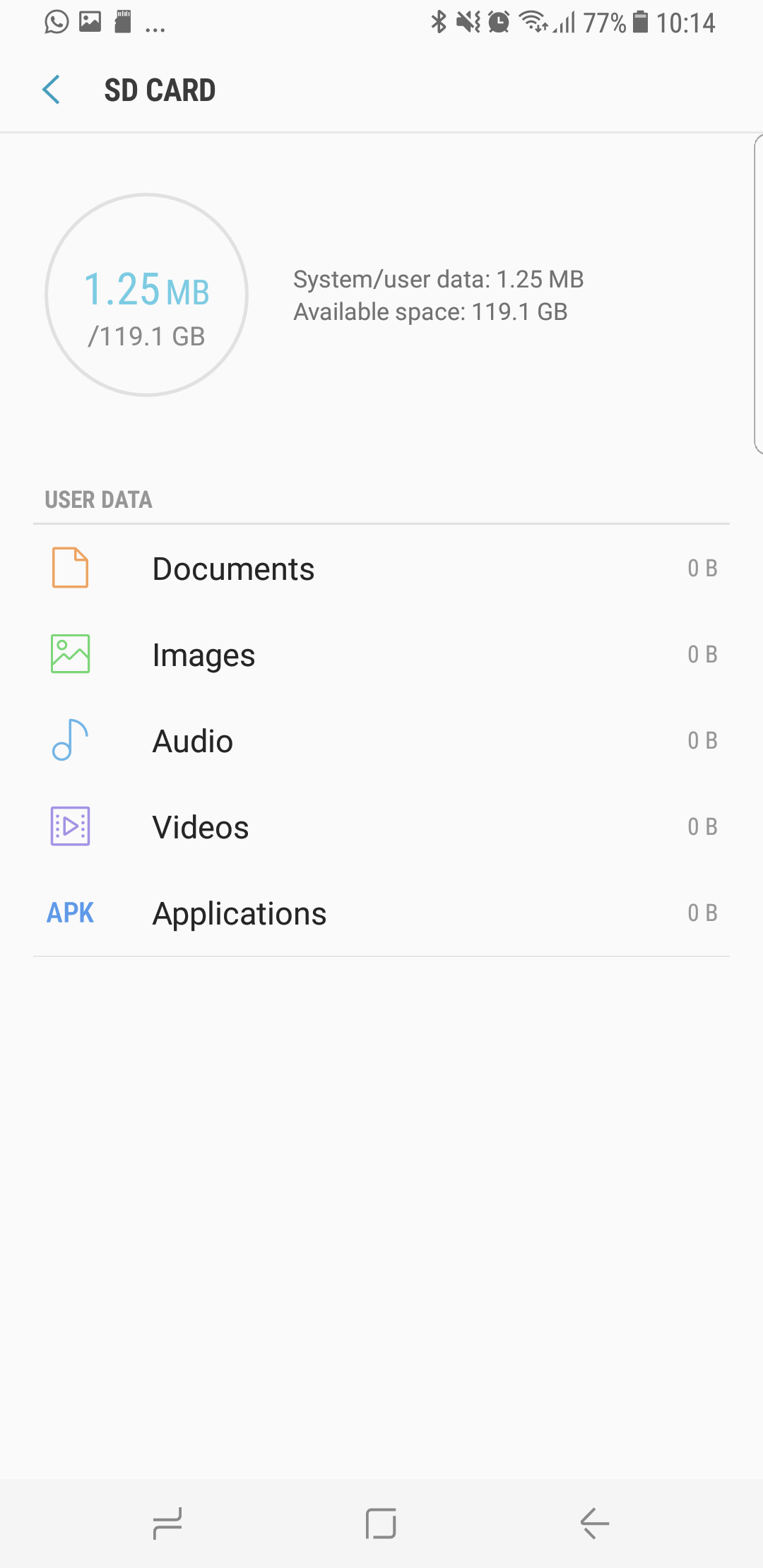
Have spotify cache installed to the SD card that is in the phone and spotify is reporting it to internal memory as well as SD card for downloaded data.
I have tried to formatting the SD (it's new), reinstalling, only downloading extreme quality, none of which fixes the issue.
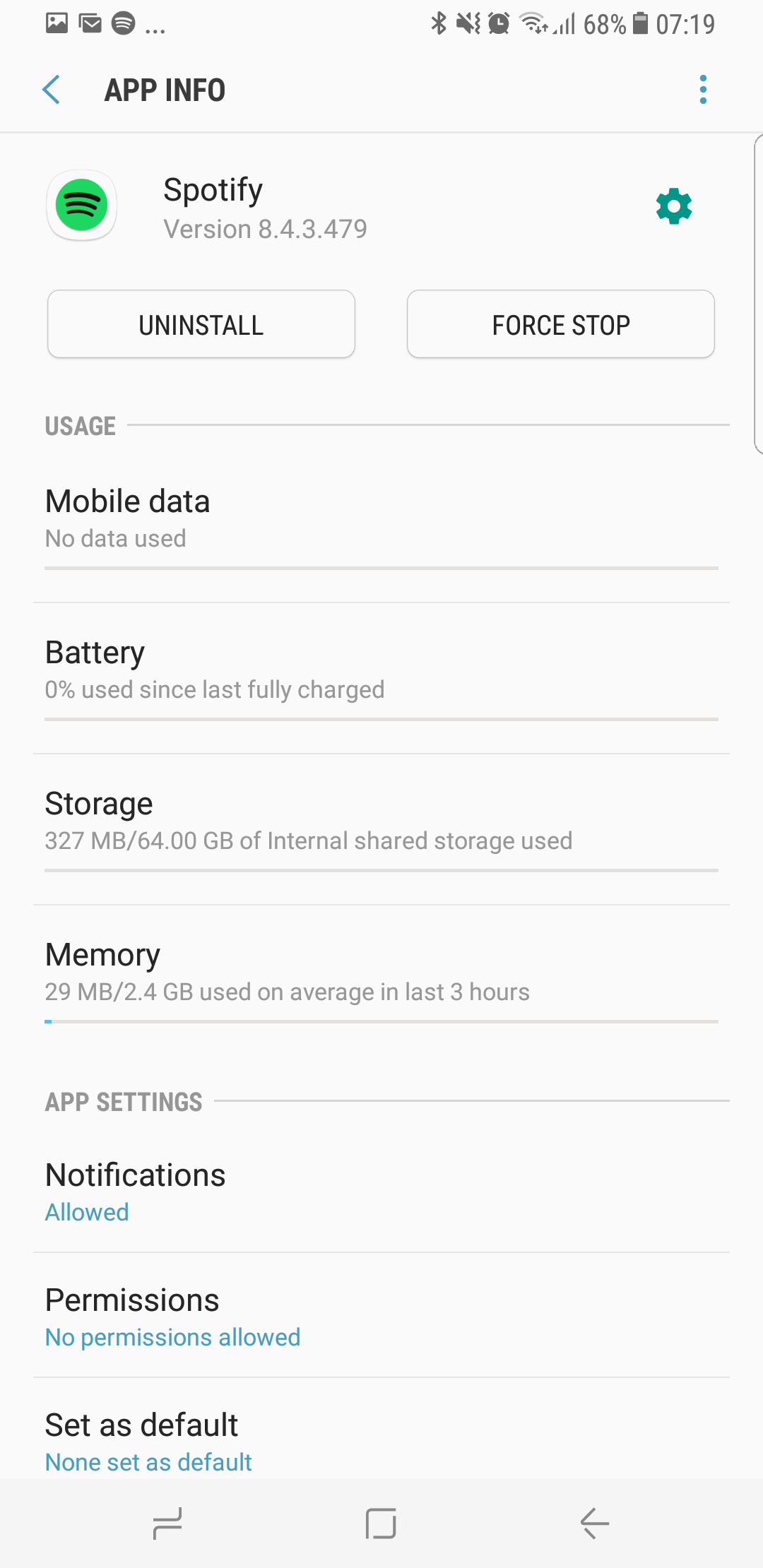
This is before downloading any music
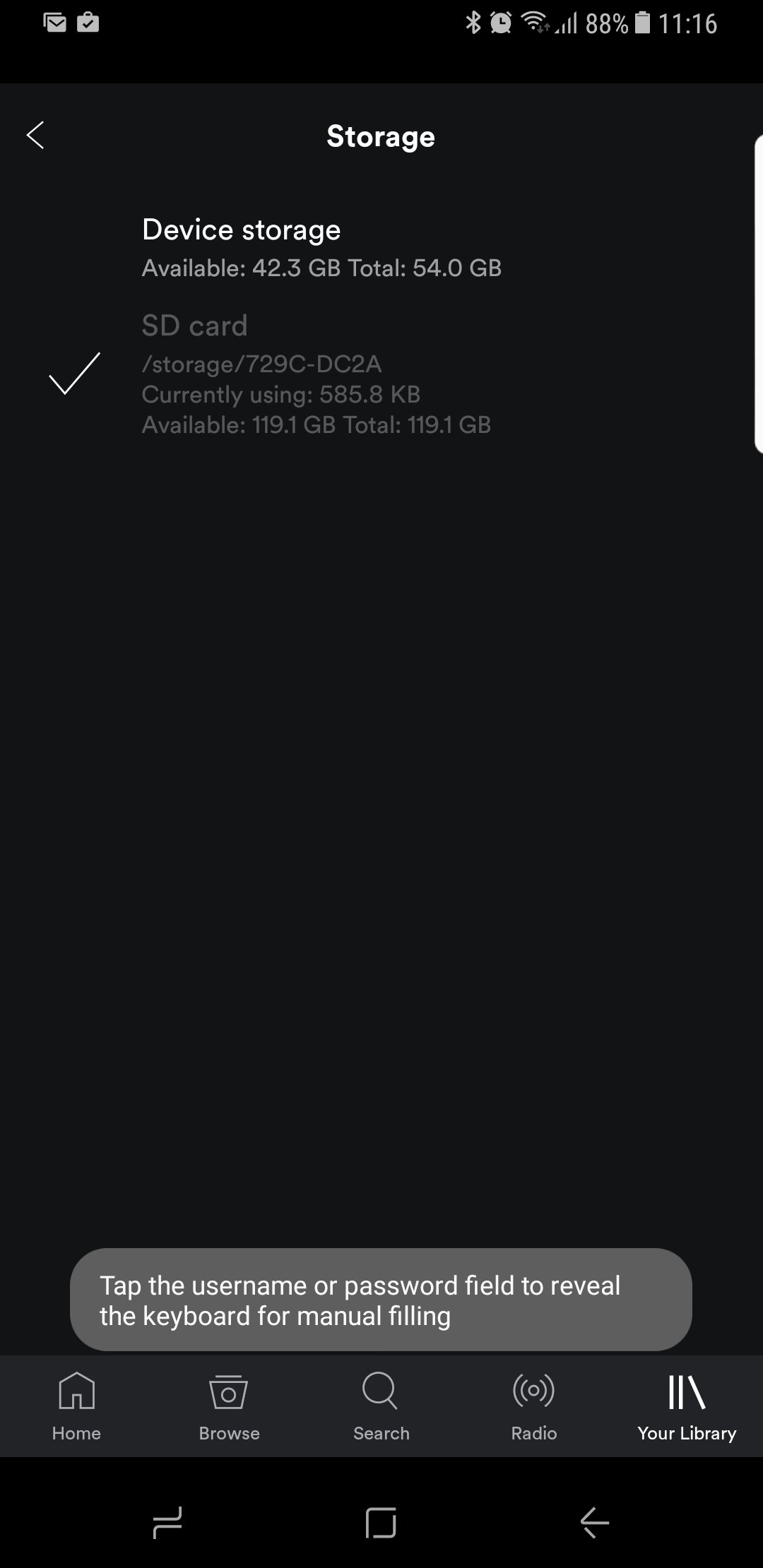 Before downloading
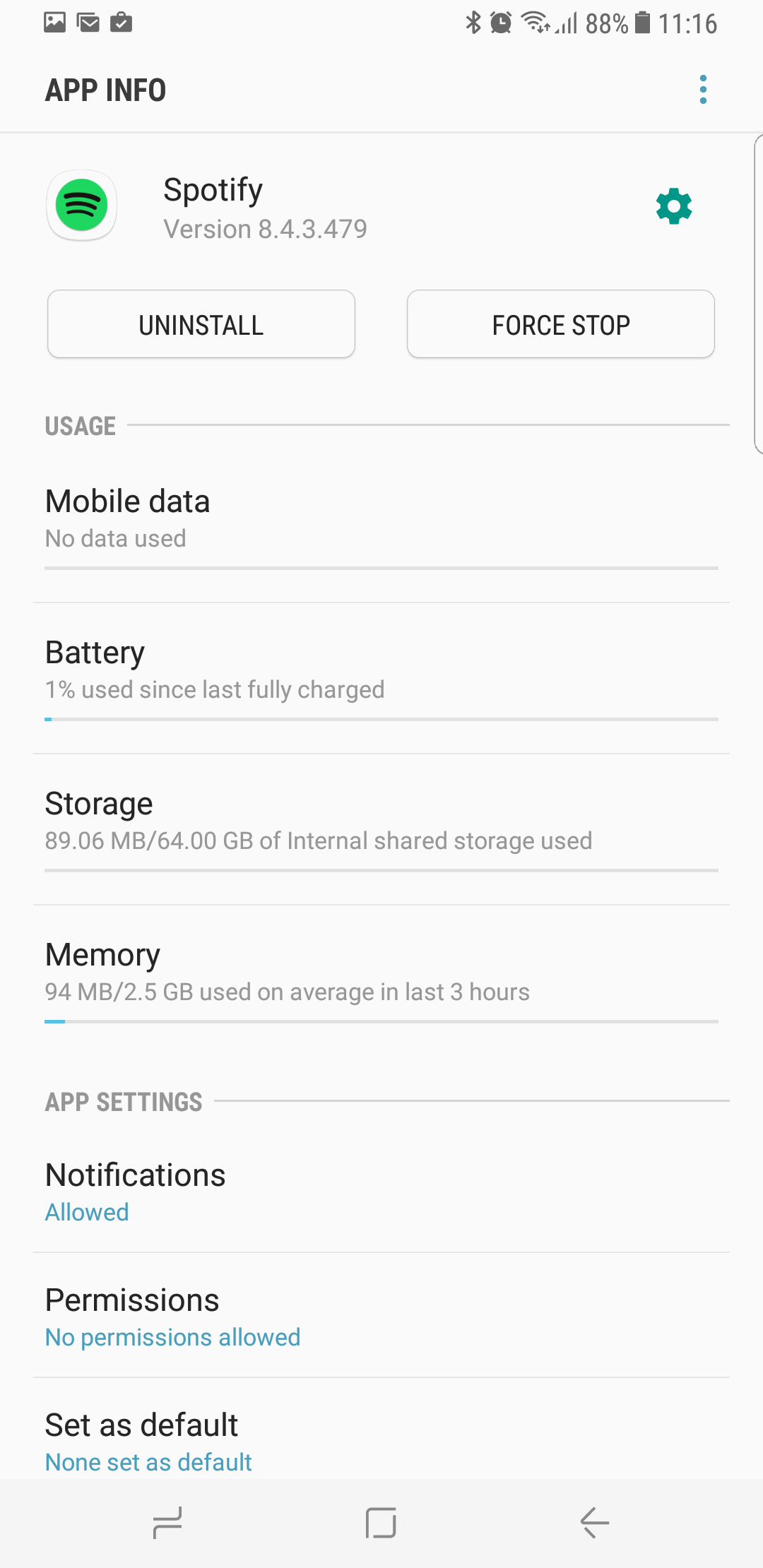 Before Downloading
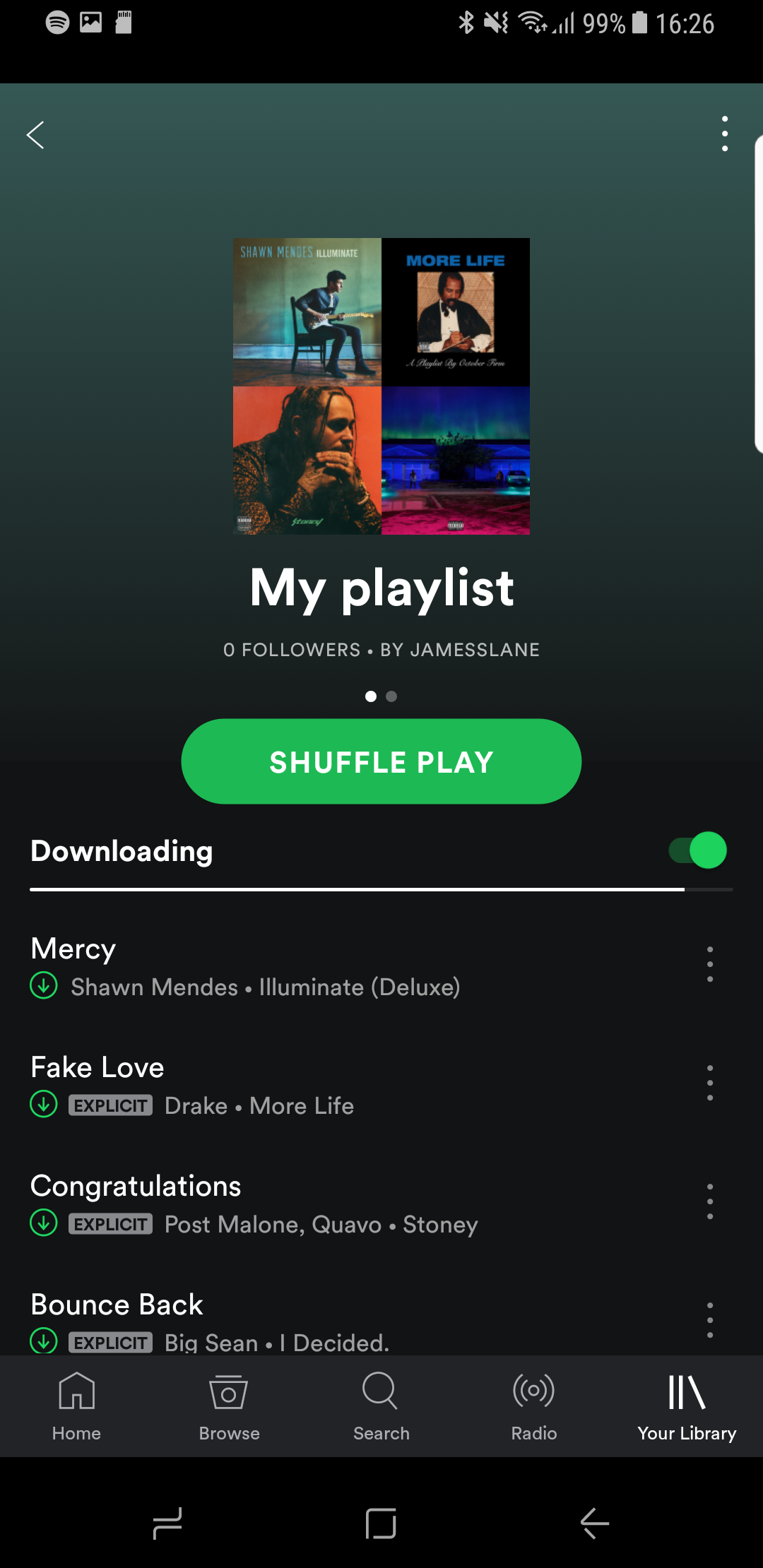
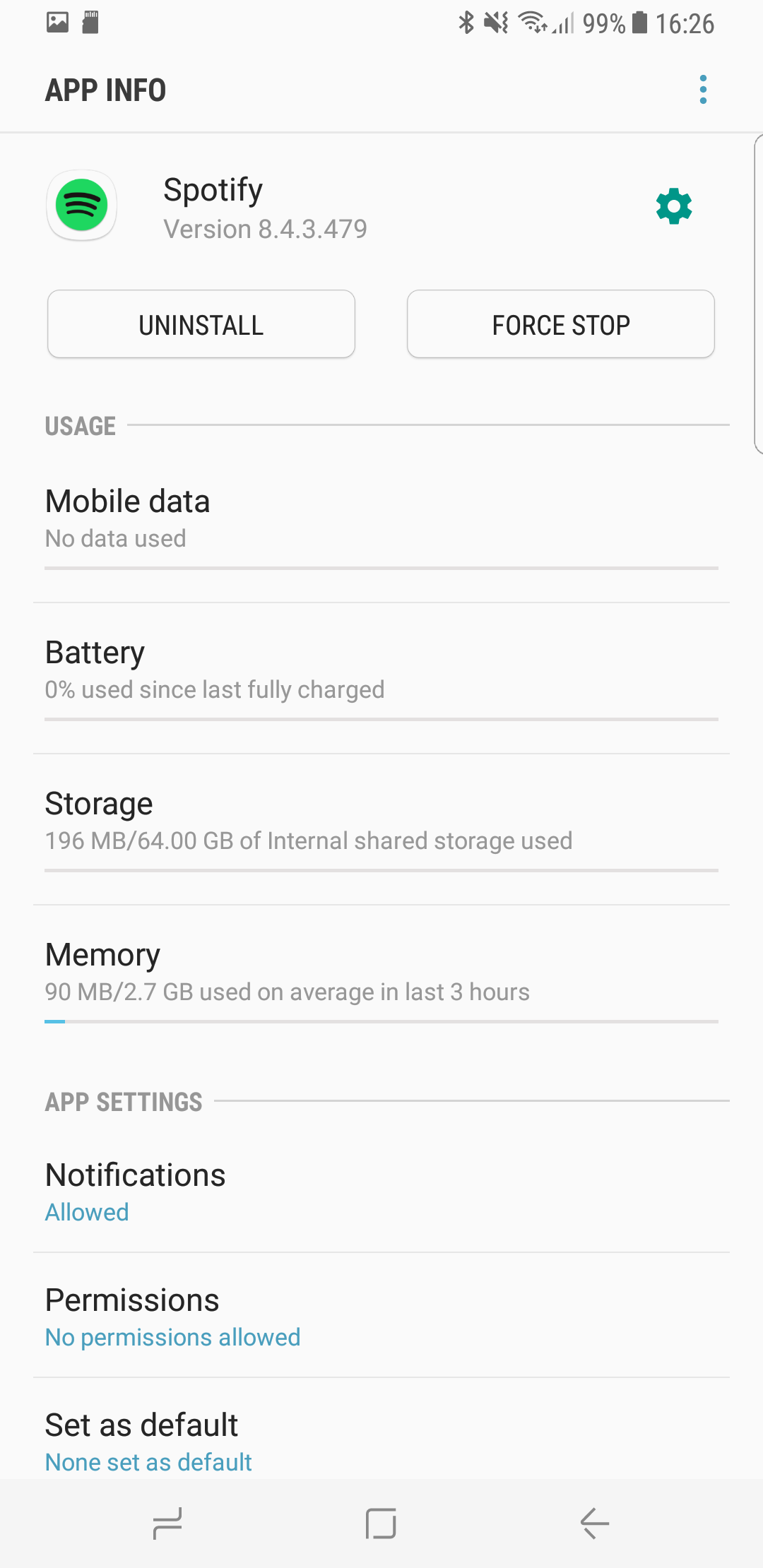
This is after downloading music.
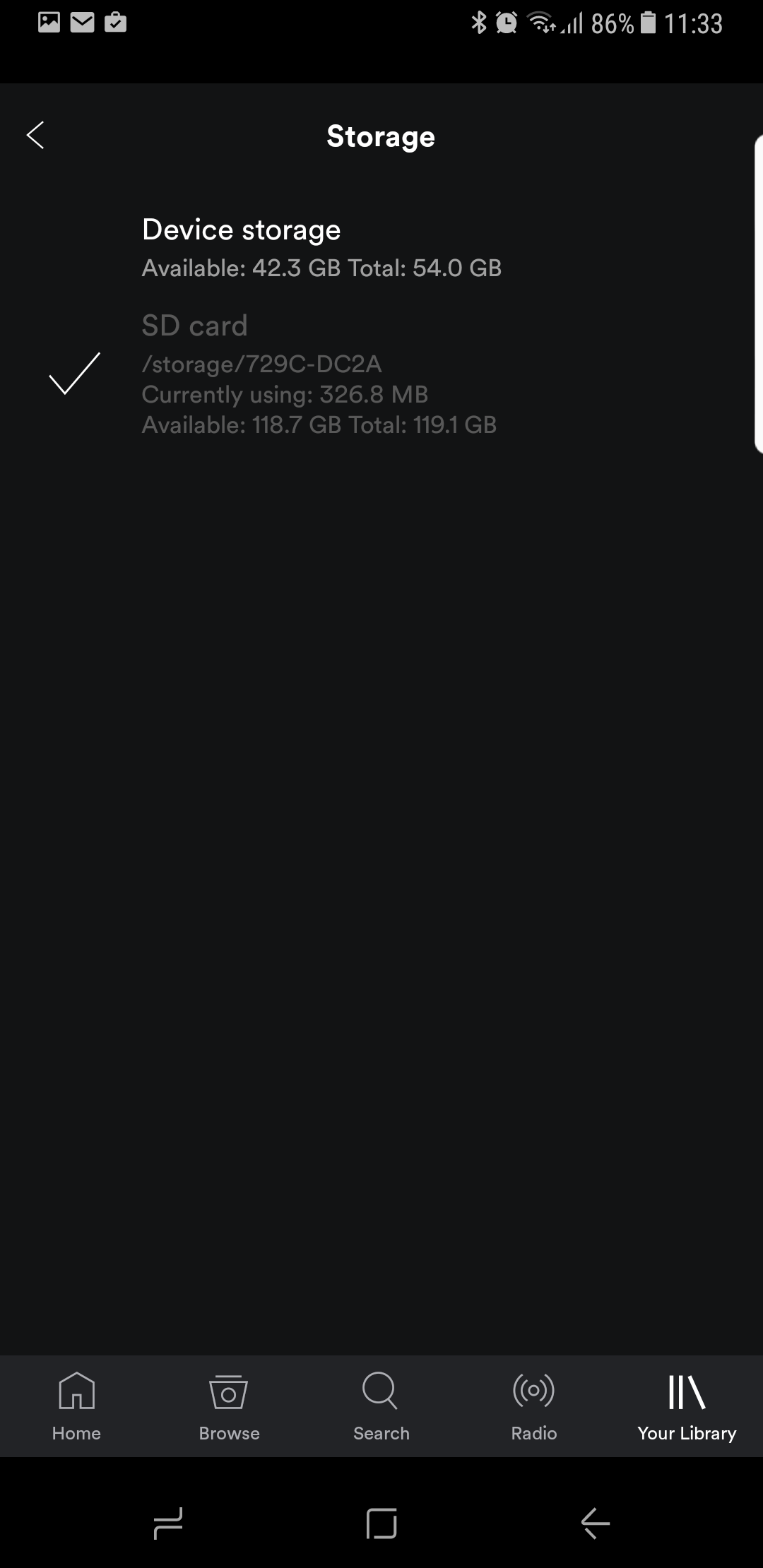 After Downloading
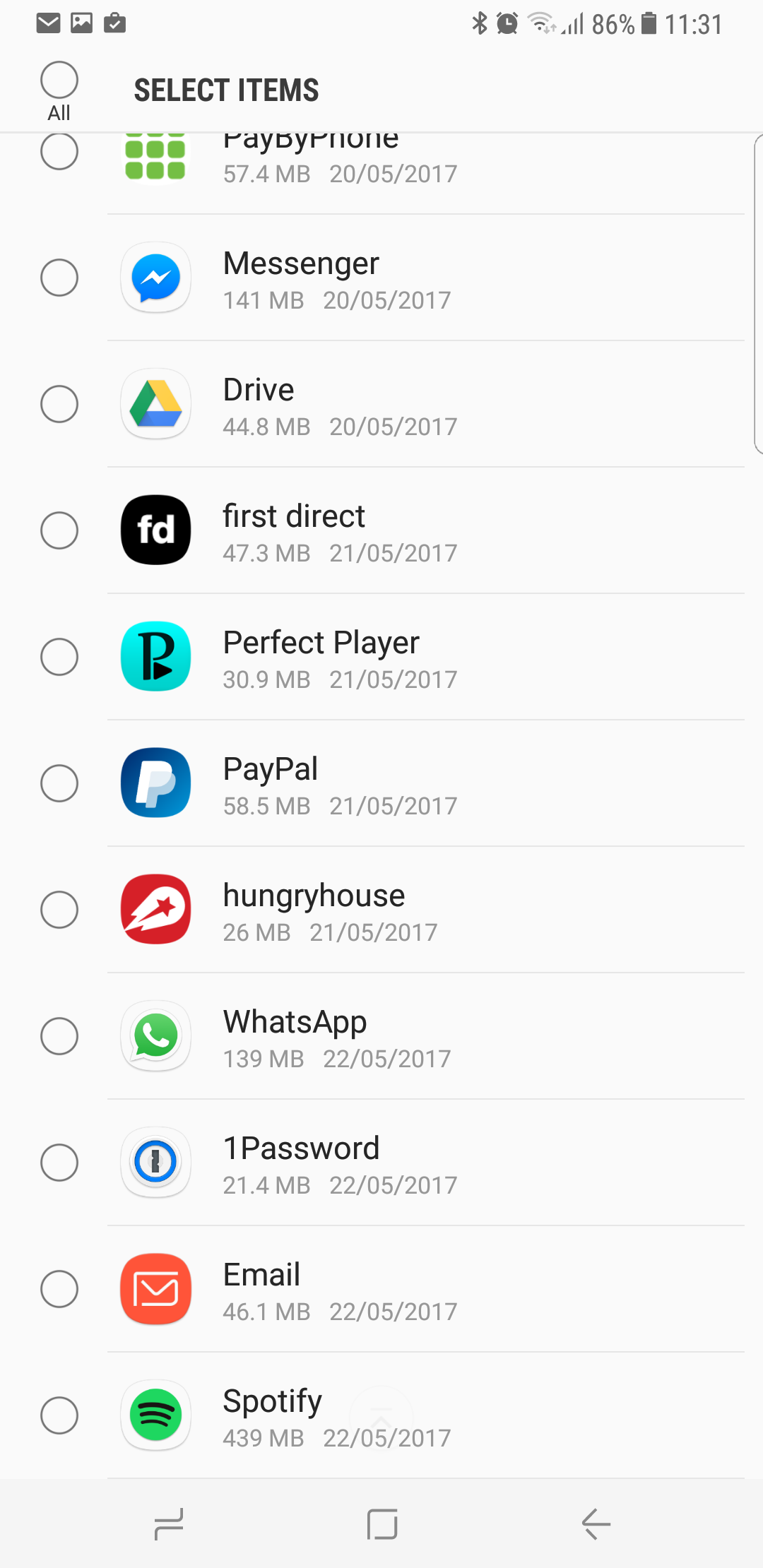 After Downloading
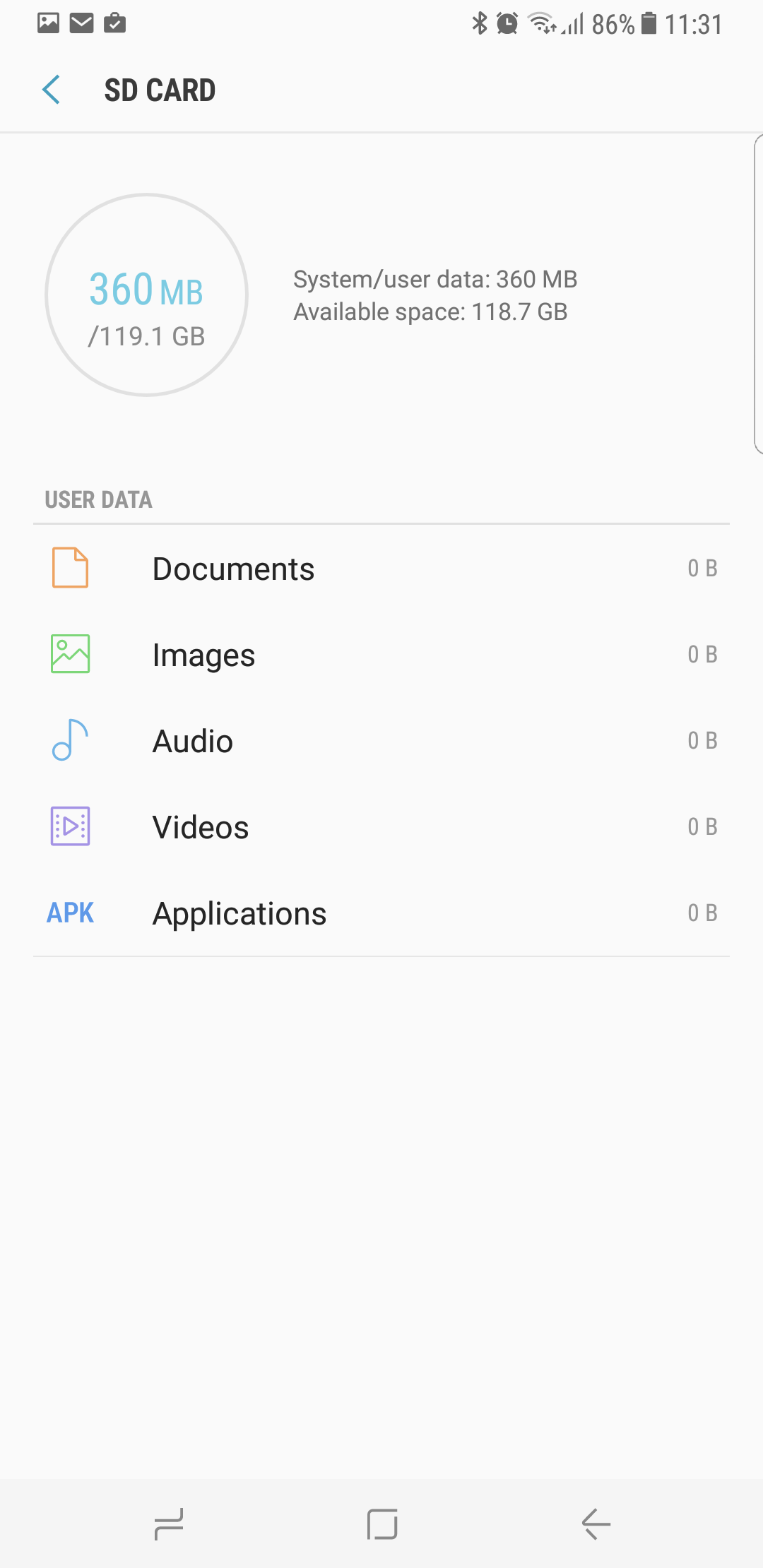 After Downloading
Comments
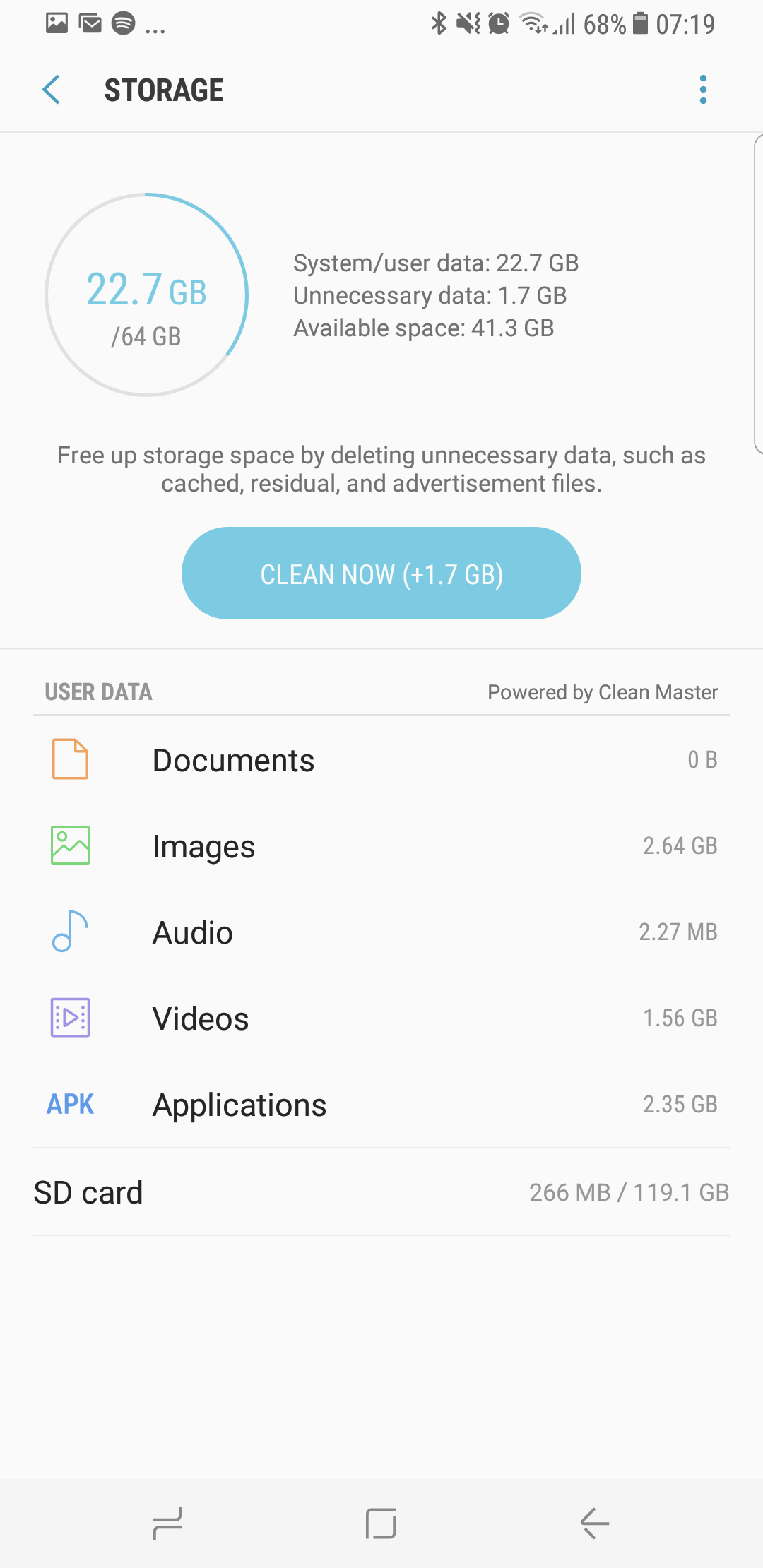
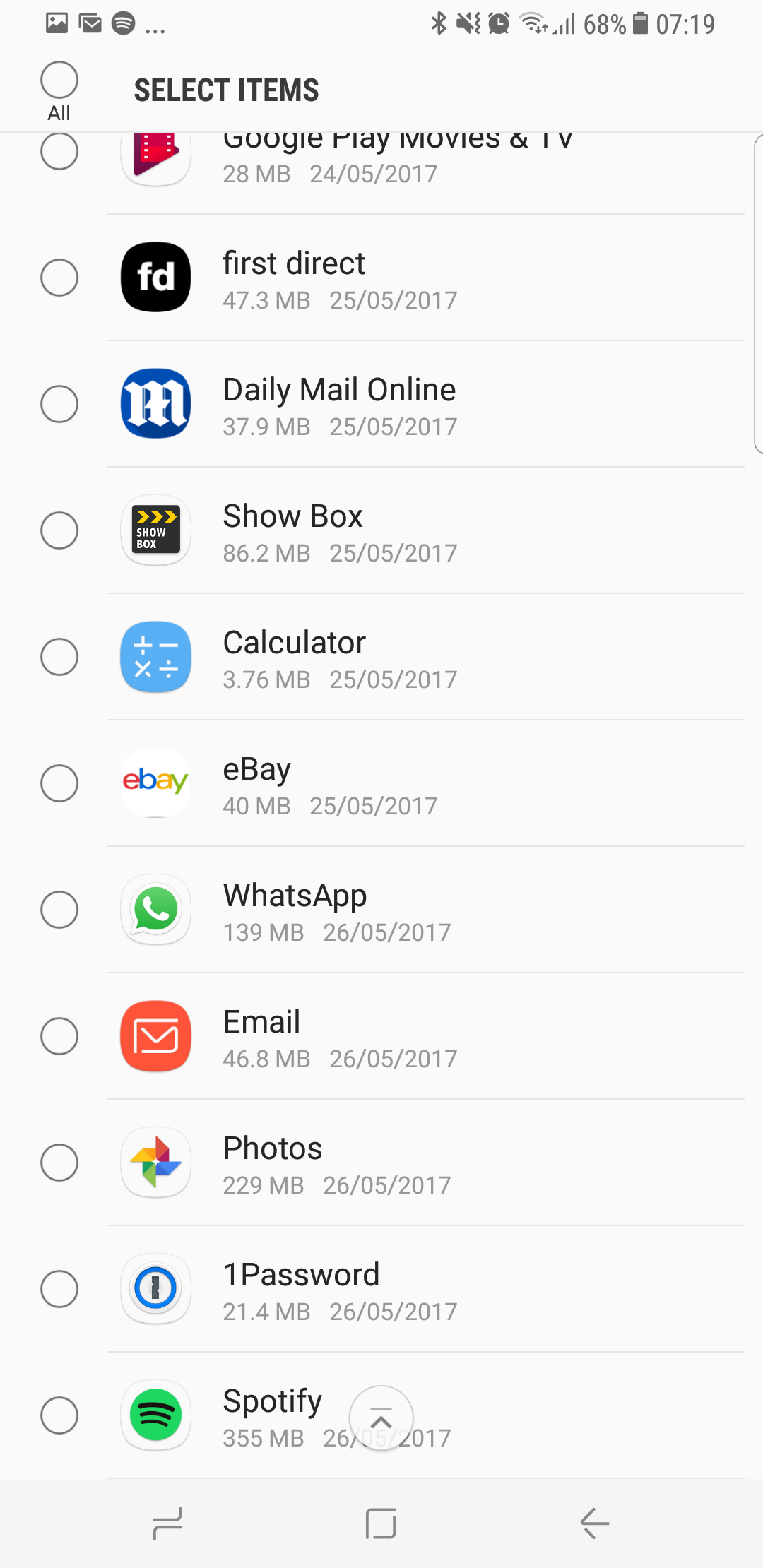
Very frustrating as once the system thinks the internal memory is 'full' it won't allow any other app installs or downloads yet the internal memory isn't actually full it's just being reported wrongly.

Hey guys!
To get started, could you let us know what device (model), Android version and Spotify version you're using?
Let's try the following:
- Go to System Settings
- Go to "Apps"
- Find Spotify there
- On Spotify's page, first, tap "Force Close"
- Then tap "Clear cache" if it's not greyed out.
- Then tap "Unninstall" and remove the app.
- After uninnstalling, power off your device.
- If you can, remove the battery now. Power back on.
- Using a file manager on your phone or with your USB cable and your computer, go to Internal Storage > Android > Data and delete a folder called com.spotify.mobile.android.ui
- Reinstall Spotify from Google Play.
Keep us posted!
OK I am using a samsung Galax S8 Plus. Model SM-G955F with android version 7.0
I've done as you have suggested. Only thing is after uninstalling spotify the folder you have suggested doesn't exist on the internal memory or the SD card. 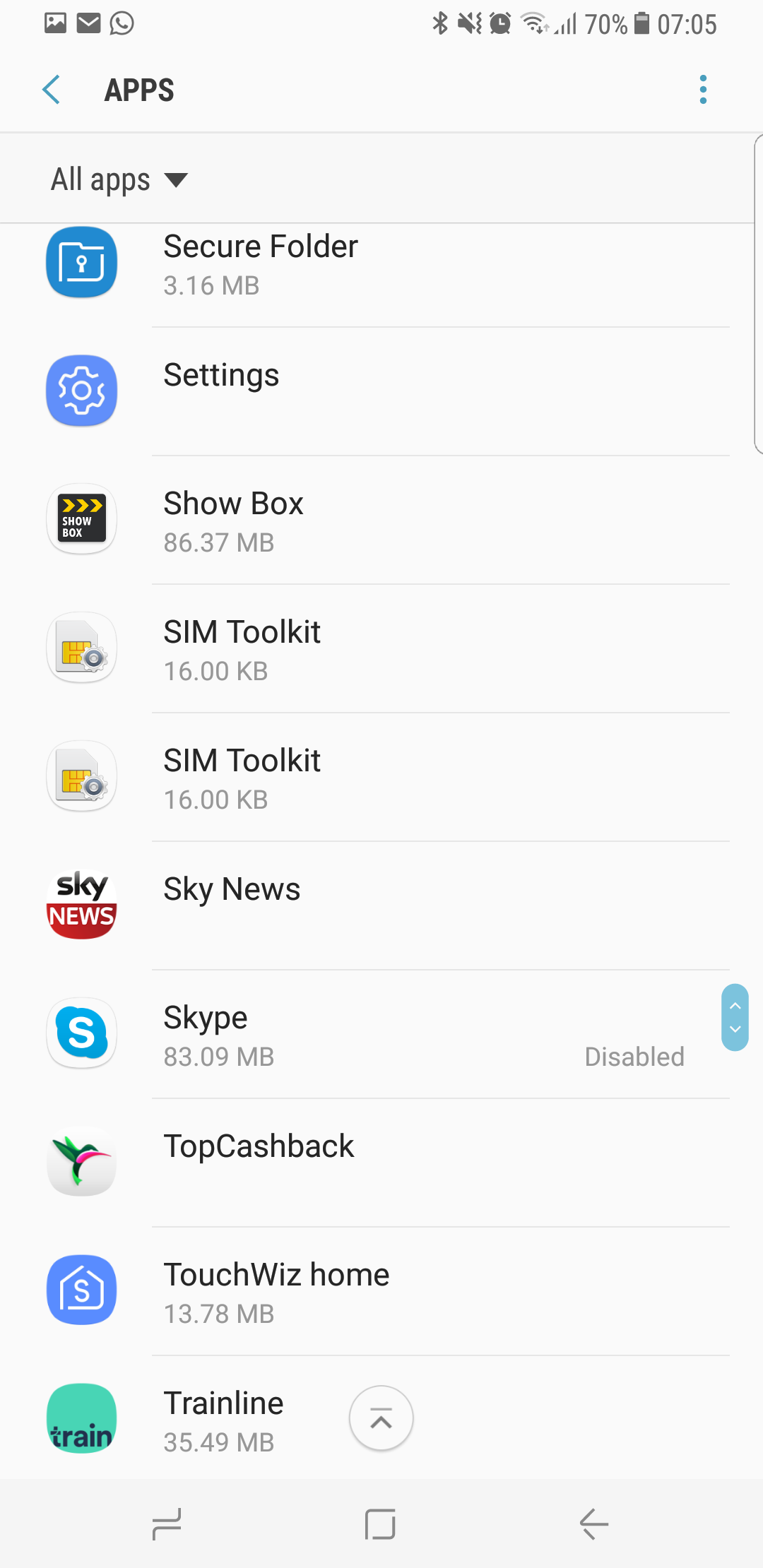
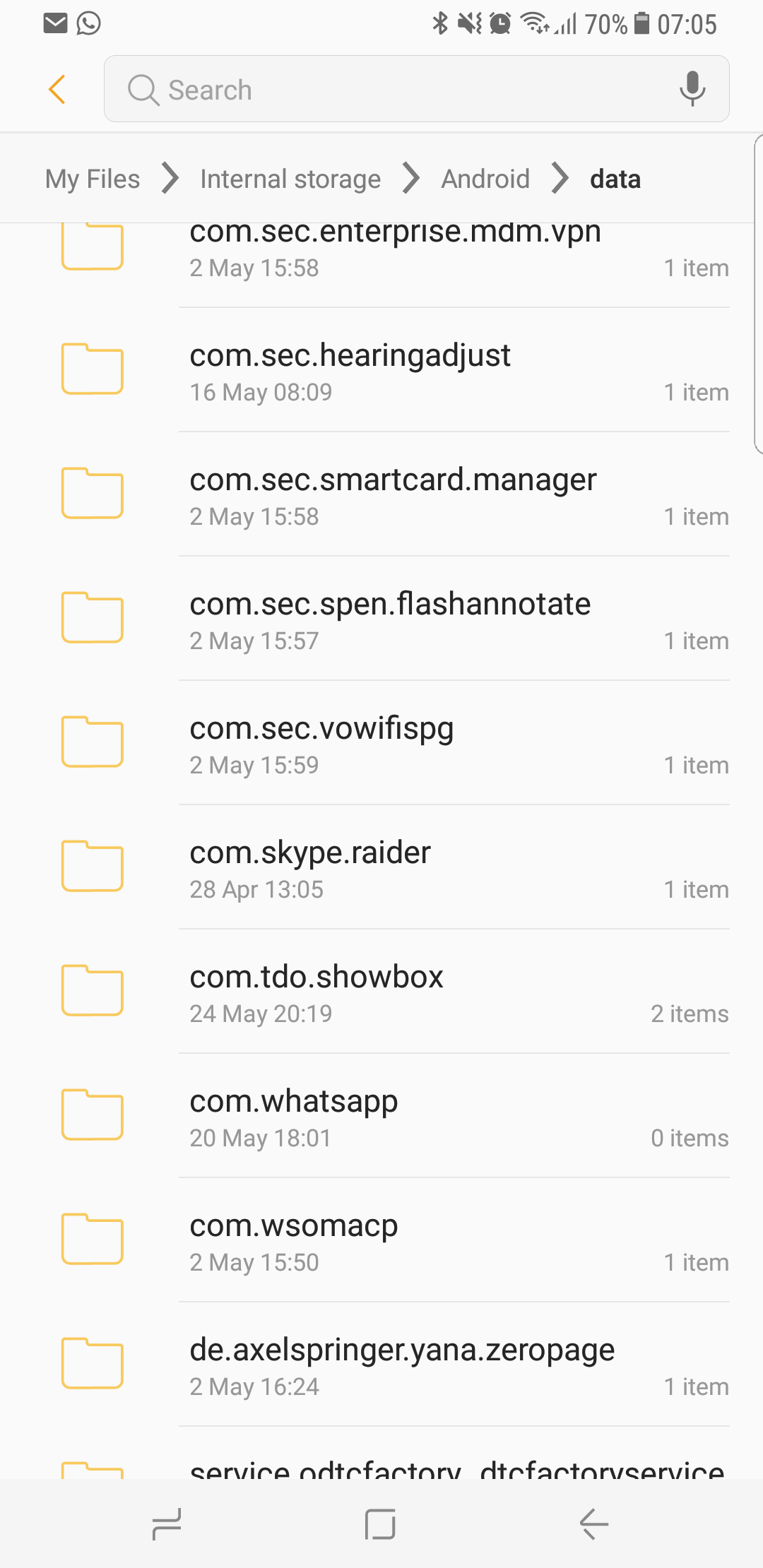
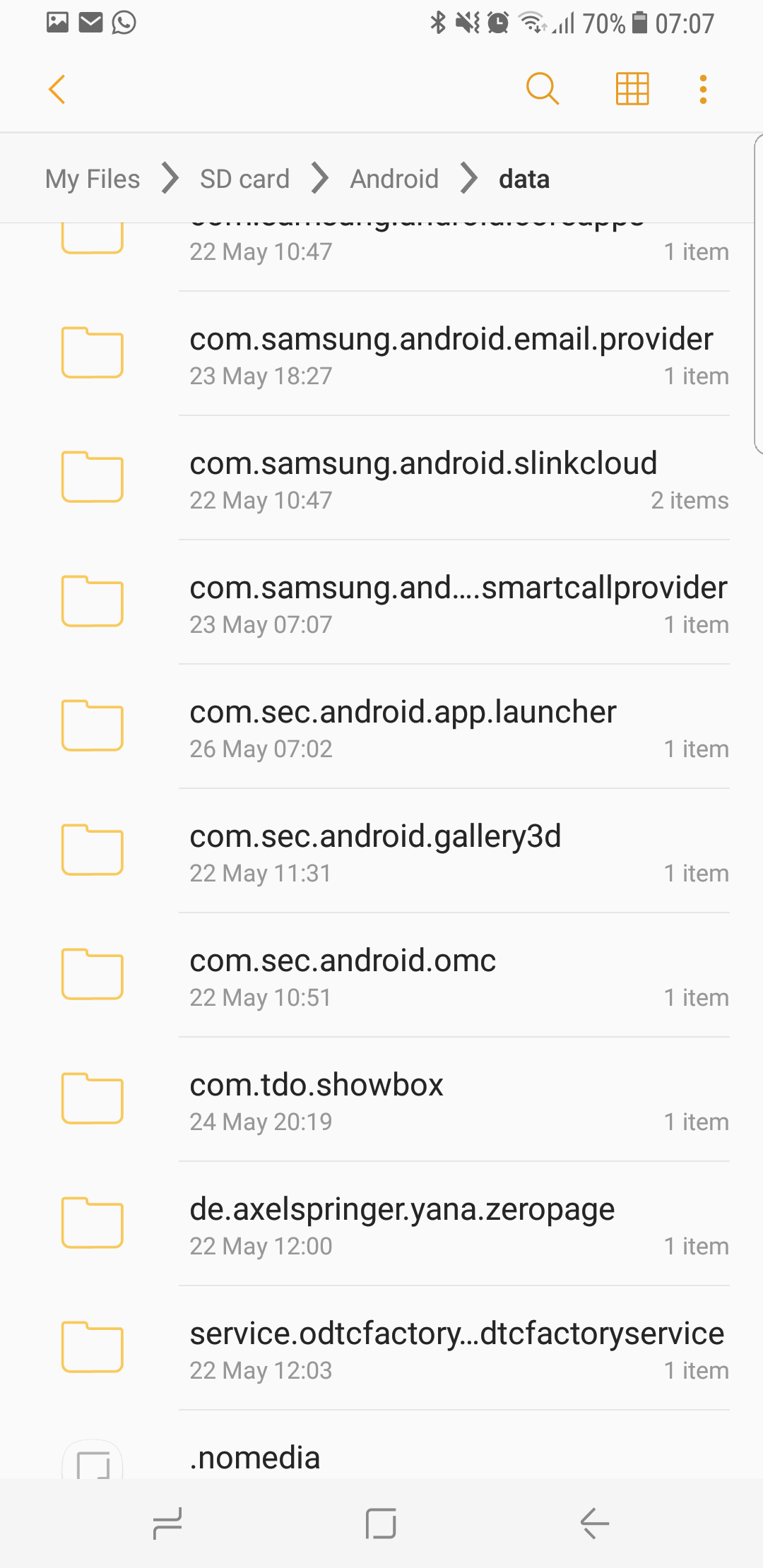
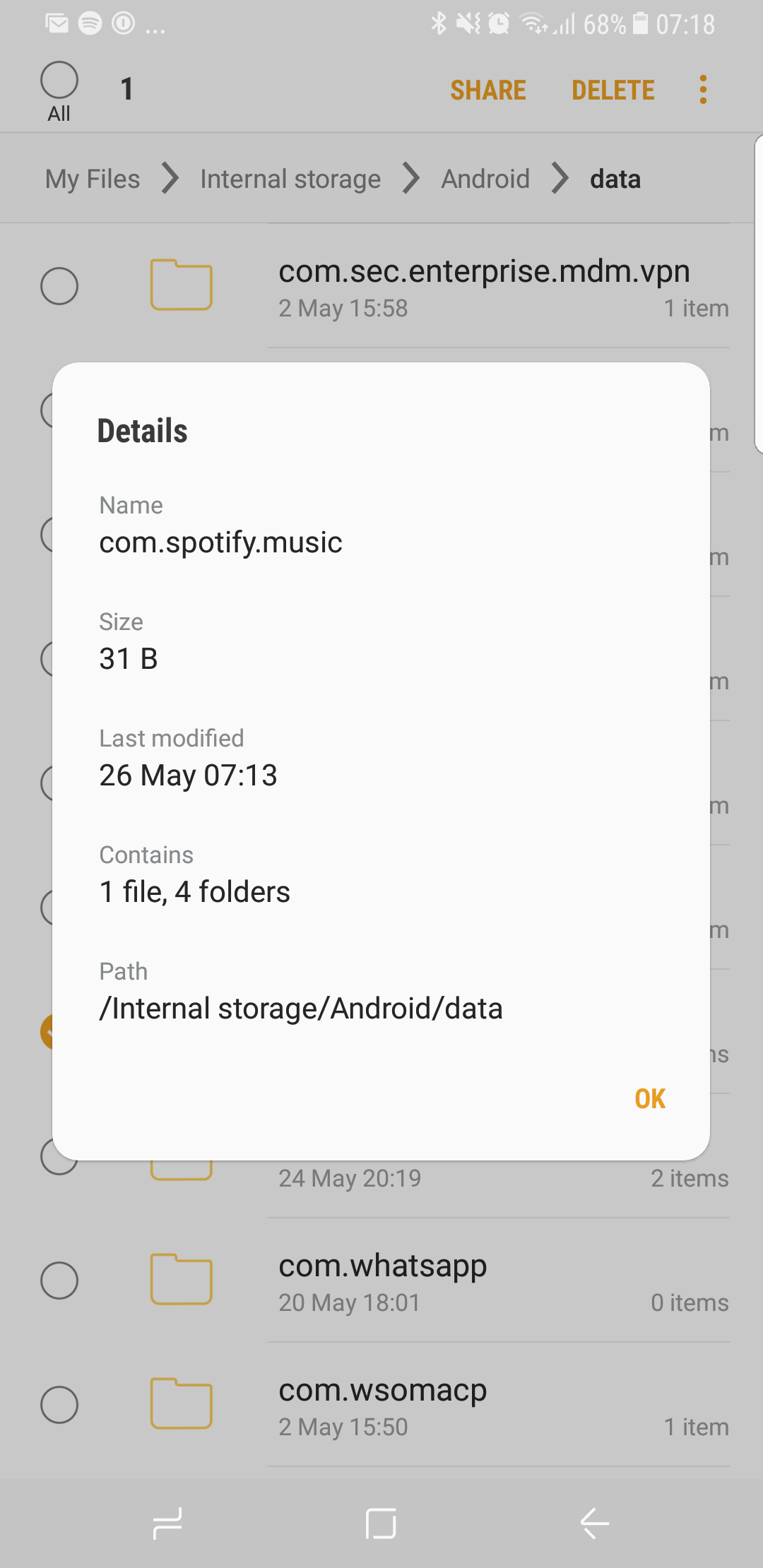
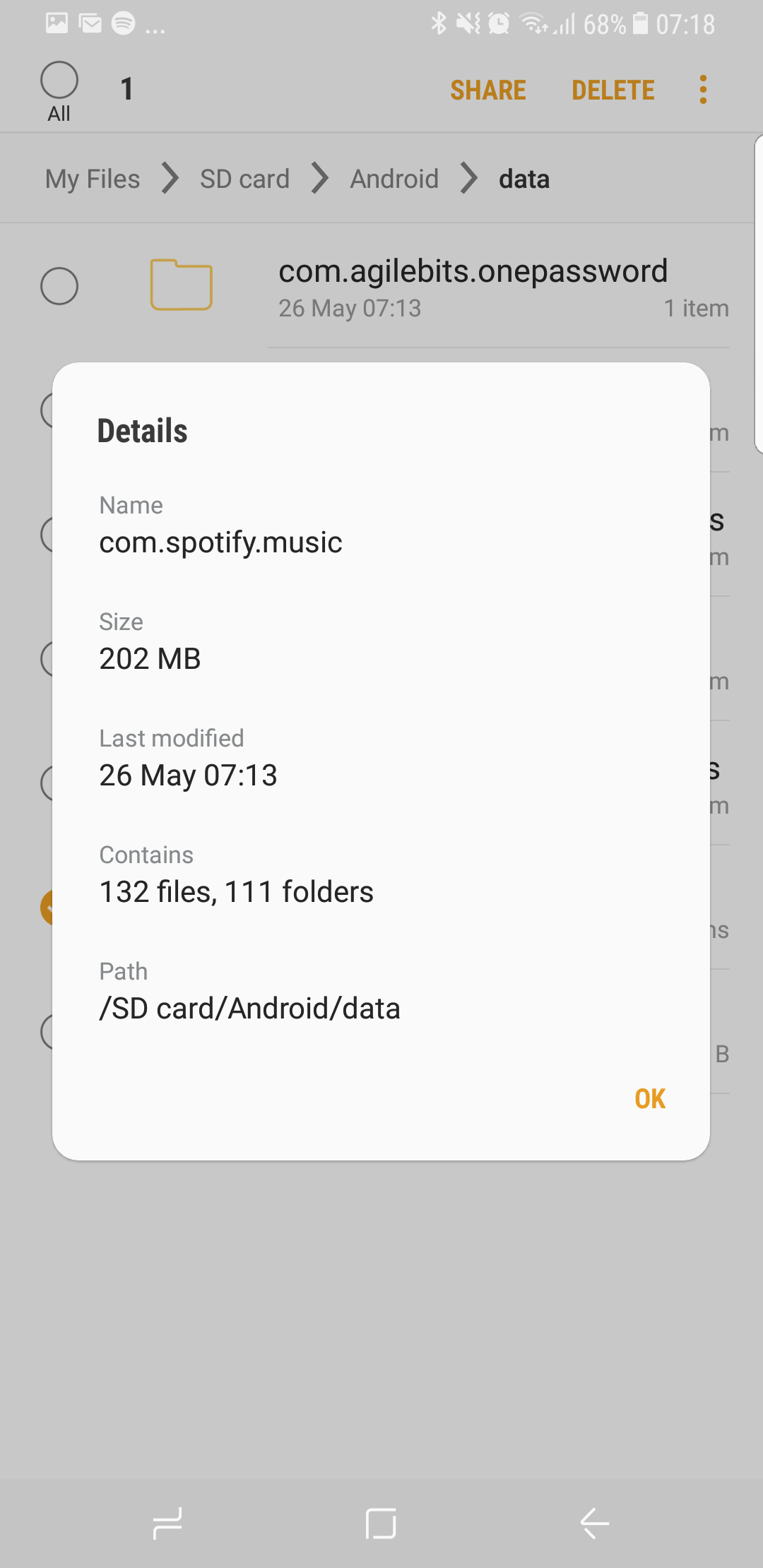
After reinstalling spotify it is doing the same thing. The data is being stored to the SD card but is being reported to the OS as being installed to both the internal memory and the SD card.

Thanks for the extra info @jamesslane!
It might be possible that the cache got duplicated in your phone, thus occupying more space. No worries, you can try removing all the offline devices in your account here, followed by a clean reinstall with these steps. This should help with the problem.
Let us know how it goes.
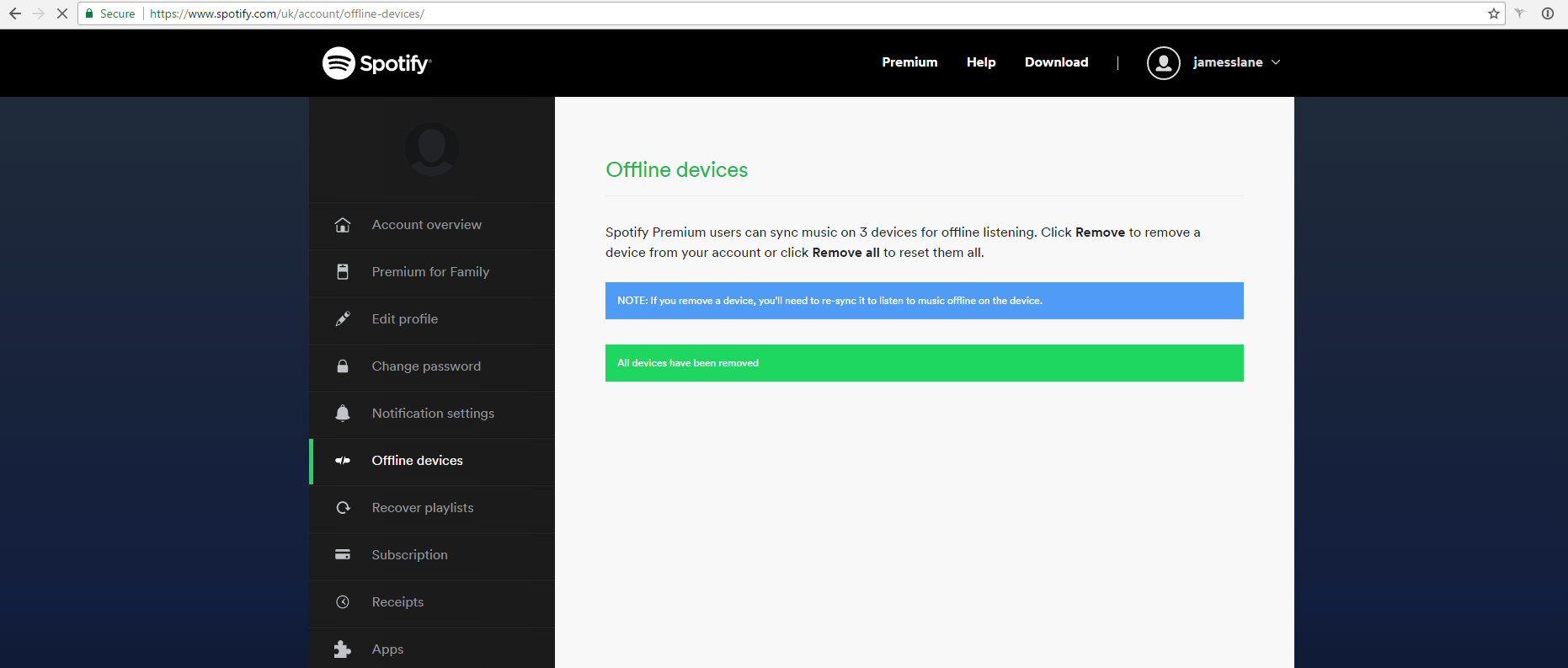
I've just tried that, removing all devices from account. Uninstalling via your instructions and the app is still reporting the downloaded music to the internal storage as well as the external SD card.

Same problem here, exact same issues so i won't explain it since its the exact same as above. S7 Edge. From going through all these threads, it seems most common in samsung phones. Anyway, book marking for a fix. Until then, I have to actually delete music or my phone won't operate properly.
Thanks for trying @jamesslane!
It's not cool that this continues to happen. Another thing to try could be restoring the SD card or looking for any errors in it. Make sure to do a backup of the SD card info before doing it.
If it still happens, we'll try to gather as much info as possible to report it.
Keep us posted.
I've tried reformatting the card a few times and have tried a couple of different cards. 1 32gb and 1 128gb. Let me know what info is required so that we can get a fix on this

Thanks for letting us know!
We'd recommend downloading the playlists for Offline Mode using a different Internet connection. Let us know if it makes any difference.
Have a nice day 🙂
I've tried this on my home Wi-Fi and my work Wi-Fi which are about 45 minutes from each other and it does exactly the same thing. There is a bug in the software that is reporting downloads to both memory locations.
That's odd. Let's try something else.
Can you remove your offline devices and reinstall the app once again? After that, make sure you have the SD card storage option activate and create a test playlist with 10 songs and download it for Offline Mode using WiFi.
Let us know if it's saved in both your SD card and internal memory again.
Have a nice day 🙂
removed all offline devices via the website.
un installed the app same as the instructions. Reformatted the SD card. Re installed. Selected the SD card as the storage location.
Created a playlist with 10 songs, downloaded them as suggested
still doing exactly the same thing

Thanks for trying @jamesslane.
We'd like to make sure of something before we can report this to our team. If it's possible, can you try downloading songs from a different mobile device while logging into your Premium account?
Let us know if the issue persists after this.
I can go one better on that. I've uninstalled Spotify from my tablet as per the intructions. Inserted a different SD card. Reformatted the card. Reinstalled spotify & as you can see from the screen shots below it's doing exactly the same thing as my phone.
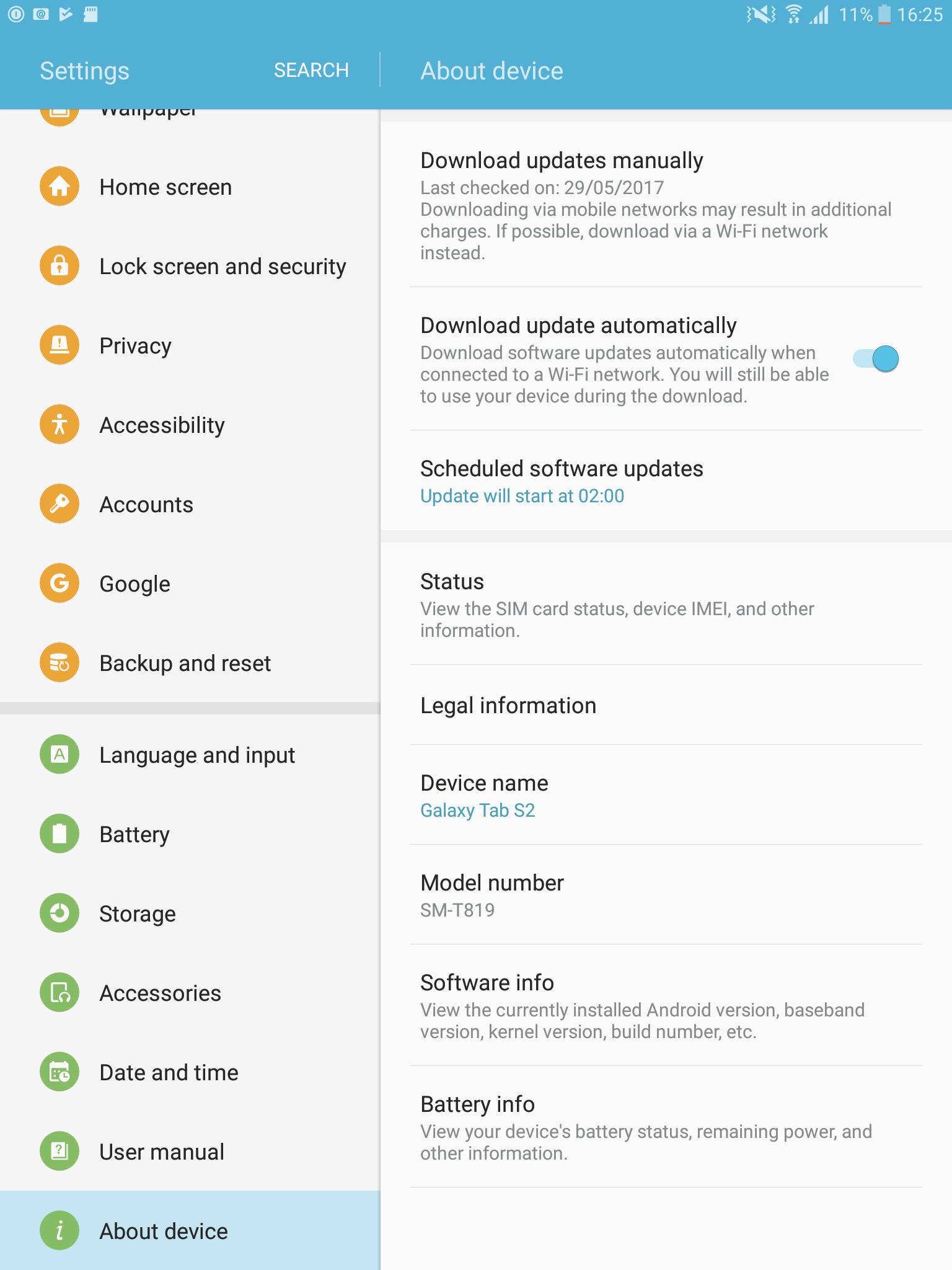
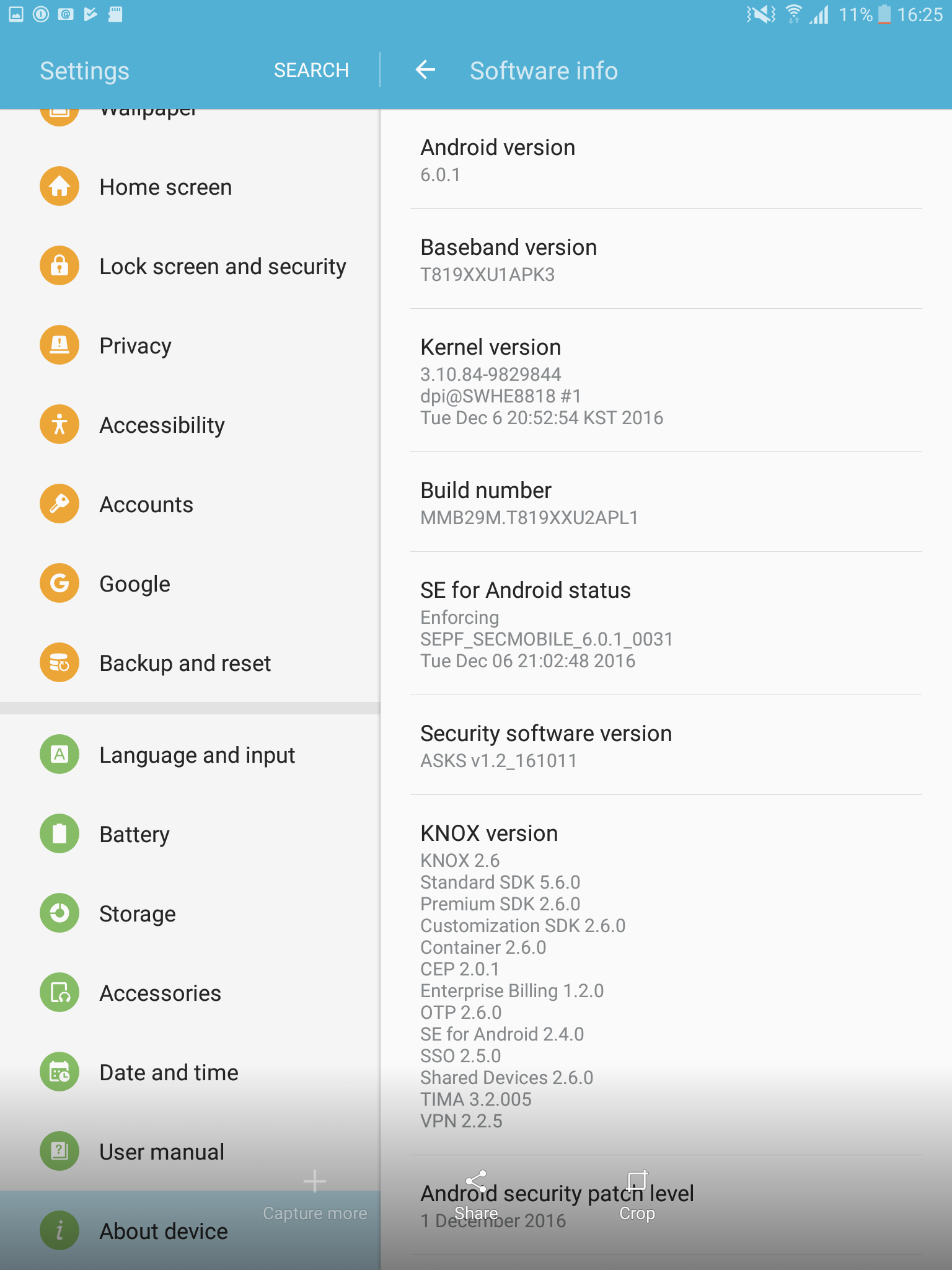
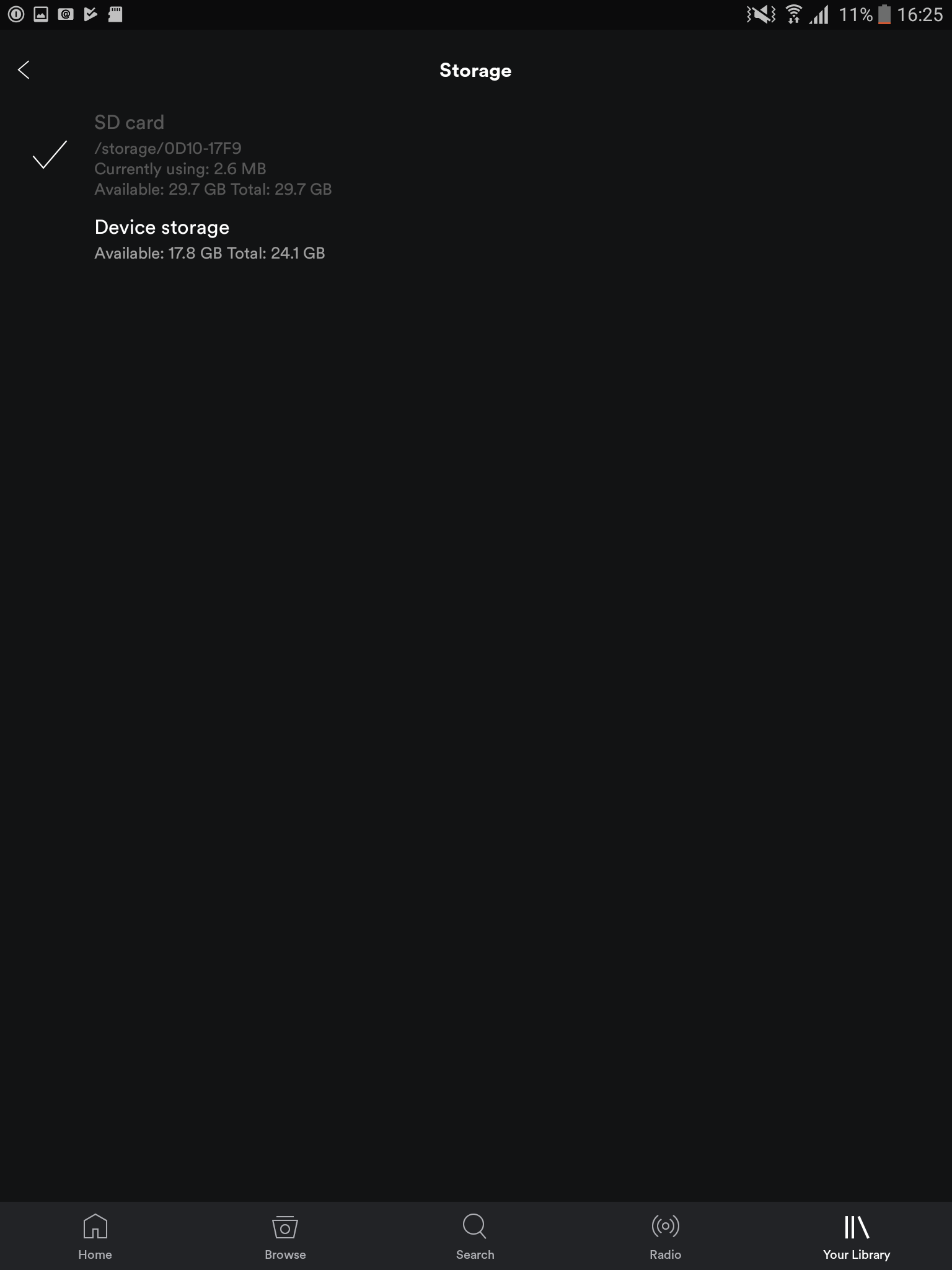
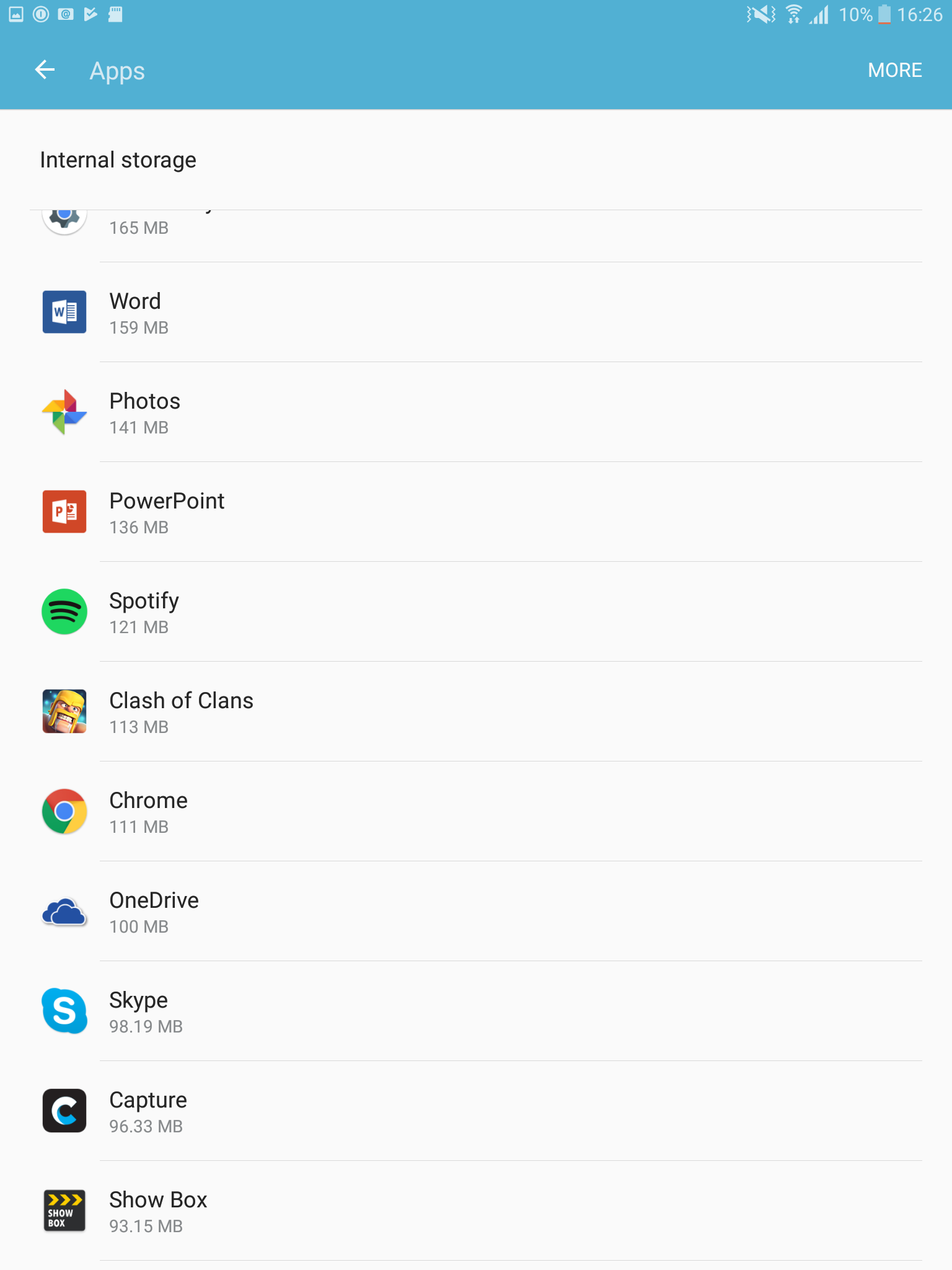
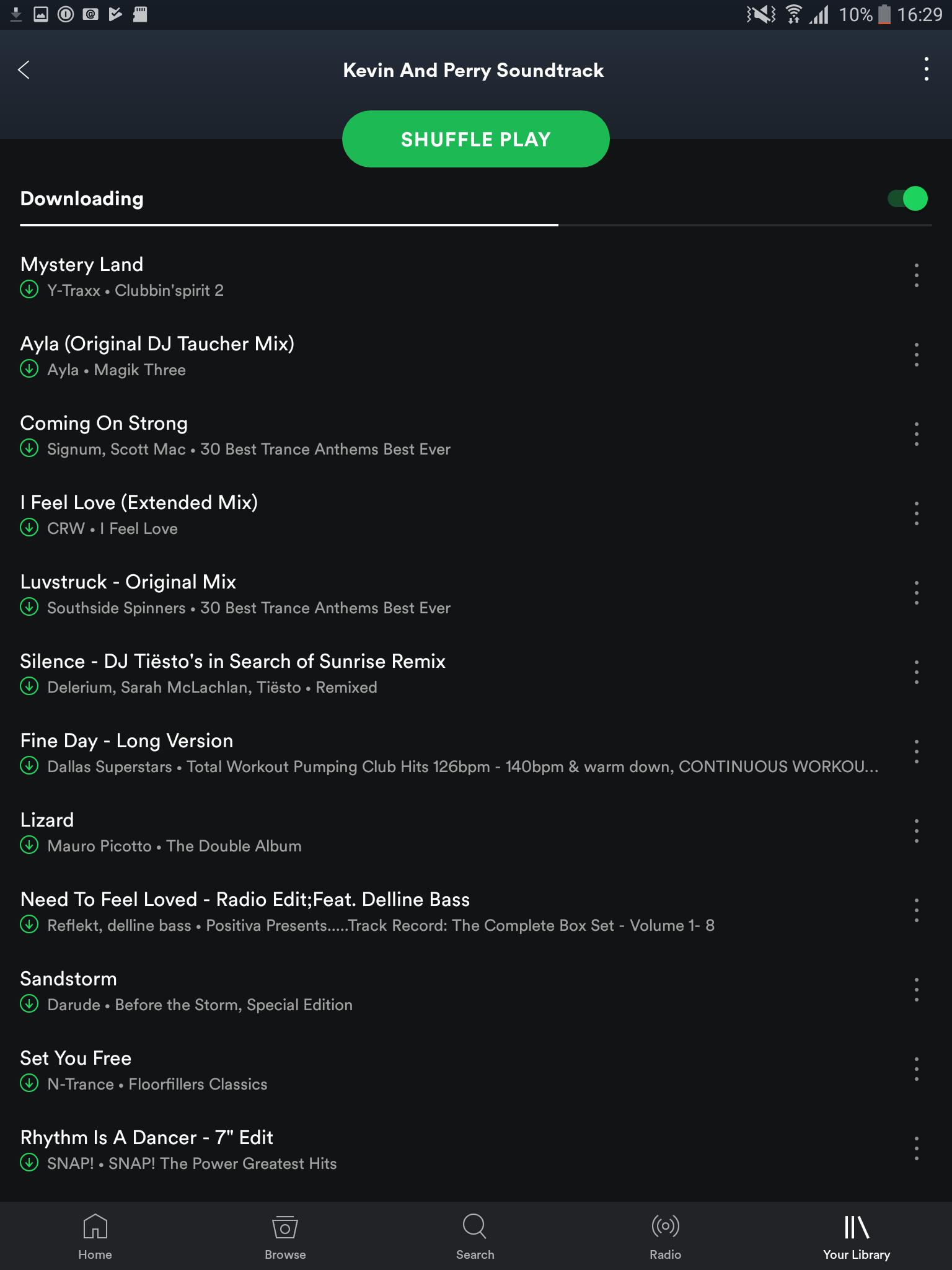
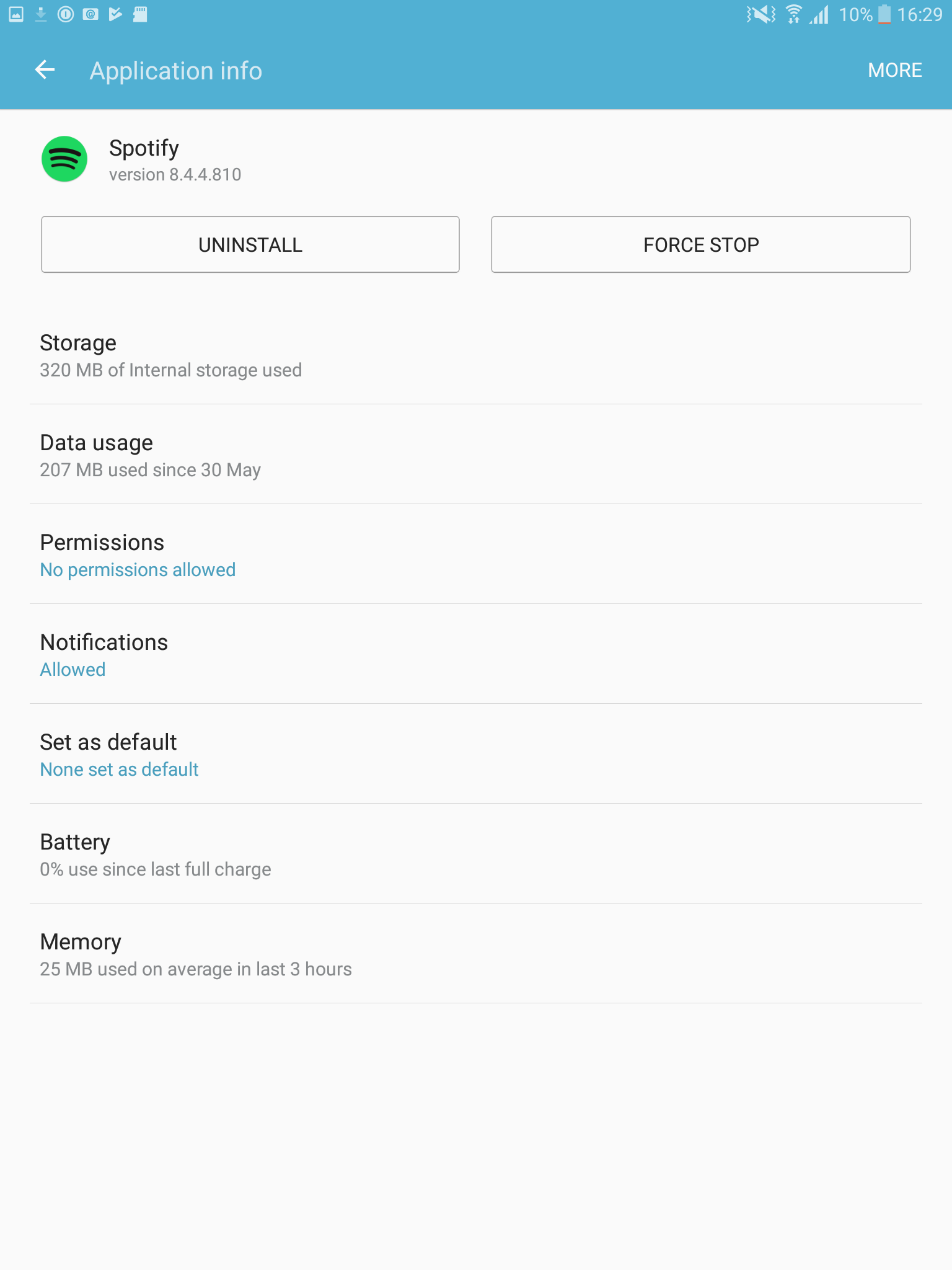
There has got to be a bug in the software surely?
Thanks for all the info you've given us so far.
We'd like to try one final step just to make sure. Can you try logging on your devices using a different Premium account (perhaps one from a friend or a relative)? Then, try downloading some songs again and check if the issue is still persisting.
Finally, can you let us know exactly when did this start happening? Was it after a specific update or event?
We'll look forward to your response.
I've tried a different account and it's still doing the same thing.
It's been happening since I installed spotify onto my devices. I got spotify after getting an s8 and installed onto my tablet too where it's doing the same thing again
Interestingly, overnight my tablet has updated to android 7.0 and after following the uninstall instructions and formatting the card it's still doing the exact same thing.

Hey guys!
We've reported this to the right folks, thanks for your patience and sending over that info.
Stay tuned for any updates 🙂

Hey guys!
Thanks for all your reports here. Our team are investigating this backstage and hope to have an update soon. If you're having trouble we'd suggest a clean reinstallation. This has helped many users get back to normal.
If you're still having issues, can you let us know the following;
- Device
- Version of Android
- Version of Spotify
Thanks for bearing with us 🙂
Hi Jim
A clean reinstall has been tried many times as part of the diagnosis.
Samsung S8+
Android 7.0
Spotify 8.4.4.810
Thanks for looking into it.
sure thing...
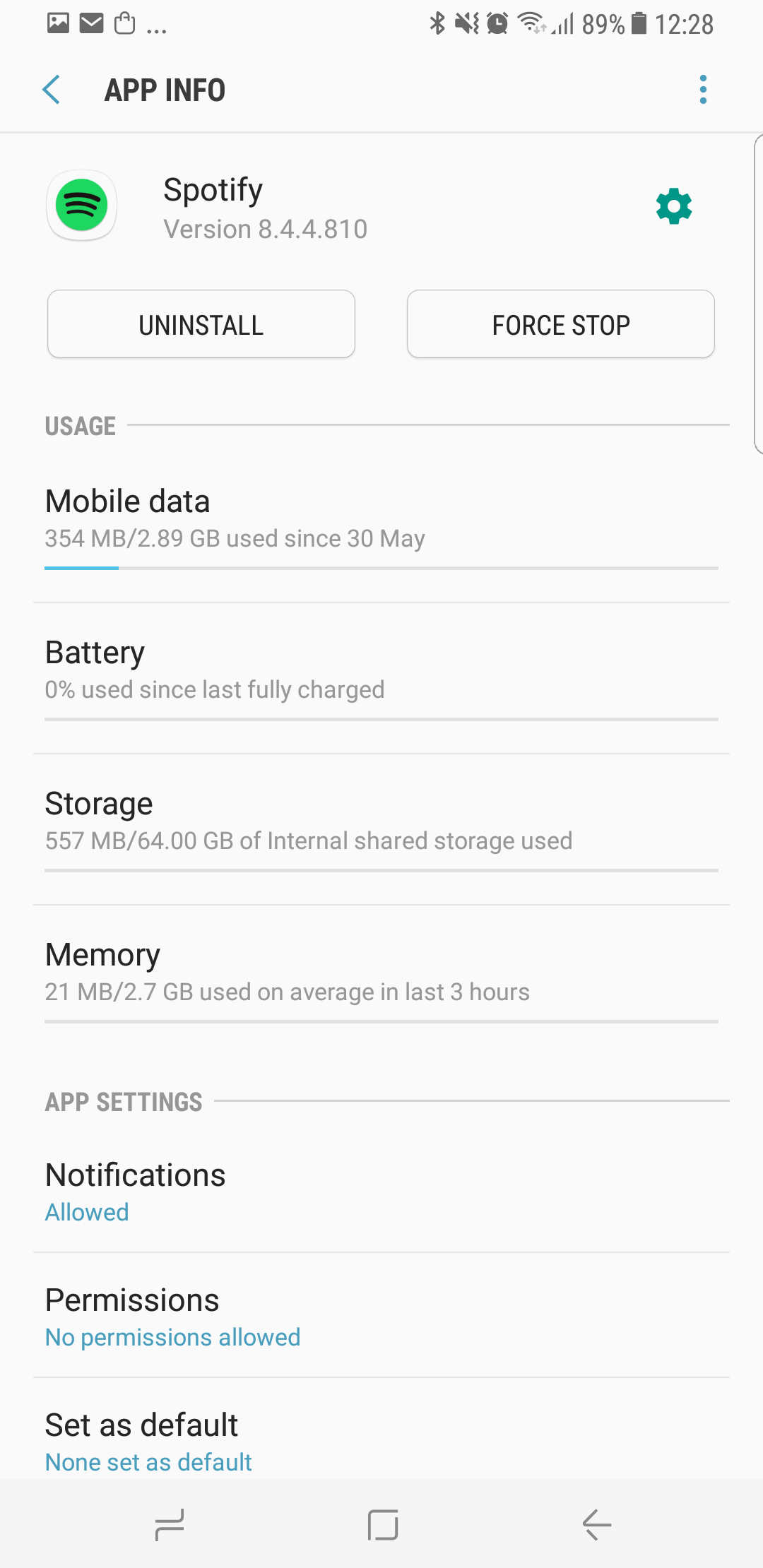
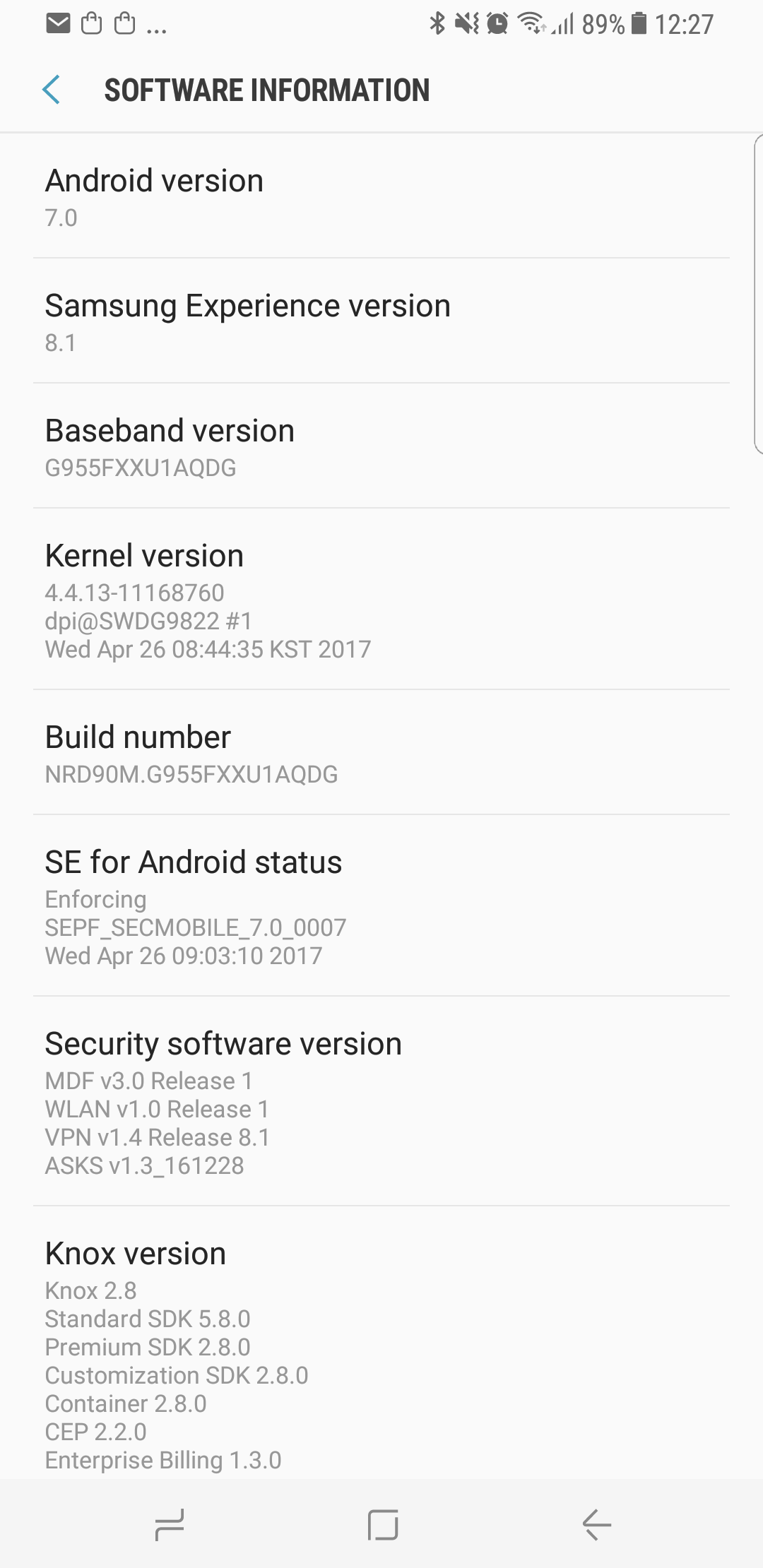

Can confirm that I am having the exact same issue. Haven't gone through all of the troubleshooting yet like @jamesslane, but I can only assume it will be pointless. Clearly there's something buggy with the code.
Couldn't update Hearthstone today because my phone is "full" 😞
any updates?

Hi again @jamesslane, we're still working on this with the devs backstage. Could you confirm if the file sizes are exactly the same within internal memory and on the SD Card?
And hi @DjamesUnchained, thanks for reaching out! We'd recommend following all the troubleshooting steps in the status, just to be sure if it does or doesn't resolve it for you. If you could also let us know your:
- Device
- Version of Android
- Version of Spotify
That'd be great to get that info from you. Keep us posted!
@Jack - Give or take a few MB's the size is prett much the same. It's storing them onto the memory card but reporting them to the OS as being stored on the internal memory.
Thanks @jamesslane for that info - we've passed this info onto our tech team who are still looking into this as we speak.
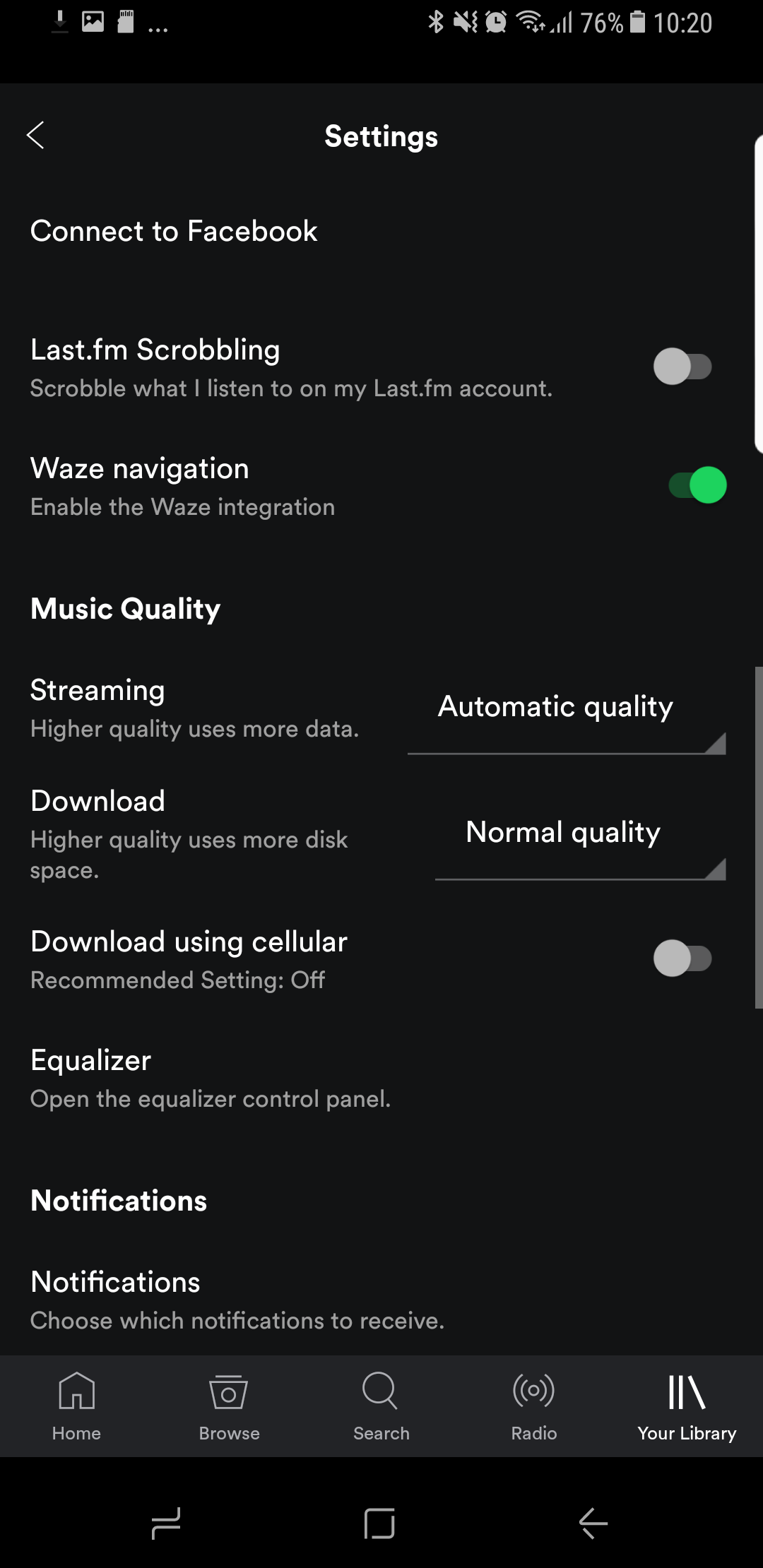
Just to check, you mentioned in the original post that you're downloading in Extreme Quality. If you change the streaming and downloading quality both back to Automatic or High, does this affect things?
We'd recommend going back to this menu in your Settings and trying both on Automatic.
Keep us posted.
@Jack - I suppose let the pictures do the talking. There is no automatic setting for download so i've just chosen normal quality.
It's still doing the same thing as you can see.
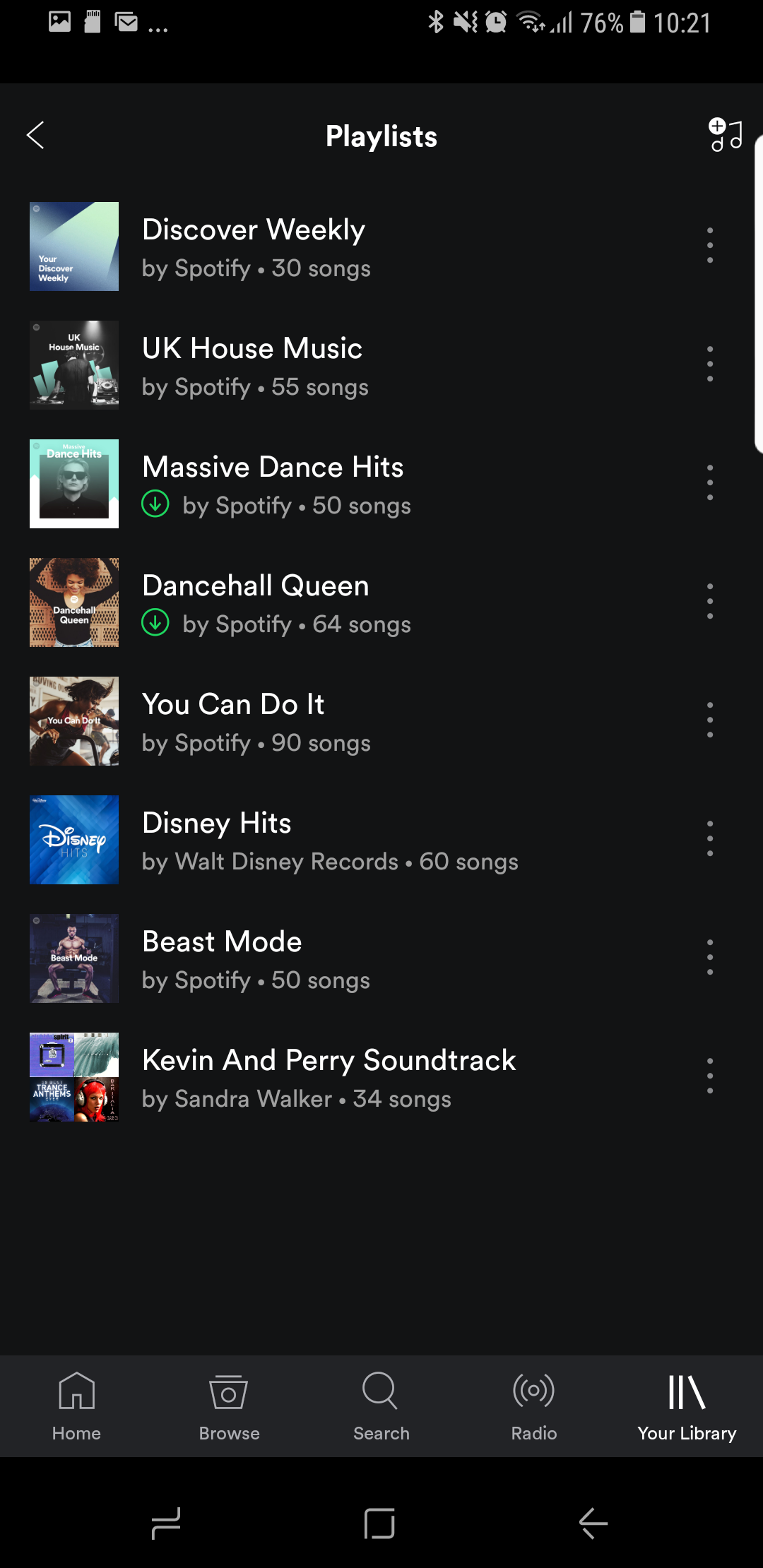
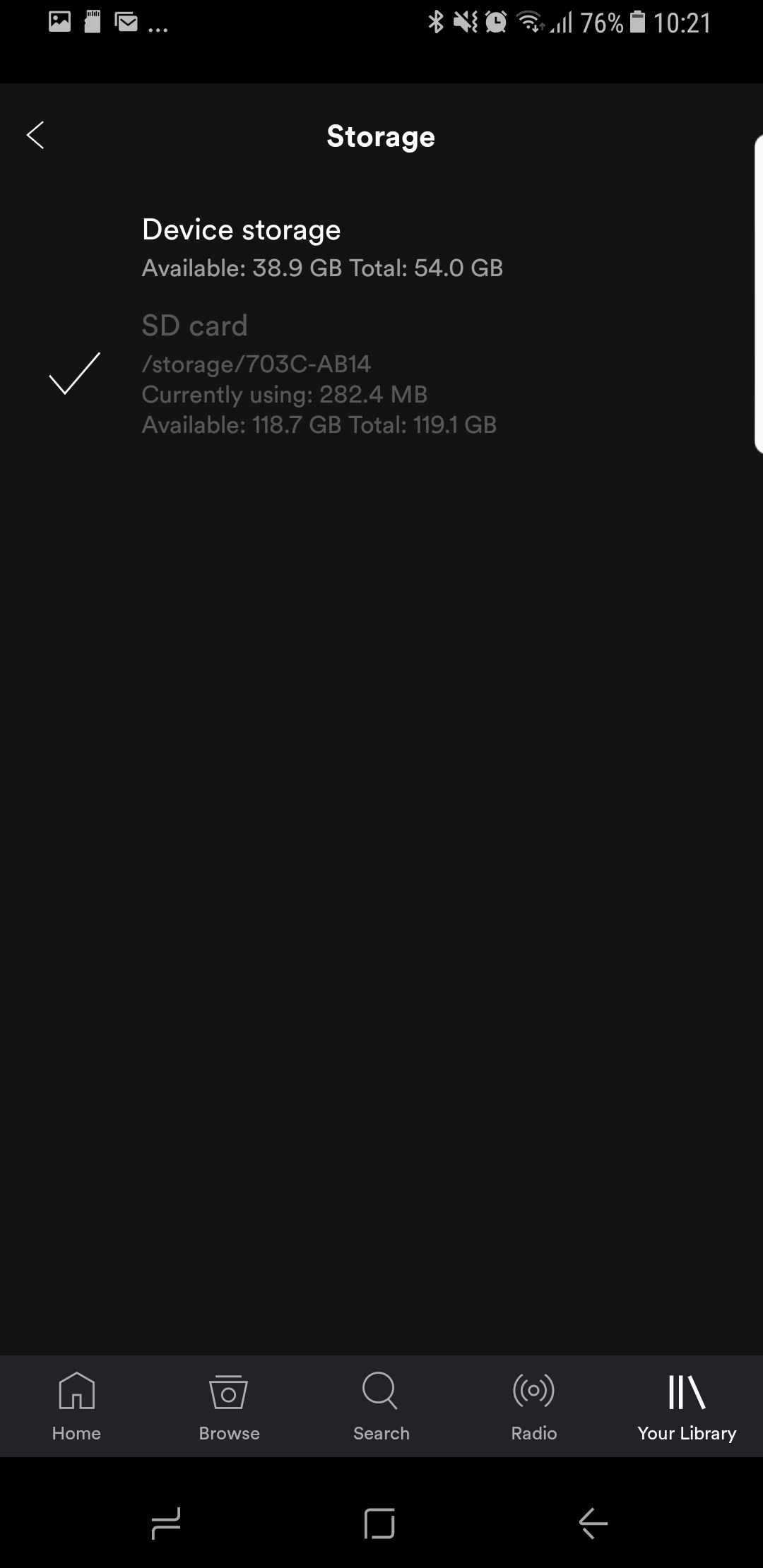
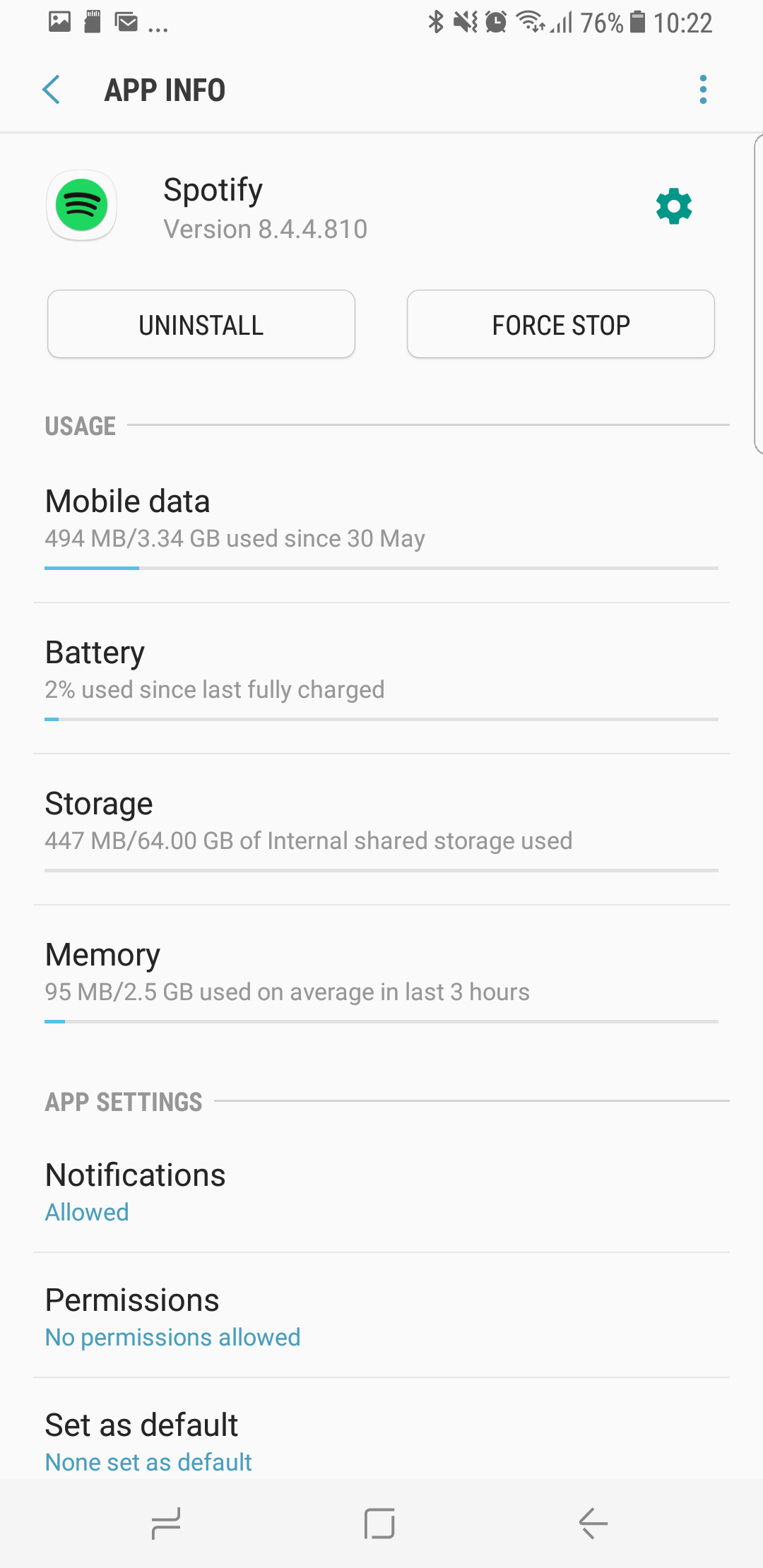

Hey @jamesslane,
Thanks for sending those over. We've let the tech folks know, so hopefully we'll have an update to share soon.
In the meantime, feel free to give us a shout if you have any questions or updates.
/L
I'm having the same problem Galaxy s7 Edge. I have the app reading that storage is set to, and using 3.2GB worth of the SD card. When I go to my phone storage information it says spotify is using 3.26GB of internal storage. There are also no files associated with spotify found when I do a search on my internal (local) storage.