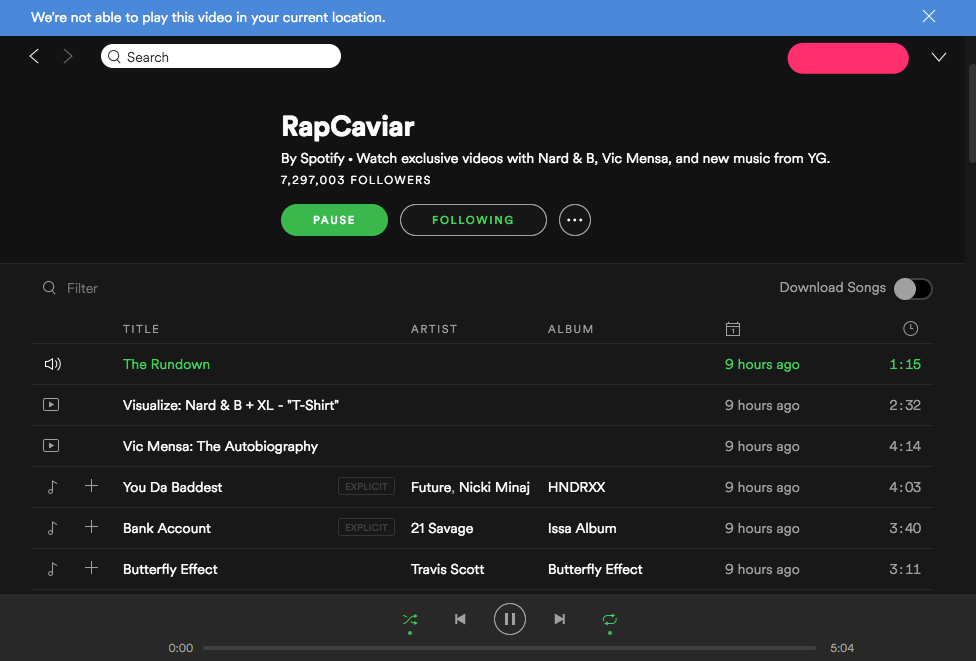
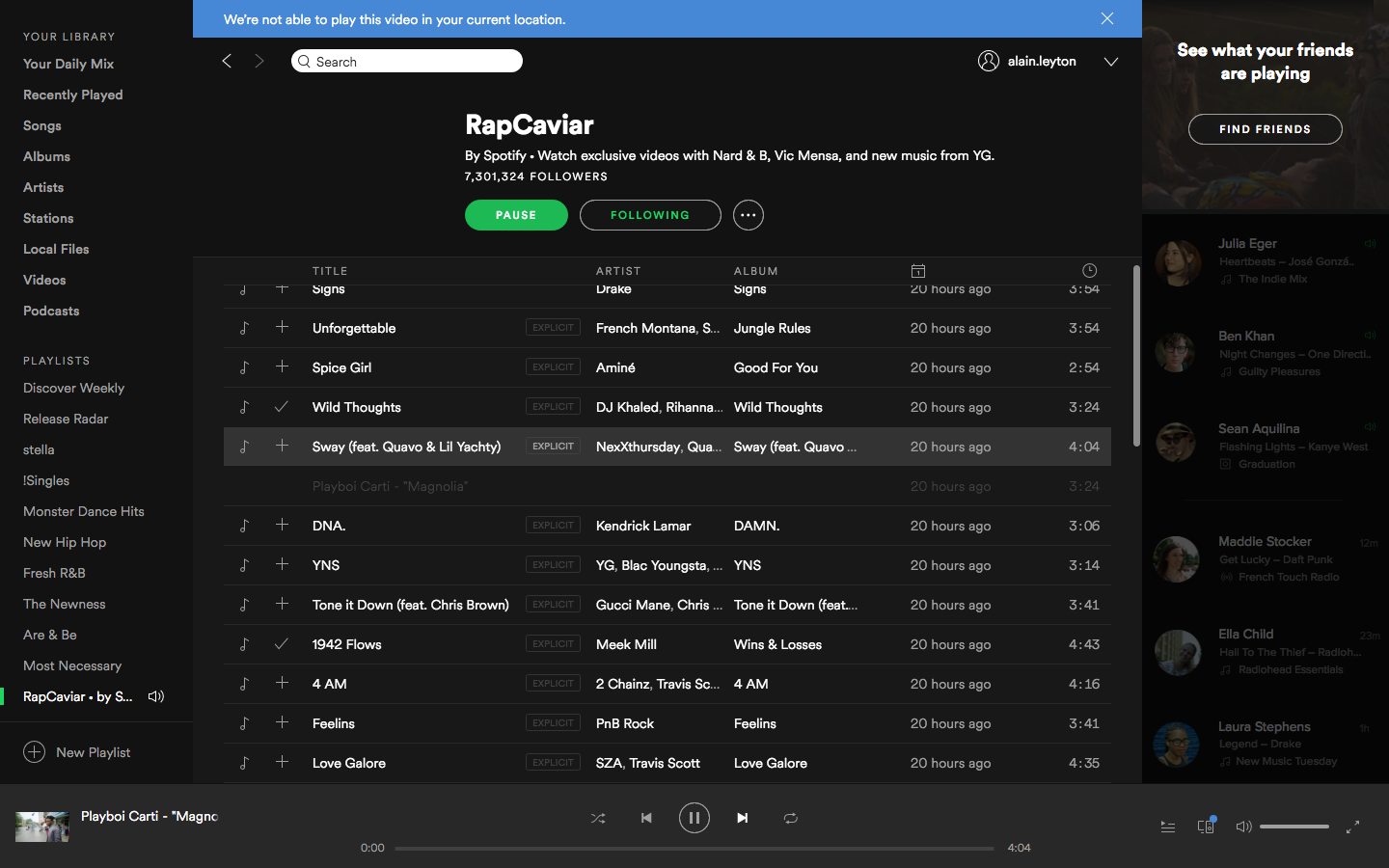
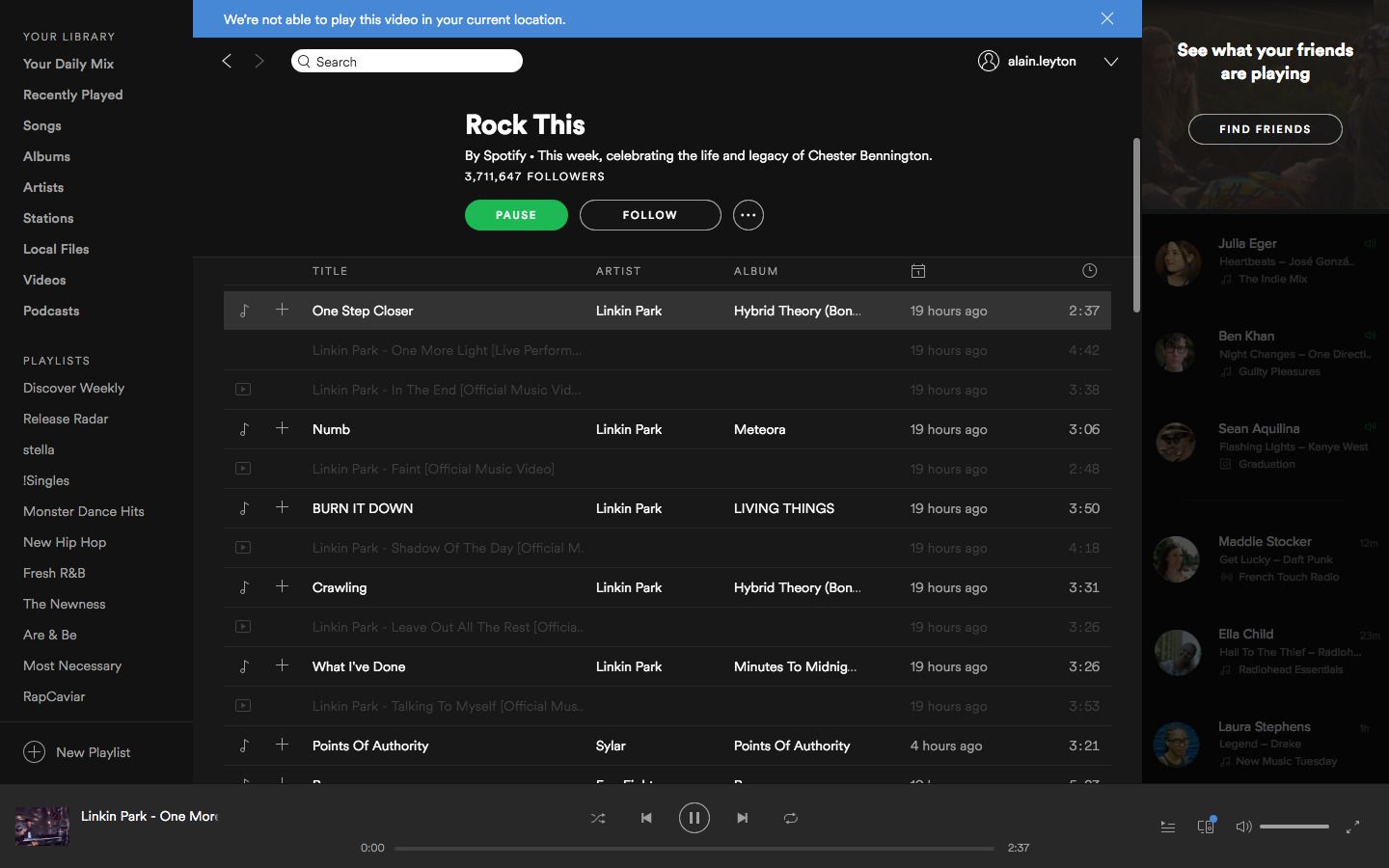
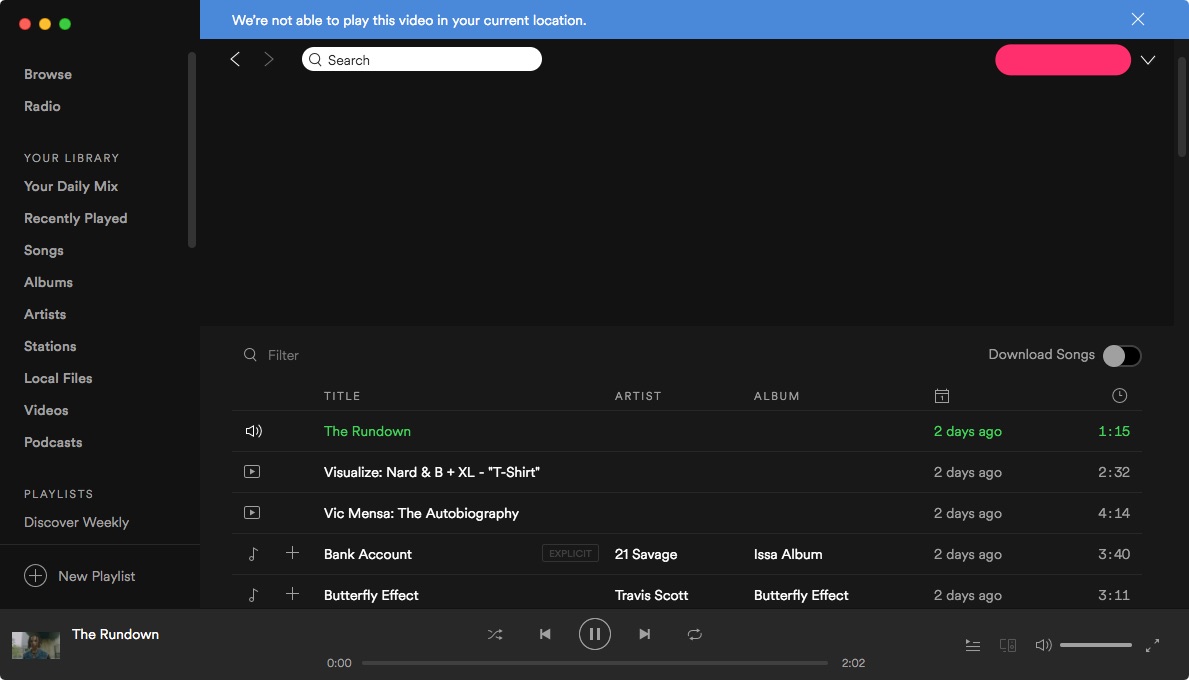
We're not able to play this video in your current location.

Playlists with Video's in them that are not available in my location cause Spotify to stop playing altogether. This is evident even in Spotify created playlists. Introducing new features should not inhibit other (paying) users from experiencing the service they pay for.
The video functionality should either be removed until rectified, or a playback option introduced to skip all videos or at the very least, continual playing the next track without intervention.
How this got past user acceptance testing is beyond me.
Comments

Hey @Erika
I am having the same issue.
For example if I'm listening to a Spotify playlist with videos that can not be played in my location, Spotify will stop playing and I need to open the app and press skip.
Happens too many times and I am constantly having to switch back and restart the playlist.

Thanks for the info, @urubu!
We're waiting on an update from @alain_dl, but it'd be awesome if you could both reinstall the app with these steps. Give that one a shot and let us know if Spotify behaves any differently. Also, could you fire over your operating system and Spotify versions?
We'll keep an eye open for your reply 🙂
Thanks for the prompt reply. The playlist I have noticed the issue with is RapCaviar by Spotify, but this problem is not limited to just this playlist. Rock This has the same issue. I am using version 1.0.59.395.ge6ca9946 on macOS.
Roger that, @alain_dl!
Could you let us know if a clean reinstall of the app helped at all? It'd be great if you could tell us if this happens in any other devices (both mobile or desktop).
We'll see what we can suggest.
I did a clean re-install. Deleted the folders as the FAQ said, but I am still getting the same issue.
As soon as I clicked `Play` for RapCaviar, I get a 'We're not able to play this video in your current location.' message. It would make more sense to just skip over the video if it's in a playlist and I can't play it.
Hope this issue can be fixed soon since it is really frustrating having to switch back to Spotify and restart the playlist constantly. Thanks.
Spotify version: 1.0.59.395.ge6ca9946
OS: macOS Sierra 10.12.6

Thanks for that info, @urubu!
Could you try to log in from a different device to check if this is still happening?
Keep us on the loop.
When I play the playlist from my iPhone, I do not get a pause or error.
The same video plays as normal.
Thanks for keeping us posted!
Let's try a deeper reinstall:
- Log out of Spotify and then close the program.
- Uninstall
- Browse to the cache and delete everything inside the folder. The default location should be: C:\Users\%Username%\AppData\Local\Spotify\Storage
- There is a folder for each profile that has been logged into Spotify on that computer account. You should find it at: C:\Users\%Username%\AppData\Local\Spotify\Users\<random numbers-user>\
- Restart your PC
- Reinstall.
Hi @Monica_L, @Erika @JulianA_Bogota - Happy to give a total uninstall / reinstall a try if you can provide macOS instructions.
However, I think this issue might be a restriction on video playback based on country of origin (similar to when you play a YouTube video not available in your country). I have tried using a VPN so my connection comes from another country but this makes no difference. It is marked as "Country: AU" in my account however so this might be the cause.
Also to note, this problem appears to be on macOS clients only. The same software version (1.0.59.395.ge6ca9946) on a Windows machine playing the same playlists does not even show videos in the playlist.
Perhaps we can have someone from the macOS support area look into this please?

Hey folks!
Thanks for the updates and bearing with this. I just want to jump in and share some info. Keep in mind that the videos from these playlists are available only in the United States for now. So if your account is in the US and you're using an internet connection from the same country, you should be good to go.
If you are in the United States and still getting the error, feel free to give the clean reinstall a try. It should help with this. Also, make sure you're not using a VPN.
For those of you who are trying to watch the videos from a different country, we'll make sure to pass on the feedback on to the right team about it.
Keep us posted!

Hey everybody!
We're closing this thread as we haven't heard from you in a while. If you're still having the same issue, just give us a shout.
All the best 🙂
Hey @alain_dl!
That's not cool. Could you send us a screenshot of the error message you're getting? We'll take a look backstage. Also, does this happen to any specific playlist?
Keep us posted.