Online player loads in wrong language

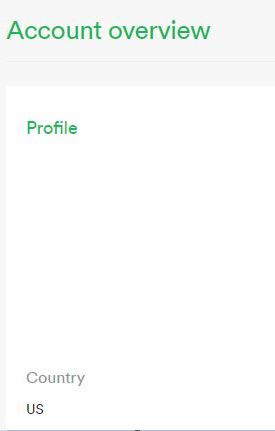
When I load Spotify player from my web browser it loads in Spanish instead of English on all pages (account, player, etc.). Premium Student account.
Child Item
Child Item
Child Item
Accepted answers
All comments
Still no change...


What browser are you using?
Make sure to clear cache and cookies etc etc and then make sure again it is set to the correct language
If its chrome you are using have a look in settings and language and input and make sure the correct preferred language is selected and save it and then try refreshing the page or clearing cookies and cache again and then trying it
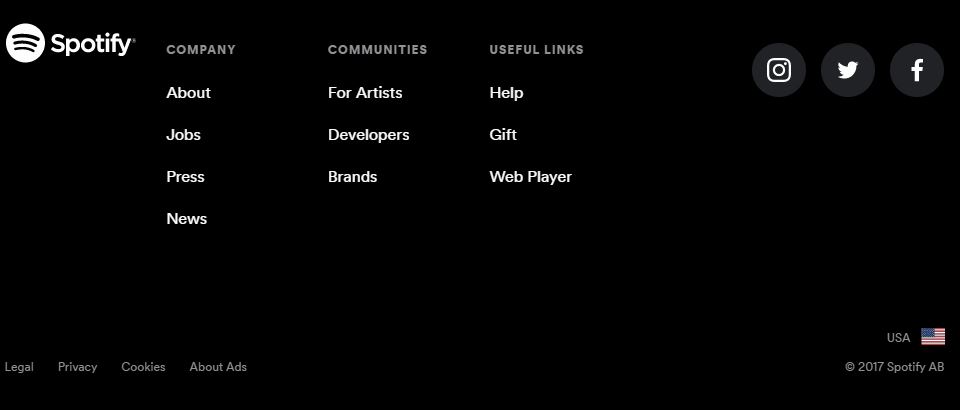
Other than this,not really sure how it can be displaying in a different language when you have selected the correct language with the flag on the homepage
Child Item
Child Item
Try changing your location in edit profile on your account settings or go to the spotify homepage and scroll down to the bottom of the page where you see the little flag symbol and make sure to change it to the correct location