Playlist not showing auto generated image after I changed it once

I have created a playlist recently . It had default image with first 4 album cover which is a standard feature. I tried to play with playlist cover as there was repeated artist's album cover. So I changed it. Then I figured reordering songs so that first 4 are the ones I want I can have the 4 in 1 auto image I want
Now I have removed the image but would like to see the default 4 in 1 album cover image.
I tried rearranging the songs in the playlist which are already in my library(tick mark = Yes) . It did not work.
Please let me know how to reenable it.
Comments
Update;
This is the playlist link : "spotify:user:prathik62:playlist:4aSBpqbbypKacZI7cf5mUQ"
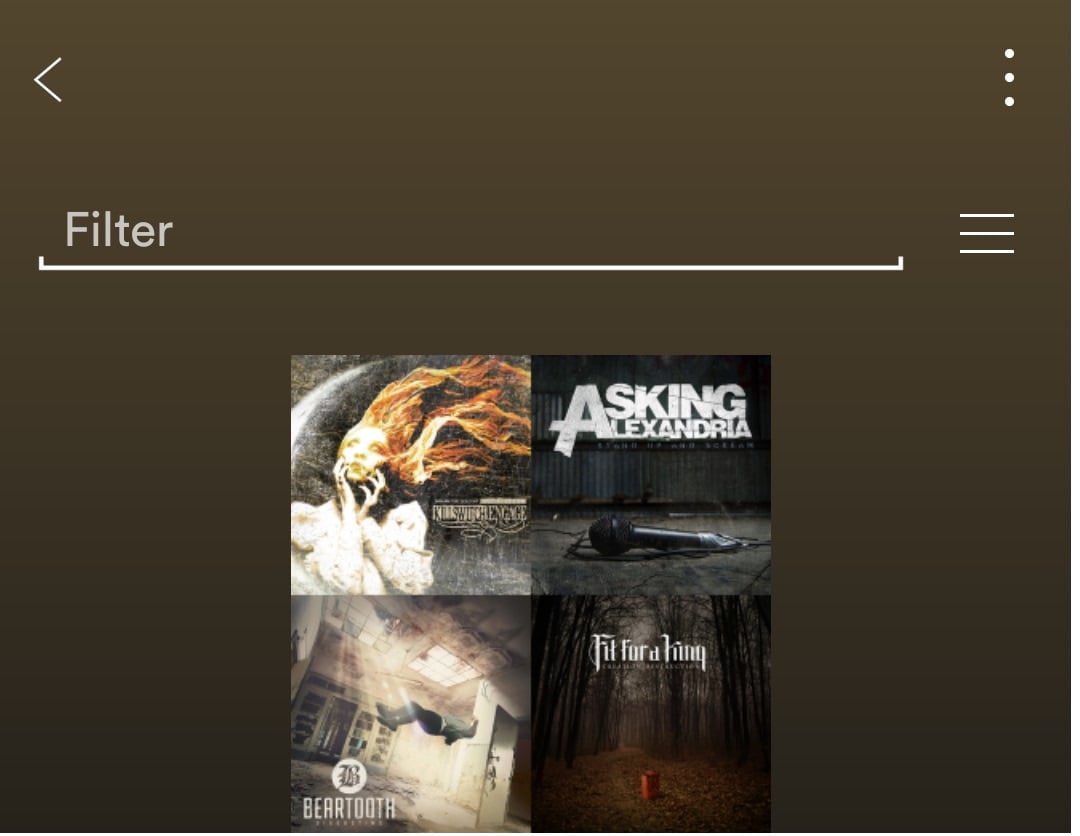
After a day or so it generated new image but only on cellphone; and while loading on Cellphone it shows old image that I had set before this.
But this is the playlist image on my computer software.

Some caching issue?
The URL preview seems fine too.

Thanks for letting us know!
We'd recommend reinstalling the app on your PC by following the steps here. Let us know if you have the same issue if you log in to the Spotify web player.
Take care 🙂
Hi Aimee,
Did you mean reinstall on both phone and PC?
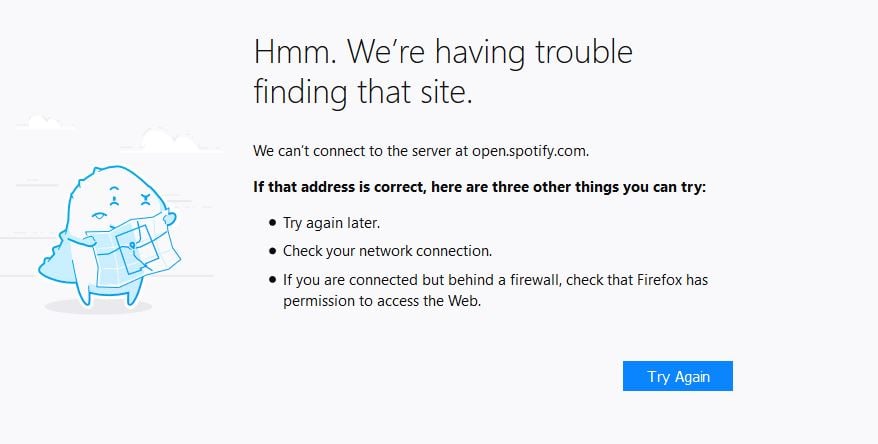
I cant open Spotify web player , it says DNS cant be reached.

Thanks for that info, @prathik62!
In this case, can you try reinstalling the app on your PC as @Aimee_T suggested? As for the web player, can you try clearing your browser's cache/cookies, and refreshing it? Also, using an incognito window or a different device/internet connection would also worth a shot.
Keep us posted.
Thanks for the troubleshooting suggestions and solutions , please find my updates below.
1. I tried clearing stored cache and data first under C:\Users\<User>\AppData\Local\Spotify and C:\Users\<User>\AppData\Roaming\Spotify
>>It did not solve the issue. There is no image on Desktop version.
2. Uninstalled Android app on phone , tried to reinstall latest version 8.4.23.784 . It does not install , gives error "Unfortunately Package Access Helper has Stopped" and it shows installing on Playstore and never install. So I had to download previous APK version 8.4.22.857 and install.
>> Small thumbnail is absent(Please find the attached)
>> Bigger thumbnail is as expected(Please find the attached)
3. Reinstalled Desktop app after complete uninstall.
>> Playlist image is absent.
4. Web player , tried methods suggested. Since on Firefox said to try with disabling firewall, tried disabling anti virus too.
>> Does not work on Chrome in both normal and Incognito mode
>> Does not work with Firefox in both normal and Private more
>> Does not work on Microsoft Edge browser too.
Seems these are technical issues need to be fixed by developers?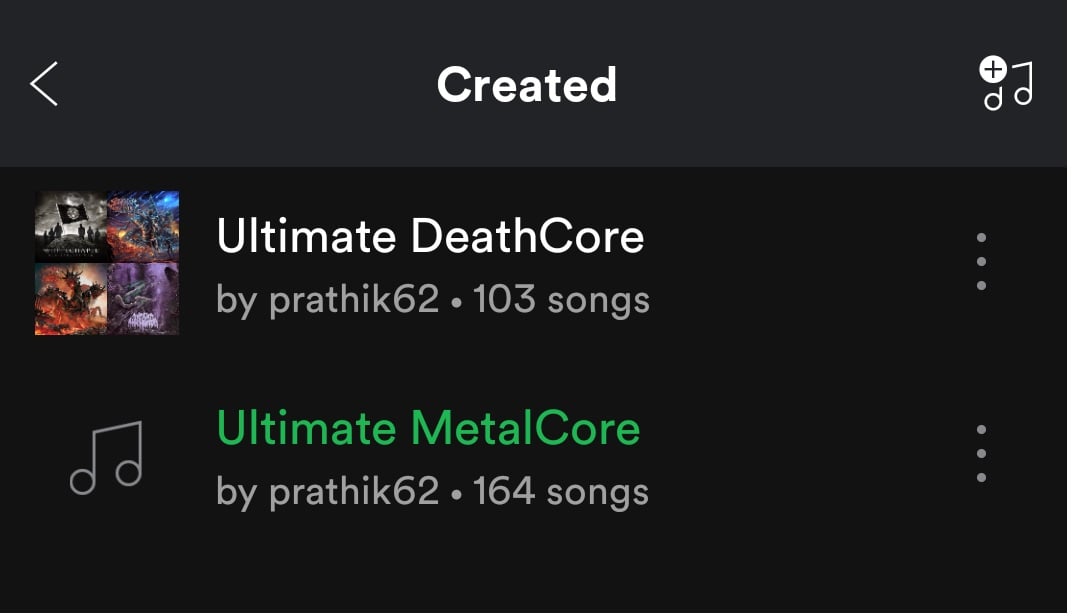
That's odd!
Could you let us know what device, operating system, and Spotify version you're using on all devices?
Also, we'd recommend using the Create Similar Playlist feature and let us know if the picture shows after that or you can copy everything into a new one.
Let us know how it goes 🙂
Dell Inspiron 5547 | Windows 10 64 bit | Spotify version 1.0.65.320.gac7a8e02
BLU Life One X2 Mini | Android Marshemllow 6.0.1 | Spotify version 8.4.22.857
Please note create similar playlist will add random songs similar to the ones in current playlist. Its not desired.
Have developers notified about this.
Thanks for letting us know!
No worries, we've reported this to the right team. They'll help us out to investigate what's happening.
In the meantime, we'd recommend creating a similar playlist with that same information. That shouldn't add random songs on the playlist.
Let us know how it goes 🙂
@Aimee_T thanks for forwarding it to right team.
Similar playlist means creating playlist with "similar" songs. It wont replicate the same playlist. I did it and removed all songs and copied songs from current playlist.; its essentially longer process to copy and create same playlist. But thats not the ideal solution in case we have public playlist and people are following it and has the thumbnail issues.
Anyway lets see till developers fix the current issue. Thanks for your help. I can be reached in case they need assistance recreating issue.
No worries!
We'll keep you posted here.
Have a nice day 🙂

Hi again @prathik62,
Thanks for the info you've provided so far. We'd just like to find out a bit more info about the image you originally had put onto the playlist.
Images must be uploaded as a .jpeg file, with a maximum file size of 4MB, and must not violate copyright, trademark, or personal image rights. Did the image you had for it fit our playlist image guidelines?
Currently, when selecting Remove Image when editing a playlist's details, it shouldn't be reverting to the four-tiled mosaic view immediately. We've already brought this up with our Desktop team who are aware of it. Thanks for your patience!
@Jack I do not remember the exact format of the image , but I am quite certain that it was jpeg as the application does not support uploading images other than jpg, pjpeg, jfif, pip formats. I am sure it was less than 4Mb
Image guidelines - I believe it followed all the guidelines. I downloaded it from internet. Anyway I did not want to voilate these copyright or trademarks unknowingly. So I removed the image in sometime.
And its expected that after reverting image the cached images would be there in system for a while. But they should be updated later on.
Thanks for letting us know about this @prathik62!
For now, once an image is added to a playlist cover art and then removed, it will show just the music symbol. It will not revert back to the original mosaic.
We'll make sure to pass on your feedback about this to our devs and will let them know you'd like to see the mosaic back once a playlist image is deleted.
We're closing this thread for now as this is an expected behaviour.
Cheers!


"Expected behavior"? ...Sounds like a cop-out.
Hey @prathik62, welcome to the Spotify Community!
Could you send the URI of the playlist with that issue? Just right-click the playlist > Share > URI. Also, let us know if you get the same issue while logging into another device.
We'd recommend restarting your device and try again.
Have a nice day 🙂