No Singles section on Spotify for IOS

Hello,
I have noticed that Spotify app on IOS does not have “singles” section in Artists pages at all. In PC and Android versions it is possible to see it.
I have the latest Spotify version for IOS.
Please fix it, thank you!
Bar
Comments
Hey @FabianS_Bogota,
I did try to re-install the app. And yes, I am going to the full Artist Profile, and i see only:
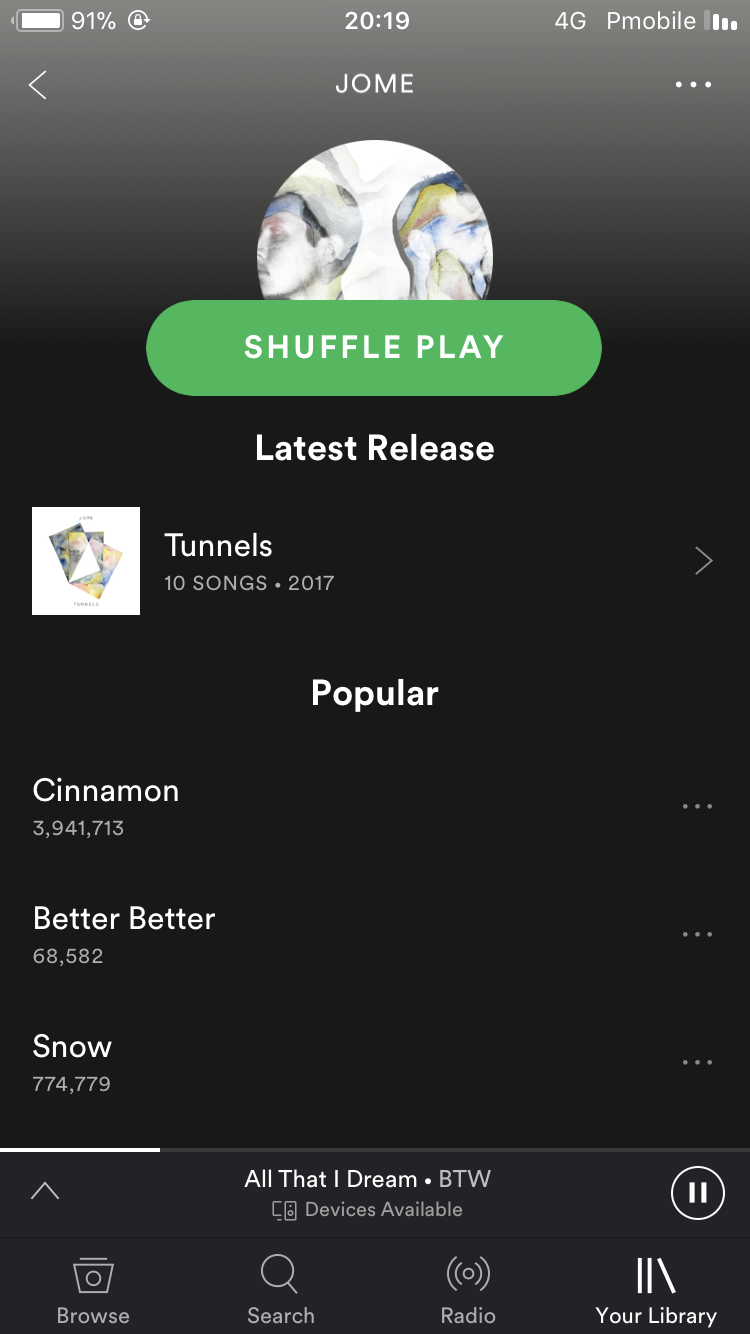
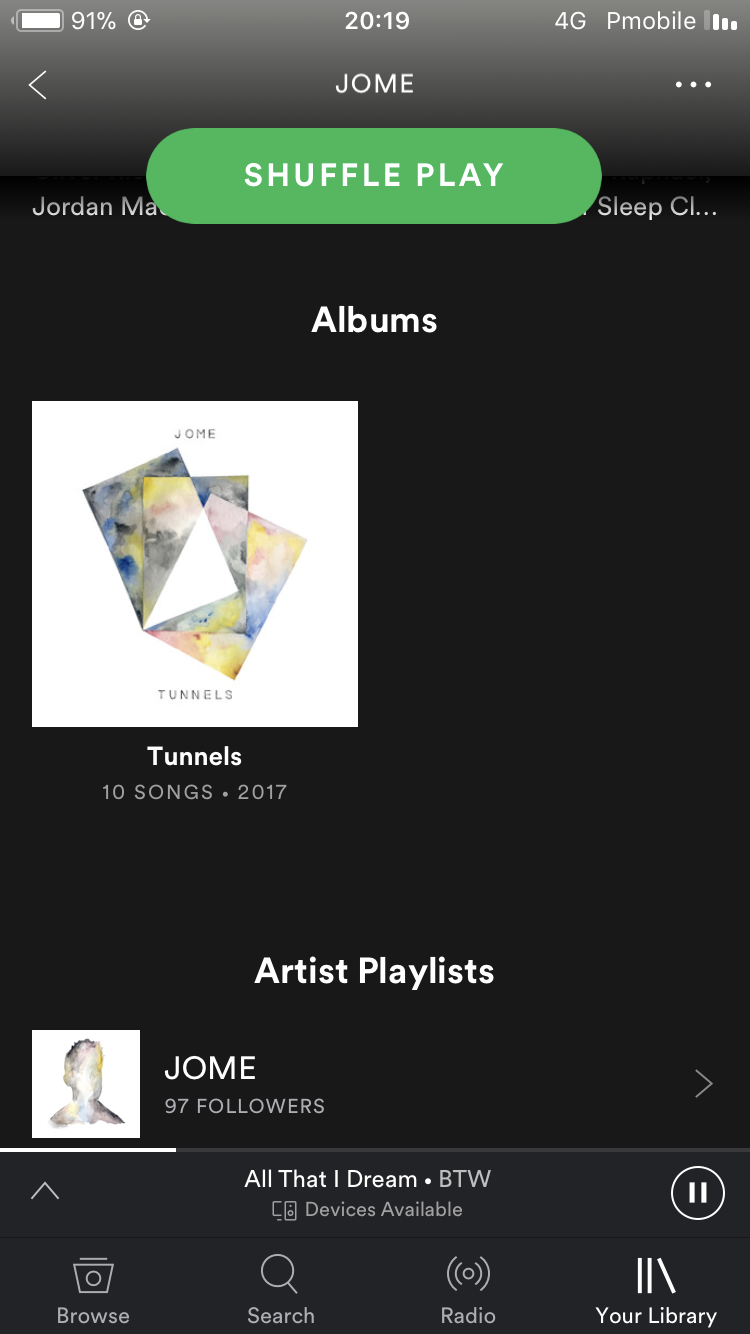
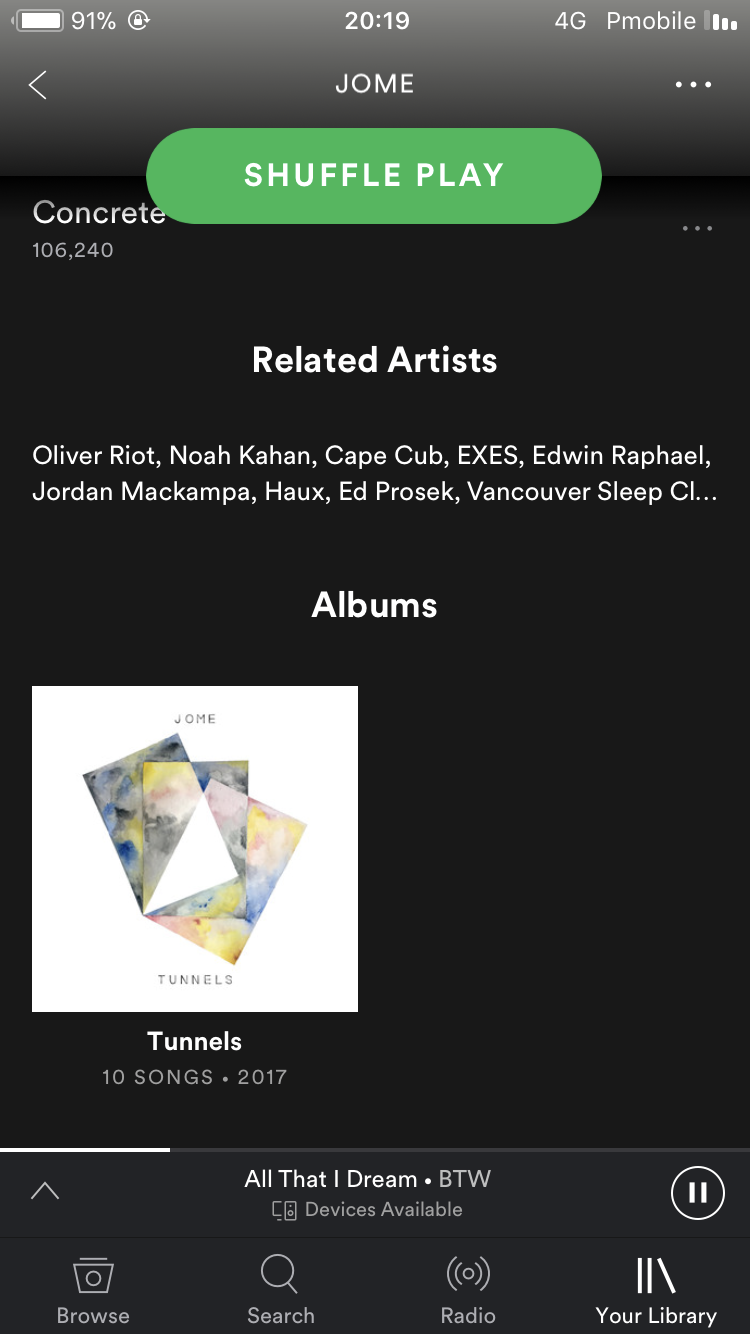
Top songs, Albums, Appears On, and About. No singles.
i have iPhone 8, the latest IOS (11.1.1), and the latest Spotify version (8.4.28) that released today, Nov 17.
Bar

Thanks for the update, @barronen1!
Can you check if you can see this section from other iOS devices? Also, see if looks the same from a friend's account in the same device.
Keep us posted.
Hi @RodrigoPalma,
I performed the both checks - from other iOS device and other account - same result.

Got it @barronen1.
Can you send us a screenshot of your app where we can see where the singles are supposed to show? Also, try using a different internet connection just in case.
We'd like to take a closer look.
No point.. should look like in every app: Top songs, Albums, Singles (which i dont have), Appears On, etc..
I tried another internet connection, another iOS device, another account - Same result.
Maybe its in the app? can you check?

We understand @user-removed.
Nonetheless, we suggest you send over a screenshot of what you see so we can get a closer look. Also, can you let us know what iOS and Spotify versions were on the other iOS devices you tested this on?
We'll be right here waiting for that info.
@SergioDavid Hi,
the details of the other iOS device:
iPhone 7, the latest IOS (11.1.1), and the latest Spotify version (8.4.28)
Exactly same as my iPhone.
Here some screenshots from my app:
(The order is the first, second and middle picture)

Hey @barronen1!
Thanks for sending all this info.
If you're rocking Spotify Free, the app won't let you see singles, since you can't play music on demand on mobile. However, using the desktop or tablet version will allow you to see and play them on demand.
We suggest creating a playlist using the desktop version with the songs on the singles and you'll be able to play it on shuffle when you're using your iPhone.
You can find all the information about how Spotify Free works on each device here.
If you need us again, don't hesitate to open a new thread.
All the best!
Hey @barronen1!
It's odd that this happens. I've checked several iOS devices and was able to see the Singles section. Just to confirm, are you going to the full Artist Profile? If so, a clean reinstall might help, just follow these steps. If it continues to happen, let us know what device, operating system and Spotify version you're using. We'll see what to suggest.
Take care!