[Xbox][Other] Fix the Xbox One App

To some people, the xbox app tells them they're offline even though they're not.
Comments

I’m having the exact issue

I have the same problem and have called Microsoft support many times with no apparent solution

Every time I try to play music it won't let me and won't let me connect to my cell **bleep** like do you guys hate me or something cause I can't live without my tunes in the morning

Im having the same issue, I can log into my account, even search artists but it wont connect by bluetooth or even play songs without trying to use my bluetooth, the app works for everything else but sound! No it wont let me press play on any track at all. Please help, tried reinstall hard shut down. Was working fine few hours ago. TIA.
Yeah i know the feeling just spent a hour with xbox and they told me to make a twitter account and tell spotify about the problem
Like really spotify get some real customersupport we are not in the stone age we are in 2018

same here, since this afternoon the xbox won't play any song
It's been resolved boys.
Sweet and first off not a boy I'm a mom of three

Hi @user-removed, welcome to our Spotify Community!
Could you send us a screenshot of the error message you're getting? We'd like to investigate a bit more.
Also, we'd recommend logging out and back into your account and let us know if it works.
Take care 🙂

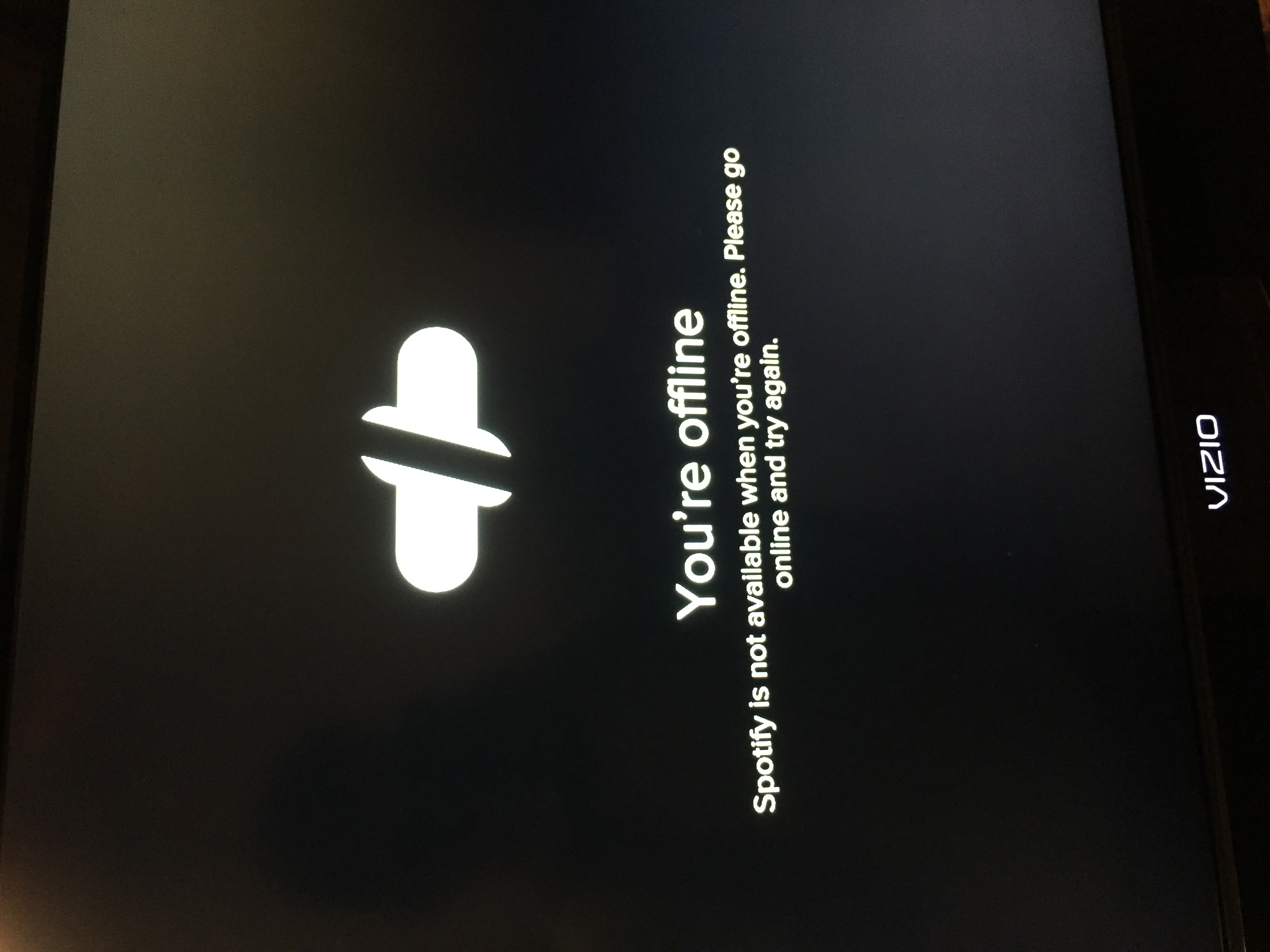
Just to clarify, I'm not having this problem (Probably because I'm in the Xbox Insider Program) but this problem was visable in this post :https://community.spotify.com/t5/forums/v3_1/forumtopicpage/board-id/002/highlight/false/page/3/thread-id/48586 and I told people to send their error messages. Also, the image above is what most users are reporting is happening.

I've been having the same issue for a week. I have tried doing a hard reset I have tried resetting my modem and router I'm not sure what the problem is but I wish it would work I miss my music...

Hey folks!
We had a report about this issue and it should be fixed now.
If you're still getting this error message, try reinstalling Spotify and restarting your internet router before trying again.
Let us know how it goes.

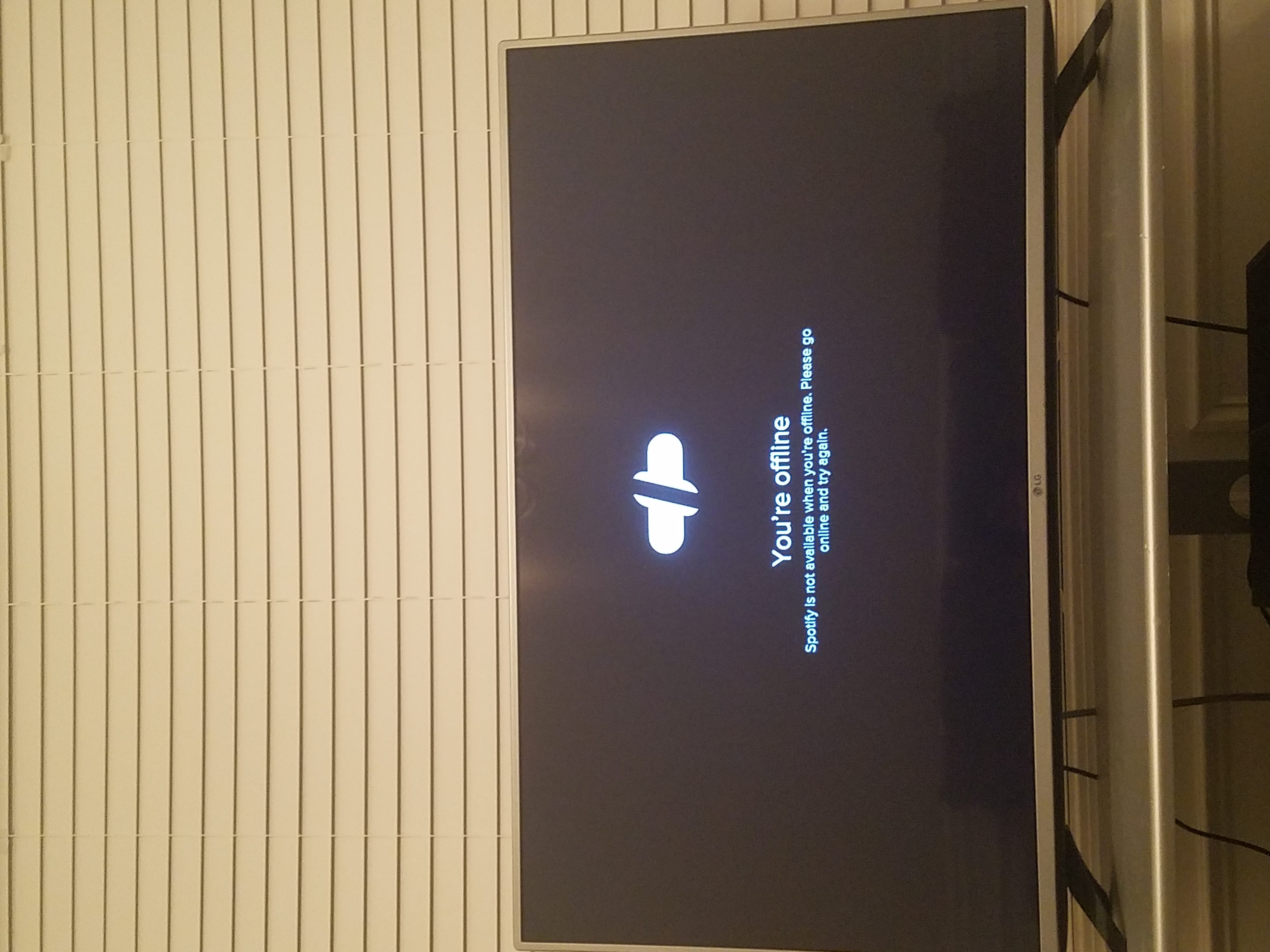
still having the same problem. restarted router and unistalled and reinstalled. there is no way to do anything within the app. this is the only accessable screen.

Thanks for the extra info folks!
Just to confirm, is this happening over WiFi or using an Ethernet cable? If possible try to change the connection type and let us know if it makes any difference. We'll see what to suggest.
Take care!
I'm pretty sure it's over wifi because I asked them to use ethernet and some said it still didn't work.
It still didn’t work.

Hey, I deleted and reinstalled Spotify and I rebooted my WiFi... still no fix, just thought you should know. Also for me it is running though WiFi. I use Spotify on my Xbox One almost daily and this suddenly began to happen just a couple days ago, same problem that everyone else is having. Please, get ahead of this problem, it is affecting a great amount of people and nothing seems to be working. When on this screen I cannot navigate or go to the settings, this image is all I can see when I get on Spotify. I know that I have not been effected for a long period of time, but this is an odd issue that should be fixed as soon as possible, thank you.
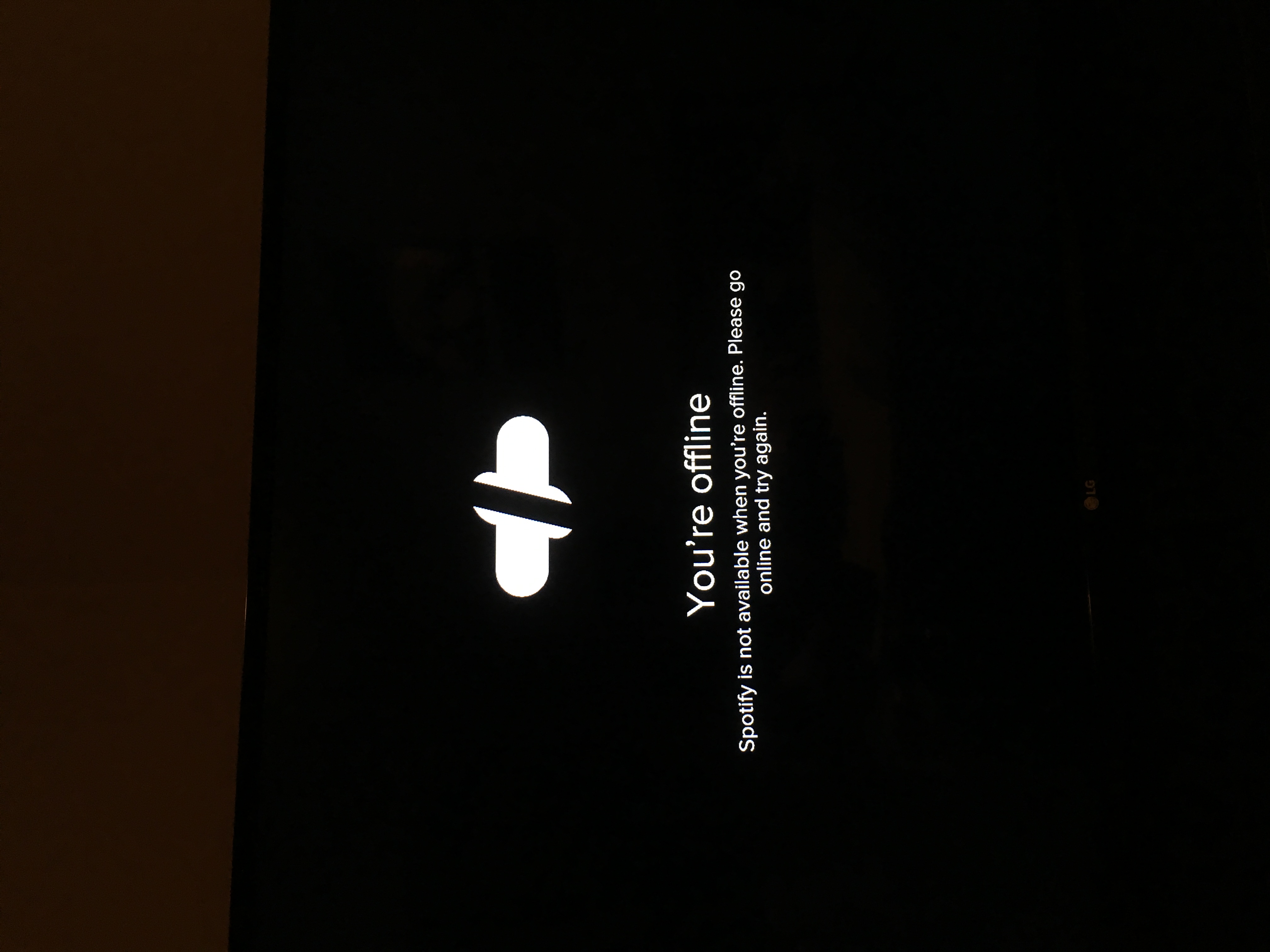

Same screen for me that's in that dude's screenshot. Been going on a couple of weeks now.
Have uninstalled and reinstalled a bunch of times. Power cycled too. Also reset the router.
Still saying I'm offline.
Using Xbox One through Ethernet. Thanks.

Thanks for letting us know @rosdezw20 and @iseeininfrared, this should be up and running. Can you confirm you're still having trouble? If so, restarting the Xbox one more time should help.
Let us know how it goes.
it is not working still, both through wifi and ethernet
I will let you know the status on the offline issue later, am currently busy right now, thank you.
No worries @rosdezw20, take your time.
@kawaiimarco, can you try restarting the app along with your router? Does that help?
i have restarted the xbox, app, router, and anything else i possibly could. ive been having this issue for about 2 weeks now and have contacted spotify support over twitter. there is nothing we can do on our end.
Alright here’s the deal, I restarted my console one more time and it still did not work. This is unacceptable, I have restarted my Xbox and router several times and deleted and reinstalled Spotify several times and nothing, not anything is working! You guys have done nothing at all to fix this issue other then telling us to do stuff that we have already done! You need to get into this issue and fix this becuase this is unacceptable! My screen says I am offline but I am not offline! Fix this already!!!! I mean thanks for the help but seriously though, this has done me no good, I don’t understand... just fix your sh¡t already it’s ridiculous.

I cant login or logout it just says You're offline spotify is not available when you're offline. please go online and try again. And ive reset my xbox redownloaded spotify and its the same thing every time
Hey there @Mara_F.
I just uninstalled, then unplugged the Xbox and router, plugged them back in, and reinstalled.
Still saying I'm offline.
For the past few days, I have tried to play music on spotify from my xbox one. Every time i open the Spotify app on the xbox, it immediately says “You’re offline. Spotify is not available when you’re offline. Please go online and try again.” Ive tried reinstalling the app, and i’ve checked my connection multiple times and it is perfectly fine. Not really sure what to do here, can someone help?