Desktop App is not sharing

My Spotify Desktop App is not sharing. When I click to any link on share section nothing happens: no new tabs or etc. I noticed that when i click to account section nothing happens, again.
Comments
It's Windows 10 Home Single Language, and Spotify verison is: 1.0.72.117.g6bd7cc73.
Also i tried the reinstall but it doesn't work.
Thank you for replying ^^

Thanks for your reply @yngwieblack!
In this case, would it be possible for you to access with a friend's account on you desktop computer and try to share a song/playlist from that account?
Also, you can get the URI link of the content you want to share. You only need to right-click the song/playlist/album > Share > Copy Link or URI. After you do that, there won't be a new tab. However, you'll be able to paste the link (Ctrl+v) and share it with other people.
Let us know if that helps.
It's my and only account for 3 years.
And as i stated it is not just sharing also i can't reach account page from the desktop app.
I know the ''copy link'' section and i am using it. It's the only solution.

Thanks for the extra info @yngwieblack!
Just to confirm, is this happening when you right-click a track or album and scroll down to share? If possible, send us a screenshot to take a closer look. Also, are you experiencing the same on a different device? We'll see what to suggest.
Take care!
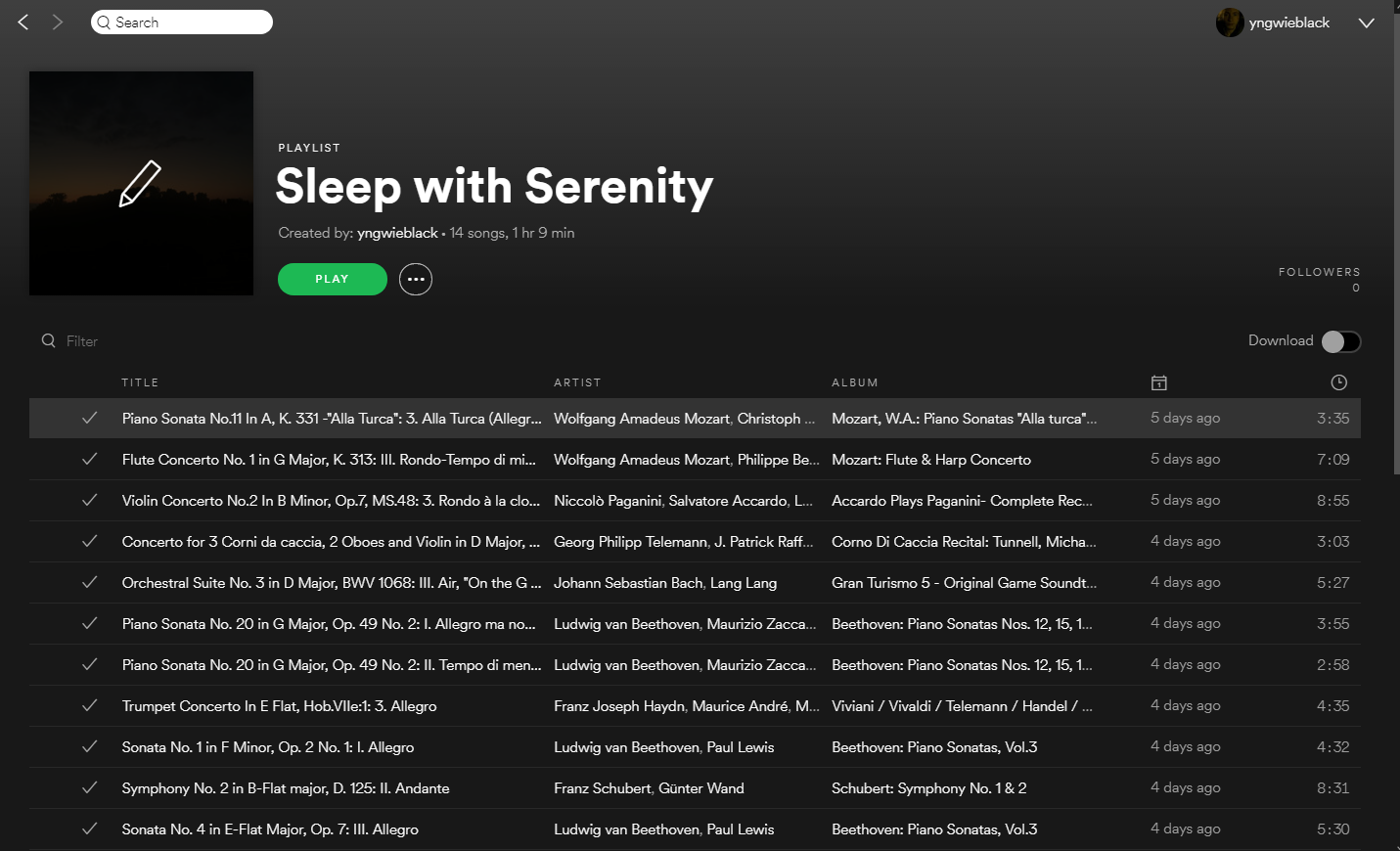
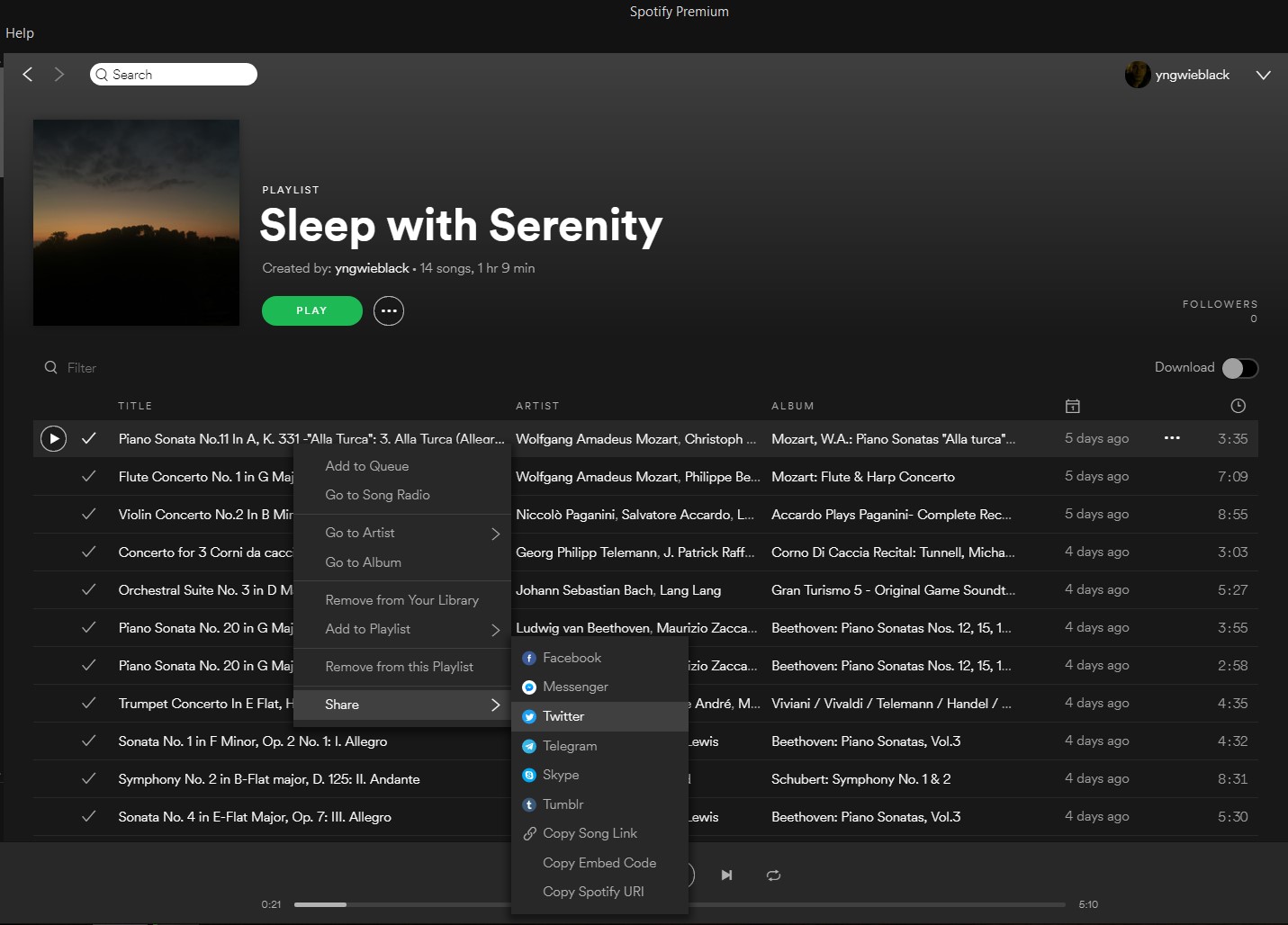
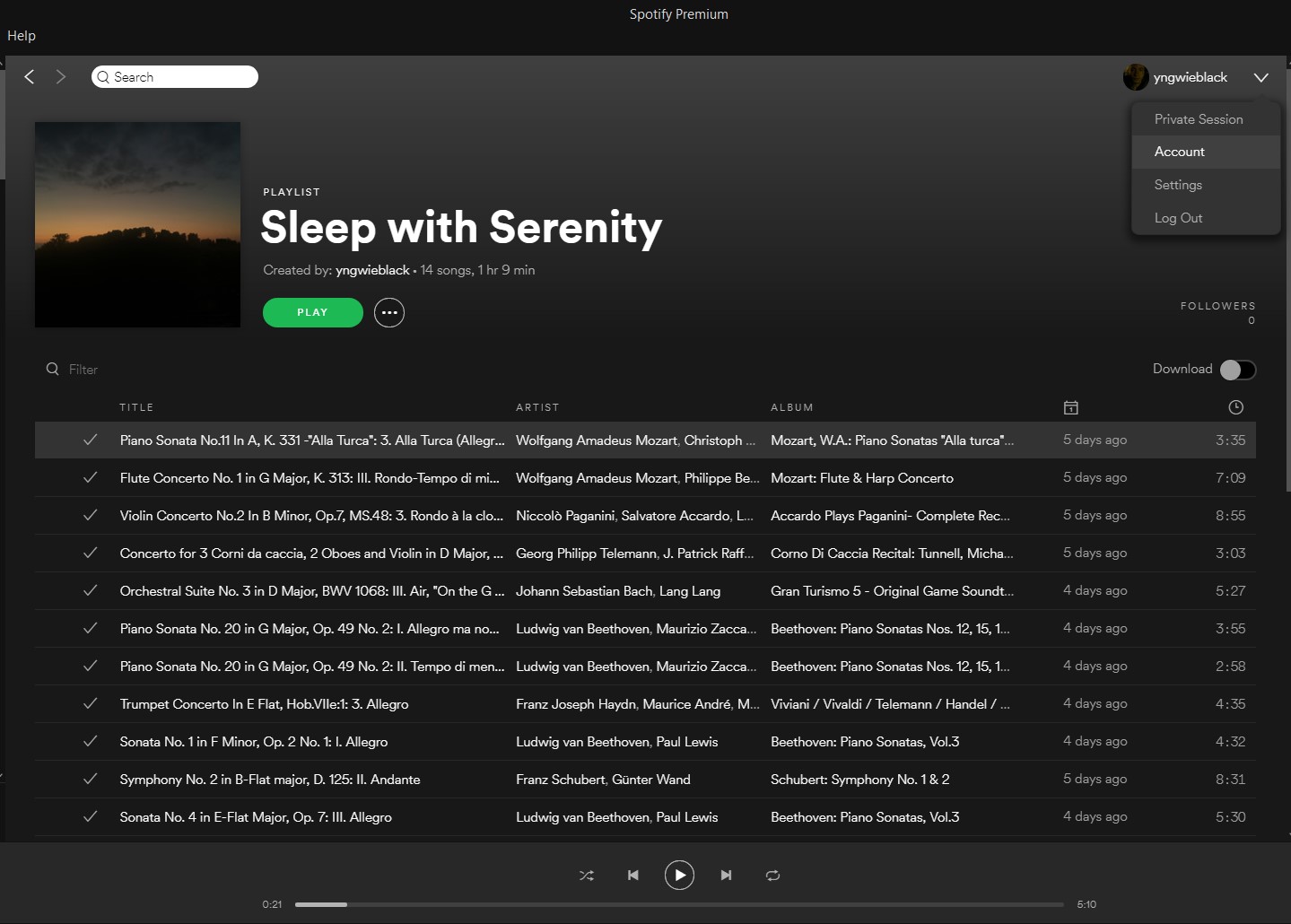
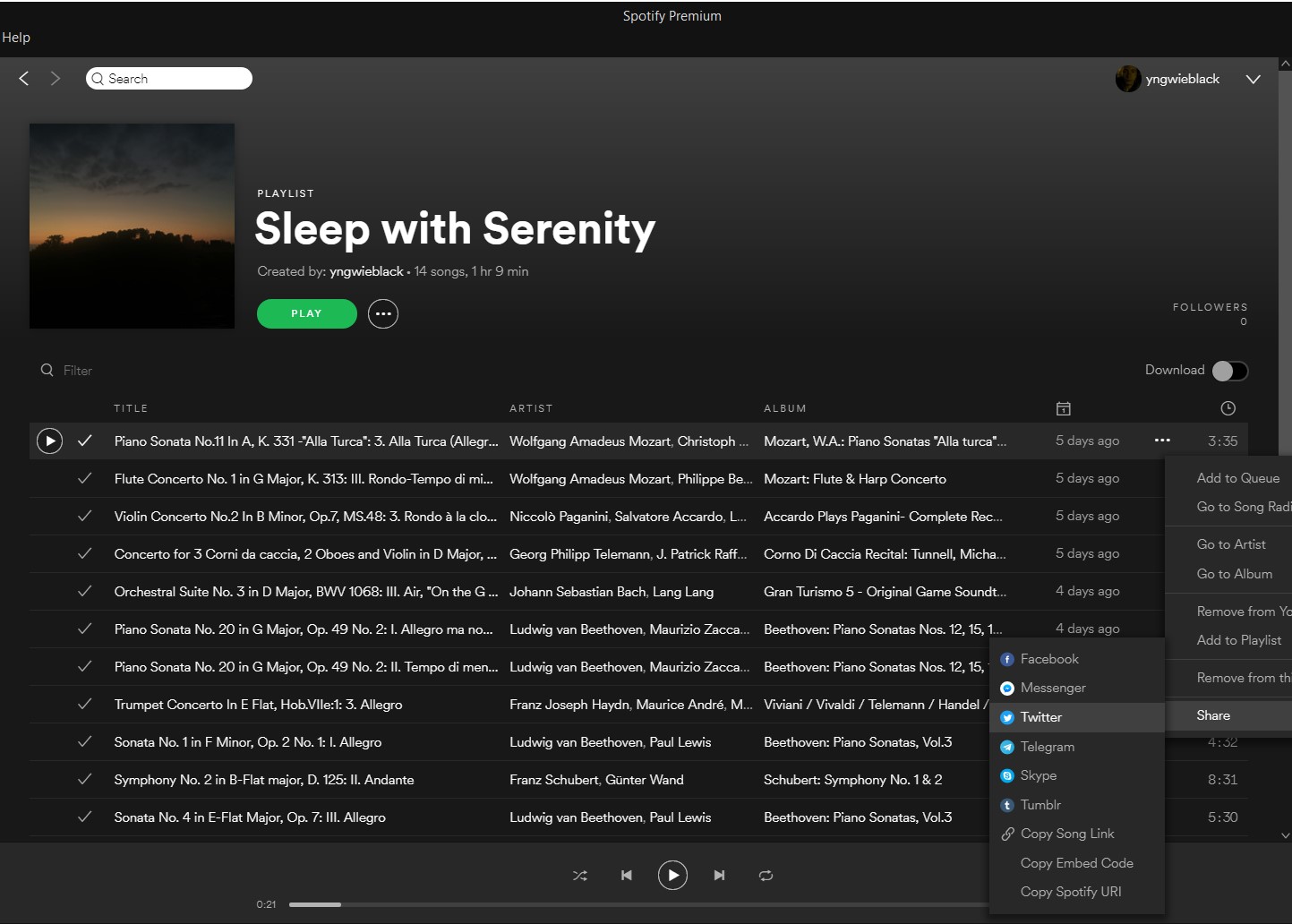 Umm nothing happens when i click to them(even account section). Also i have no problem with iOS app, its sharing feature works properly.
Thanks for trying @yngwieblack!
What exactly happens when you choose one of the options to share? Are all of them not working?
Also, let's try a deeper reinstallation to get this fixed. Just follow these steps:
- Log out of Spotify and then close the program.
- Uninstall
- Browse to the cache and delete everything inside the folder. The default location should be: C:\Users\%Username%\AppData\Local\Spotify\Storage
- Delete also the folder: C:\Users\%Username%\AppData\Local\Spotify\Users\<random numbers-user>\. (There is a folder for each profile that has been logged into Spotify on that computer account)
- Restart your PC.
- Reinstall the app from here.
Let us know how it goes.
Yes, none of them works. Only ''Copy Song Link, Embed Code, Spotify URI''.
I just did that instructions. But it didn't work. Still same.

Hey @yngwieblack!
Thanks for all the info you've sent us so far.
Just to confirm, what internet browser do you have set as default? Also, is Spotify set as an exception for your antivirus or firewall (if you have one).
Keep us posted.
Oh, I solved it. When I looked to default web browser, I saw it is empty. Then I select Chrome and now it works. Thanks to all of you for your efforts. ^^

Hey @yngwieblack!
Thanks for getting in touch with us.
Could you send us your OS and Spotify version? Also, does reinstalling Spotify helps at all?
Keep us posted.