Downloads menu disappeared from Library in iPhone app

The Downloads menu has disappeared from the Library in the iPhone app. This was apparently an intentional change with the latest update. As a result, there is no way to browse available music when listening offline. This makes absosutely no sense, as I'm guessing most offline listening is done on mobile devices. Won't be staying with Spotify much longer if this isn't fixed.
Accepted answers
All comments

So disrespectful! I want it back, and I am paying for it. How can you just go through an A/B test with the feature I use the most?

Please vote for this idea that has been suggested here:
Add a comment there, so it may be considered. Any update on the matter should be posted in that thread.
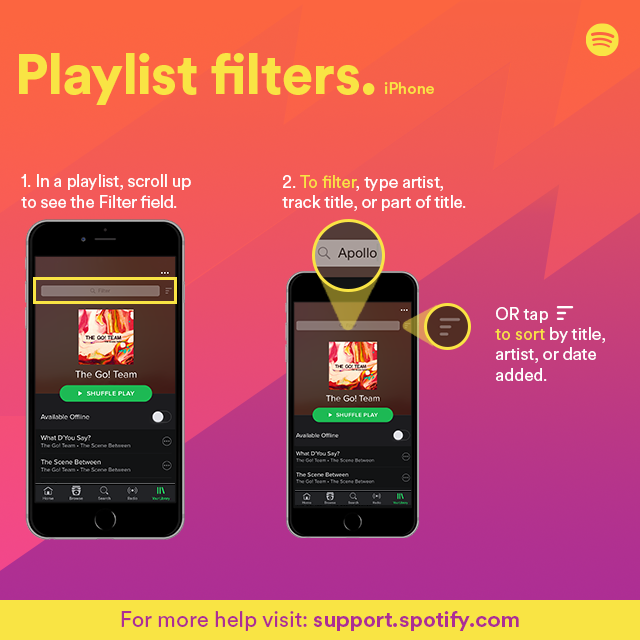
In the meantime, you can use the filter to show only downloaded music. In songs/artists/albums views, just drag down the list to reveal the filter. Downloads is one of the options. Just remember to cancel the filter when you finish with it or you'll be wondering where all your music went. 🙂
I must agree. Instead of going to one source for my offline downloads I now have to search through content that I haven’t downloaded. I know about the green check mark but having one area the downloads are located would be great.