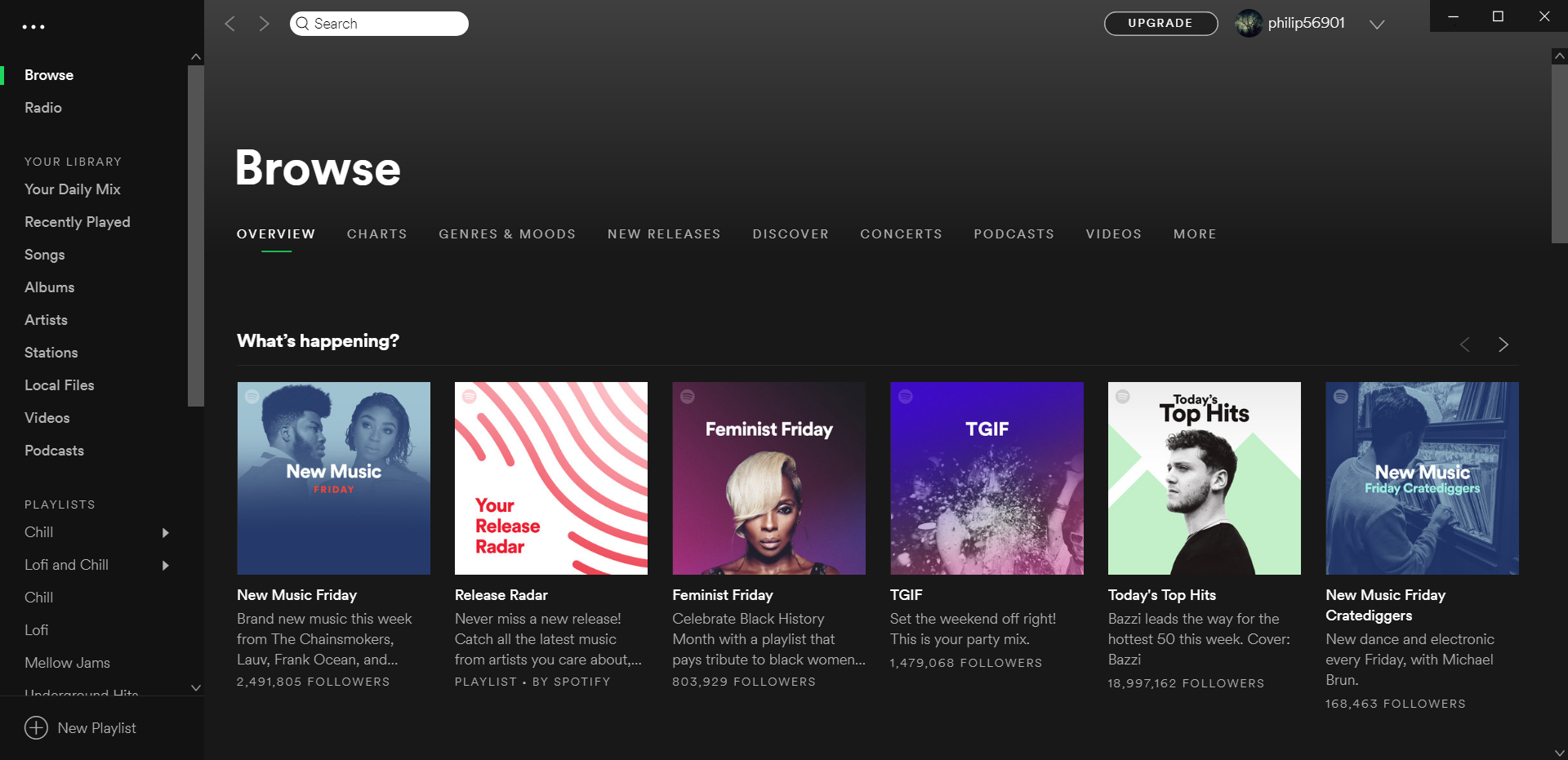
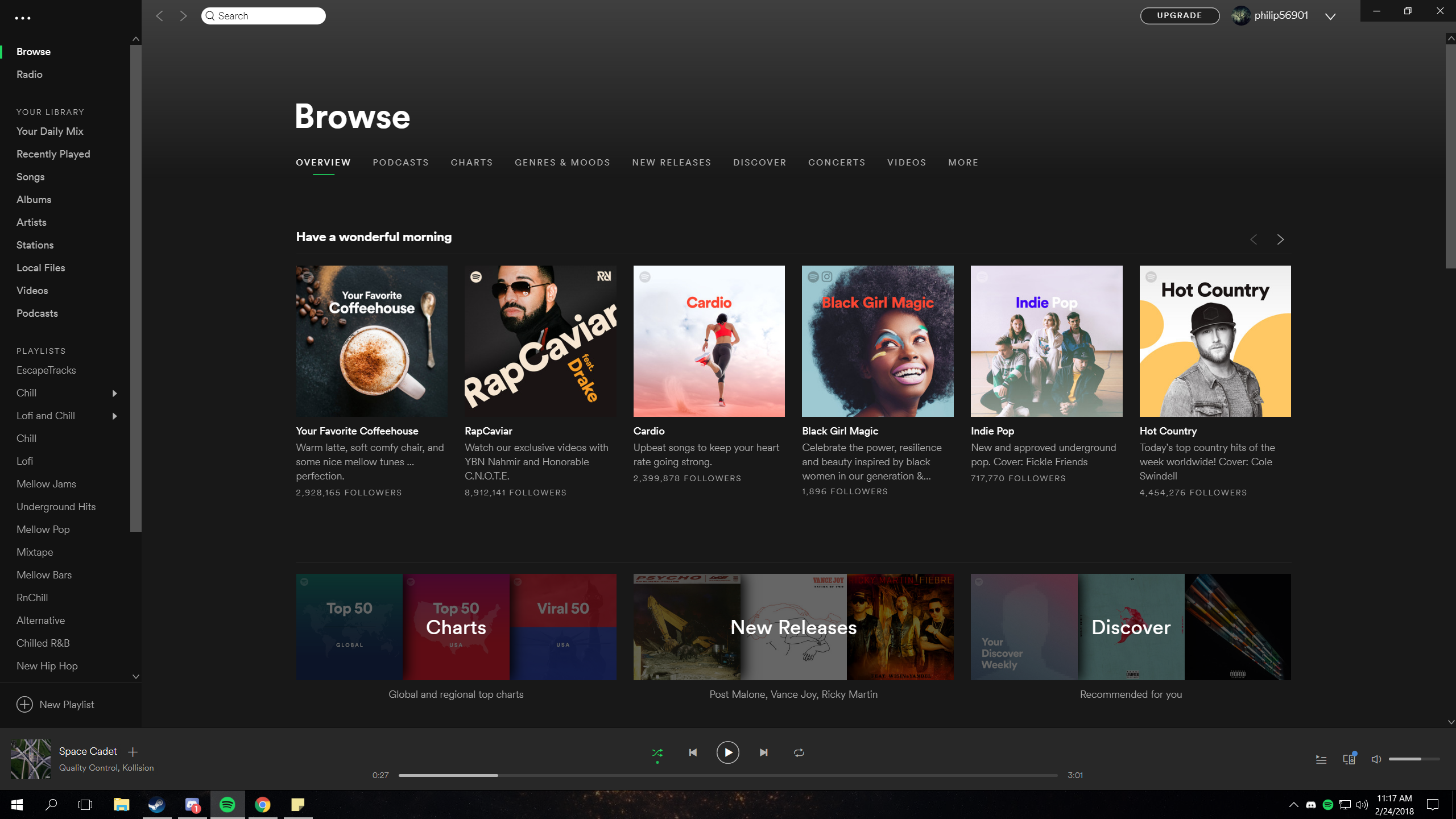
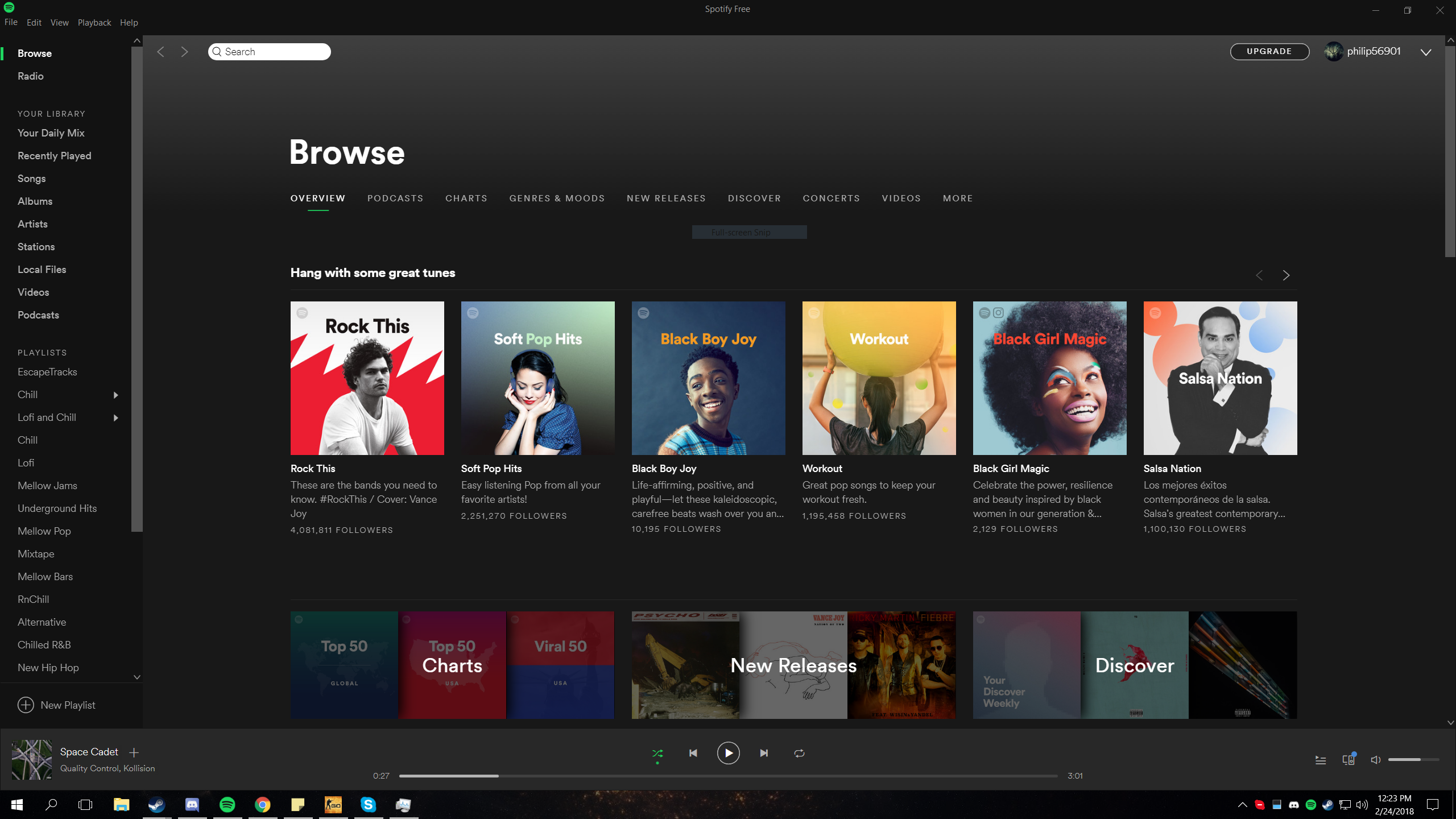
The title bar doesn't scale correctly and is not in the same DPI/format as the rest of the app.
Old Spotify title bar was perfect though.
Also, the bottom of the Spotify application leaves a gap
Hey @FillyCheezStaik! welcome to the Spotify Community!
Everything looks fine on our end on the screenshot you sent. Could you give us more info about what's happening exactly? We suggest logging out and back in to see if it makes any difference.
Keep us posted 🙂
It's hard to notice it through a screenshot but if you compare the title bar between the one from a month ago or so and the new one we have now you'll notice the older one is more clear, less blurry. This is on a 1440p display
Thanks for the new screenshot, but we're still not able to identify the issue you're mentioning.
If it's possible, can you send us a screenshot from another computer that shows how is the app supposed to show according to you?
We'll see what we can suggest.
Mine looks different. Your account must be on a test or something. Title bar looks like the one on Google Chrome
In this photo, the title bar (pay attention to the 3 buttons on the top right), it's less blurry than the latest updated version.
Ah I'm on 1.0.74. Looks like the newest version causes this...
Yeah latest one is 1.0.75.481. It also broke how despite you toggle off Spotify autostart, it still does it.
Thanks, @FillyCheezStaik.
Is it possible for you to send us a screenshot showing how is supposed to look? Also, can you let us know if the same happens using another computer?
Last but not least, the best thing to try here is a reinstall. Just follow these steps.
Let us know how it goes 🙂