Post Of The Week: How To Empty Local Files

It's time to take your seats.
The lights dim, and the big red curtains start to open slowly dragging across the stage.
The first glimpse of a backdrop covered in Stars is revealed, and the show begins.
Hey!
Welcome back to Post of the Week.
Today we're checking out this post, by @dinomight 🌟
What happened:
After trying to remove some Local Files without any luck so far, a Community post's been made to say that the Local Files still appear to be showing in the app! (Help...).
This is where Star @dinomight steps in, to save the day with some quick thinking.
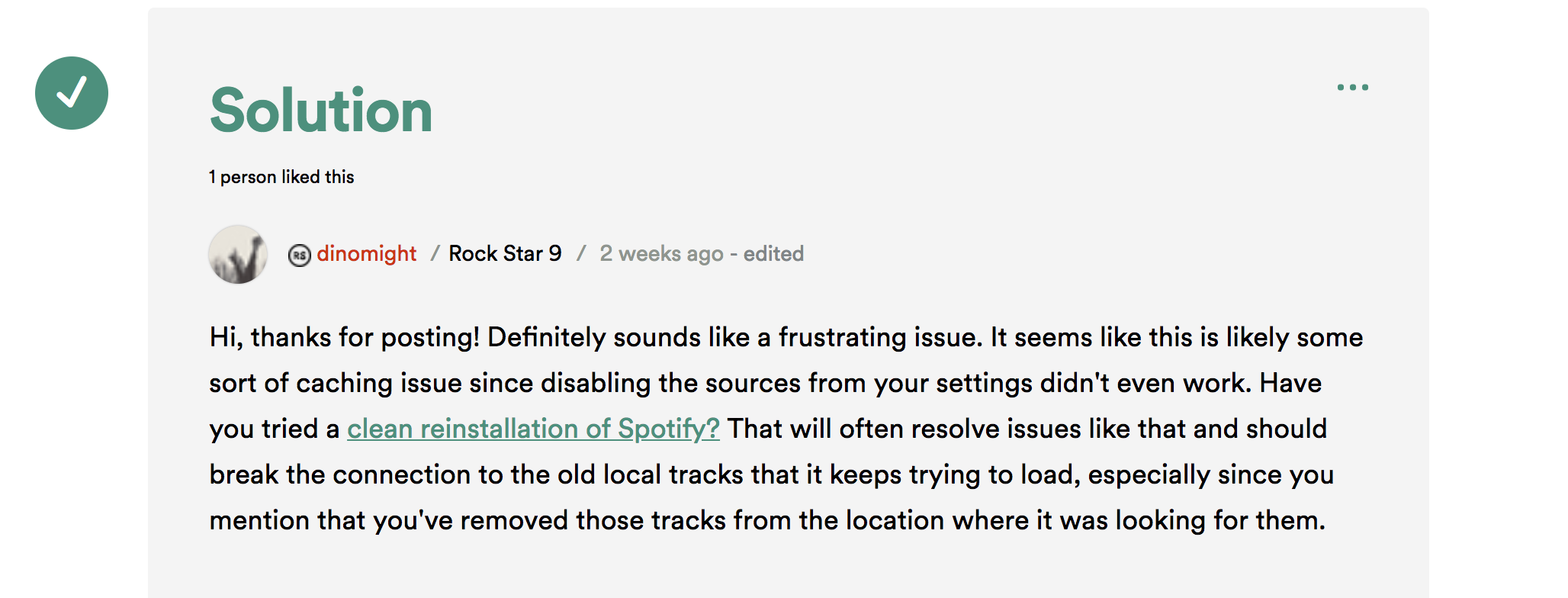
After a friendly greeting, @dinomight has just the idea to lend a hand. A reinstall is often a great place to start, particularly if something doesn't appear to be refreshing!
We love how not only is this fab tip suggested, but the steps on how to reinstall are included too!
How did it go?:
Brilliant news, looks like that did the trick!
With a quick marking of the Solution and super kind response, the case is solved.
That's all for today, but we'll be back!
In the meantime, to say thanks we've added a free month of Premium to your account @dinomight 🎉 Happy rocking.
/M
Comments


Didn't work for me. Uninstalled Spotify with Windows 10 Add/Remove Programs, installed it again, changed all the settings just I like them, including turning off Show Local Files.........
and they're still shown every time I do a search for a song.
What do you recommend next?
Como puedo recuperar mi cuenta de premium?