Connection Failed - [Vivo]

Plan
Premium
Country
Philippines
Device
Vivo V5
My Question or Issue
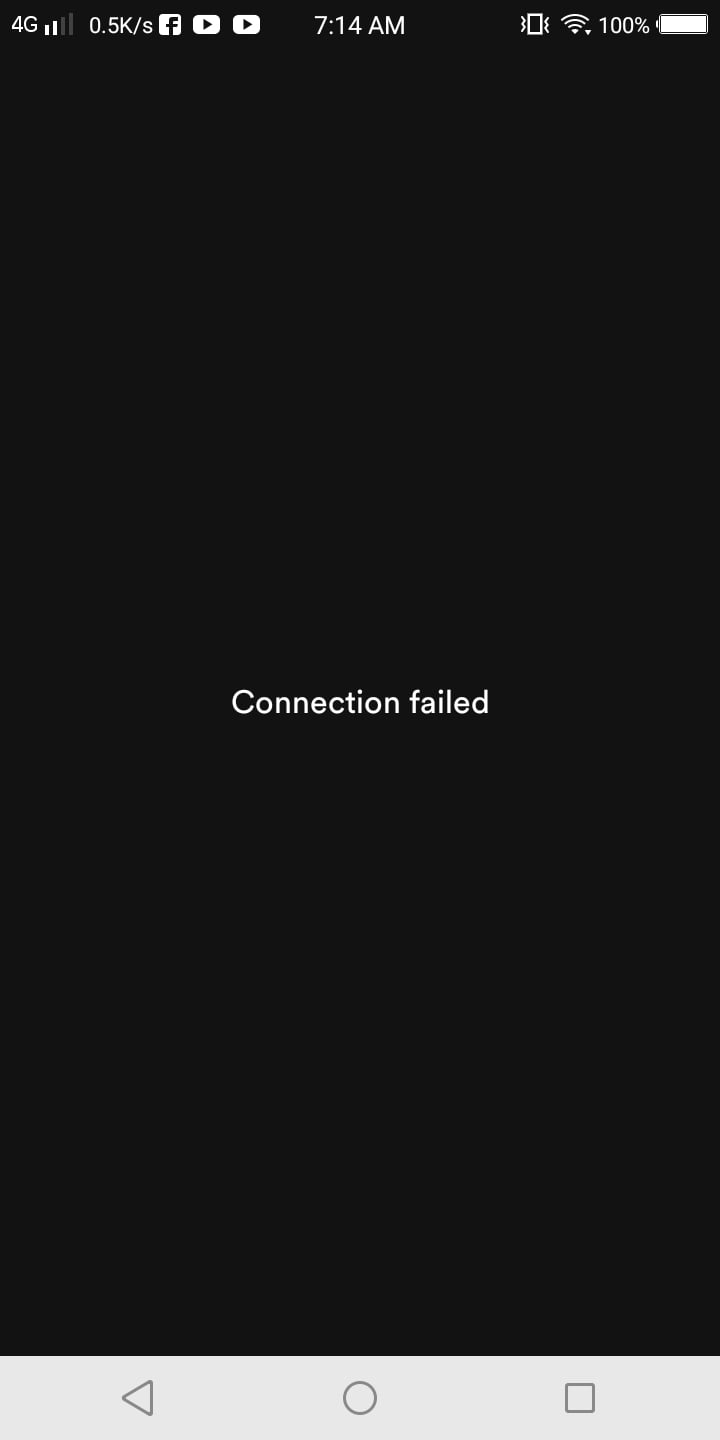
After my spotify automatically updated via wifi, it won't open anymore. After I tap the app, it will just load for a second, then will give me a black screen and a error message saying connection failed.
I tried to uninstall the app then install it again, it worked. But after some hours, it went back to the black screen and same Connection Failed message again.
Comments

Hello, and welcome to the community! I’ve checked @SpotifyStatus on Twitter, and everything seems to be working fine.
Please try to restart(reboot)the phone. If that doesn’t work, follow these steps:
- Uninstall, and reinstall the app.
- Check your WiFi Connection.
- Log out, and log back in.
Hope everything works out.

happen again this morning.
Thanks for the reply.
- Were you able to log out and log back in?
- Did you check your WiFi Connection
- Did you clear all the data for the Spotify app?
Let me know if those also didn’t work. Hope this helps 🙂
Hey, thanks for reaching out.
I know it sounds simple, but it's often overlooked. Could you try restarting your device? If that doesn't help, try a quick clean reinstallation of the app. Just follow the steps here. Could you try signing in with another account? If possible, please sign in with your account on another device with similar specs 🙂
If you're still having trouble, could you let me know the exact version of Spotify and the exact version of the operating system you're running?
I'll see what I can suggest!

Send a message to spotify via their twitter account spotifycares. I'm also experiencing the same issue and they stated that there was an issue with my offline cache and they will be able to fix it on their end.

Plan
Premium
Country
Philippines
Device
Vivo V5
Operating System
Android Marshmallow
My Question or Issue
I have been getting "Connection Failed" every time I open my Spotify. I uninstall it and re-install it every time it does this and it gets me back to using the app normally. But the tiresome fact that along with this, I have to redownload my music. After reinstalling it, it's good for the whole day. But the next day after that, "Connection Failed" again. This is the fourth time it does this and I am getting tired. I cannot use my premium features to the max. Please help me
I alredy tried reinstalling the app twice. After doing that I was able to connect but after sometime it went back to Connection Failed again.
I have an Android version 6.0

The phone used is VIVI X21, and I also encountered the same problem. Try to clear the cache and restart the phone, remove the app and reinstall.
Can be used at the beginning, after a period of time, the connection will fail again.

Hi, I am going through the same problem. Try restarting and reinstalling spotify but the problem comes back after few minutes. How do i solve this.
Device: Vivo V5
Plan: Premium

Exact same problem here. I re installed spotify four times already. Keep losing all ng offline songs and have to download them every single time. Is this a com OK n problem for Vivo users? Im using Vivo V9. Spotify please address this problem ASAP. My premium expires next month and i really wish to continue using this app. But if this keeps up im going back to my old habits for listening to music offline.

Hey folks!
Thanks for letting us know that this seems to be happening since the last Spotify update on Android.
Can you let us know the exact make & model of Vivo you're using, and your Android and Spotify versions?
If you could also let us know the country you're located in, that'd be super helpful.
In the meantime, we'd also recommend giving the below steps a try if you've not already:
-Log in/Log out
-Restart your router and device
-Check if it happens on both WiFi and mobile data
-Try things once more on a different internet connection.
-Reinstall
Thanks, and keep us in the loop!
/M
problems again, I don't know whether it will be happening again in the
future that's my only concern
Hi same issue. I'm using a Vivo V9 and country is Philippines. Current android and spotify versions.

Hi...
I'm experiencing CONNECTION FAILED error in a black screen. Already tried the following but to no avail.
1. Restart router
2. Shutdown and Restart phone
3. Reinstall Spotify - it worked only for a few hours.
4. Clear aps then reinstal again
My phone is Vivo V5 and I'm using Spotify Premium.
Please reply back.
*snip*

Hello,
I have the same issue on my Vivo V9 and this is what I've done so far
-restarting my phone
-re-installing the app works but the issue comes back after a few hours
- cannot login or out. The app is completely unusable once you hit that screen and you can only exit.
-tried to start the app right next to my router, still won't do. Mobile data gives same results.
-the only way to access the app is through re-installing, and then issue repeats
I thought I should add, the widget disappears from the phone and the widget menu. Clearing cache doesn't work.

I'm using vivo y53 and having the same problem. I've tried everything that is suggested but nothing changes. I've reinstalled for a few times, it worked but the problem repeats for the next hour. Please help.

i am also having the same issue whether wifi or data. I have reinstalled it several times however im still gettint the same error message
Same model of cellphone vivo v5

Hi, I am experiencing the same issue. Already did everything but still nothing happened. It would be okay for a few hours but once I open the app again, the same black screen with "connection failed" shows.
My phone is VIVO V5 lite
Philippines
Premium account

I have same issue. I'm using vivo V5 with premium plan. The screen goes black and has connection failed message everytime I'm trying to open the app. Please fix this. Thanks

Same problem here
Plan: Premium
Country: Philippines
Phone: Vivo V5
OS: Android Marshmallow 6.0
I've cleared the cache, removed the app and reinstalled it several times but the same problem persists.

I still have the same problem and I uninstalled it almost 4 times this day and after a while it will have again a black sceen and says connection failed. I'm using Vivo y53 and I'm from the Philippines

- I have the same problem. Im using vivo v9.

I am experiencing the same problem. When I open Spotify,it says " Connection Failed" even if I have good internet connection.
I tried uninstalling and reinstalling the app multiple times. The problem keeps coming back. It is so tiring to be doing it repeatedly because you have to wait for some time before the songs get downloaded.
I don't deserve this kind of service because my card is being charged every month for my subscription.
I hope this gets fixed the soonest possible time because I am considering unsubscribing.

I have same issue with my vivo1610
Android version 6.0.1
Country is Philippines.
This is so annoying.
Please help us.

Hi Spotify
Same problem here. vivo 1719 (Y69) running Funtouch 3.2 version of Android 7.1.2. Since last update, "Connection failed" appears at start up. Have tried clean uninstall, reboot, log off, etc - no luck. Phone bought in Malaysia, running in New Zealand.
Cheers

Same here. Using x21. Can you please investigte and fix issue asap. It seems to only be happening with my vivo phone, i have an iphone and another android and they seem to be ok. Thanks.

Phone: Vivo 1601
Andriod 6.0
Plan: Premium
Country: Philippines
Hi, I am also having the same issue. I have already rebooted my phone a few times, also tried to uninstall and reinstall the app a couple of time which makes it okay for a few hours. Has done all the trouble shooting steps that jas been provided here.
And it worries me for the thought that I am almost due for my next months subscription. I wouldn't want to waste money for the stuff that I am unable to use. I hope this will be okay soon. 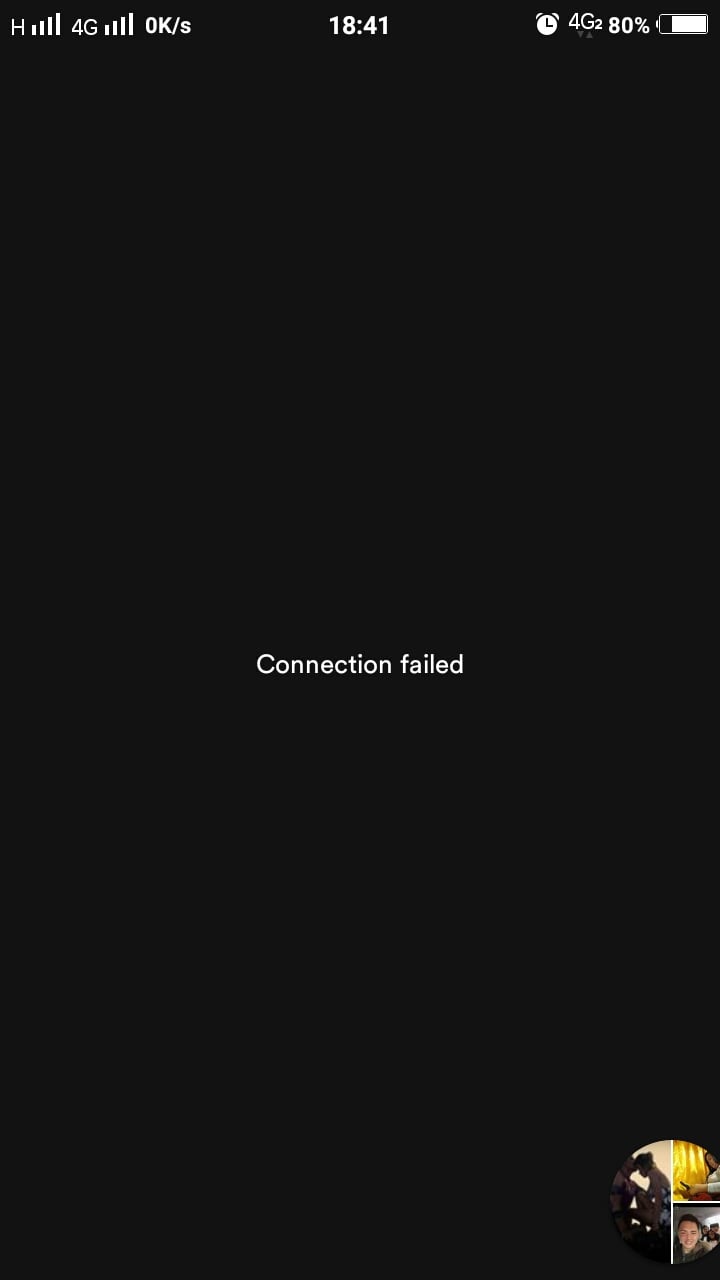


I have the same problem encountered with Spotify app. The last update causes "Connection Failed" error upon opening the app. I've tried almost all of the solutions suggested but its not helping. The problem keeps coming back after a while and this is really tiresome and annoying. I hope this will be solved immediately so can listen again to the music.
Device: Vivo V7+
Andriod version: 7.1.2
Country: Philippines
Plan: Premium
Plan
Premium
Country
Malaysia
Device
Vivo V5
Operating System
Andriod 6.0
My Question or Issue
Connection failed for 2 consecutive days