How to remove PODCAST from desktop homescreen?

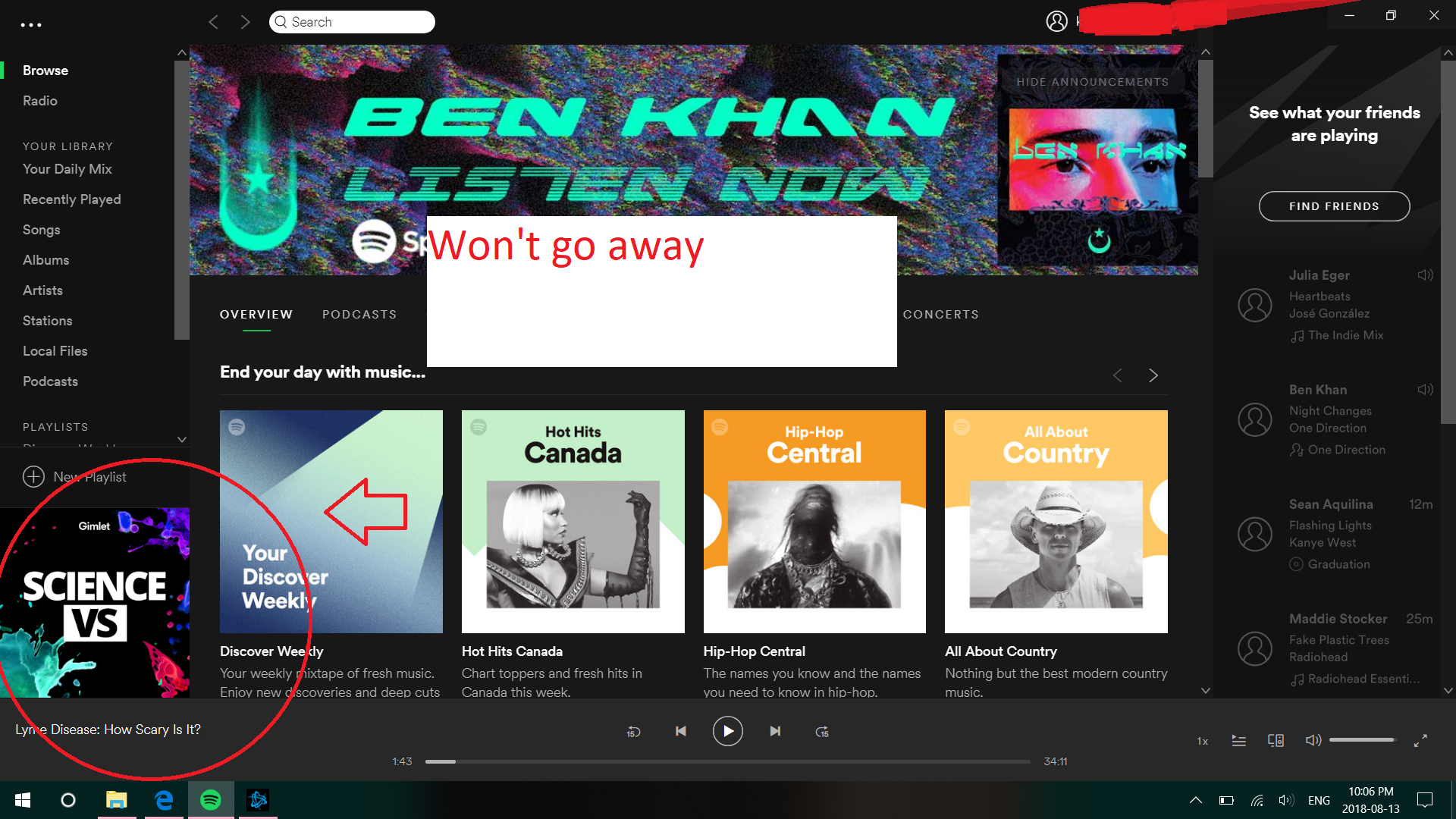
How do I remove podcasts from my spotify homescreen? I can't figure out how to do this in the settings or find a solution to this issue anywhere. The image for the podcast is always there and the podcast itself is always the default media that plays for my spotify. Please help!
Plan
Premium
Operating System
Windows 10
Child Item
Child Item
Child Item
Accepted answers
All comments
Hi Juan,
Thanks for your quick reply! Here is what it looks like on my desktop version. If Spotifiy is running and I toggle the volume button it also shows that old Podcast as playing as well. More of an annoyance than anything else, hopefully Spofiy will fix this issue. 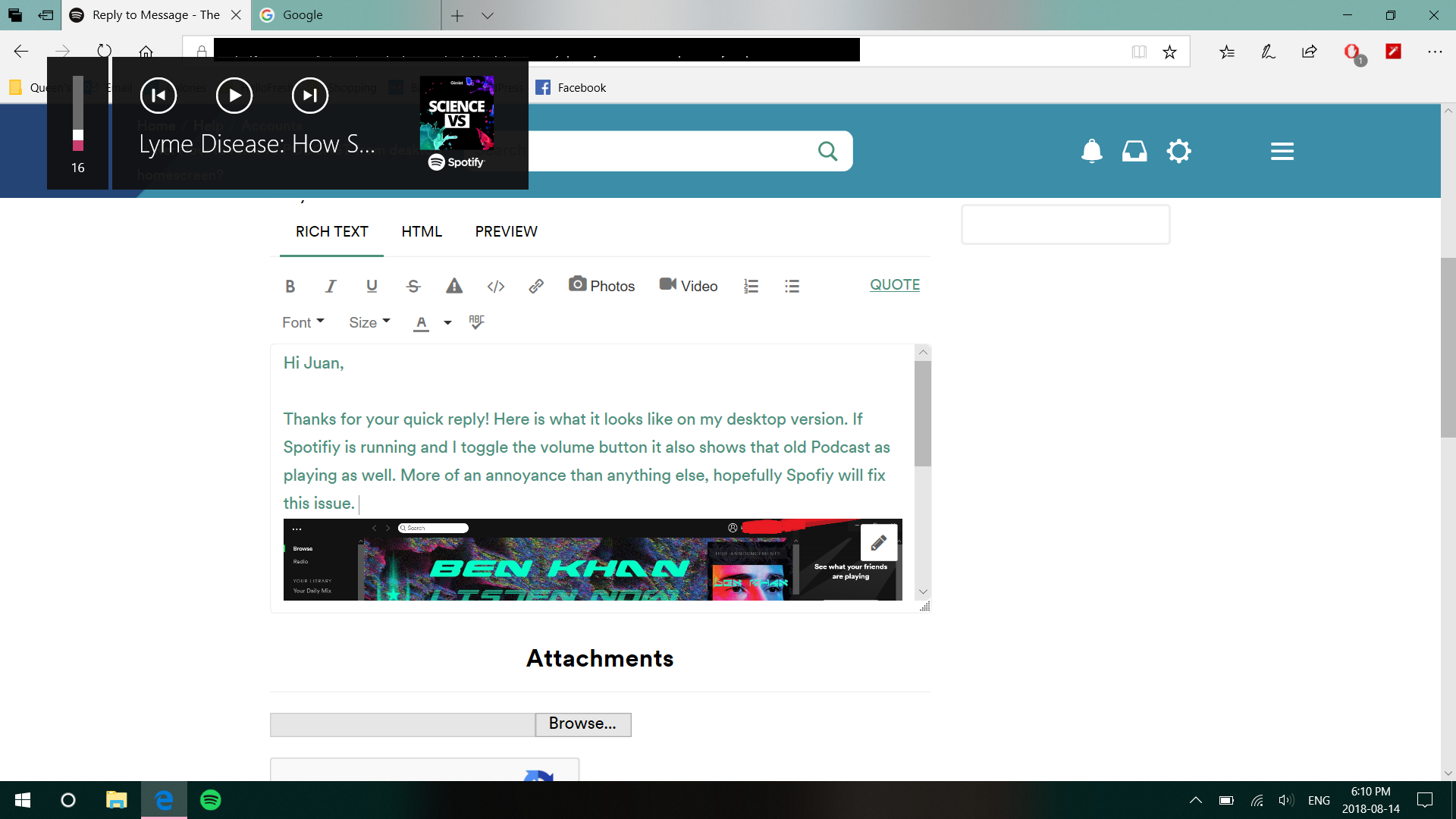


Child Item
Child Item
Hey @kmrsecond.
It's not possible to remove the Podcasts tab on the Spotify app. However, podcasts are not set by default on the app. Can you send us a screenshot from the app where we can see this behavior? Also, let's try doing a full reinstall of the app just in case.
Keep us posted.