Account Page "Sign Out Everywhere" Not Working, Giving 404 Error

Plan
Premium
Country
Singapore
Device
Macbook Pro, Sonos Speakers
Operating System
macOS Mojave
My Question or Issue
The whole issue is in the title, from my account page I hit the "Sign Out Everywhere" button and it doesn't work, I get the following error message:
{"error":"server_error","error_description":"Unexpected status: 404"}I am trying to fix a rogue "Chrome web player" appearing in my devices list, which may be causing songs to skip. I have already changed my password and disconnected facebook in trying to fix my issue of songs skipping.
Comments

Hey @namtrai,
Welcome to the Community! How are you doing?
Could you try doing this through Incognito browser in Chrome or in a completely different browser?
Let us know if that helps 🙂

I am having the same problem. I get that error when I try to log out all devices. Using Safari and Chrome.
Hey @blairW22,
We'd be happy to help. Could you let us know if it works in Incognito Chrome? 🙂
Thanks and have a great day.

i tried in incognito on chrome and i see the same error message

Hi Daisy,
Test on another chrome with normal mode and Incognito and got the same error message. (same as private mode on Firefox)
Please find attached for the screenshot.
Anymore step can I try?
Regards,

Hello,
I am not able to remouve all device with all browser I have and get this error message :
{"error":"server_error","error_description":"Unexpected status: 404"}
Can someone help me ?
Thanks a lot in advance,
Chris

Hello @LaustinSpayce!
Sorry to hear you're having trouble with this. Sounds like an odd issue. No worries though, I'm here to help 🙂
Can you try this process using another browser or Incognito Mode? It might be worth trying another device.
Keep me posted and have a nice day!

Hey folks,
Sorry to hear you're having trouble!
Firstly, if you think someone else has taken over your account, we'd recommend checking out all of the steps here.
If the SIGN OUT EVERYWHERE button is still not working on your account page, can we confirm you've:
> Tried things in a different browser
> Checked your connection
> Tried things in a private/incognito window?
If these steps still don't work, let us know 🙂
We would however still recommend checking the full article above too, to ensure you're in touch with the right team.
All the best,
/M

Same issue here, from Singapore too.
Tested on IE, google chrome and on incognito mode as well.
If I manually enter https://accounts.spotify.com/revoke_sessions it logs out on the browser its on but not on the other browsers.

Same issue here, from Canada.
Hey @titoine54, @LaustinSpayce!
Sorry to hear you're having this issue, too. Can you send me over a screenshot of the error message? Add the URL, I'll check it just in case 🙂 Can you also try signing out following this link?
Hope this helps and let me know how you get on!
https://www.spotify.com/sg-en/
When using ../us/ as you've suggested, it only logs out the current browser, not in the other browsers.
Let me know if that helps at all.
I'll get redirected to https://www.spotify.com/sg-en/account/overview/ with that link!
I go to the link provided, I get redirected to sg-en as the other poster mentioned.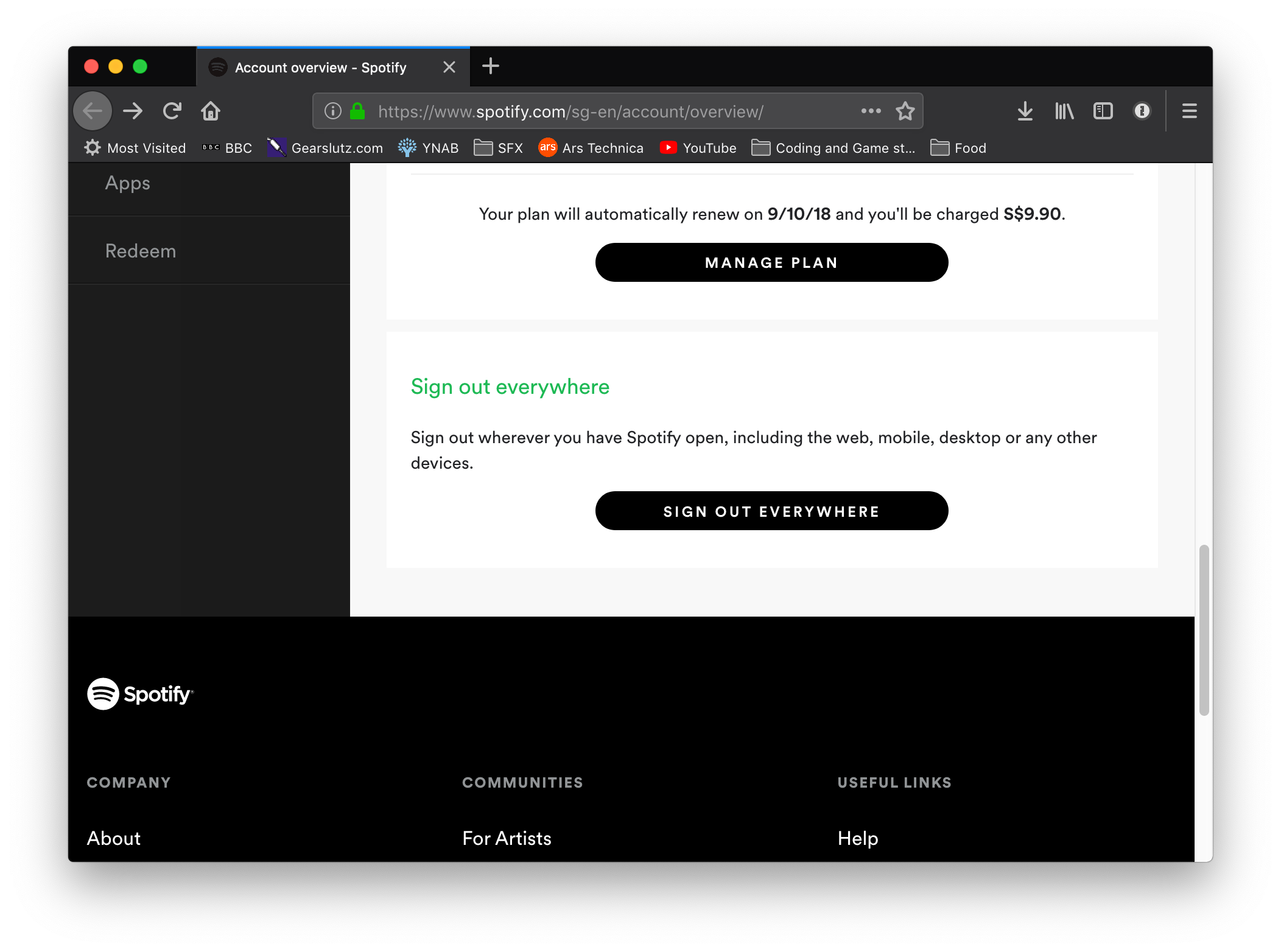 Page to sign out everywhere
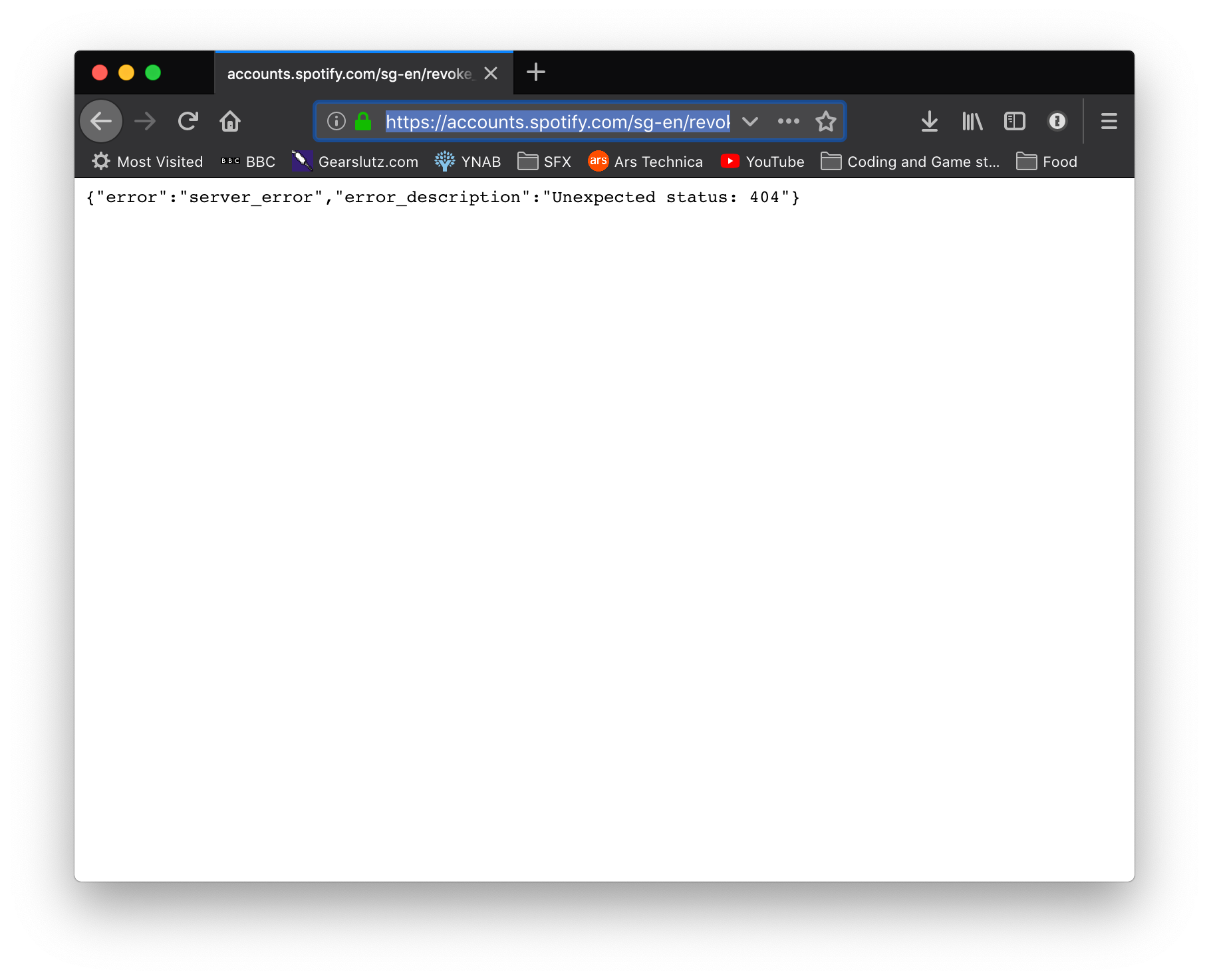 Error message displayed
The link to sign out redirects to this link: The website does not allow me to copy & paste the URL into text in this post.
Hi Melody,
It didn't work, after tried all of your recommendations.
- another browser: firefox, chrome, safari (normal mode, private mode) -> still reponse 404
- Check connection: of course my connections is good -_- . The thing is your apps reponse 404. seem its not my connection issue.
Thank you for take into account the issue with high priority.
I don't think it should take too much time for this security step. (log out all devices)
Best Regards,
p/s : I already changed my password.
Hello everyone,
We're gathering more info on this, so please reply to the thread with the following:
- Operating System
- Device model
- Spotify version
Thank you, hopefully we'll get this updated soon! 🙂
Nice to see this was moved to Ongoing Issues. Hopefully the tech team can solve it as soon as possible 🙂 Have a nice day guys!
Windows 10
Google Chrome/IE
1.0.89.313.g34a58dea (Windows Store version)
Don't think spotify version matters since its a website problem?
@Daisy
macOS Mojave (10.14)
Firefox
Spotify client 1.0.89.313.g34a58dea
It appears to be working now,
'sign out of all devices' now kicks me out of my web browser and my spotify client.
Thanks for the info! So you don't see the error message anymore, and it just logs you out everywhere? 🙂

Hey everyone!
Thanks for reporting this.
If you're experiencing this, make sure to click the +VOTE button.
We'll let you know as soon as we've got any updates, thanks!
I'm from Singapore and profile is set to said country.
On https://www.spotify.com/sg-en/ when I attempt to sign out everywhere, it logs the current browser and my windows spotify app out.
The error messages no longer appears.
However, other browsers are not logged out.
If i test this on https://www.spotify.com/us/, it does not even log the windows spotify app out, just the current browser.


Good news!
This has been fixed now 🙂
Happy listening!
That's great! I'm glad you could solve this issue so fast 🙂
username:
dmzeona4orfd5v6o8c6jhsbek
Plan
Premium
Country
Vienam
Device
Web profile page
My Question or Issue
Hi guys,
My account seems hacked/used by other guys (i'm pretty surprised that lots of topic like this).
The good thing is i'm starting to protect my acc by begin for changing my password and log out all of device.
The bad thing is I can't log out all of devices. When I clicked on the button, the profile page always return me this message:
{"error":"server_error","error_description":"Unexpected status: 404"}So please help to check what kind of error I got?
My account was create from facebook.
Many thanks