More devices button is gone

I updated the Spotify-app on my Ipad (I am a premium user) and now the ”more devices” ("meer apparaten” in Dutch) button is gone when I want to connect to a device (devices available)
I normaly connect to my Denon hifi receiver. Normaly I open “connect to a device” and then I have to click on “more devices” in order to select my hifi receiver. The hifi receiver is/was never available in the main screen “connect to a device”/“devices available”. Now the button is gone and Spotify can’t find my Denon receiver anymore.
Does anyone has the same problem, or can someone tell me why the “more devices” button is no longer available?
Thanks!
Accepted answers
All comments

Hey @DMaessen! Welcome to the Spotify Community. ^^
That's odd.
The feature should be there as usual. Could you try to check if that happens on other devices as well? And keep in mind that both of the devices need to be in the same Wi-Fi network. ^^
Let me know how it goes!
Peace
Thanks you for your reply!
I tried it on my iPad and on my Nokia 7.1 on both devices the button was not there...
They where both on the same wifi as my Denon by the way...
I've escalated your issue to the support.
I will reply on this thread with help soon. ^^
Peace
Please do the following:
- Find out if there is a Firmware update available for the receiver
- Reinstall the Spotify app using these instructions
- Unplug the receiver and router for a few minutes and connect everything again
- Confirm if the receiver is connected to the network by trying to use a different internet service
- Try to play something on the receiver again
Let me know if that helps, thanks!^^
Peace
Thank you very much! After following your advice the “more devices button” magically reappeared! I hope it keeps working 🙂

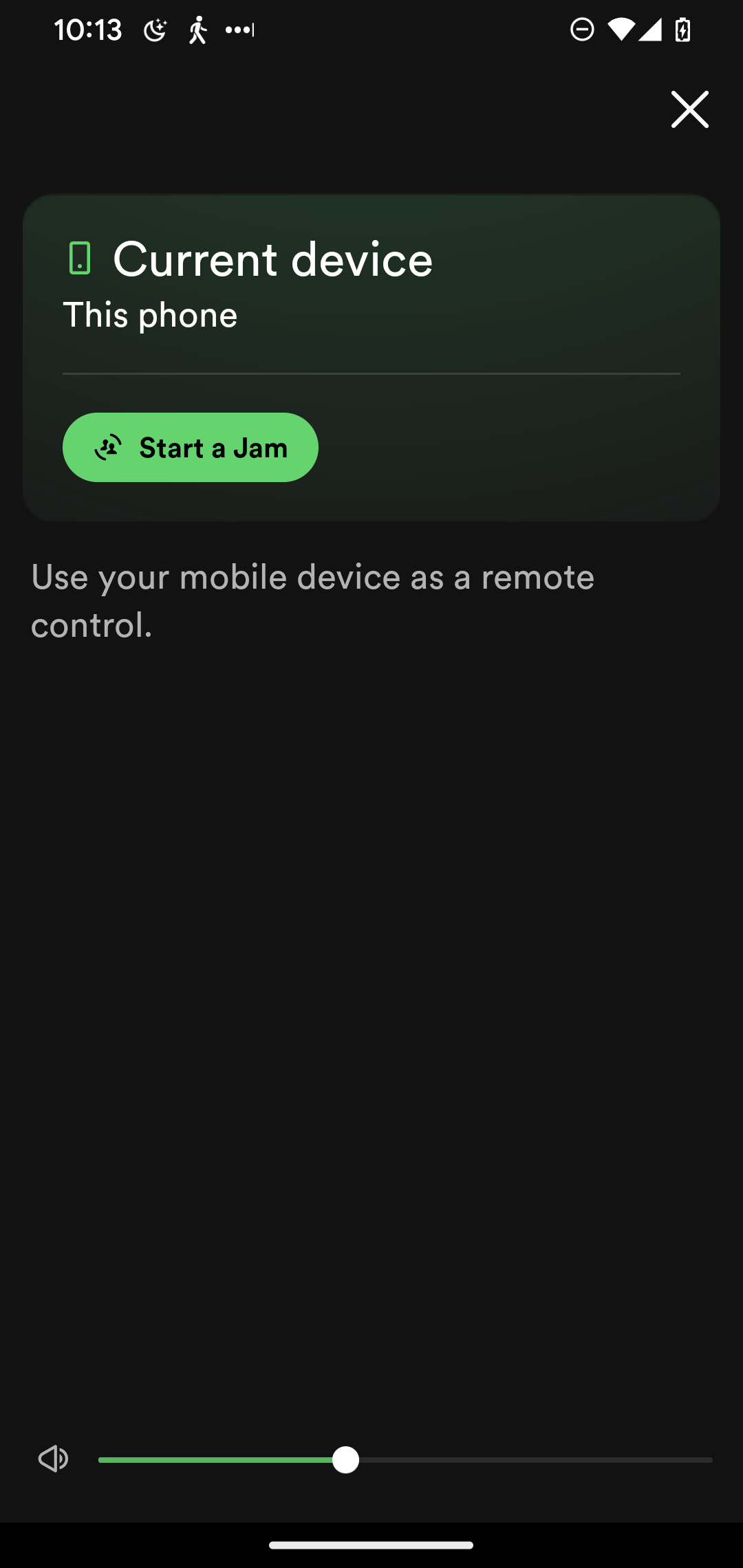 I'm having the same issue. And after following all of these steps it's still not working.



Hey there @dani-p,
Thanks for reaching out in the thread!
Just to check, how are you trying to link to the speaker? Are you using Connect or Bluetooth?
It would also be helpful if you could let us know the make & model of your speaker, as well what mobile device you're using.
We'll keep an eye out for your reply.
Alexa will still not play Spotify. She tries to. I will say, "Alexa Play
Music", and she will say, "Playing music through Spotify" and then nothing
happens. Just radio silence.
I have really tried everything to make this work. And, from looking at your
forum, it seems this is not a me problem, but an everyone who owns an Alexa
problem. It's odd that your company allows Amazon to advertise that you can
play music from Spotify on the speaker, when you clearly cannot.
I am using a Pixel 4
All apps are up to date
Alexa is bran spankin' new (a 5)
I've disconnected, reconnected, removed apps, redownloaded apps, patted my
head, rubbed by belly, stood on one foot with my eyes closed, prayed to the
Alexa gods, but it does not work.
Very disappointed with this user experience.
Thanks for the additional info @dani-p!
We had a look into this, and what you're experiencing sounds similar to what's mentioned in this thread. Feel free to have a look and leave your details there, should it be what you're experiencing as well. This will help us check this further with our teams.
We're just a post away if you have any questions!
@DMaessen
Please do the following:
Let me know if that helps, thanks!^^
Peace