PLEASE fix poor AirPlay connectivity

Plan: Premium
Country: USA
Device: iPhone 11 Pro , iPad 12.9 3rdGen
Operating System iOS, iPadOS
My Question or Issue
I can play iTunes and youtube, etc., to airplay speakers/HomePod fine all day long. However, Spotify regularly disconnects after a song or two. I have had this since before iOS 13 and while using the latest (13.2.2). Lately, it’s been impossible for me to use Spotify on airplay. Not only have I deleted and resintalled the APP multiple times, I’ve reinstalled my entire OS on the devices. I’ve even purchased a new phone and I still have the problem.
JAS
Accepted answers
All comments


Hey @BartAmsterdam,
Thanks for searching for the answer you need here.
Could you let us know if the issue persists after resetting your router or using a different internet network? If that doesn't do the trick, it's a good idea to run a clean reinstall of the Spotify app on all devices and restart them. This tends to solve connectivity issues like the ones you're experiencing.
Hope you find this useful. Let us know how you get on.
Hi Mihail,
I tried that as well. I have reset my HomePod and Spotify App several times.
I even changed my internet provider a few months ago (new modem etc). The problem still exist, but only for Spotify. No problem with other services like radio, YouTube, Podcast app of Apple.
Would be great if there is fix, because it's very frustrating.
Thank you in advance.
Hey @BartAmsterdam,
Thanks for getting back to us.
Could you let us know the make, model, OS version and Spotify version of the devices you're experiencing this on? Also could you explain if there was a specific moment after which the issue first appeared - after installing an update or an app maybe?
Keep us posted, we’ll keep an eye out for your reply.

I am having an issue with Spotify (8.6.2.1041) to play music using Airplay. I am using an Iphone 11 with iOS 14.4 and an the Ipad Air 3rd generation with iOS 14.4.
The music is randomly sent to my speakers via Airplay. So basically I can connect to the speakers and select them via Airplay but then the music is playing without any sounds on the speakers. The speakers are working with Airplay with other applications so it is not coming for them or form the wifi.
I have reinstalled everything several times and now I am getting a bit nervous to be honest.
Could you please fix the issue?
Thank you
Hi Mihail ,
Sorry for my late reply, I haven't seen your message.
I'm using an iPhone XR (iOS 14.4) , HomePod 14.4, Spotify 8.6.0.904.
There is no specific moment, it's quite random.
I'm having a Libratone Zip mini as well. I don't experience any problems on this device. This device is however connected through Wifi and not Airplay.
I'm having also a Google Home Mini, and don't experience any problems on this device.
I'm having the problem already for over a year. It's very frustrating. Not sure when it started. But updating app/homepod/iPhone and changing internet provider had no positive effect at all.
Greetings, Bart

Hi folks,
Thanks for the detailed info.
Can you let us know if you've tried connecting a different Spotify account to your devices and if you're experiencing the same issue?
Cheers.
Yes, my housemates experience the same problems: different acounts, different iPhone models.
Hey @BartAmsterdam,
Thanks for getting back to us.
Can you let us know if you're:
- able to play music if you connect to the devices via a method other than AirPlay (eg. via Bluetooth or aux cable).
- able to check if the router frequency can be changed to 5GHz (if possible) to see if that helps matters.
Keep us posted on your progress.
I am able to play music if I connect to the devices via a method other than AirPlay (eg. via Bluetooth or aux cable).
I have a 5GHz connection as well.
Still not working
Hey @Pauline7,
Thanks for getting back to us.
Can you let us know if you've ran a clean reinstall of the Spotify apps on your devices? This includes completely removing all app data.
Since she says that other connection methods work okay, it's possible this is linked to your network set up. Can you try the following:
- Restart your router
- Connect all devices to a different network like a mobile hotspot created from your phone and see if you get the same results as before
Keep us posted on how you get on with this.
Cheers.
I have done it at least twice and still not working.
Even though when I am selecting the speaker on Spotify I am hearing the connection but then no sound while the music is playing. The connection is properly working since I can play music with youtube using Airplay.
Hi there @Pauline7,
Thanks for the reply.
Can you clarify if you've also tried when connecting your mobile devices and speaker to a mobile hotspot?
Cheers.

Hi again @Pauline7,
Thanks for getting back to us.
Just to confirm, are you seeing any error message when trying to connect the speakers to the hotspot?
Keep us posted.
Hey @Pauline7,
Thanks for this info.
Could you let us know if you tried this with a different account?
Also, did restarting your router made any difference?
Let us know how you get on with this.
How can it be my wifi connection since it is happening even when I am using another WIFI and another account?

Hey there @Pauline7,
Thank you for your reply.
Can you let us know what speakers this is affecting?
It would also be great if you can send us a screenshot of the app's settings in the iPhone's setting.
We'll keep an eye out for your reply.
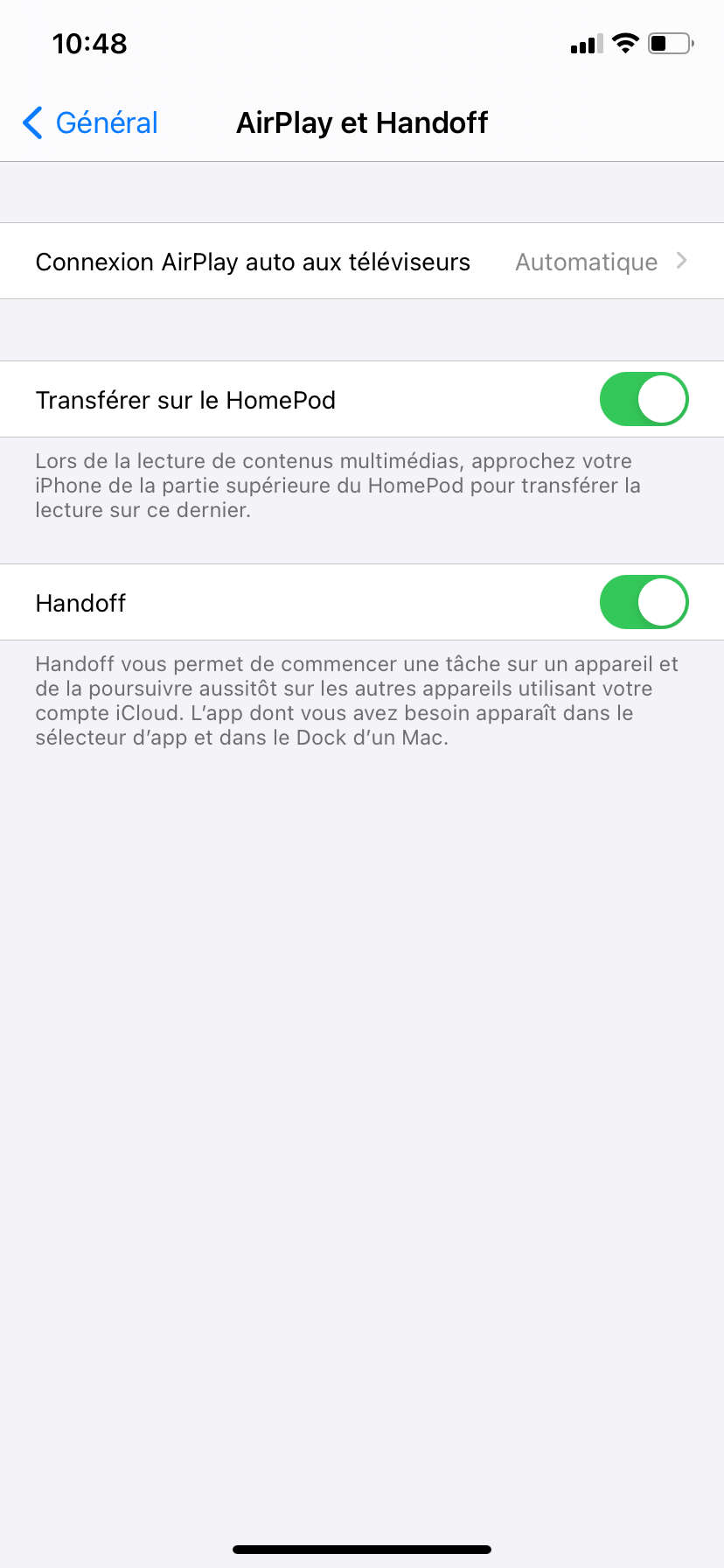
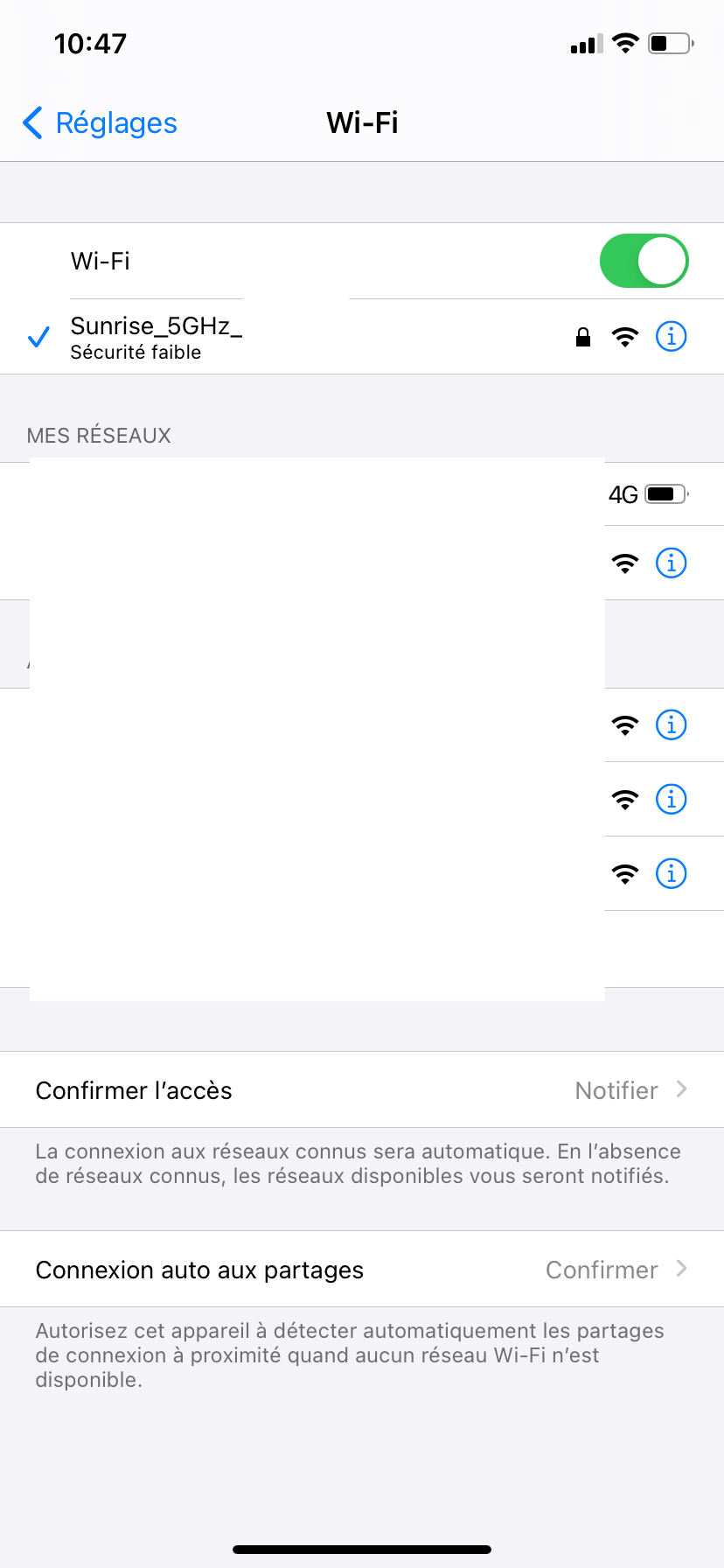
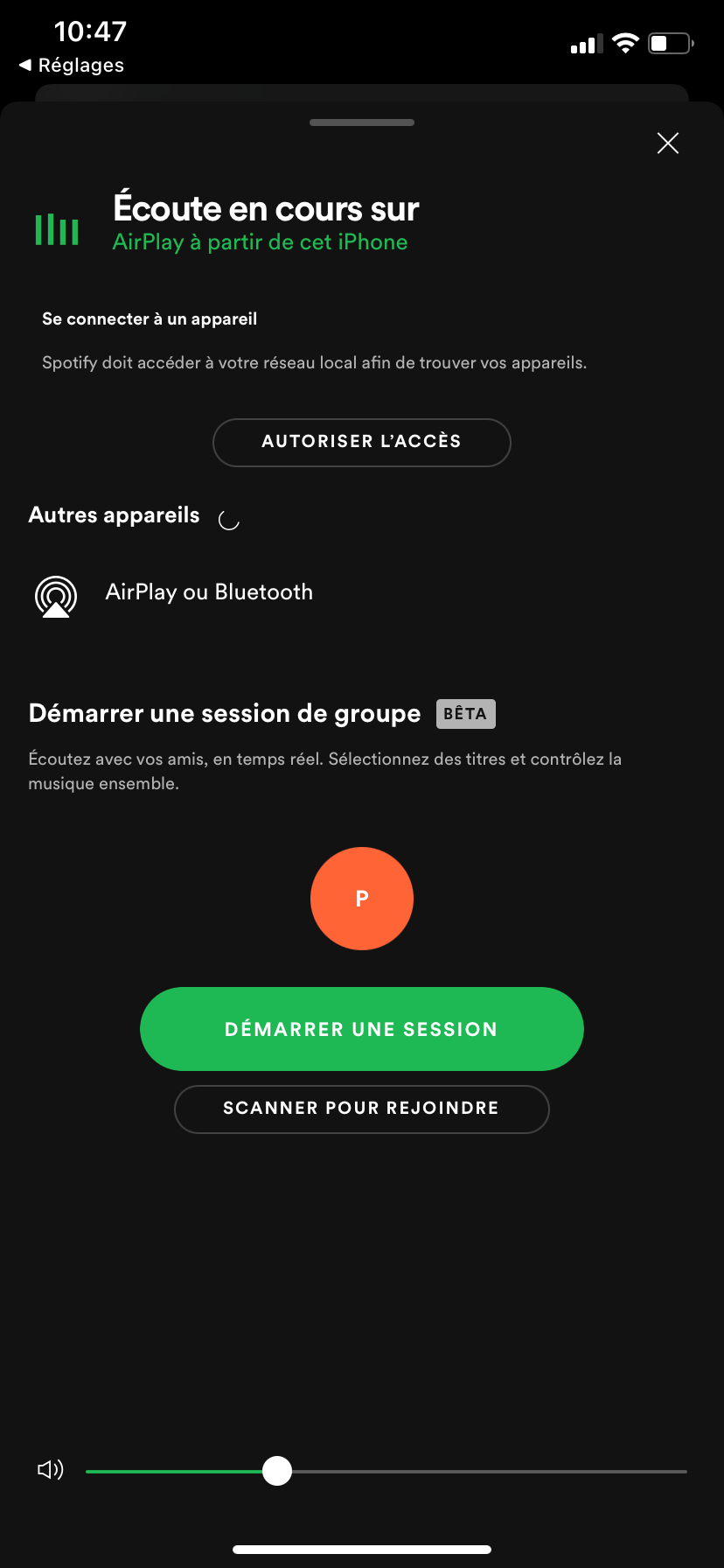
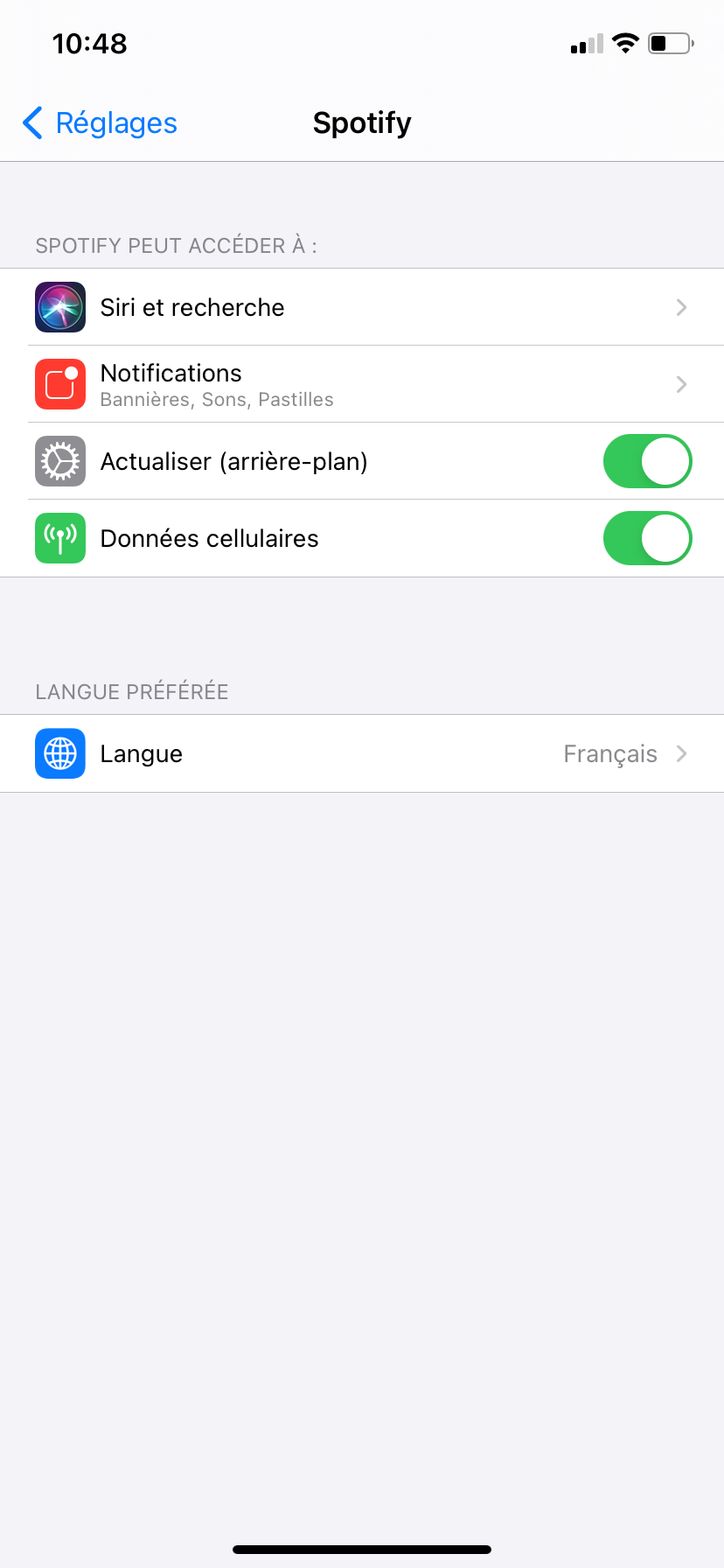
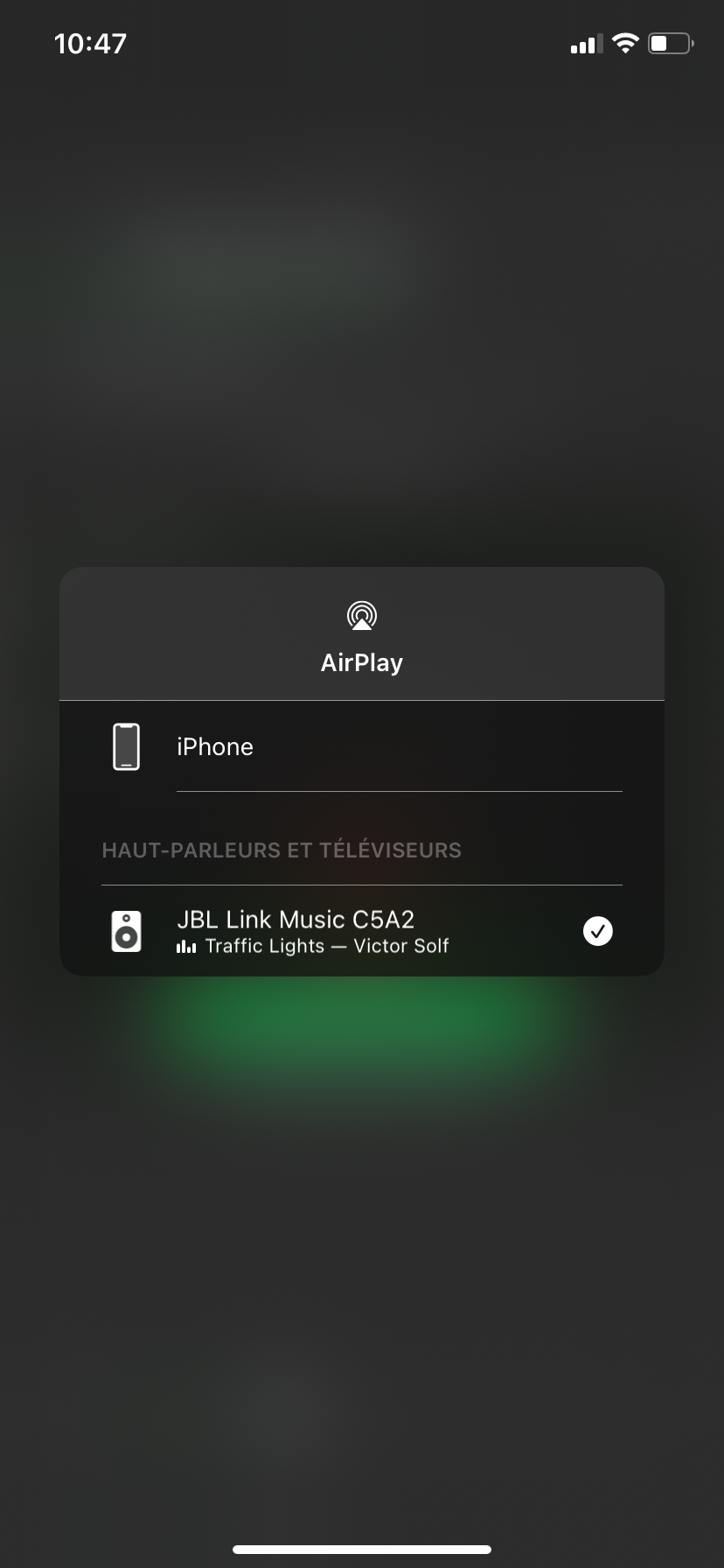
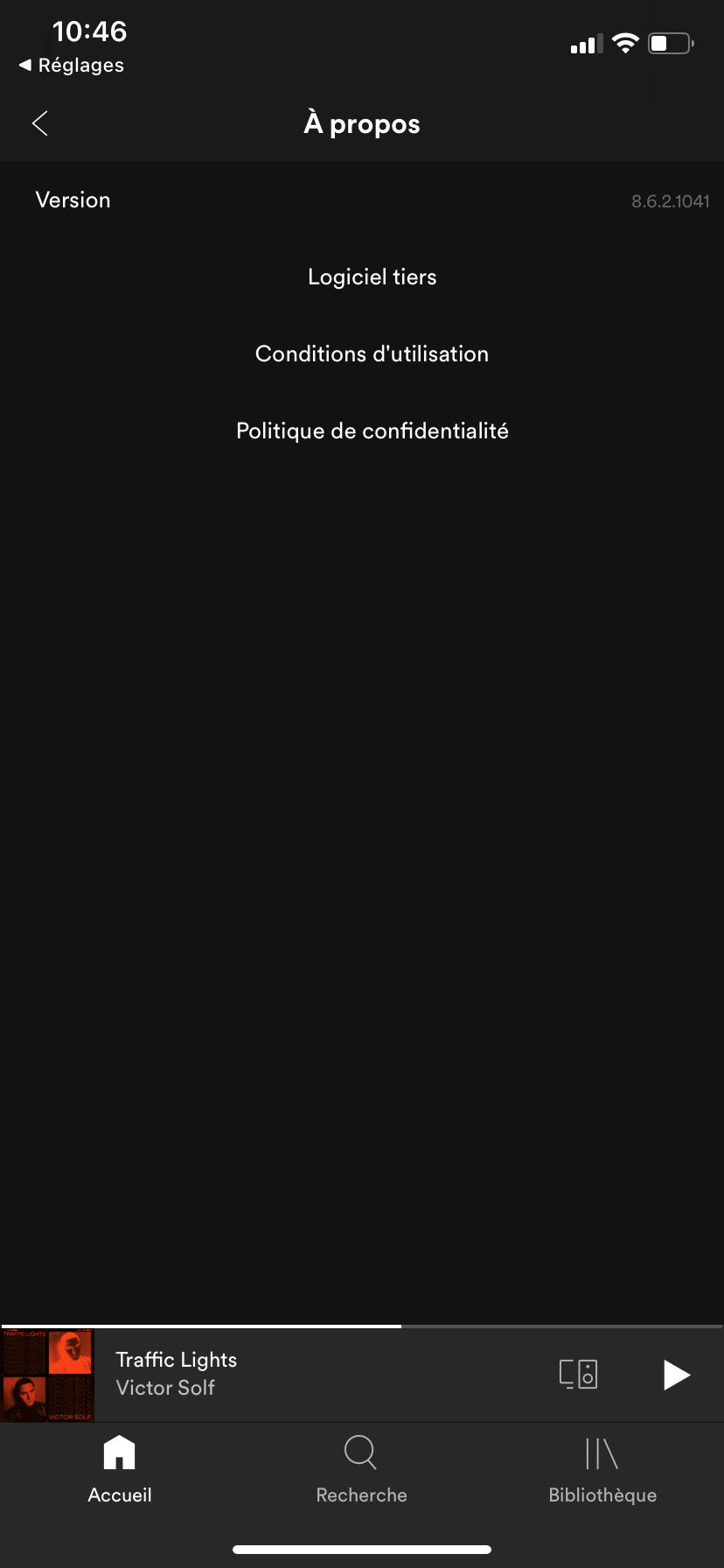
It is JBL music link

I have resseting the speaker several times already and I have even tried another speaker. I think I have done everything possible ... I fear that Spotify is not really stable with Airplay for the moment
Any news about the issue?

I somehow have the feeling that the Spotify team is looking in the wrong direction. This is why:
- I had the same issue, songs randomly interrupt when using Spotify via Airplay while all other apps are doing fine (same Sonos-speaker, same network, same iPhone 11pro)
- A friend of mine came over, connected to my network with an iPhone 8 - and it worked! This means, it can‘t be the router or the speaker
- I deleted the Spotify app, reinstalled it and it worked - but only until the next week.
Very frustrating. I also noticed that my iPhone is getting much warmer when the Spotify app fails to connect properly via Airplay - as if the app is causing a loop when communicating with the WiFi module?
Hope this observation helps to find the problem. It‘s definitely somewhere in the app.

I am having issues with dropouts, but more significantly, Spotify has simply stopped playing to Airplay devices on my network, even though all my other apps do.
I am on iOS 14.4.2, iPhone Xr, Spotify 8.6.24.1302
The way this manifests: I choose an Airplay device after tapping Airplay or Bluetooth in the Spotify device menu. I then tap back into Spotify and the device menu still reads “Listening on This iPhone” at the top.
Note, the Spotify device menu also shows “Listening on This iPhone” if I choose an Airplay device directly from the iOS Airplay menu.
Attempts to resolve:
1. Deleted and reinstalled Spotify app on iPhone. Temporarily solved the problem, but it came back after a few days
2. Logged out and logged back in to the app. Did not truly solve the problem, but very briefly I could see my chosen Airplay device reported in the Now Playing section at the bottom of the Spotify screen. But it vanished quickly
3. Forced the app to quit, did a soft reset of my phone (volume up/down, then hold the power button until the apple logo appears). Relaunched the app. The problem persisted
4. logged out from my ID and logged in with my son’s from our family plan. My chosen Airplay device was visible in Now Playing, and playback worked through the device as expected
5. Logged back out from my son’s ID and logged in with my own, and at that point was still able to use the Airplay device as expected. I don’t know if this will permanently solve the problem, but it’s at least an awkward workaround for some people
Given all the above, this seems like a Spotify issue. I’m happy to provide more info if helpful.
Also, FYI, it was impossible to Reply in this thread in iOS Safari, but the Reply button worked right away in iOS Chrome. In Safari the page never loaded fully.
I’m going to answer my own question. I happened to be having problem with HomePod’s most recent update (and the problem existed *prior* to the update) so I decided to reset my HomePod (turn off 5 seconds, wait 5 seconds, touch the top, wait until it turns red and beeps three times, let go). I’ve never reset it before, but it then turns out that the Spotify issue was resolved. I note again I never had the issue with iTunes or Youtube, but in any case, it seems resolved.