[Desktop] Allow the fullscreen UI in windowed mode.

The fullscreen interface is a much cleaner UI than the default Spotify desktop app. It would be nice to use that fullscreen UI in windowed mode. It would allow the desktop app to double as a player widget.
Comments
I've attached 4 images. The first image shows the standard user interface for the desktop app. The second and third images show the fullscreen user interface, without and with controls, respectively. The fourth image is a mockup I made in photoshop to show what the fullscreen UI would look like in a window. It wouldn't need to look exactly like this, but there should really be some sort of option for a mini player.
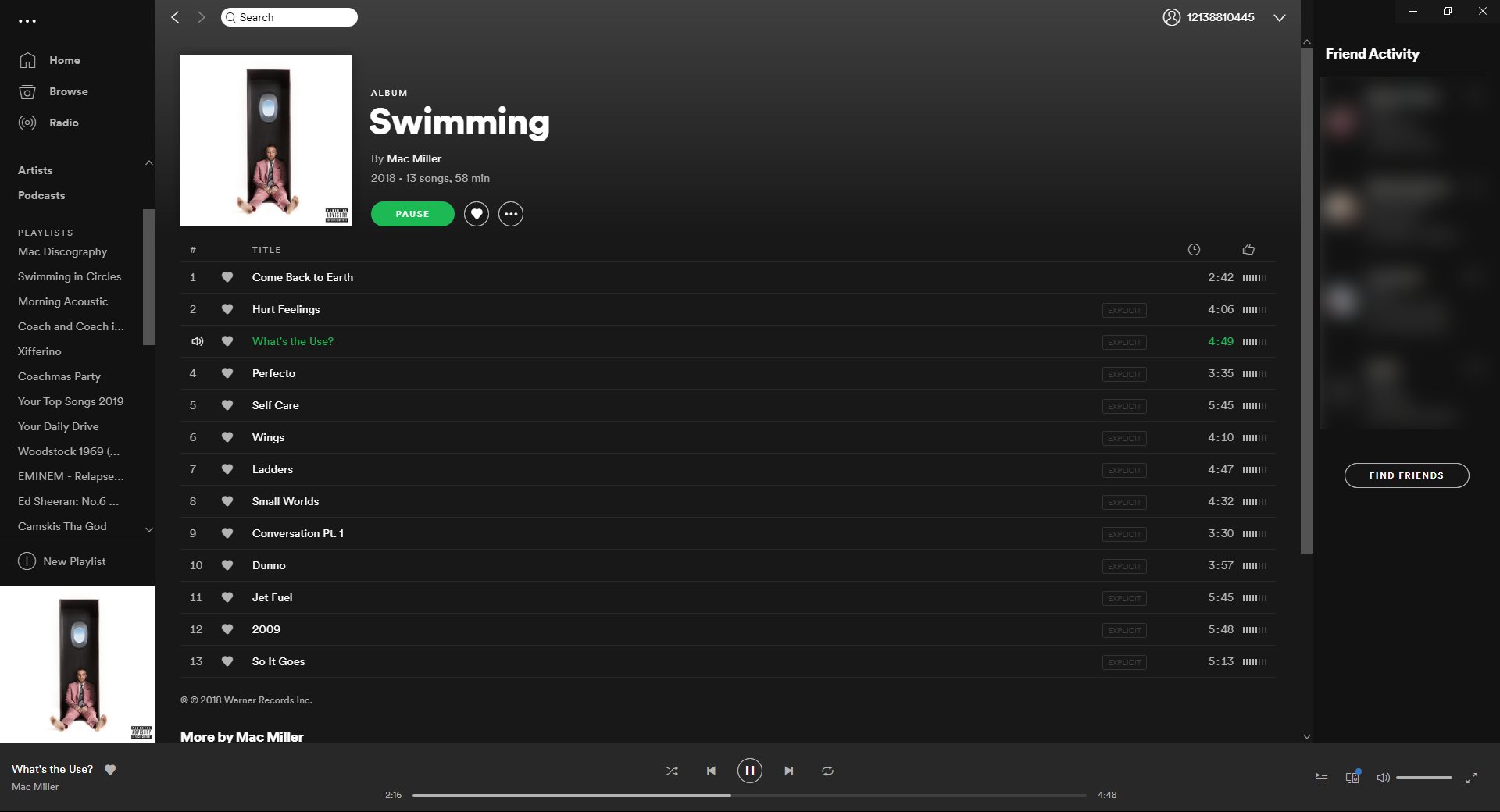 Standard Desktop UI
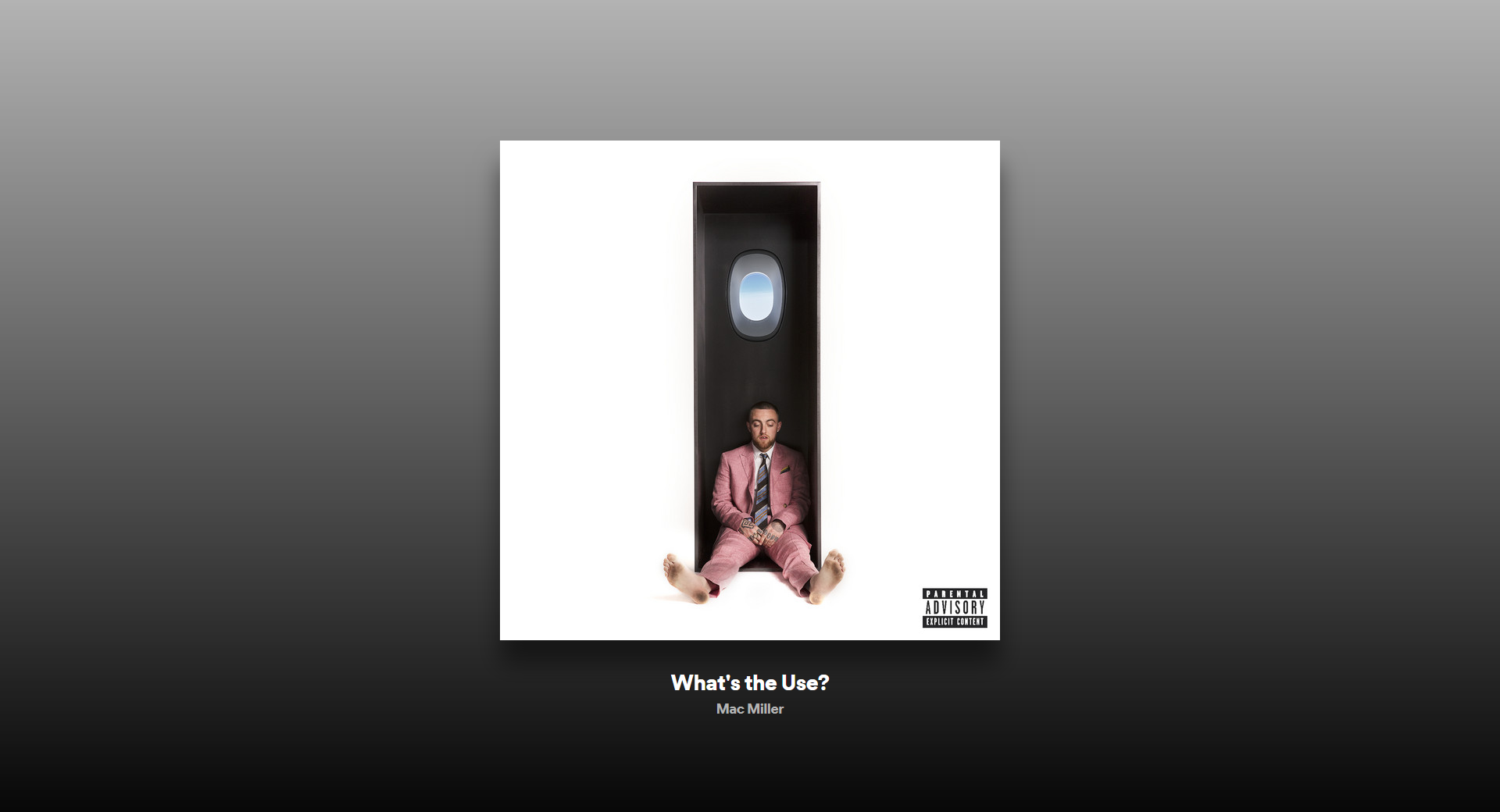 Fullscreen UI
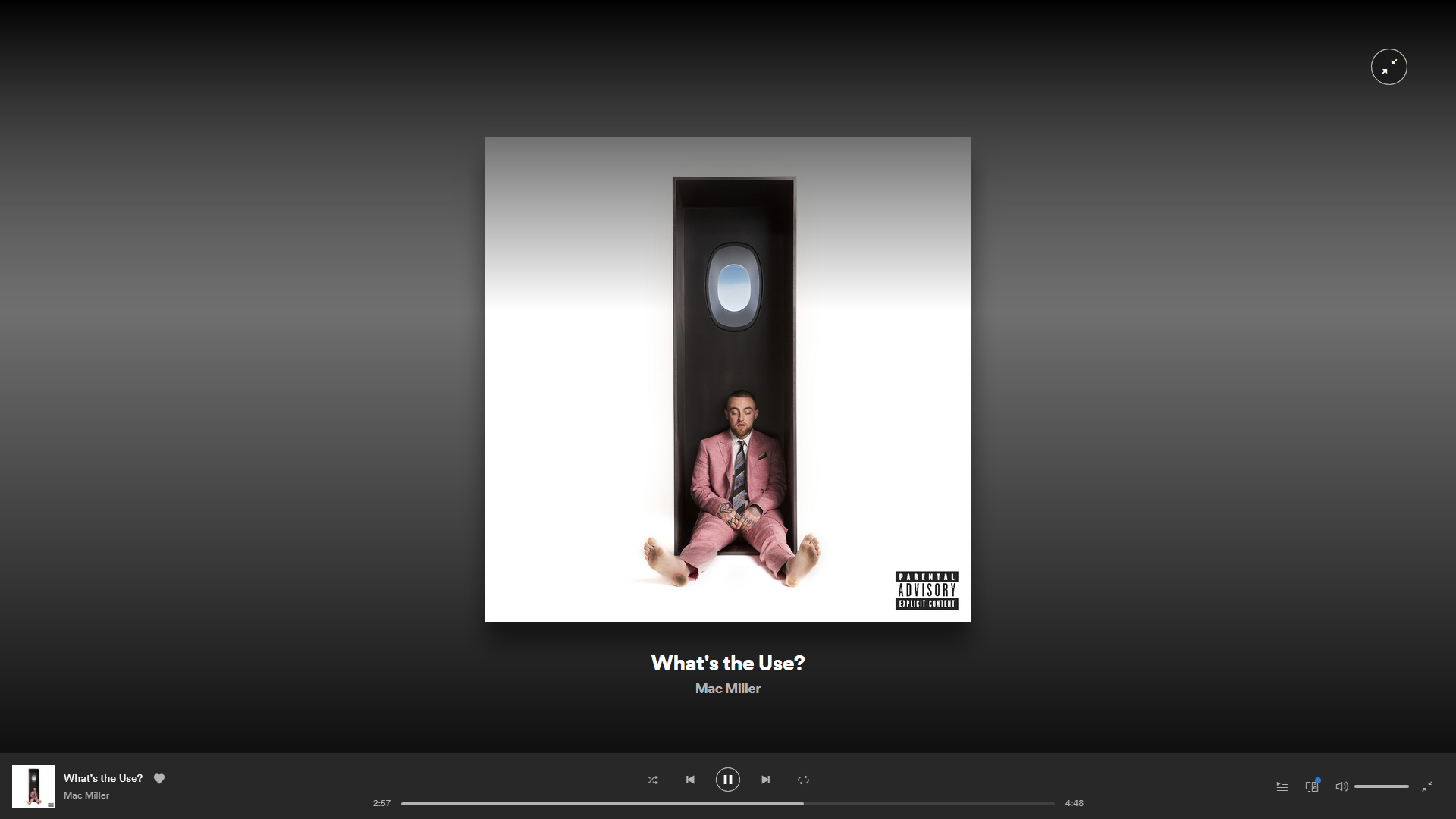 Fullscreen UI with Controls
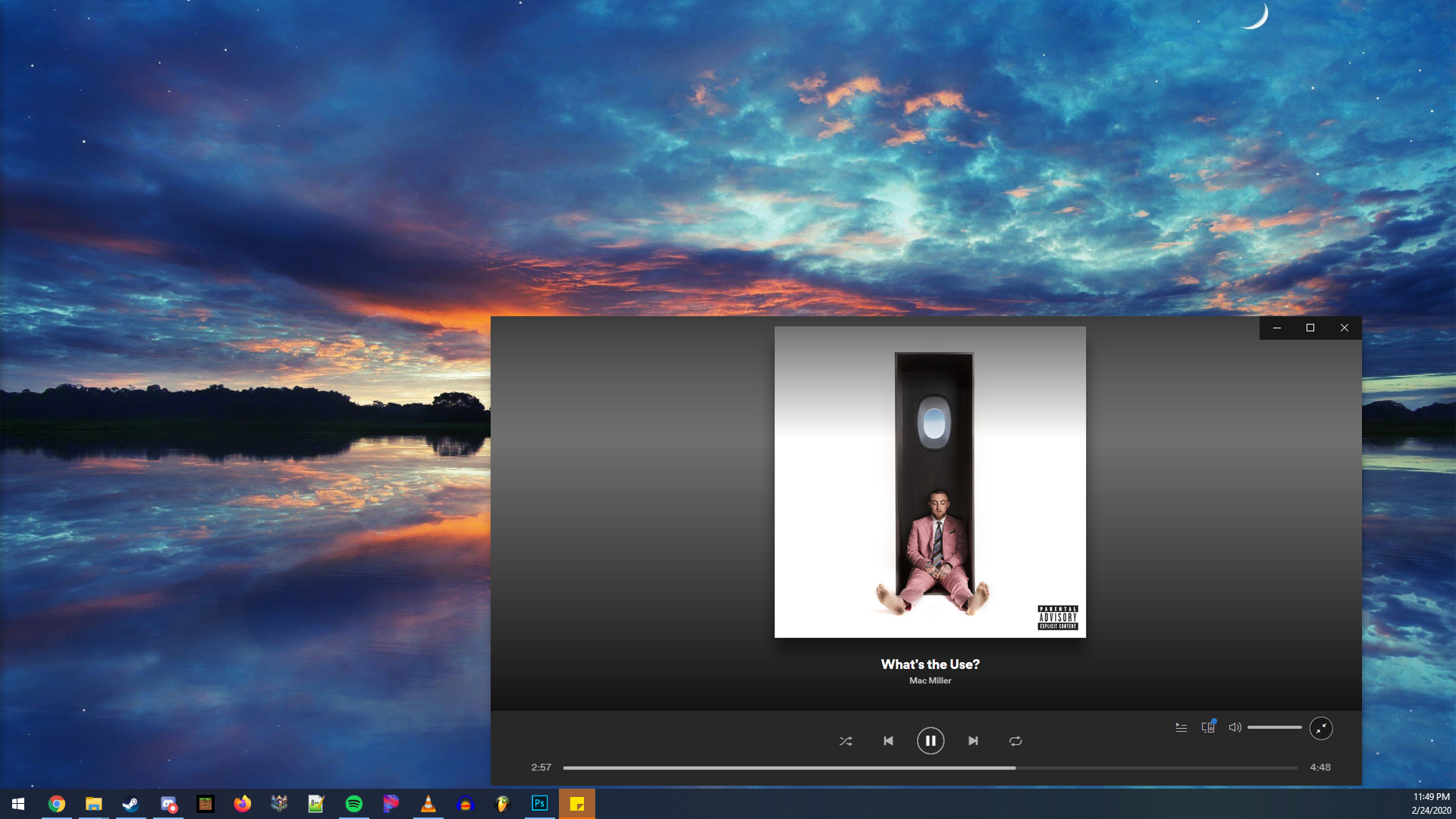 Mini Player Mockup

Updated on 2020-02-25
Hey there @DBaldwin,
Thanks for sharing your idea here in the Community!
Keep in mind that this has already been suggested here. We'd recommend heading over to that idea to find more info on this.
As a workaround in the meanwhile, you can use the Web Player's mini player window. To find it, just click on the window icon next to the heart icon in the Now Playing progress bar: 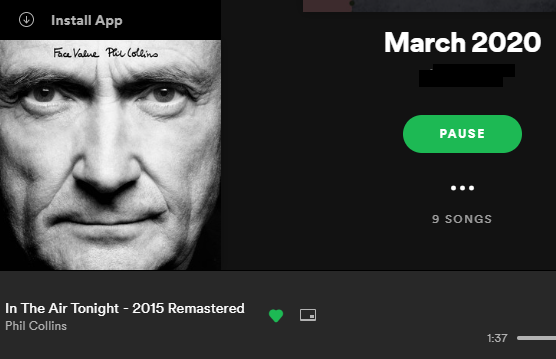
More information about how the Spotify Idea Exchange works can be found here.
Updated on 2020-02-24
Hey @DBaldwin,
Thanks for bringing your feedback to the Idea Exchange!
Do you mind clarifying what you mean by the "fullscreen interface" and what the difference is between this and the desktop app? Any screenshots that help clarify this distinction would be much appreciated.
Thanks - keep us posted!