So I recently had to change my password because the app on my phone wasn't signing in for some reason (Android, Samsung Galaxy S9+). This was after the newest update, and no matter which password I typed in it gave me an error. This didn't make any sense since I was able to use Spotify on my PC perfectly fine, so I decided to request an email to reset my password.
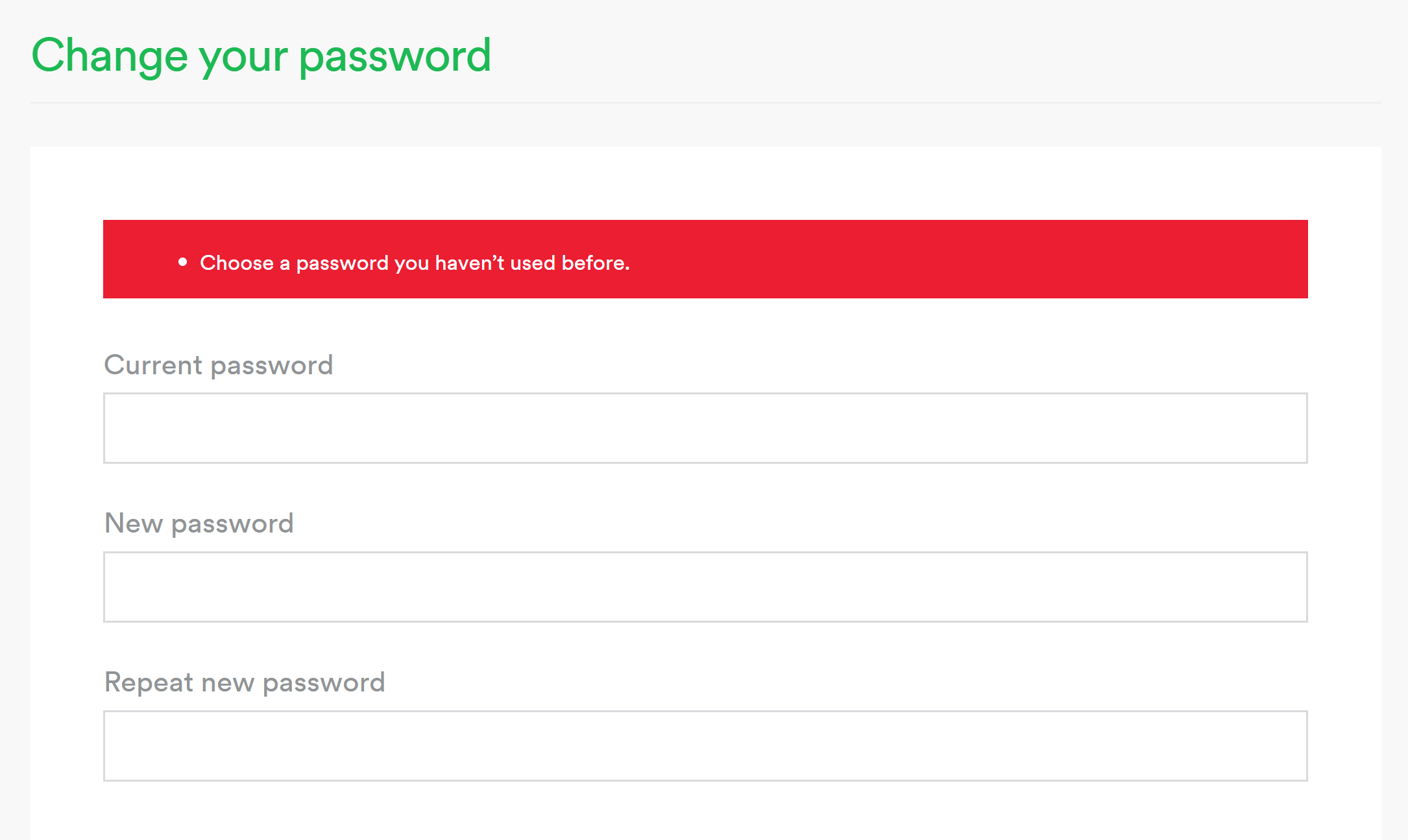
I did this, and everything is working perfectly, but now when I try to switch the password back to my original one I receive the message shown below: "Choose a password you haven't used before". Again, the reasoning behind my actions to see if resetting my password would let me log in on my phone again (it did), not for any account security purposes.
I guess I understand the reasoning behind creating this sort of restraint (I do, however, think I'm mature enough to make these decisions on my own) but I was hoping that there's some way to overrule this error so that I can use my old password.
Does anyone know how I might do this? Any help would be appreciated!
Plan
Premium
Country
USA
Operating System
Android, Windows 10






