I can't find my liked songs on Android app. Where did it go?

Plan
Free
Country
USA
Device
Galaxy S7
Operating System
Android
My Question or Issue
I can't find my liked songs on Android app. Where did it go? I can find the liked songs on the computer program.
Accepted answers
All comments

Hey @jamoe, thanks for reaching out to the Community!
Let's take a look at this.
Could you try logging out of the Spotify account > Restart device > Log back in?
Also, make sure that your Spotify app is up to date and make sure the Galaxy s7 is up to date.
Let me know how this goes.

Resolved by itself
Problem is back the next day.
All liked songs aren’t loading.
Very frustrating
Thanks! I'm glad it wasn't just me. That is very frustrating.

I have the same problem with my Samsung Note 5 ! and It says there are 409 songs in my liked songs playlist ! and when I open it I find only 9 or 10 songs !!!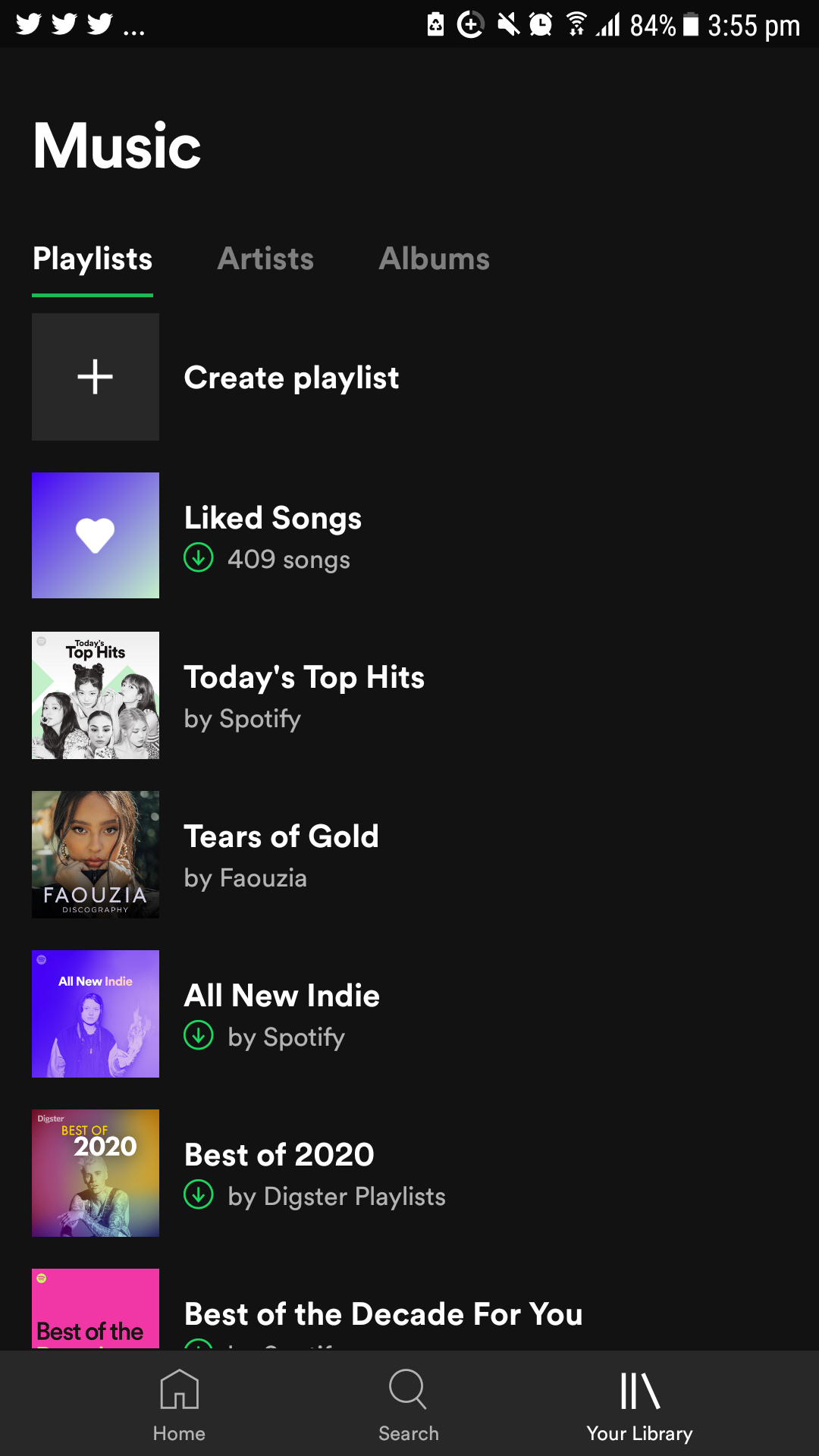
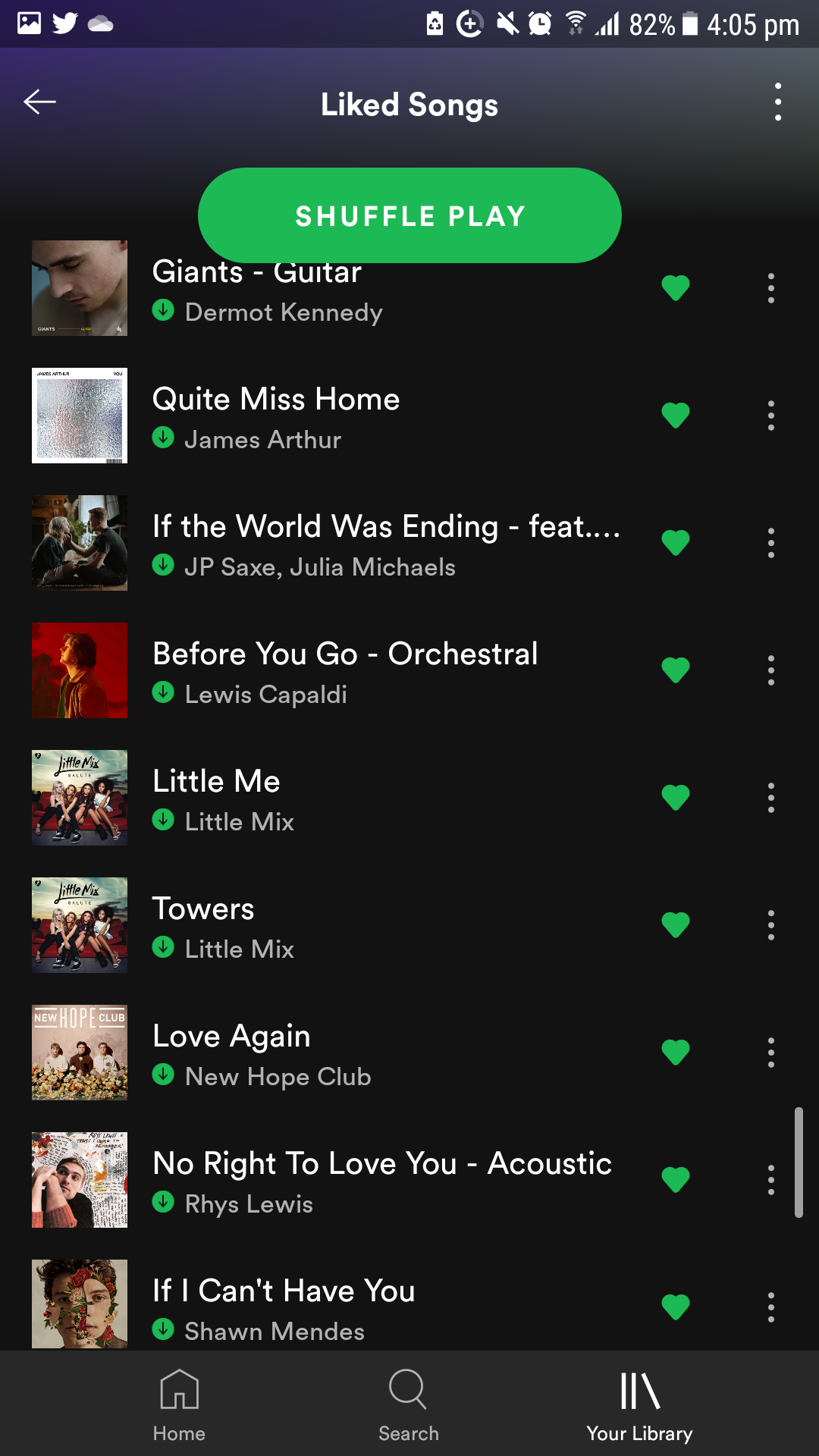
I FOUND THE SOLUTION ... Change the songs sorting list to recently added
e.g. whatever you were sorting your list by, like if u were sorting your list by artist, album, title , just change it to Recently added sort by and you will find the full list of your liked songs ! It's stupid I know ... but that solved my problem and I found all the 409 liked songs list of mine ! and I tried to sort it back by artists it only showed the same 9 songs again one more time and the rest of the 400 songs not shown ! don't exist ! must be only now sorted by recently added ! and I believe this is an app new feature glitch update or something
I wasn't able to solve it but to go on the computer and move all my oldest liked songs from 2015 to their own playlist. It's weird cause I thought I read Spotify got rid of the limit on liked songs.

Hey @jamoe, thanks for reaching out to the Community!
Let's take a look at this.
Could you try logging out of the Spotify account > Restart device > Log back in?
Also, make sure that your Spotify app is up to date and make sure the Galaxy s7 is up to date.
Let me know how this goes.