Can't like anymore song on my mobile

Plan
Premium
Country
France
Operating System
Android
My Question or Issue
I'm not able to had song to my liked title from my phone although my playlist has around 1000 title
Moreover I can still like them from my pc wich had them to liked title but they still don't appear on my phone
Thank for your answeres
Accepted answers
All comments

Hi @Cravate, thanks for reaching out to the Community!
Could you try restarting your device? If that doesn't help, try a clean reinstall of the app following these steps. If you're still having trouble, let me know what device this happens on, as well as the current software version.
Also, attach a screen recording of what happens when you try to like songs on your mobile device and I’ll take a closer look for you.
Let me know how this goes!
thanks for your quick answer, the clean reinstal seems to do the trick.
thank again for your advice

I cannot Like songs on my Galaxy Note 8 even after phone reboot and app reinstallation. Tnx for your help!

Hi there @Nutzu,
Thanks for reaching out about this.
We'd recommend you try to Log out Everywhere from your account page. After that perform a clean reinstall of the app on your phone. This involves deleting the app cache. Follow the exact steps from this Guide.
This way your account will be manually resynced with the servers.
Let us know how it goes.
Thank you so much, Alex. It finally worked!
Hi there @Nutzu,
Thanks for getting back to us.
Glad to hear that the log-out and clean reinstall has helped 🙂
Don't hesitate to reach out again if you have more questions.

this doesn't work.
try to Log out Everywhere from your account page. After that perform a clean reinstall of the app on your phone. This involves deleting the app cache. Follow the exact steps from this Guide.

Hey there @unicorns1234,
Thanks for reaching out to the Community.
Just to confirm, did you make sure to follow the steps that @Billy-J and @Alex mentioned above?
If you did and the issue persists, could you let us know the make, model and OS version of the device where this is happening? We'd also like to know if it happens on any other device.
A video or screen recording where we can see the issue would also come in handy.
Keep us posted. We'll be on the lookout.

i have followed that method you guys give.
help me My Device Is Samsung A20s

Hey there @bobbyalief,
Thank you for your reply in this thread. We're happy to help.
If you have an SD card we suggest that you uninstall the app > turn off your phone > take out your SD card > turn on the phone again (without the SD card) > reinstall the app.
If that doesn't do the trick, can you log in with another account on the device to see if the issue persist?
We'll keep an eye out for your reply.
Take care!
LOVE FROM INDONESIAAA💖
staysafe & stayhealthy man.
Kamu membantu saya sekali, terimakasih!
💖💖
Hey again @bobbyalief,
Thank you for your confirmation.
We're really glad to hear that everything works as it should for you 🙂
Thank you for the kind words. I really wish you the same!
Take care 🙂

i have tried everything possible on my mobile to like songs and its only on this device. I have followed the steps for a clean reinstall and it hasnt fixed my spotify. please help? I'm using an android galaxy A8 and basic spotify isn't working and even lite has issues with liked songs for me. songs on my laptop for example show up just fine using the spotify client and liked songs work fine there. it's just my phone.

Hey @JoshuaSippley,
Thanks for posting here 🙂
In case you're using an SD card, you can try removing it, reinstall Spotify and then try running the app without the SD. Sometimes the SD card can lead to issues with the cache. Are there any changes?
You can also try deactivating any battery optimization or power saving apps for Spotify to see if that makes a difference.
Let us know how it goes.
Hey @JoshuaSippley,
Thanks for the reply and letting us know what worked for you 🙂
Don't hesitate to give us a shout if you need help with anything else.
Cheers.

Thanks

I have tried everything in this thread. Cleared the cache, uninstalls, restarts, log outs. I can't get it to work.
I have no SD card tray in my phone. How can I fix this?
Pixel 5

Hi,
I've already tried to log out all devices, clean cash and storage, uninstall, reinstall, restart the phone and login again... Still, the app doesn't work: the like button is grayed out, but not filled (I can't remember if it is as it used to be, when it was working: see screenshot attached), and the like option is not available in the contextual menu from the three dots on the right of the song title (see second screenshot). My phone is a Oneplus 7T Pro running Android 11 (no SD), and the app is the beta current version 8.7.36.890: might it be a bug of the beta version (it's been 2 or 3 updates now)?
Thanks in advance.
Edit: apparently the problem was indeed the beta version, and was solved today with version 8.7.36.905
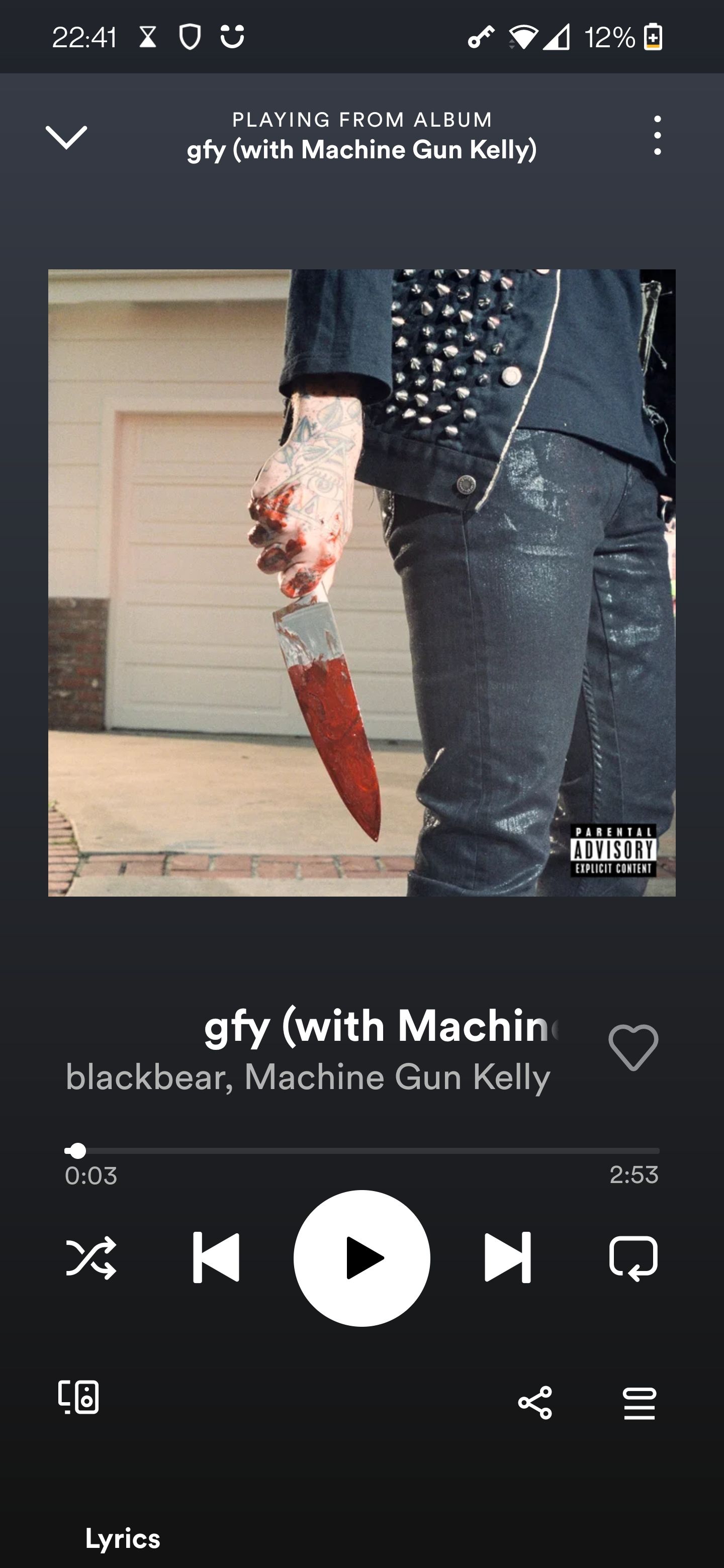

I have tried everything in this thread, I havent got an sd card and it still wont let me like songs. I have to like all the songs in an album just to be able to add a song to my liked list.
I have a Samsung A71 2021
Hey there folks,
Thanks for the posts.
@AlePico glad to hear that the latest update to the live version solved the issue for your.
@Supahswag123, can you let us know what troubleshooting you've done so far and what app version you're running?
Cheers.

Hey, im having this too. i click the heart button under a song while it's playing and nothing happens, it's not added to my "liked music". When i unlike an already liked song i can't re-like it.
Hi there @officialstartpot,
Thank you for taking the time to post in this thread. We're sorry to hear this. Let's take a closer look into this.
To start with, can you let us what troubleshooting you've done that's been provided in this thread so that we don't repeat anything that you've already done?
We'll keep an eye out for your reply.
Take care!

I’ve taken all the steps given yet still can’t like any songs on my iPhone13. Any suggestions?
Hi there @Emkat1999,
Thanks for the post.
Sorry to hear you can't like songs on your phone. Can you tell us what troubleshooting you've gone through already, so we don't repeat ourselves.
It's also a good idea to tell us what happens when you hit the Like button on a song - do you get some sort of error message or just nothing happens. Does this happen only on your phone?
The more info we've got the better solutions we can offer 🙂


Now that's interesting, did some testing now, did fiddling with the steps to see where I will encounter an issue. It seems I broke the app in new different ways and managed to fix it at later steps.
So I had yet to follow all the troubleshooting steps noted here (done steps of: removal of APP from phone, removal of cashe from phone memory and SD card and then clean reinstall didn't help so far) but for me when I try (tried) to "like" song it simply is unresponsive. Another symptom is that I also can't turn off "Enhanced" feature on my Liked Songs playlist (screen shows message as it is turning off Enhanced playlist but nothing changes, noticed when it ate my bandwidth haha).
So now reading this thread I tried to do something different, I used option to log out my account from everywhere, log back into my phone, turn in Spotify APP "offline mode" on (offline) and off (online) because it foces download of my liked songs (also had problem with that). This didn't fix my "Enhanced" feature problem but did allow me to like songs again (somehow!).
So now I tried another thing, I just simply re-install app without doing any wipes, after fresh installation my "liked songs" don't have "enhanced" option, instead there is normal download all icon (down arrow in circle). All my liked songs (1819) are seen as not downloaded. After clicking it, it starts "working" (there is animation indicating it is working), on side of each song re-appears download icon status (gray or green) but none of these song's icons turns green yet.
Now I tried yet another thing because it got stuck there - I went into offline mode in spotify APP and then force stopped the app. Now I try to go back in, there is log-in window, I fill my log-in info and it won't log me in because "You're offline", soft locking out myself from the APP.
AND NOW reinstalling the APP (simple reinstall) after this soft lock allowed me to log-in back normally, my "liked songs" have TWO buttons, Enhanced and arrow in circle for download, all my songs have status icon (downloaded/not downloaded) and clicking "download" makes my phone download songs normally without doing the off/on-line in app trick and I can turn on and off enchanced view. This fix also stays when I restart my phone namely I have all UI elements (enhanced icon, download all icon and download status for each song) and each songs seems to be smoothly being re-downloaded (or rather status-checked as it only takes second for a song, it must been used the data from SD card).
It seems I didn't even notice some UI elements were missing in first place.
I hope my fiddling in different ways might help pinpoint the root of the problem.
Edit: I did some spelling and grammar corrections but there was technical error notification (haha!) posting here and it didn't post so I post this notepad copy because I don't feelng like re-reading it again haha.
Hi @Cravate, thanks for reaching out to the Community!
Could you try restarting your device? If that doesn't help, try a clean reinstall of the app following these steps. If you're still having trouble, let me know what device this happens on, as well as the current software version.
Also, attach a screen recording of what happens when you try to like songs on your mobile device and I’ll take a closer look for you.
Let me know how this goes!