Local Files are not showing or playing

I’ve uploaded my songs into Spotify through local files, and added it to a separate playlist, and I have also downloaded it on both of my devices.
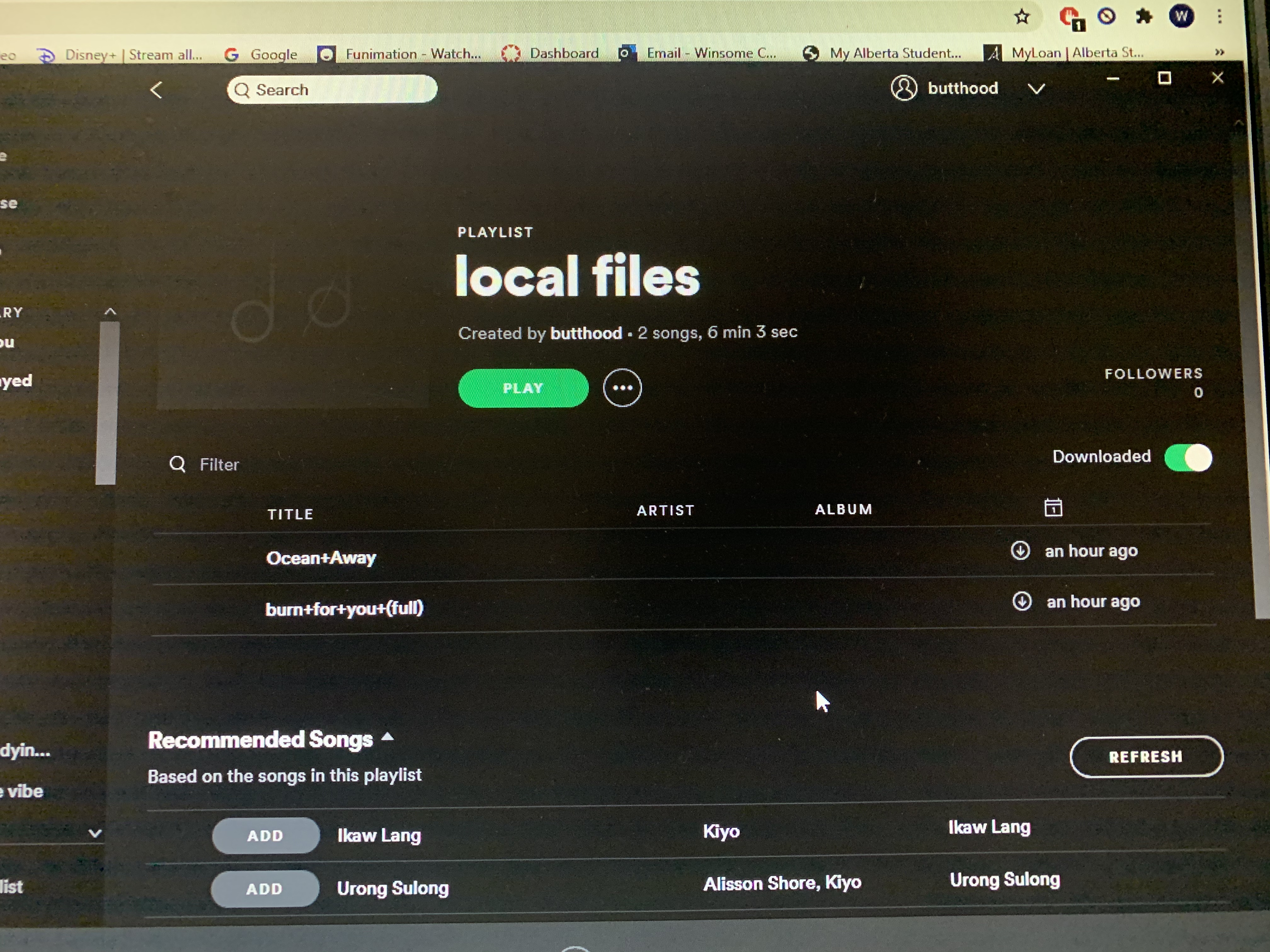
but when I do try to play these songs on my phone, it doesn’t show up nor when I try to switch between devices, it says I have to turn on offline mode, which I would do, but still the songs do not download onto my phone.
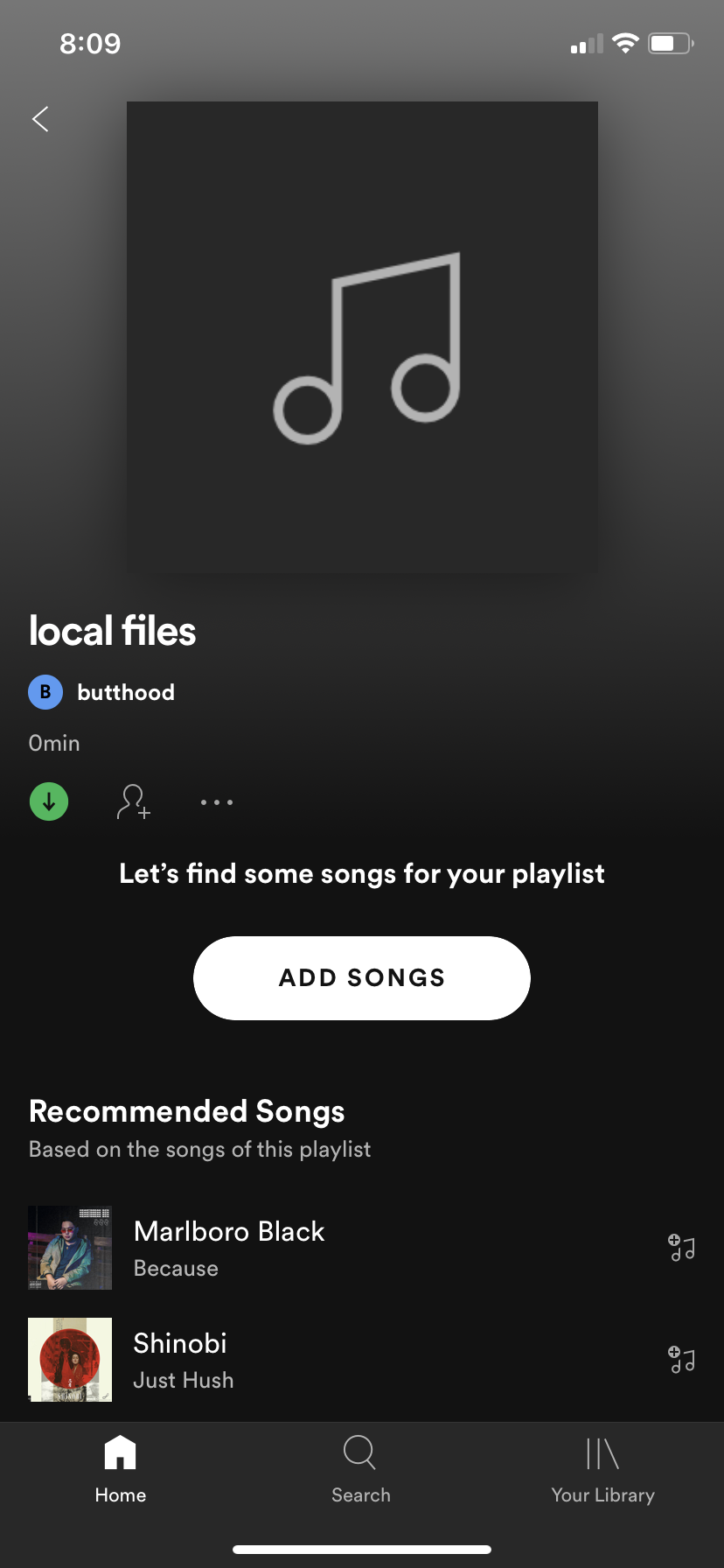
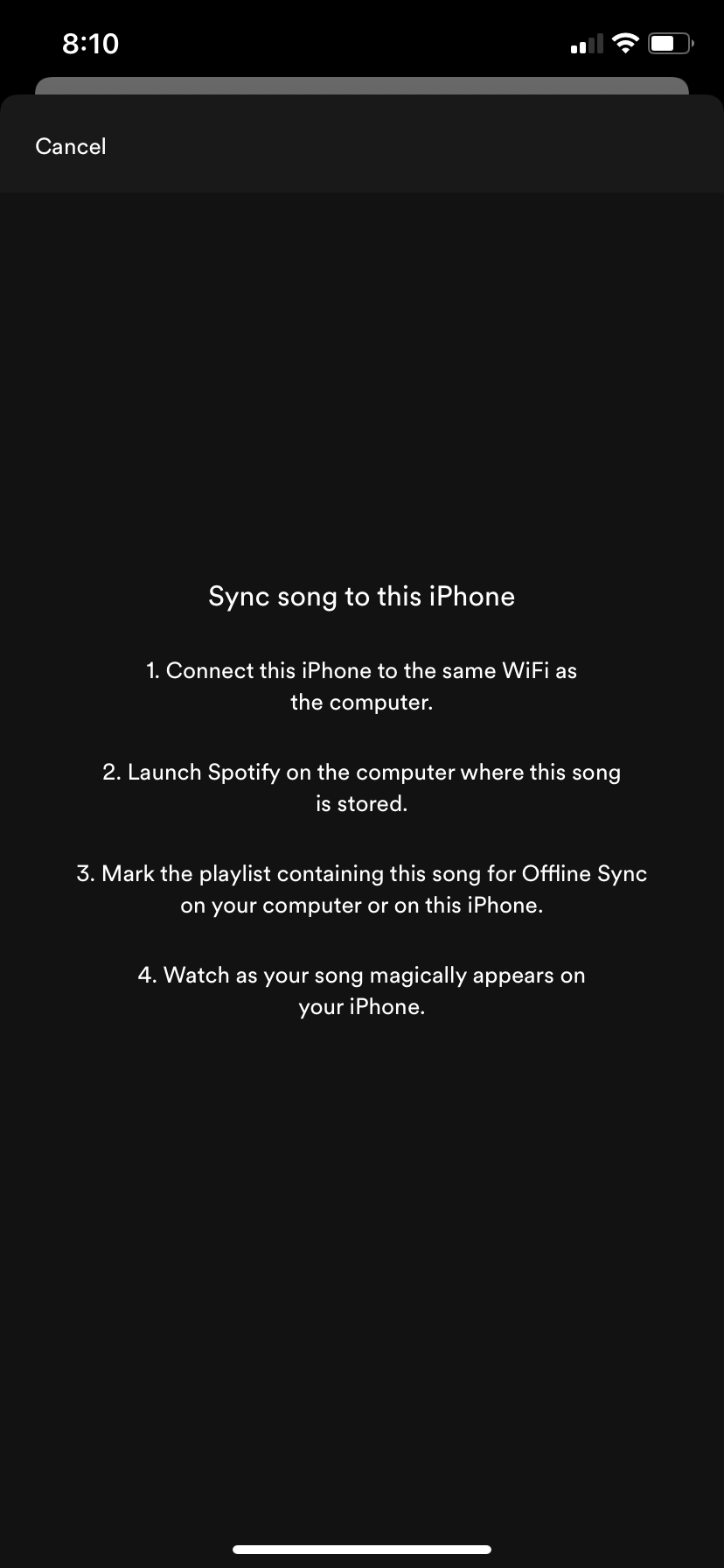
My local files settings is also toggled on, and I’ve tried moving it into separate folders and switching sources. Spotify both on iOS and windows are up to date.
thank you.
Plan
Premium
Country
Canada
Device
iPhone XR
Operating System
Windows 10
Child Item
Child Item
Child Item
Accepted answers
All comments
Child Item
Child Item
Hey there @butthood,
Thanks for getting in touch about this.
We suggest keeping the app updated to its latest version to ensure optimal performance. It's well worth running a clean reinstall on both devices by following these steps and make sure to download the app again from the Microsoft Store on your computer.
Also, take a look at the steps and recommendations you'll find in this Spotify Answer about Local Files.
Keep us posted on how it goes 🙂