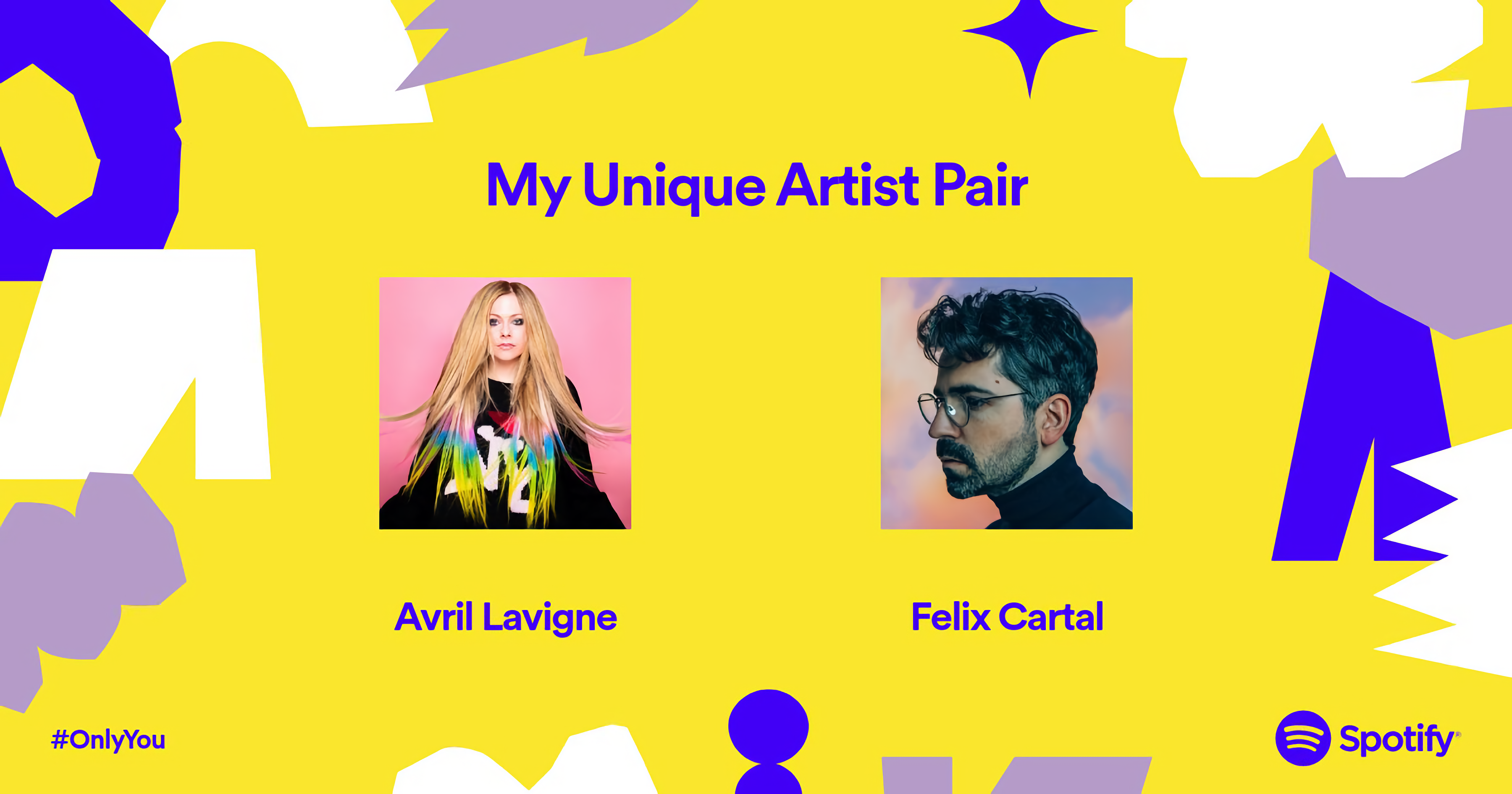
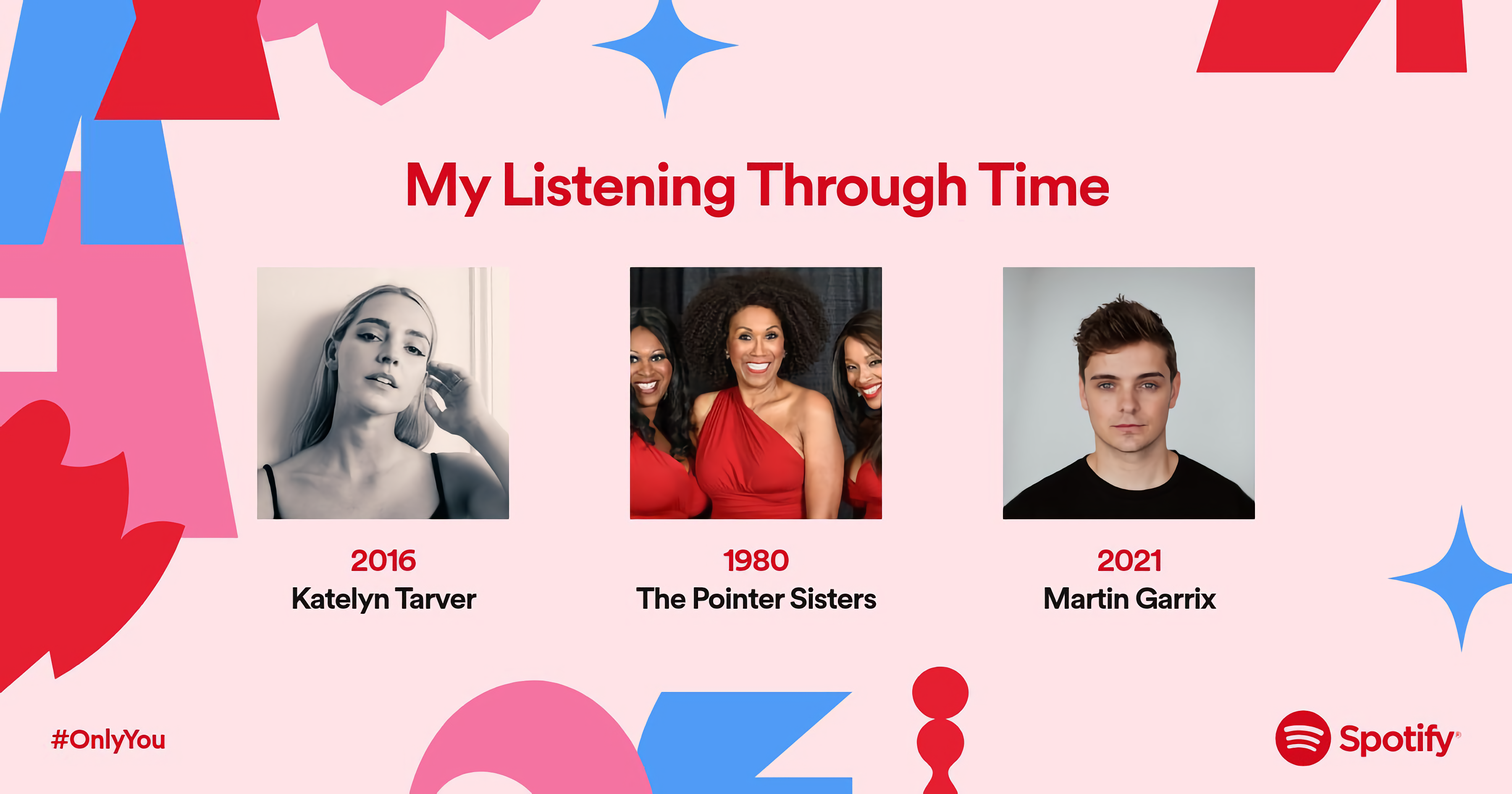
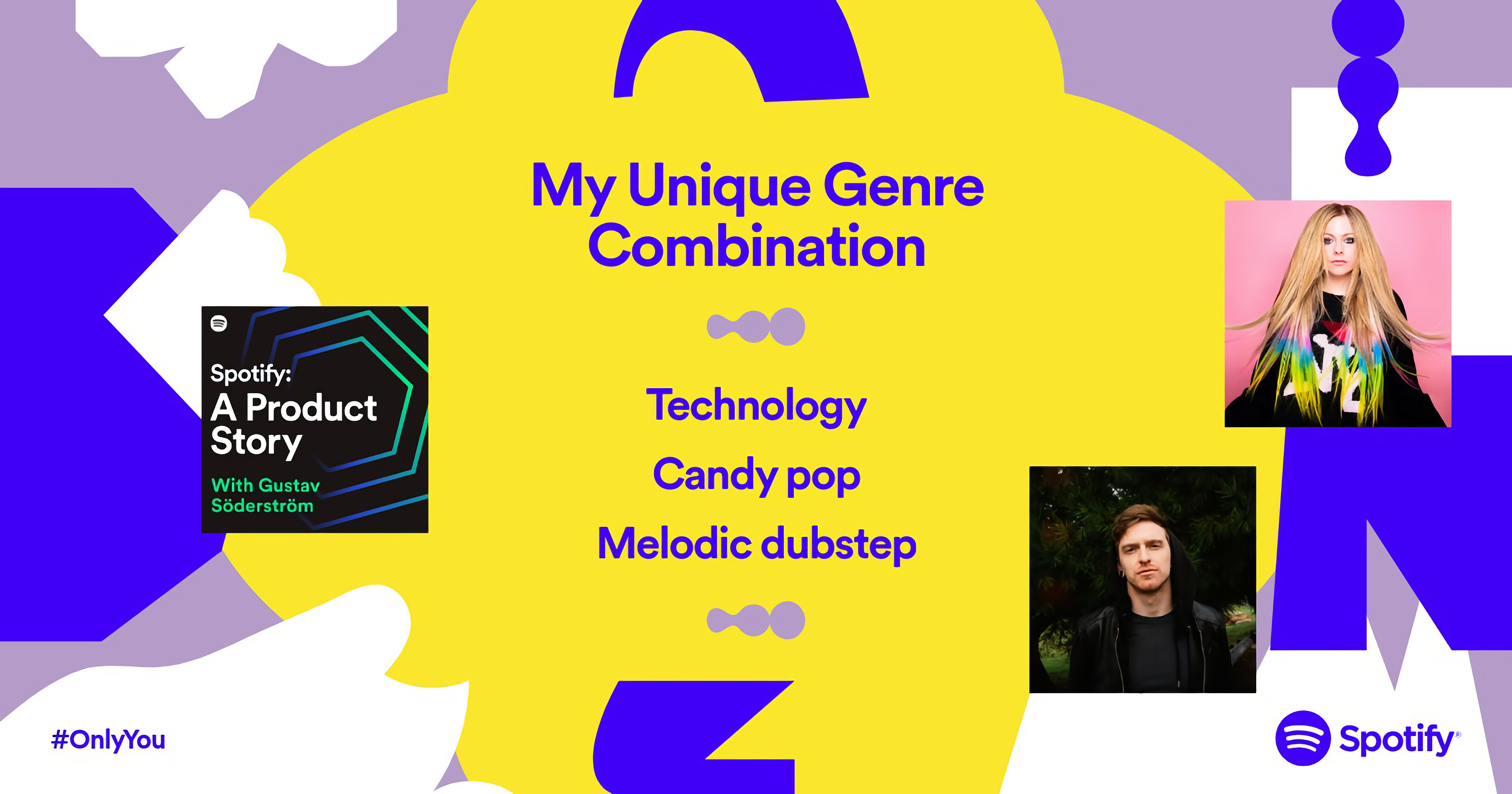
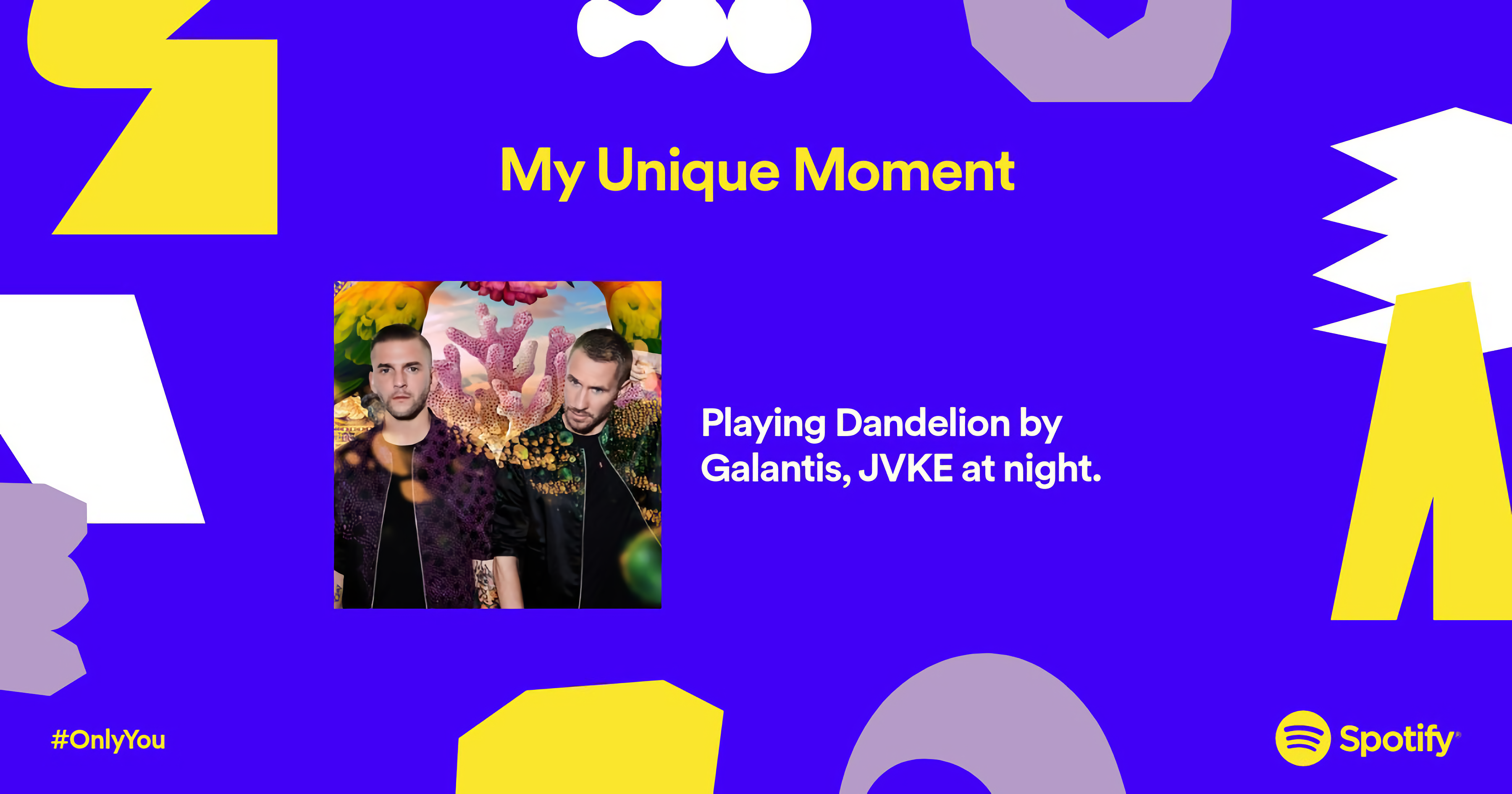
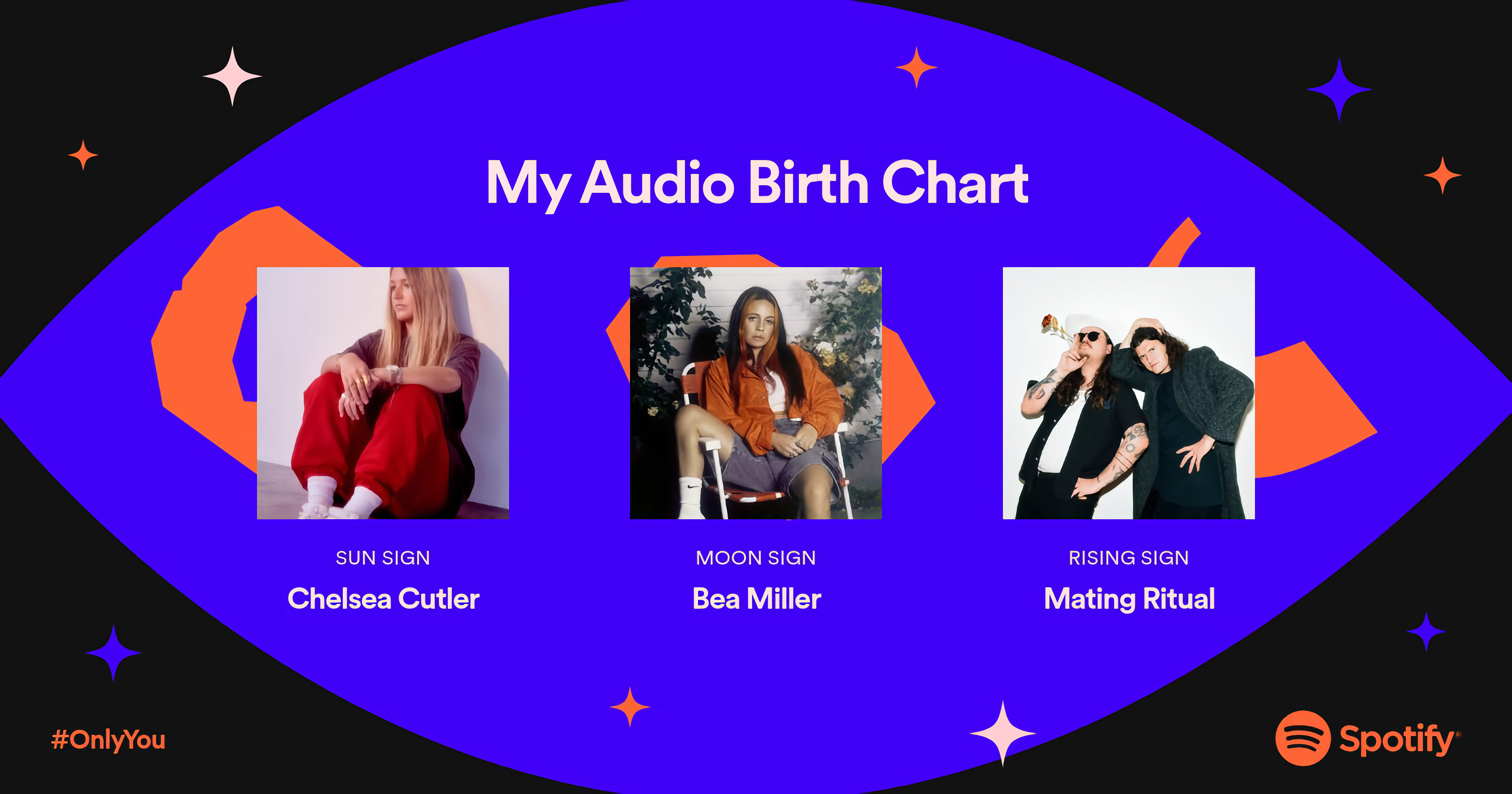
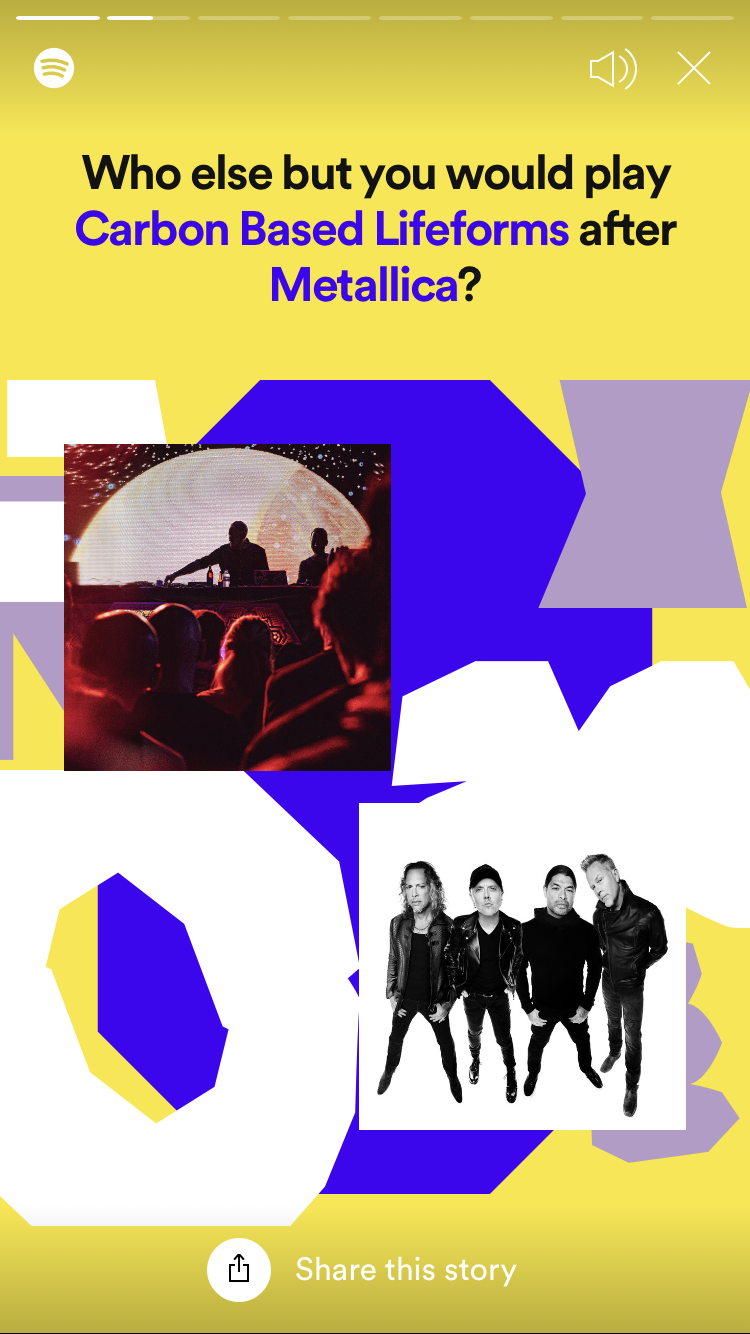
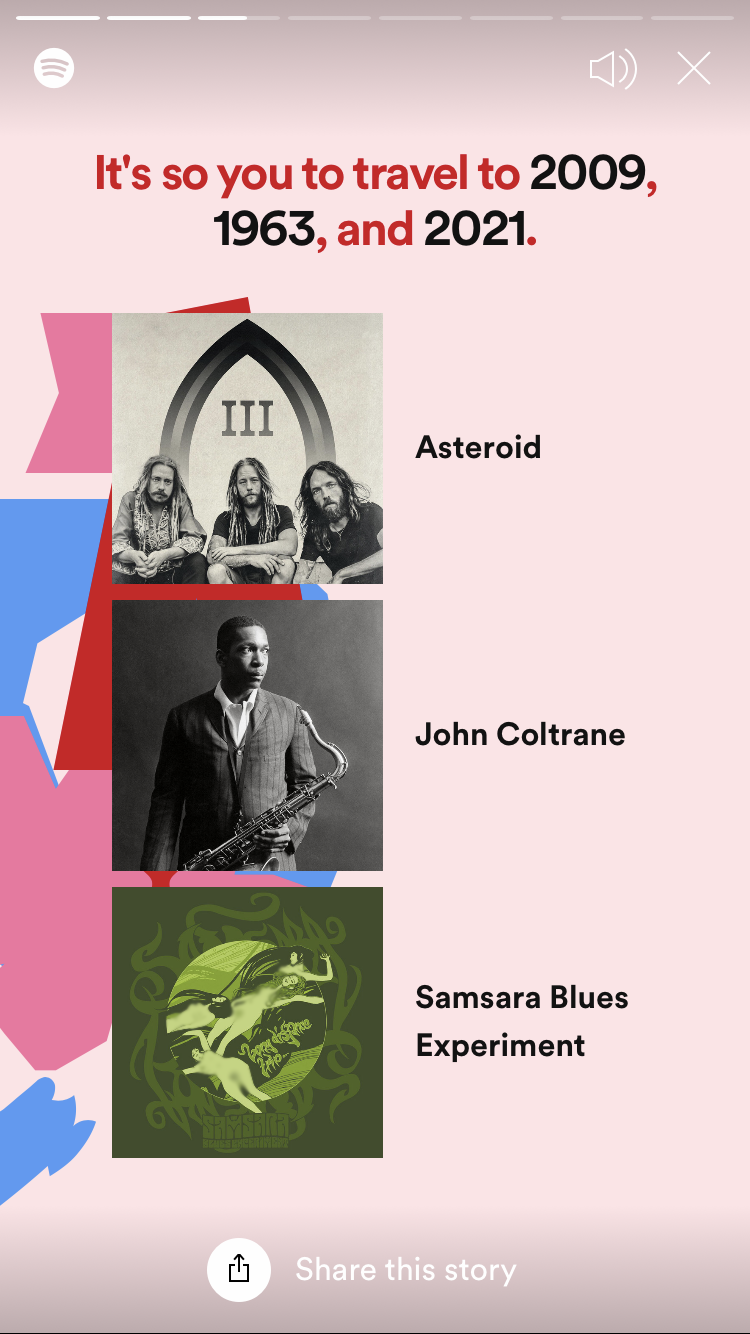
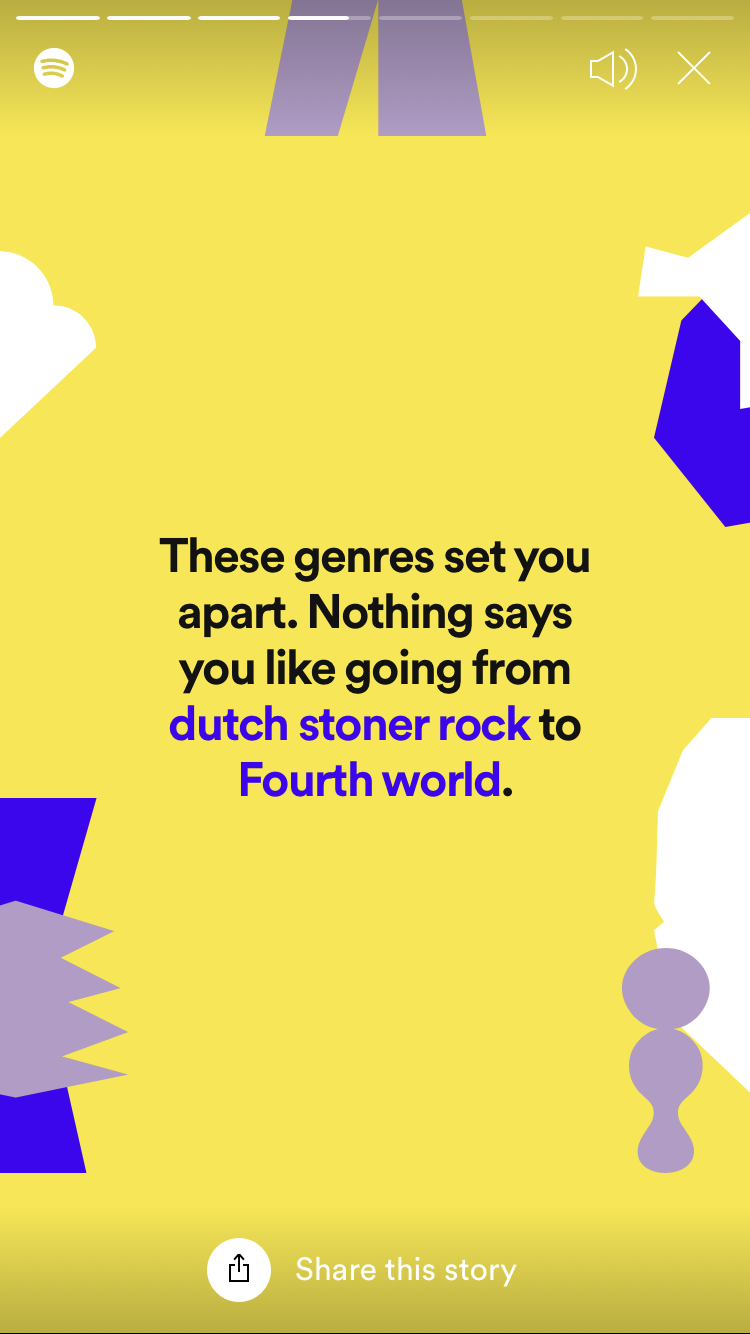
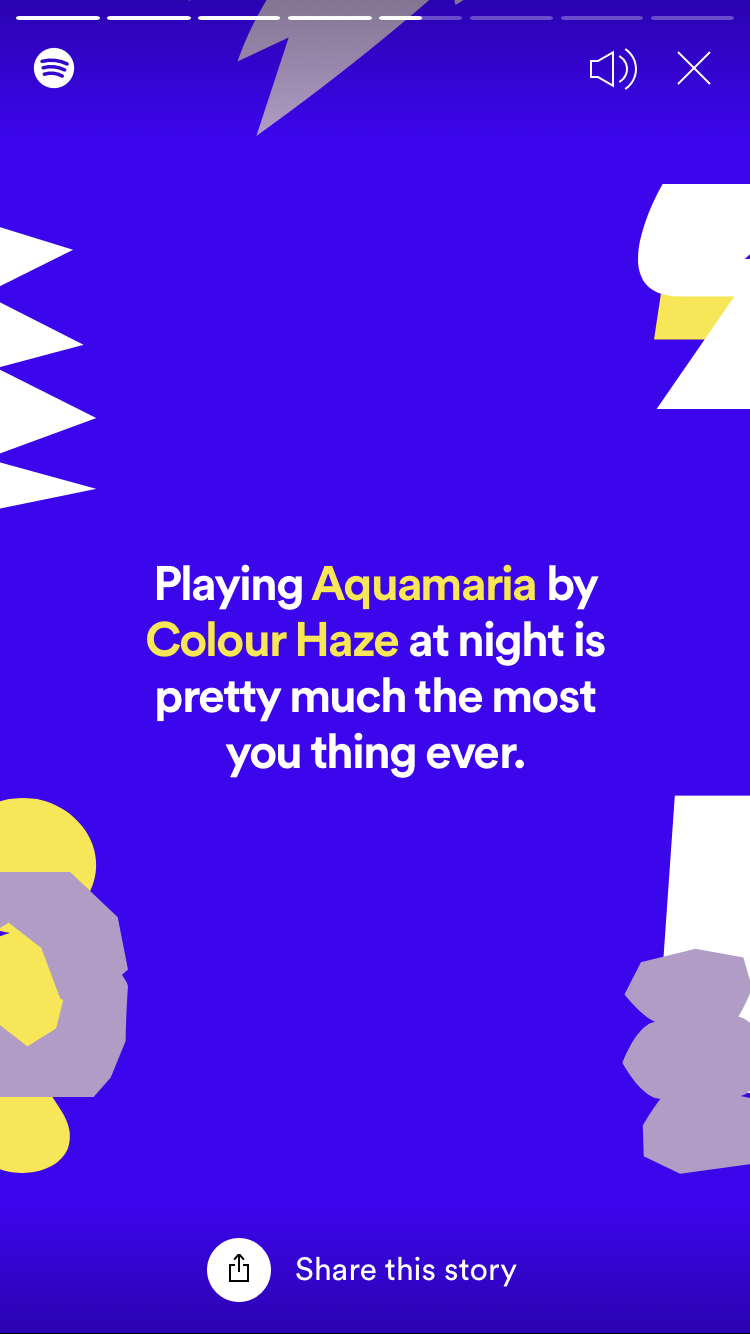
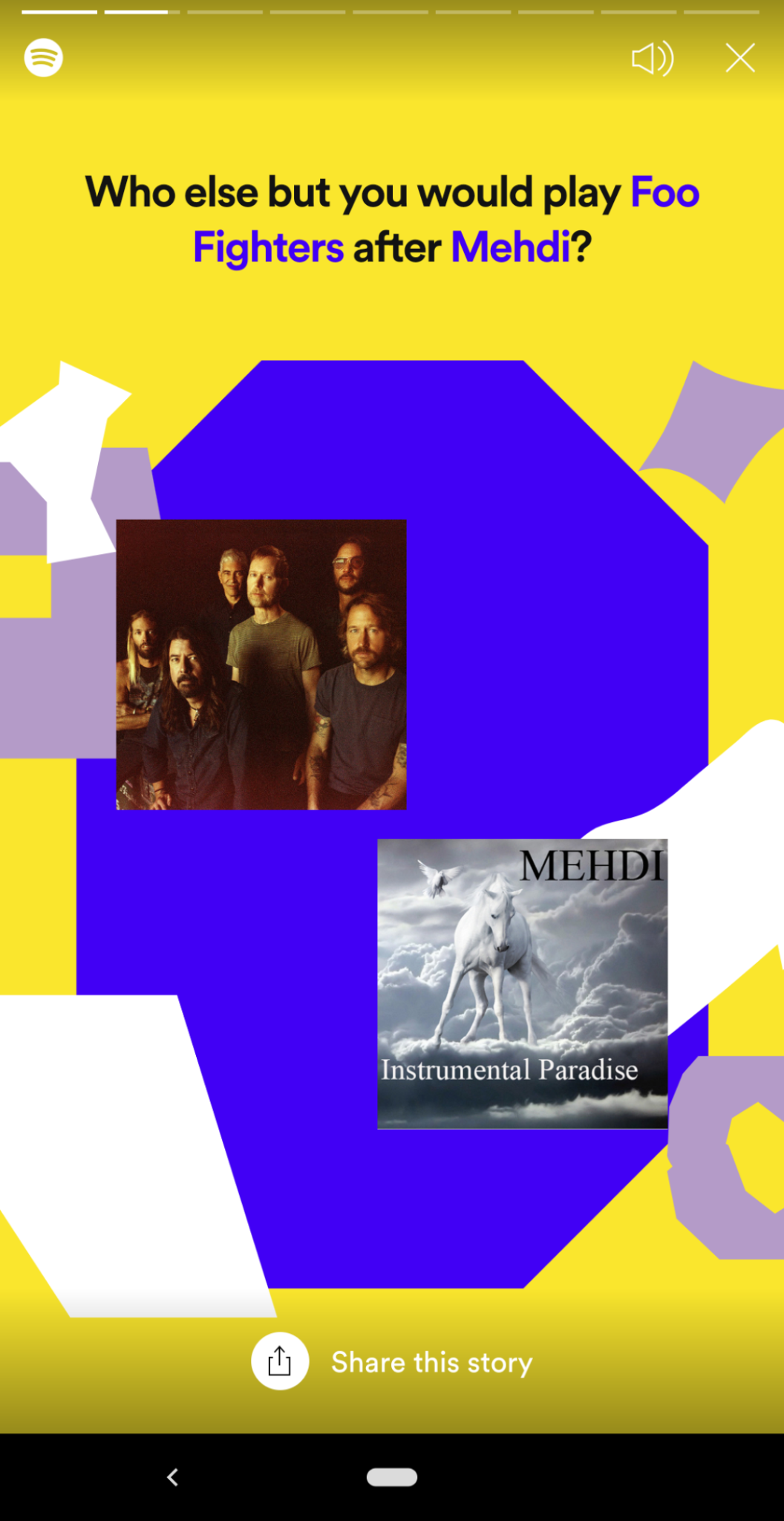
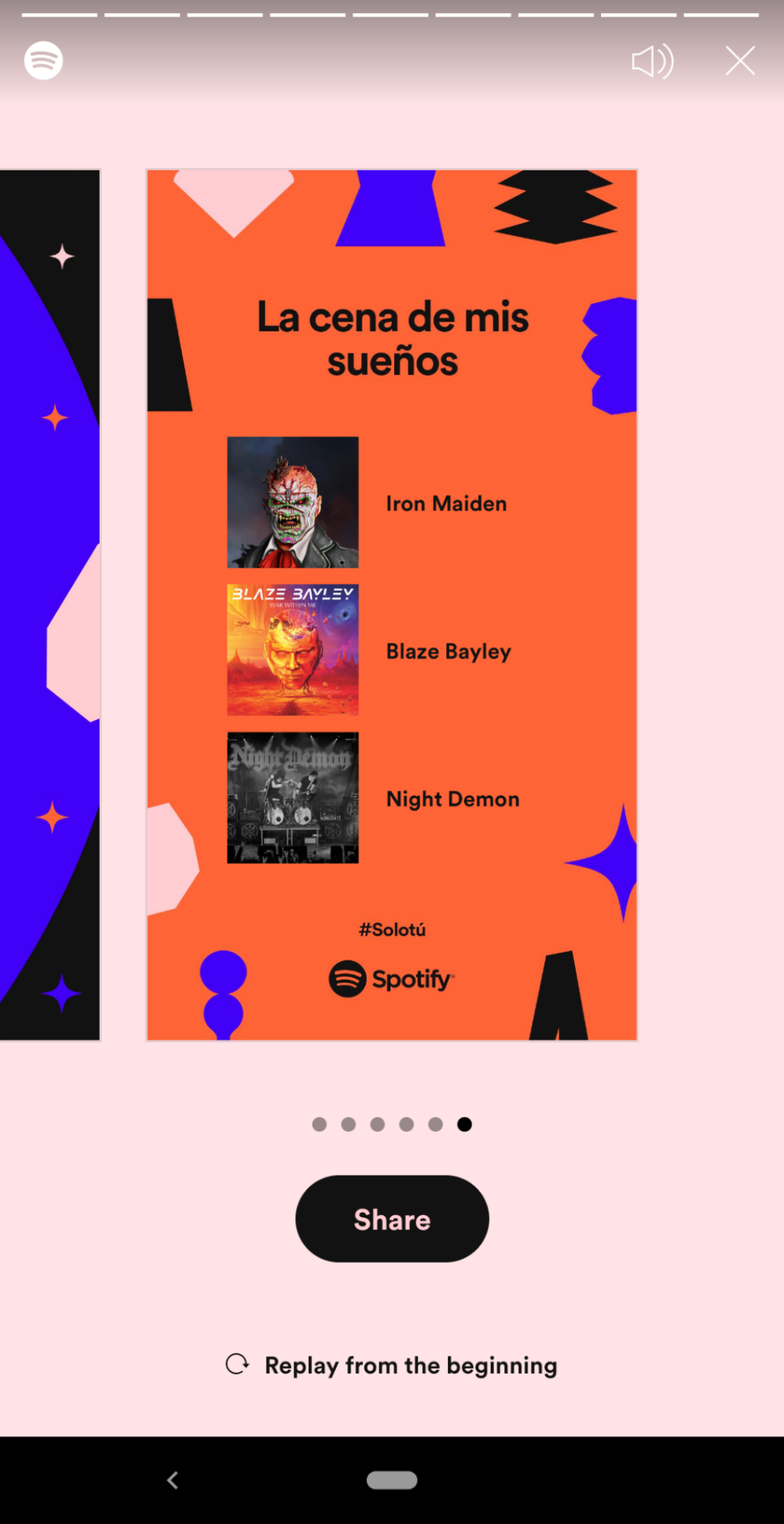
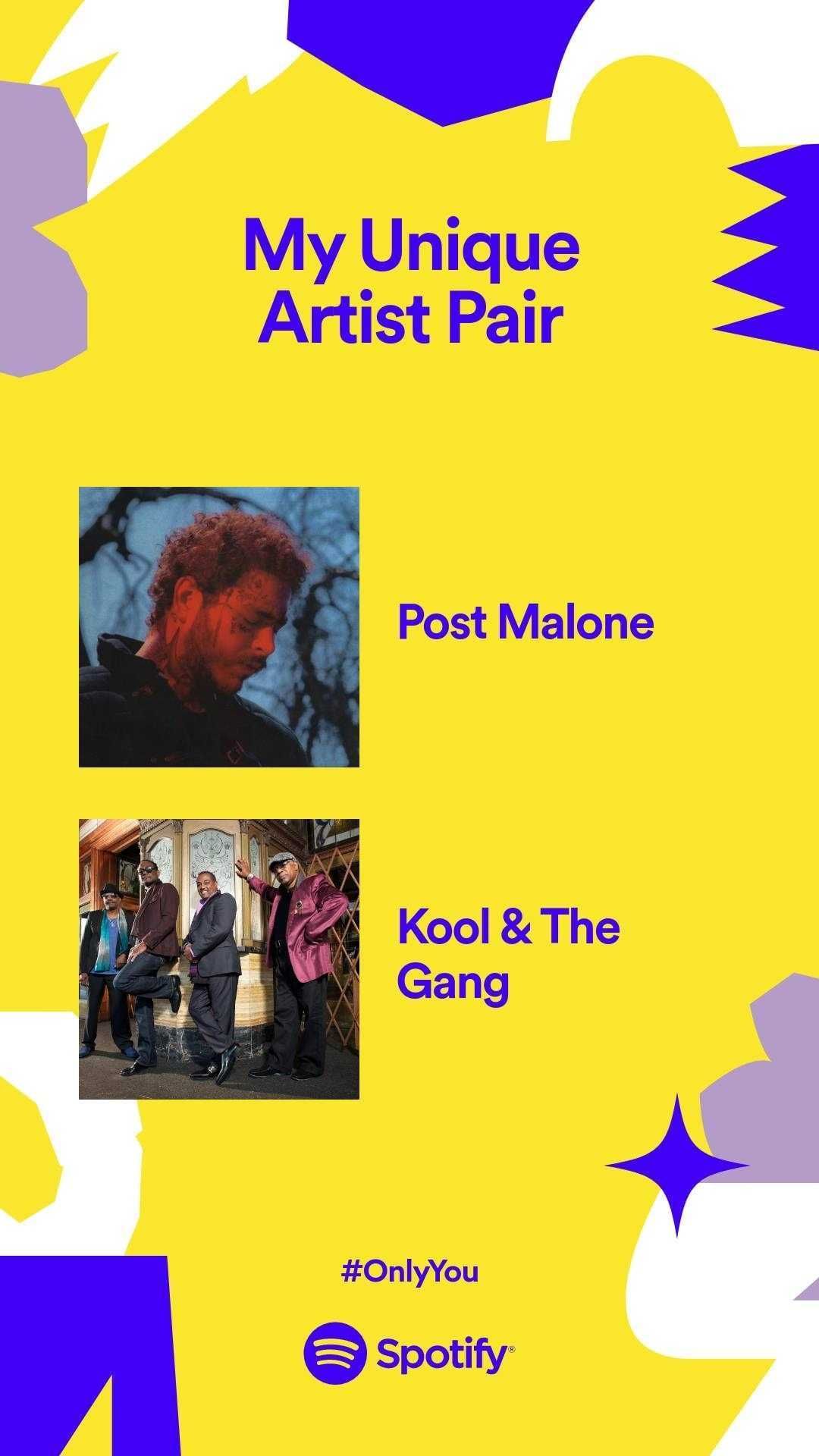
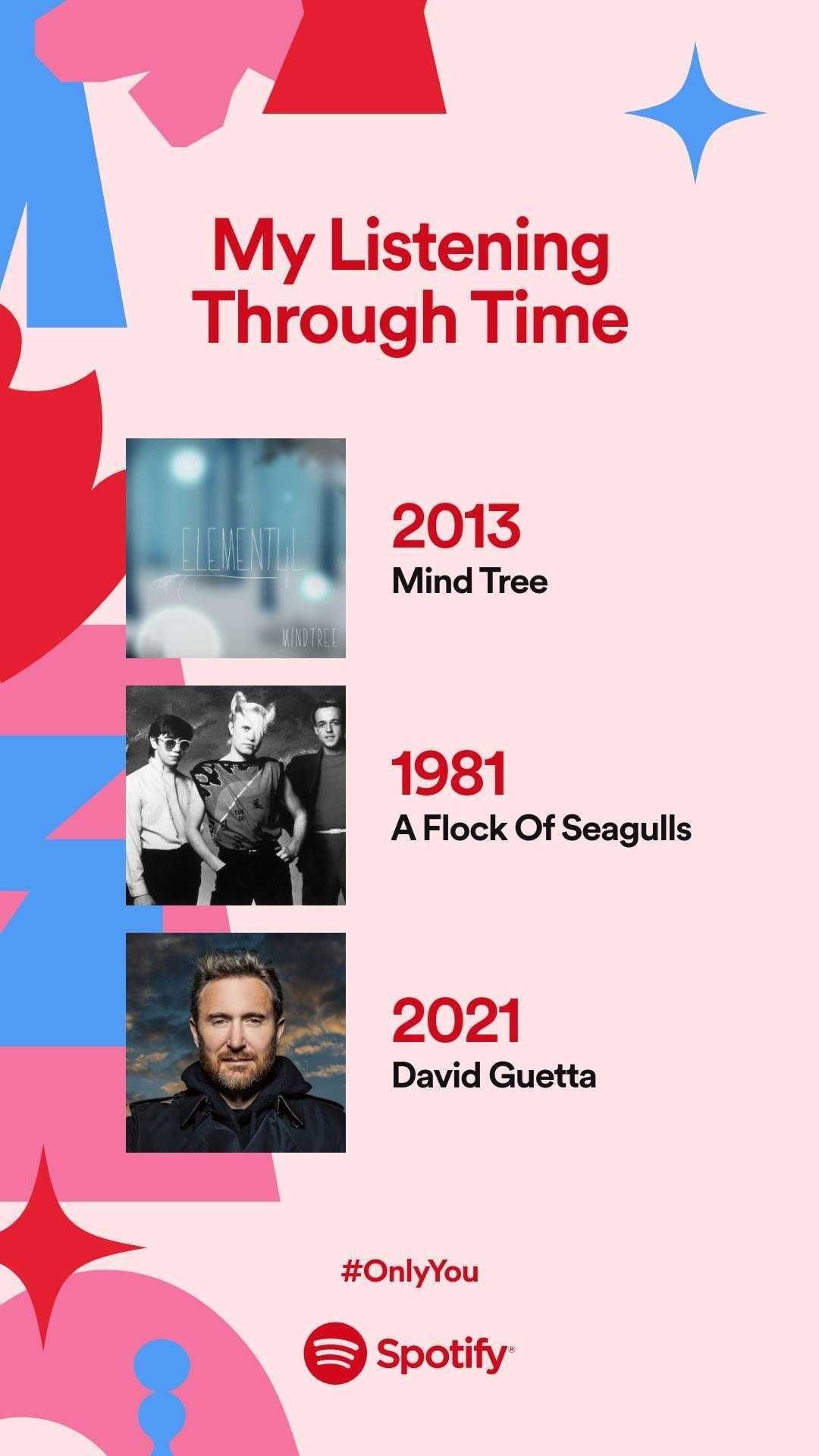
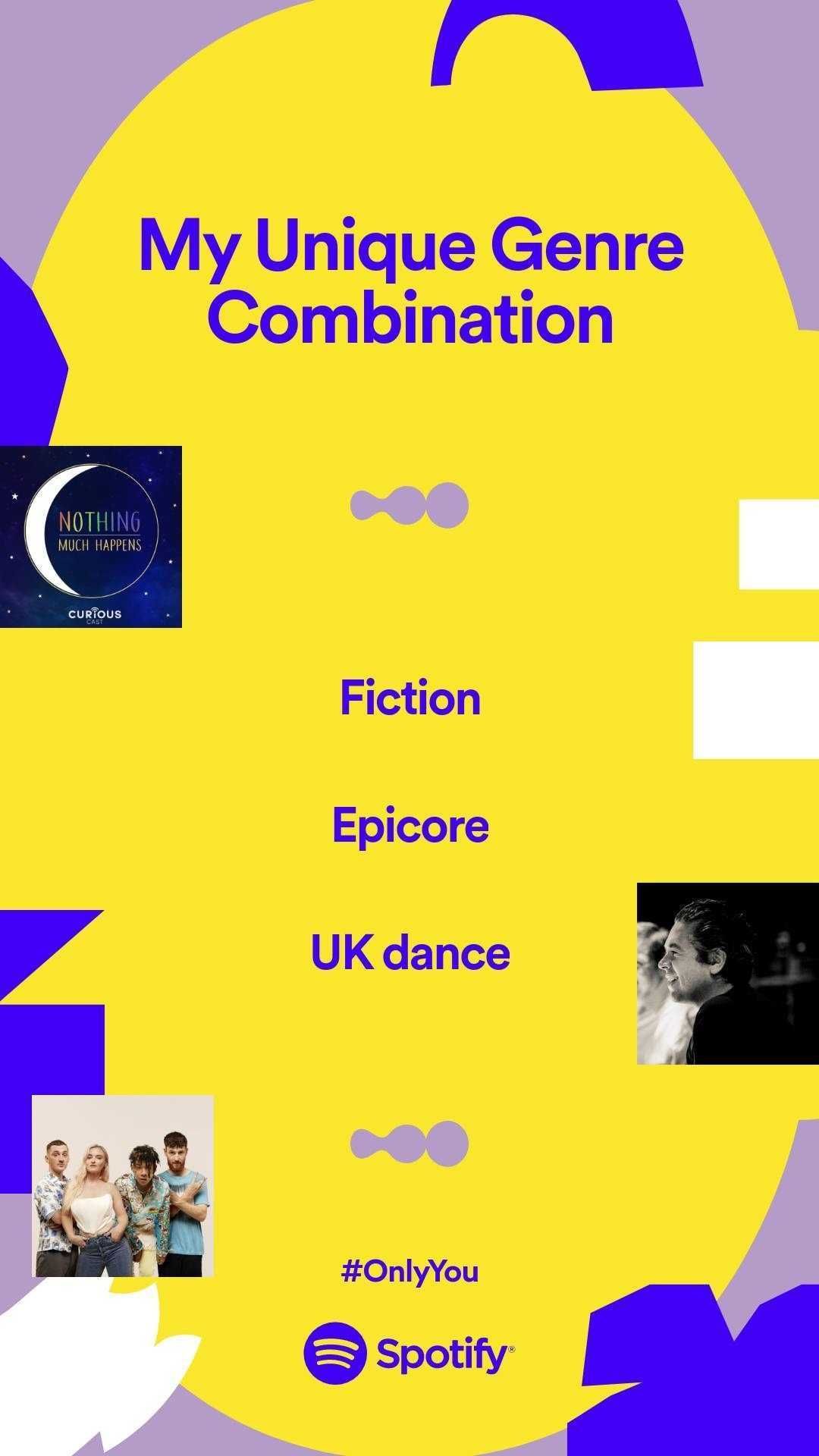
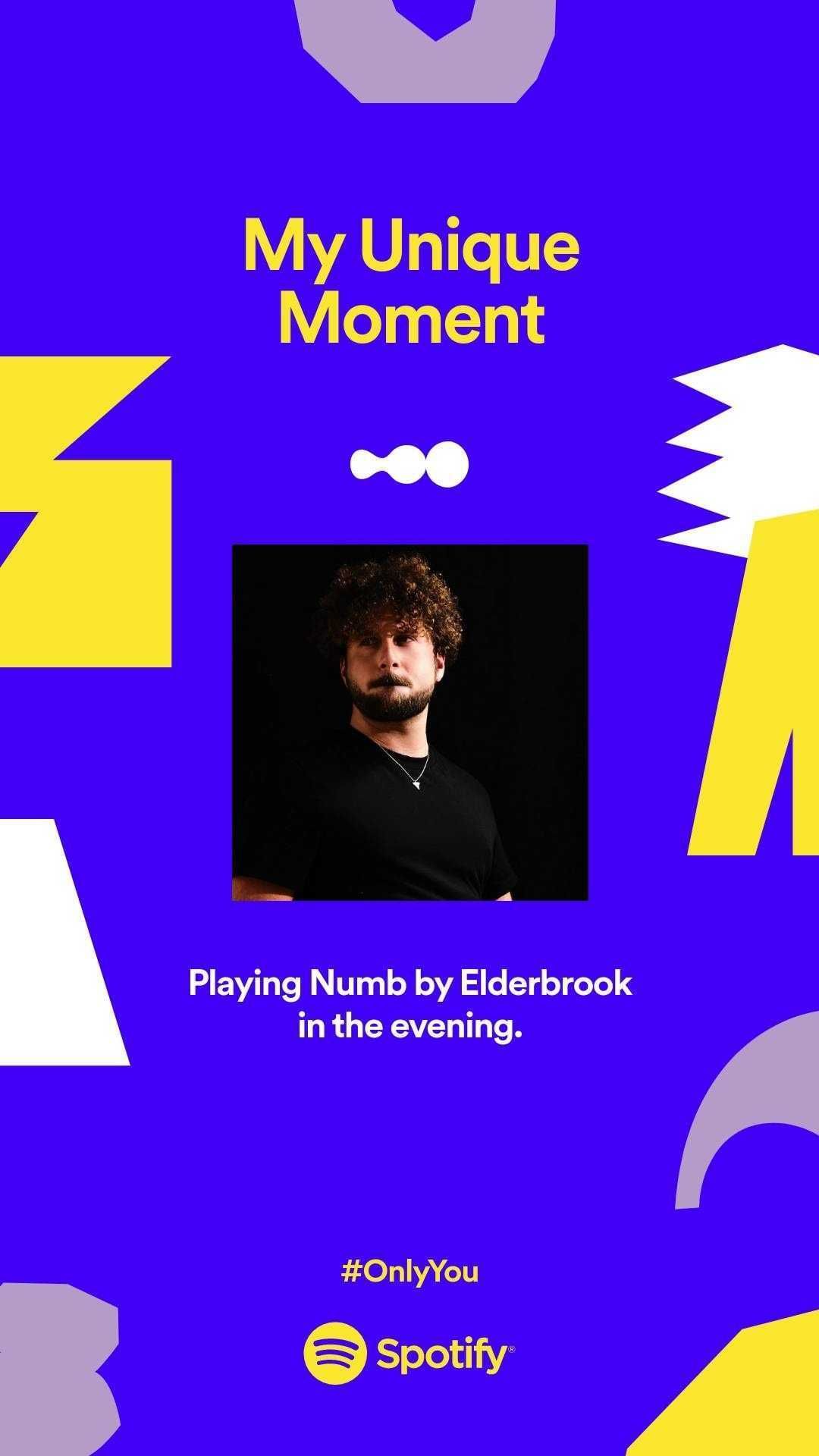
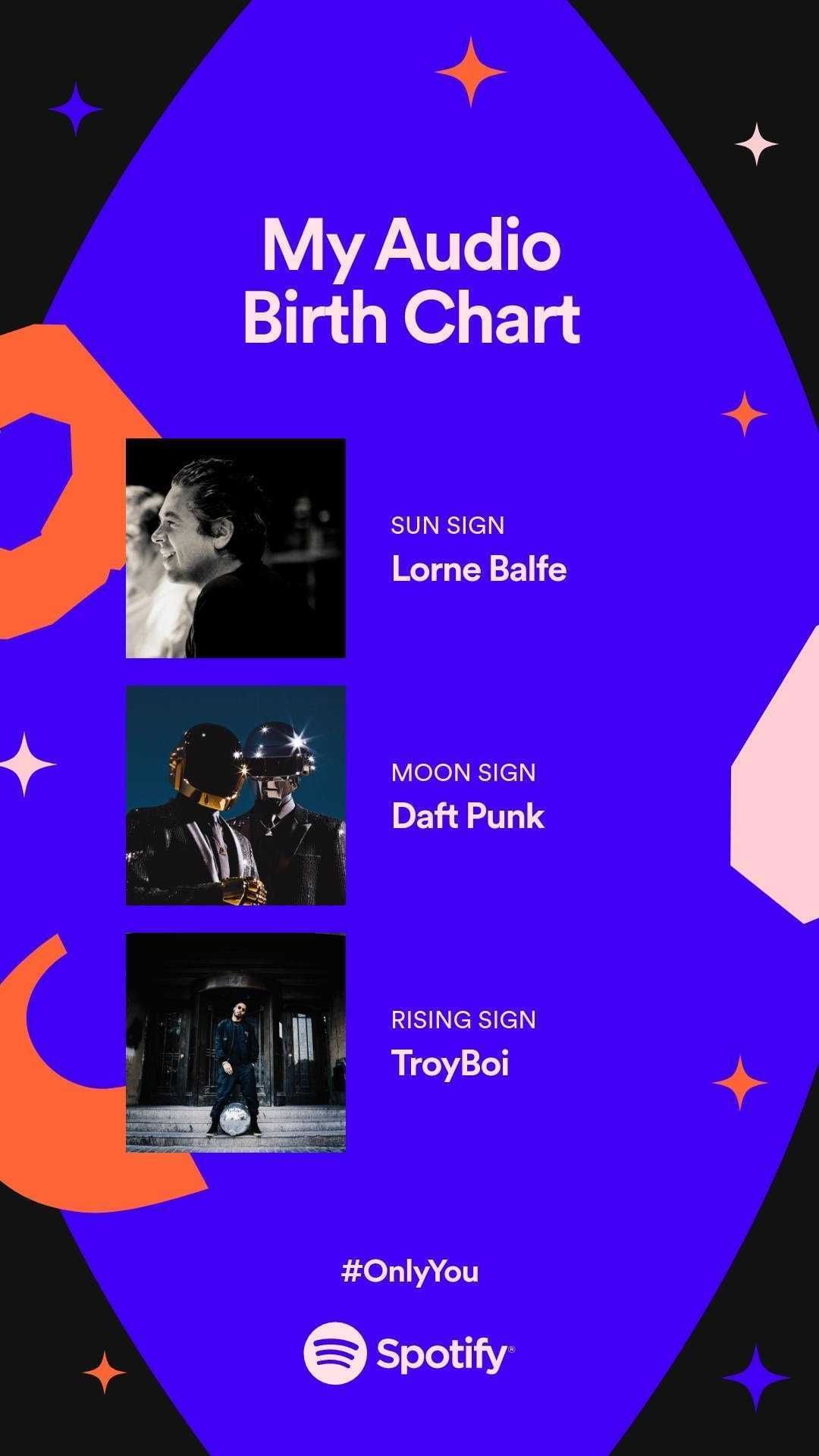
💚 Share your "Only You" card images with us below
In the mobile app go to the Home or Search tabs and tap on the "Only You" banner.
Check out this FAQ more more information:
FAQ: What is Only You?
Check out this Spotify news article for more information:
Celebrate Your Unique Listening Style With Spotify’s Only You In-App Experience

To share your image you can screenshot it in the app, or tap the share to Instagram Stories option, and then tap the download icon at the top in the Instagram app (actually sharing it to your story is optional). In the Android app you may see an option to download the image directly. The iOS app does not currently have an option to download the images. My favorite method and the one I use, you can copy the link to the share card in the share sheet and go to "view-source:paste link here" (works best in desktop Chrome) and then in the source code find and copy and paste the share image URL into the browser and save that image. For example the final image link you find in the source should look like this: final image link
If you don't see the banner in the app anymore and you want to get back to it, find the "Only You" tile in the search tab in the mobile app.
Once you walk through the entire experience, you'll receive new personalized playlists that are part of the Only You journey. You can find them even after the campaign is over in the Only You hub.