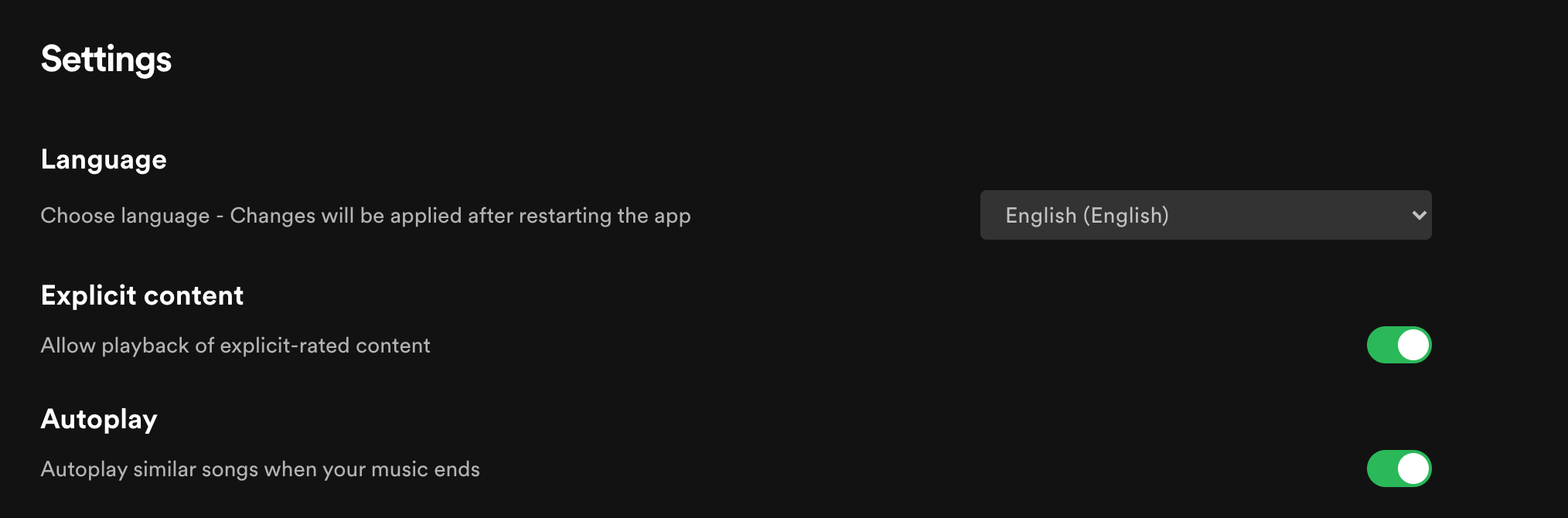
I often have to decide whether to deactivate / activate the autoplay of the playlist following daily activities that mark one or the other activation status according to my needs of the moment. For example, if I am in the room listening to music and immediately after I decide to take a shower (leaving my Mac's player to play the music in the background) I set the autoplay to OFF. This offers me a double advantage: first, to continue listening to the playlist on my return and secondly, if I had to leave the house without interrupting playback, it will stop automatically when the songs contained in the playlist are finished. My playlists are all saved locally: but what if I go out forgetting the player playing and having set autoplay to ON? Megabytes would needlessly be consumed on the data plan of my home 4G router. To avoid this I ask that the "autoplay" button be removed from the settings panel and moved to the player in the foreground, where you see a red cross (screenshot). Having this button close at hand makes it easier to switch between states and also more visible because the green LED is right where it should be.