Desactivar animación de Hz en pantalla de bloqueo android

Accepted answers
All comments

We refer when we turn off the screen, an animated oscilloscope graph appears. And we don't know how to disable that animation.

Hey @ObelixUP,
Thanks for your reply in this thread.
We've checked on multiple Android devices; but we're not sure what they mean. That being said, can you share with us a video recording of what you're mentioning? You can attach the video in your next reply in mp4 format, or you can also upload it to YouTube or Google drive and make them public, so we can visualize them.
On another note, can you share with us the exact make/model of your devices along with the Spotify version you have installed?
Keep us in the loop!
The modelo Phone is Xiaomi 10T Pro Android 12
Versión Spotyfi 8.7.74.443

Hi there @ObelixUP,
Thanks for the info. We still don't exactly know which animation you are referring to, so as mentioned before, please provide us some screenshots or better yet, a video of the behavior, so we know exactly what's happening.
We'll be keeping an eye out for your reply.

Hola no sé si se refiere a lo mismo que me pasa a mi pero parece ser similar, a mí me aparece algo así y me gustaría saber cómo desactivarlo ya que en configuración no encuentro una opción para eso
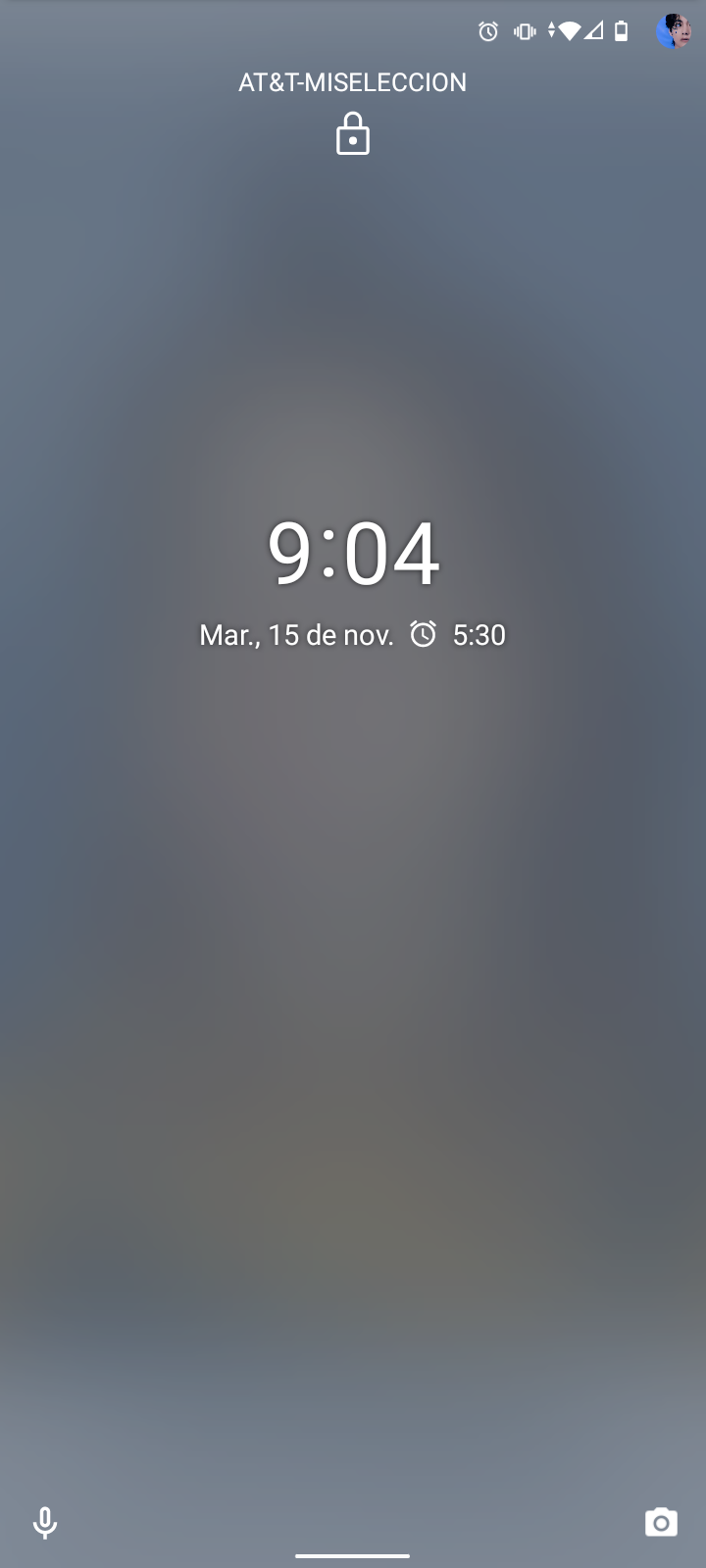

Hey @AleGM,
Thanks for sending over the screenshot.
We'd recommend reaching out to your phone's manufacturer, since this isn't something we at Spotify can help with.
Cheers!
I mean this when I lock the screen this comes out.
Al bloquear el móvil sale un video de osciloscopio, solo sucede con su aplicación Spotify con la versión indicada en el mensaje anterior
When blocking the mobile, an oscilloscope video appears, it only happens with your Spotify application with the version indicated in the previous message
When blocking the mobile, an oscilloscope video appears, it only happens with your Spotify application with the version indicated in the previous message
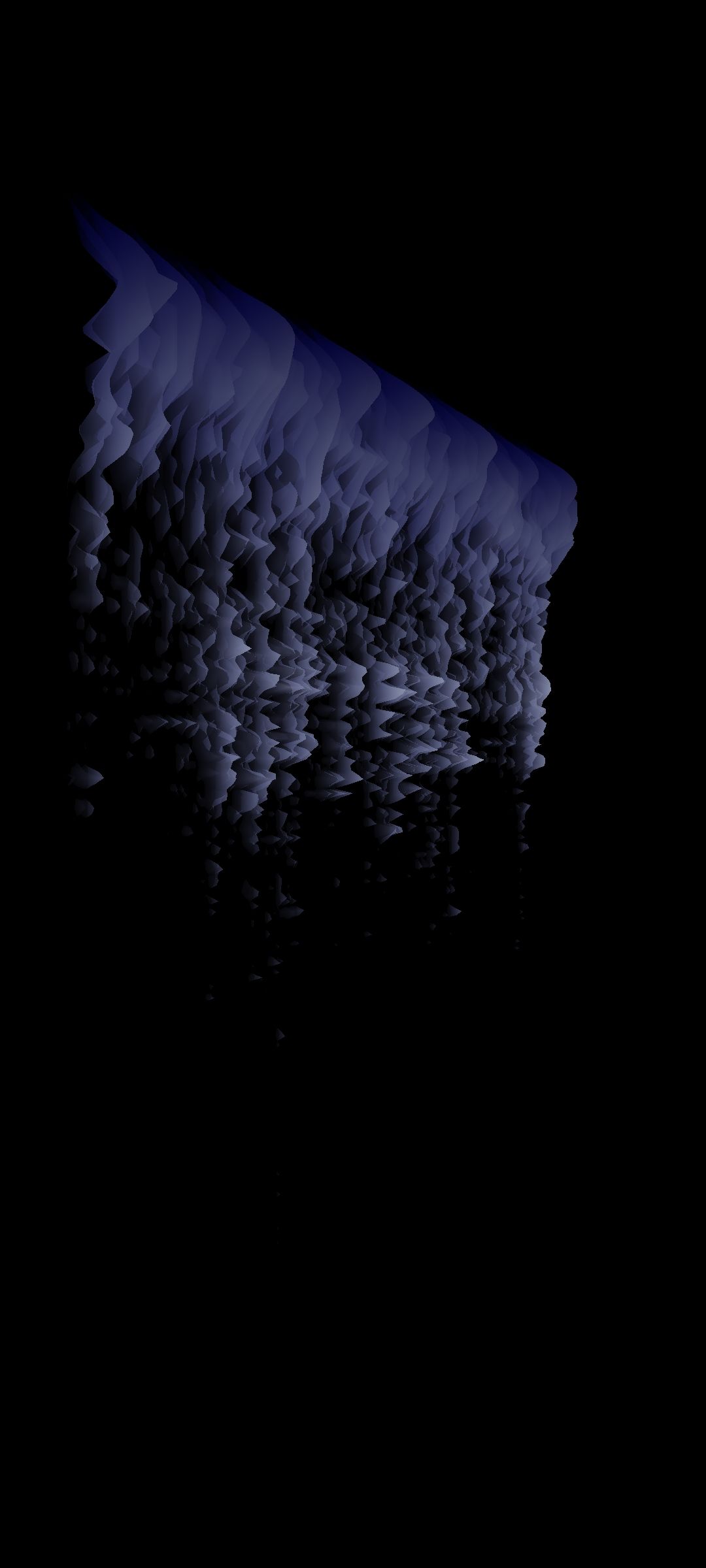

Hello!! I have the same problem. How can I disable the wave animation? It is so annoying I al thinking of uninstalling Spotify...
Hi there,
Thanks for your post in the Community! We hope you don't mind us answering in English as this is the official language of the forum.
We're not sure if we understand correctly what you're having in mind here. Could you please share with us a screenshot, or a short video of the animation you're describing and that you're trying to disable? You can send a link to it or attach it using the Insert Video option in the post editor.
Keep us posted, we'll be on the lookout for your reply.