Shared links doesn't work

Plan
Premium
Country
Sweden
Device
OnePlus Nord
Operating System
Android 11
Browser
Chrome, Brave
My Question or Issue
I've seen other topics here about shared links not working and they've been closed without action, like this one for example: https://community.spotify.com/t5/Android/Bug-in-sharing-links/td-p/1604500
My friend and I usually share links of songs we like and it used to work flawlessly. She's got an Iphone, although I doubt that has anything to do with this. When I click on her link the Spotify pops up but shows nothing, like I just switched back to the app. The links are definitely broken and I know they used to work without any problems. It's not been working for quite some time now.
Here's an example she sent me today:
https://open.spotify.com/track/6IZWJhXyk1Z0rtWNxIi4o7?si=tsjnJSTZQe2QsHMOOu8QuQ&context=spotify%3Astation%3Aplaylist%3A7aEFzOETdY5L99tY6ZBxsD
On my PC this works just fine. On my phone however it doesn't. Tried in both Chrome and Brave, it just opens the Spotify app as if I switched back to the app myself and it's not re-directing to the shared music.
In the post I mentioned about this very topic the user labelscollected gave a suggested "solution" to the problem; removing everything after the "?" in the url seems to work on my phone in Brave browser(tested). Like this:
https://open.spotify.com/track/6IZWJhXyk1Z0rtWNxIi4o7
However, this is a workaround and not a fix! Please fix your bug for sharing links as it seems to not have been fixed for some time now and it's really annoying! I just found the workaround today on the community page because I was so annoyed about it not working I had to go search for it... I just wonder how many people are affected from this without knowing why or how to work around it.
Cheers Spotify devs!
Accepted answers
All comments

Hey folks,
Thanks for your reports.
Sorry to hear that you're having such issues. It would be great if you can give us a bit more info about this:
- Device model, OS version and Spotify version for the device on which the link doesn't open. Note that on mobile, the links should open up in the app itself.
- When did you first notice this happening.
- What troubleshooting have you done so far?
- It would be very helpful if you can include a short video recording of the issue on your phone. You can add it as an attachment or link to YouTube or similar.
We'll look into this further 🙂
Cheers.

Samsung Galaxy Note20 Ultra. Software Version N986USQS2FVC8. Spotify Version 8.7.42.943
I've had this issue going on for several months. I am just now inquiring on why this changed.
When I used to share Spotify songs with friends via text message, I used to get a preview of the album/single art along with the link. Now I only get a message that reads "unsupported browser". I am wondering why my phone is doing this.

Hi @quaysey!
Could you share a screenshot / short screen recording which shows how things look on your end? If possible, try logging in on another device (a friend's or a relative's would do) to see if you'd experience the same behavior there.
In case you haven't already, try also reinstalling the app by following the steps in this article.
Keep us posted on this.
Cheers!

I do not know how a screenshot is going to add any better info. In the past, when one would share from the Spotify app to SMS (as I do) or even "copy link" (and then paste into my text message), there would be a thumbnail of the song (album cover, perhaps) and the title of the song and the artist.
Now, it just shows the link "https://open.spotify.com/track/3047903uyoiheodfih" and the preview reads "Unsupported browser."
We're not doing anything different. Spotify just doesn't work right for sharing to SMS or Copy Link. I have not tried any of the other ways, but those don't matter to me.

WendeeQ,
Thanks for your reply in this thread 🙂
We understand where you're coming from. However, we're requesting the screenshot or the video since it can help us to visualize what's happening.
Additionally, make sure to send us the details @Alex mentioned above, this way we’ll investigate more thoroughly.
We'll be on the lookout for your replies.
Take care!

Any updates on the fix fir this issue?

I also have problems with spotify links, especially with the missing album art! I use the Messages app on Android Galaxy S21 Ultra. Links actually play the song for me, but the album art and the song/artist name no longer pop up. All I get is a box that says:
"Unsupported browser
open.spotify.com"
This started happening about 9 months ago, maybe a year. Hard to say. Other platforms still get the album art but I don't see it 😕.
Hey Alex, I replied to someone above with a picture and a small explanation.

Hey folks,
Sorry for the delayed reply.
Could you let us know if you're still experiencing this? If so, would you mind providing us with the following info (if you haven't already)? We'd like to investigate this further.
- what links you're having issues with, please include examples
- the exact make/model, operating system and Spotify version of your device
- troubleshooting steps you've already tried
@I_Poindexter_I, thanks for all the info you've sent so far. Would you mind letting us know the Spotify version of your phone?
We'll be on the lookout for your replies.
Hi Eni,
Here's my info
Spotify Version: 8.7.56.421
Android Version: 12
Troubleshooting:
- I've tried changing settings in the Messages app in case it was an issue with roaming downloads or something (didn't work).
- I tried removing parts of the link; According to some people, there may be a part of the share link that interferes with my app's ability to pull the Album art? (didn't work and doesn't seem likely).
- Checked to see if other apps could pull the art. In Discord, the links work completely fine. I see the song name, album art, preview options, everything. I checked on desktop and on my phone. The Discord links work on both platforms. To me that seems like evidence that there's an issue with the Messages app but I can't prove that for sure.
- I went back in my phone and found the moment in time where the links changed behavior. What's interesting is that the old links I sent when the album art was working are no longer displaying correctly either. They still show more info than the broken links but they no longer show the album art. I'll attach a picture of what I mean for clarity. This will also show the timeline of when the issue started. If you look at the "Working Links" picture, you can see that those links at least showed the song name but they used to also show the album art.
- Full disclosure, I haven't tried reinstalling the Spotify app yet for a couple reasons...
- Some other people who have had the same, or similar, issues have reported that reinstalling didn't fix it.
- I have almost 9000 songs downloaded to my phone through Spotify and if I uninstall the app I believe I will have to redownload them all. I would really rather not do that.

Thanks for the info @I_Poindexter_I
If anyone else can provide some example links that aren't working and the device you are using - thanks so much.
@I_Poindexter_I what app are you using these links in specifically?
I'm using the default text messaging app that came with the Samsung Galaxy S21 Ultra. It's called "Messages".
App Version: 13.1.22.1

This is exactly the problem I'm having.

I've been having the same problem for a few months, pretty annoying. When I click on a link, it goes to whatever my screen was displaying previously. In the screenshot I attached, I closed Spotify and opened the link. It's the same thing from Whatsapp, signal, and google messages.

Yes we are still experiencing this issue for months now. I keep hoping each update will resolve the issue.
I will include the screenshots and explain what I've done so far.
I use Samsung S21+
OS One UI 4.1
Android 12
Samsung Default Messaging App
Version 13.2.2.0.9
I've tried reinstaling the app
And checked all the settings in accordance on spotify and my messages app
So when the spotify shared link is received I can click on it and it takes me to the song but the issue is it shows no preview
Just the URL along with a "unsupported browser" message underneath.
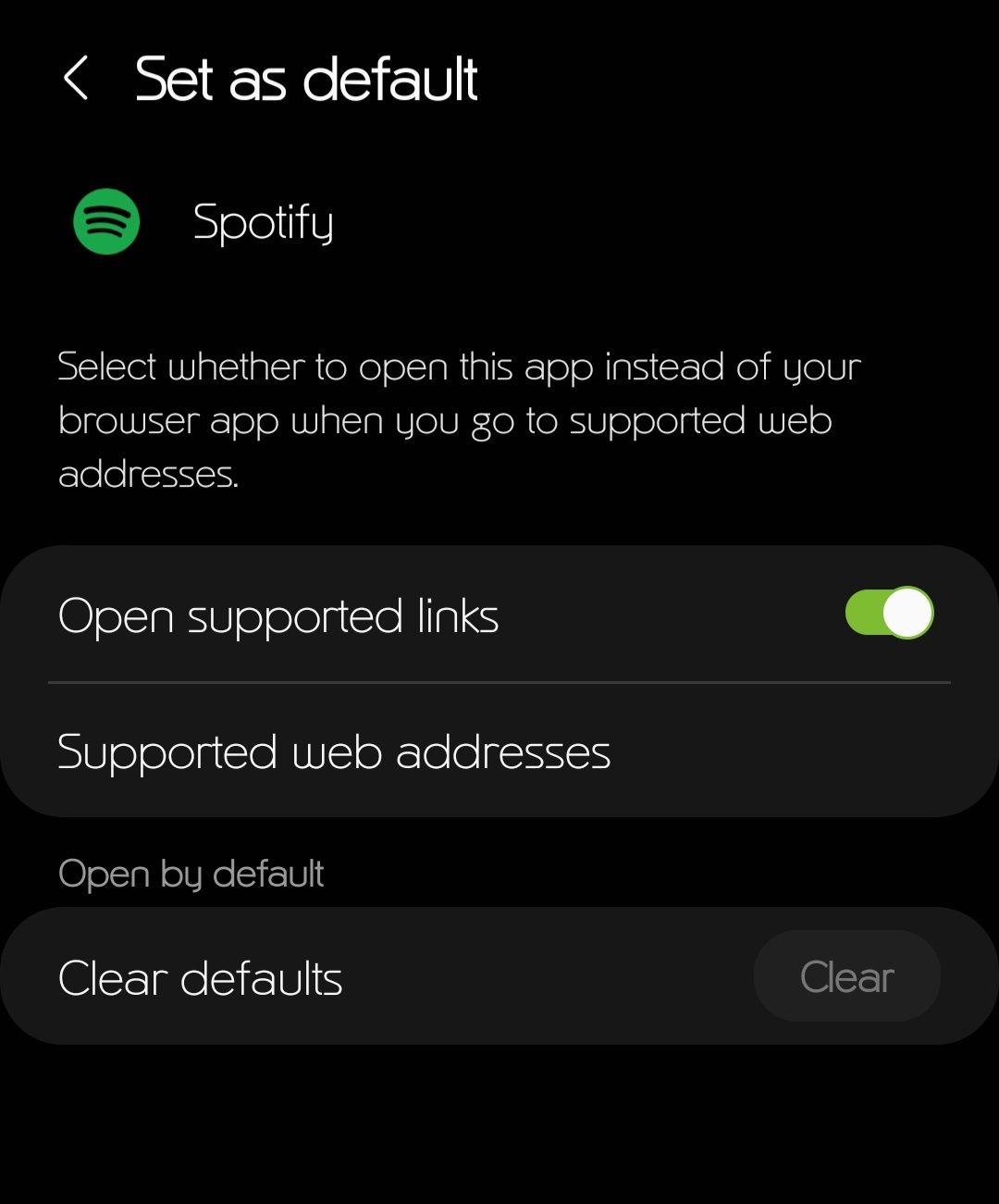

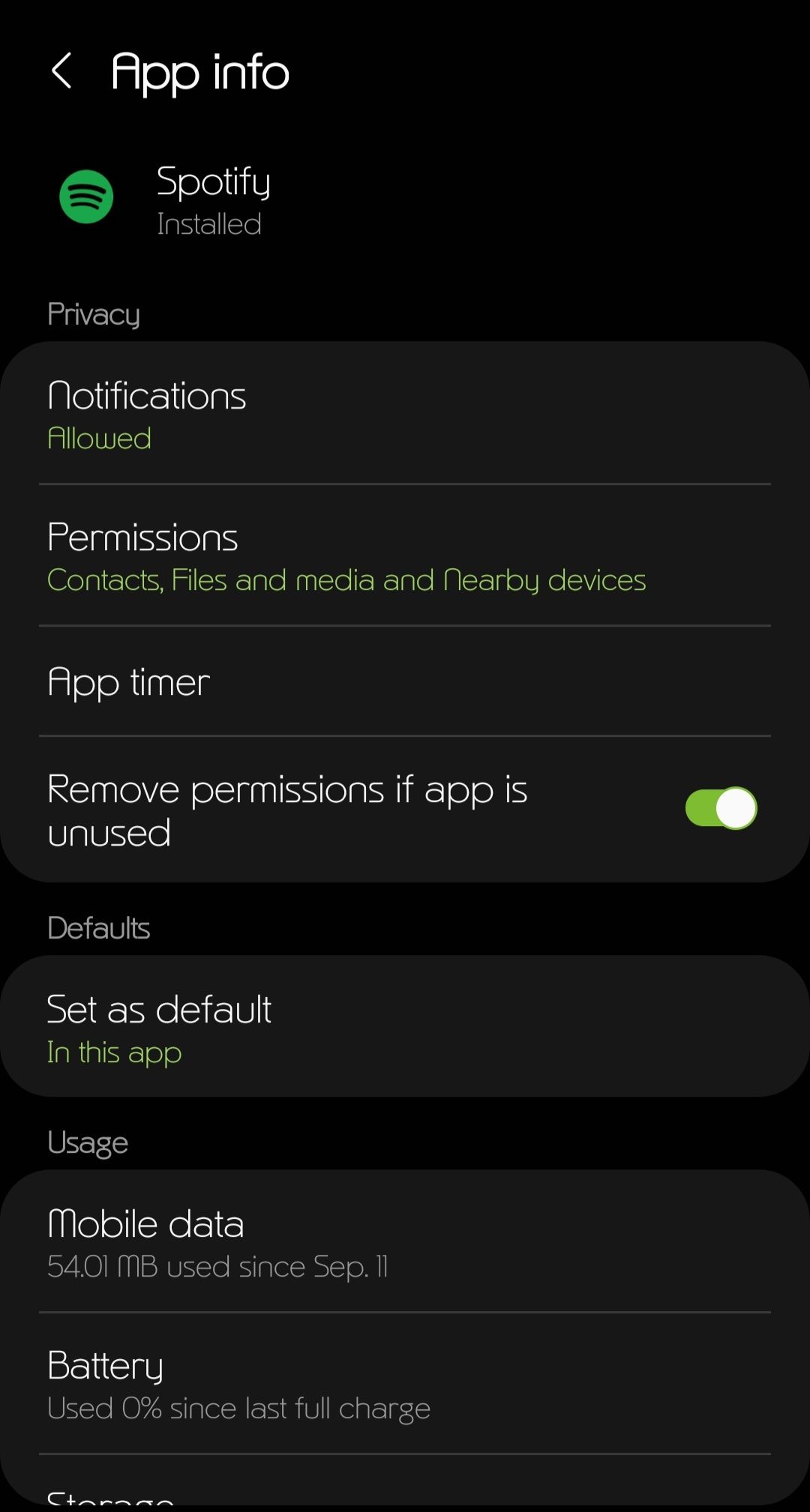
Here are screenshots and below on my comment reply 3 more attachments.
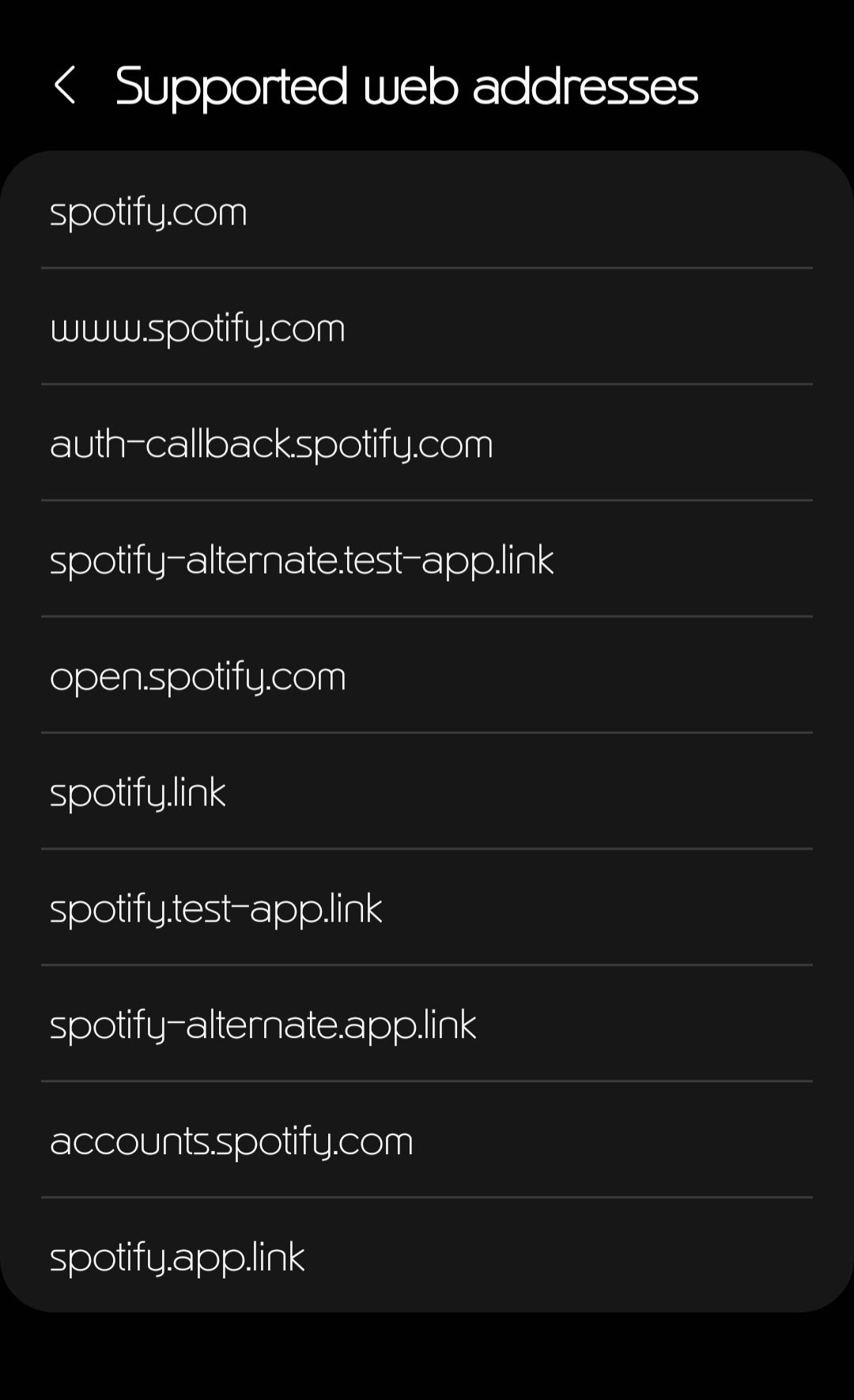
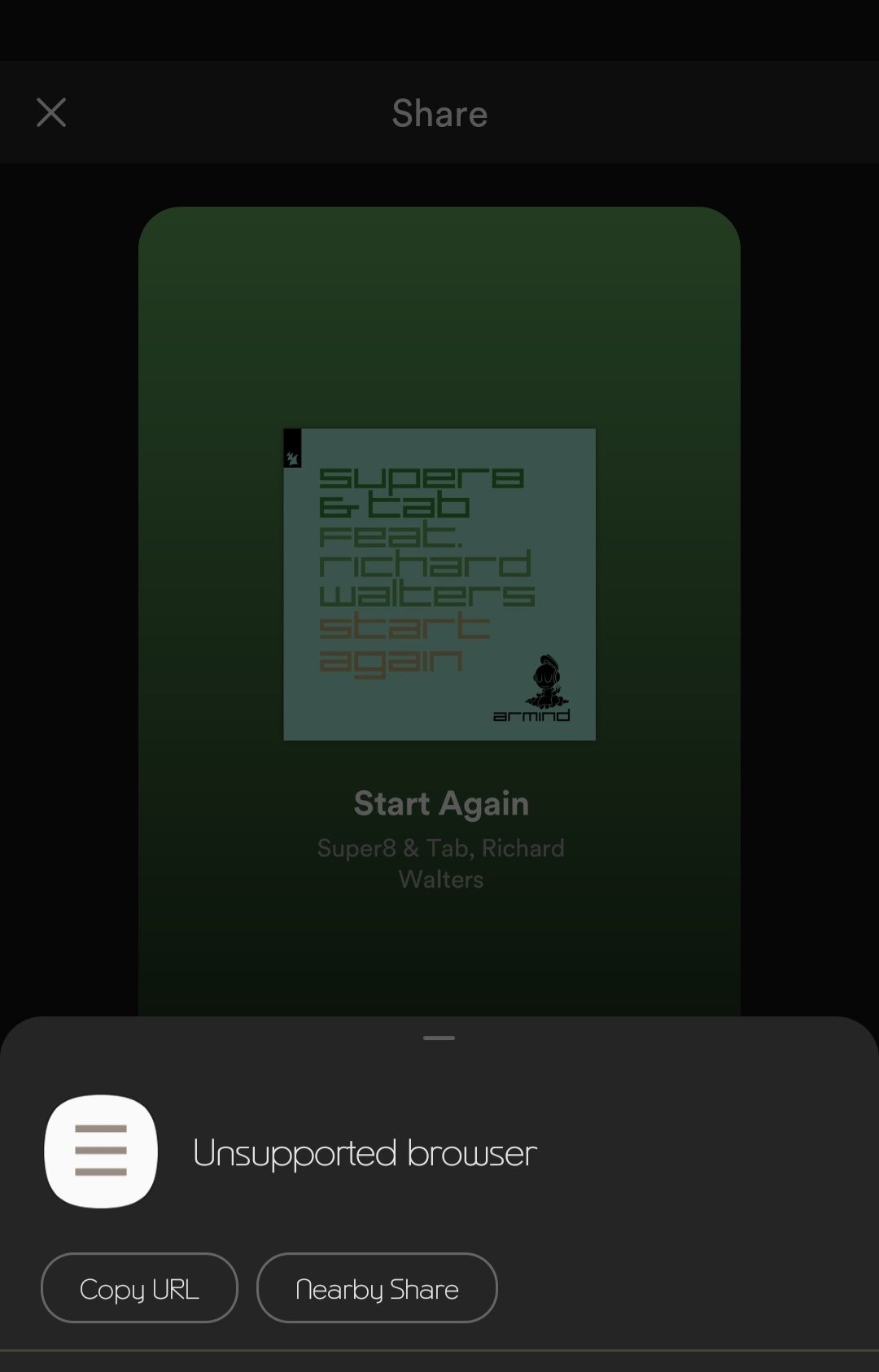
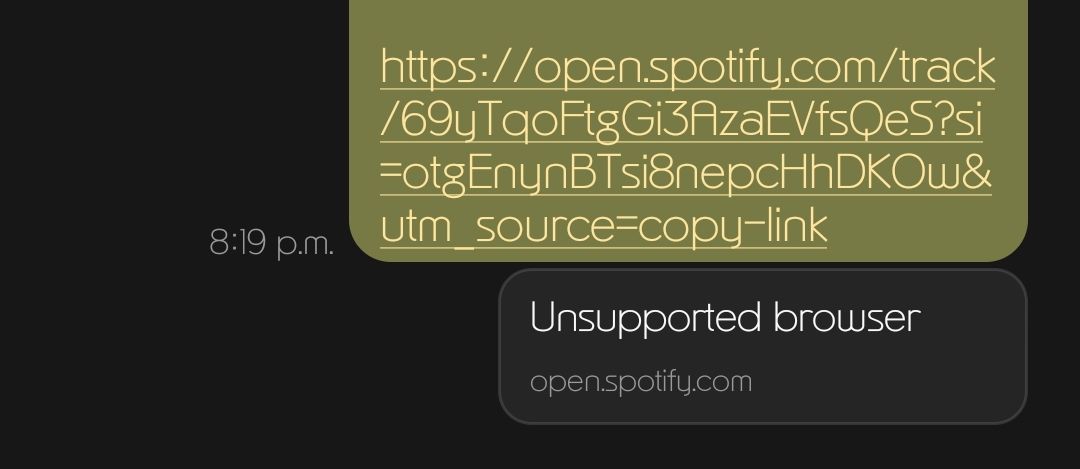
Hi @LilieKala,
Thanks for these screenshots!
Could you try something to see if that does the trick? Before sending the link to someone, remove everything after the question mark. So the link should change from looking like this:
- (https://) open.spotify.com/track/0qT6ZRANfu0pS36sL23D50?si=14334560aa514ef3
to looking like this instead:
- (https://) open.spotify.com/track/0qT6ZRANfu0pS36sL23D50
If possible, try another messaging app to see if the Unsupported browser message would appear there as well. This will help narrow down the probable cause of this issue.
Let us know how it goes. Cheers!
previews work in discord and my friend on iOS says everything looks fine on
his phone.
Hi Yordan,
Thank you for your response.
I have tried that and while the "unsupported browser " message does not appear and therefore delivers along after the spotify track link, it still does not show the preview of the track. I have also tried the Google messages app but it's the same issue. On whatsapp works fine as it should. The thing is when i click on the spotify track share button it right away determines that the browser is unsupported before I even select which app I am going to share it on. I believe I included that screenshot, were u able to see it? At first I thought it was the android issue, either the OS or the app itself in this instance the default Samsung "messages app" but when I discovered that spotify determines that the browser is unsupported before i even select the sharing platform I figured that the issue most likely stems from spotify, hence I reached out. Thank you for your time and looking into this.
I am not sure it's of significance, but I have been a spotify premium listener for over 6years now, maybe more, I lost the count heheh

Hey folks,
Thanks for your replies in this thread and for all the info shared.
We've gone ahead and passed this info to the right team. Rest assured this is being investigated. In the meantime, we suggest you subscribe to this thread in the three dot menu, so you can be up to date on the news about this inconvenience.
It'd be really helpful if you could share with us the exact Spotify version you're currently running on your devices. Also, it'd be awesome if you share with us some of the links which have this inconvenience.
Keep us in the loop!
Take care!
Spotify App Version
8.7.72.546
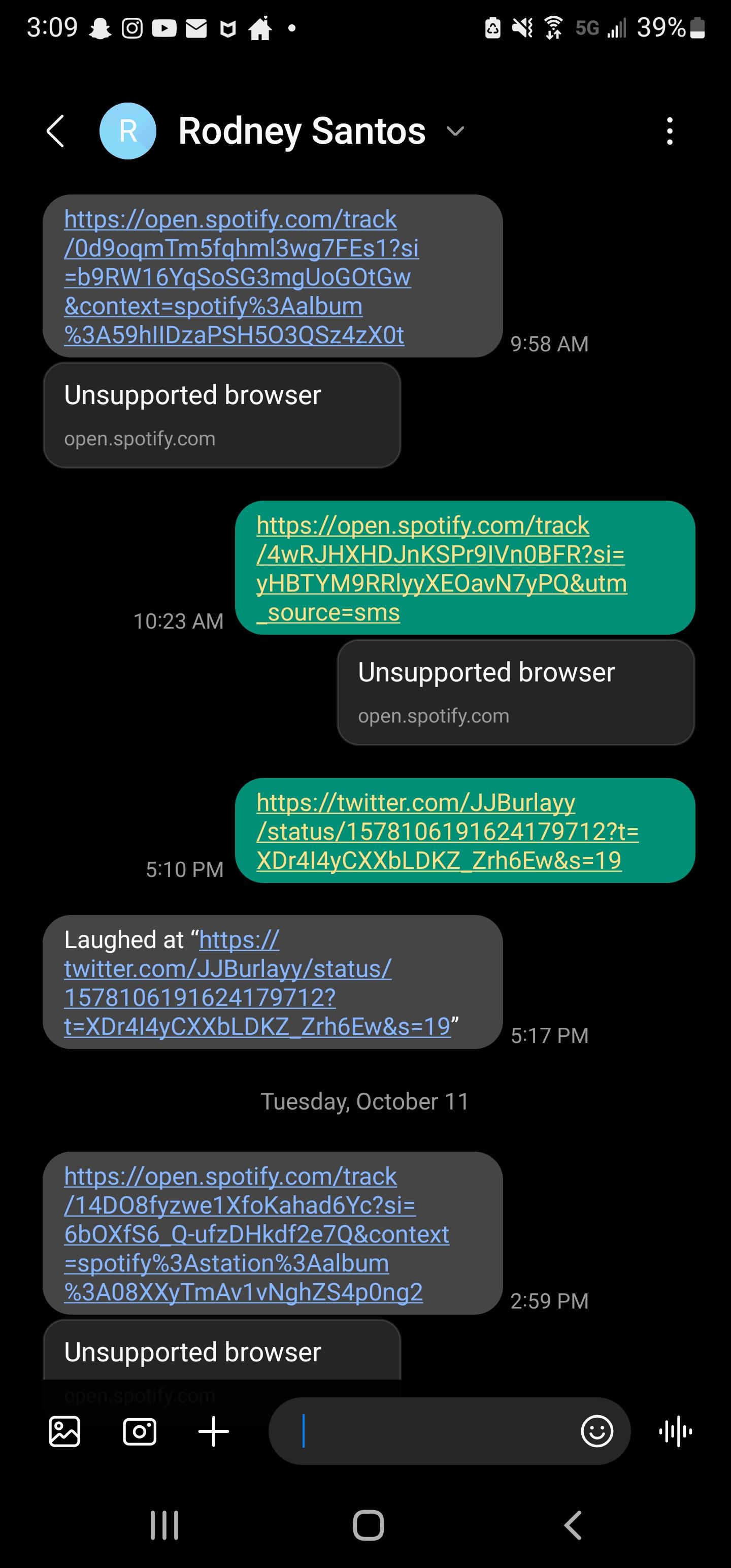
here is a text exchange between a friend of mine who has an iPhone and myself who has a Galaxy Note20 Ultra. As you can see, all the songs including the one I sent show "unsupported browser". Several months ago, I would get a thumbnail of the album art and a preview of what the track was. The 1st track my friend sent and the one that I sent go to the song. The last link from my friend just takes me to the Spotify app. It won't go to an album or song. My friend said he gets previews and can see all the songs in his feed and they work for him
Hey folks,
Thanks once again for all the detailed info shared.
We've passed this new info on to our tech team. Now, to continue investigating this further, we'll need you to send us the links to the songs in which you noticed this behavior. This'll help us a lot, since that way we can continue isolating this inconvenience. To do it, you just need to follow the steps in this article.
So, that being said, please send us some examples so we can pass them on to our team 🙂
We'll keep an eye on your replies!
It does this for all/any song I share or receive.

I have a Galaxy S21. I have uninstalled and reinstalled the app, and nobody can share a Spotify link with me. It opens the app to what was previously playing or just a blank screen. Super annoying. I'm about to switch music providers as me and my friends love to share music with one another and it's now essentially impossible. I have to copy the link, email it to myself, then launch a web browser and use a desktop computer to see what they're sharing with me. FIX YOUR STUFF OR I'M LEAVING

Hey there folks,
Thank you for all the replies, our tech team is currently looking into this and has asked for a little bit more info on the issue. Could you provide the following:
- The version of the Spotify app you're using
- The brand/model and operating system of the device you're opening the links on
- A video recording of what is going on on your end, this'll help the most. You can upload it to Google Drive or YouTube and share the link here.
We'll relay the info as soon as we get it,
Thanks!


Pshhh


I'm having the same problem that has only gotten worse! I have a Galaxy S8+. When I would copy the link/share, the image of the song used to show in the text. That stopped sometime last year and it says "unsupported bowser" but the link still opened Spotify and played the song. Within the last week, the link will only open Spotify if clicked or if copied into browser. No song! I hope this gets resolved