Big Playlist over 200 songs not shown in Carplay

Only the first 200 songs are visible, but you can skip to the next song that is inviaible in the playlist looking at it trough carplay.
Please fix this bug, i found the same problem in posts of other users since 2016…
Accepted answers
All comments

Hey there,
Thank you for reaching out here in the Community.
First off, we'd recommend to check for a pending update on your both your device and the Spotify App.
Secondly, try performing a clean reinstall of the app on your device as this might be caused by an issue with your device's cache. It'll get you the latest app version with all necessary updates and fixes and will remove any corrupted files from previous installation.
It's also a good idea reconnect Apple Car Play and set it up with the car again. You can do that by going to Settings > General > CarPlay > [ you'll see your car's name here] > tap on Forget this car. After that, connect the car with Car Play again.
In case the issue persists, it'd be great if you could tell us the exact make and model of the affected device, its operating system, as well as your Spotify version. Any screenshots (or a quick video) you can provide will also be helpful investigate this further.
Keep us posted,
Cheers!
Hey, sorry for the late reply!
I tested everything, including uninstalling the app and reinstalling as well as deleting the cars on the iPhone and reconnecting them.
I had the opportunity to test two cars, which behave absolutely identical:
VW Tiguan II (2019) with Discover Pro (Carplay via USB)
VW Golf 8 (2022) with Discover Pro (Carplay via USB or Bluetooth)
Big playlists with over 200 songs are just cut at 200, the rest is not showing up on the cars screen.
On The iPhone (13 Pro) they are visible and everything ist fine. If I start one of the songs that are not visible on the cars infotainment on the phone in can switch to the next song correctly on the car.
I found quiet some cases just like mine on the internet, but no solution whatsoever.
Any Ideas?
Thanks for your help!

Hey @Tomcat824,
Thanks for getting back to us with that info.
We've forwarded it to the relevant team for further review, however we can't confirm when it will be addressed. In the meantime, please make sure to keep your app up-to-date.
Take care,

Hi, any news on this issue? Problem persists till today.
Thanks

Hi there, I have the same issue since 2018. Today, I finally was frustrated enough to check online if somebody else recognized this actually huge bug. As a software developer, I can not understand how such a big issue persists for almost 6 years. Please, Spotify, fix this issue.
Its really frustrating to see nothing happened since years. Even my initial report of this issue is already 1 year old, not to mention the other posts on several forums dated 2016….
I have a new 2023 VW Passat with Discover Pro and carplay via Bluetooth, same problem as reported last december.
Please, fix this asap.

Same issue here in 2023 Audi a3. Also same issue as others with same songs playing in shuffle on playlists too, both issues been going a long long time searching on google. Any idea when this will be fixed? Thanks

Stunning how it hasn’t been solved for years now. Please get this fixed!!

Same problem with 2023 volvo xc40 B3 plus. I can see the liked playlist but not any others.

Same problem in brand new Volvo XC60, using an android smartphone

Same issue with BMW 5 series and wireless Carplay. Out of a 750 song playlist only first 200 are shown in Carplay

yep exact same problem cant see over 200 songs on carplay, 2020 audi a3
Any update on this being fixed? Thanks

It's reminding me of the bug I opened on the Apple Watch
I hate this company!

Plan
Premium
Country
Austria
Device
iPhone 15 Pro Max
Operating System
iOS 17 (newest Version)
My Question or Issue
I connect my iPhone through an USB-C Cable to my Car (VW Tiguan II with Discover Pro), and open Spotify.
I noticed that on my big Playlist with over 200 Entries/Songs, i only could see the first 200, no one more.
I could see all Songs on my iPhone and also could Play this over the Cars Speaker, but i didn't see them on my Playlist in my Car Display.
And I was used to my previous phone (an Android) automatically resuming music playback if it was interrupted by traffic reports, for example.
This no longer works with the iOS Spotify app either.
Its a brand new iPhone, and i also have reinstalled the Spotify App on my iPhone and also removed the Car from the "Carplay" Settings in iOS and connected it again.
but unfortunately that didn't change anything.
Could somebody help me here?
Thanks & Kind Regards

Same Problem here 2024 KIA SORENTO, why nobody from spotify give a damn about it? Whats the point of having carplay app if I have to open my phone anyway? Not to mention is a safety issue.

I've also encountered with this problem. I guess it is the way how developers design it, which is fetching only 200 items from a playlist. It's really annoying indeed. A similar issue doesn't exist for Apple's own Music application.

I've the same problem with my IOS 18 and 2018 Clio Medianav Evo 2 device. Stunning and really funny how it hasn’t been solved for years now. Even if this is a security measure, there is no clear explanation about it.

Same Problem VW Tiguan III (from 02/2024) with iPhone 16 Pro iOS 18.2

Appreciate you all flagging this and sharing your experiences. Just to confirm, playlists in CarPlay currently show a maximum of 200 songs.
I get that this isn’t ideal if you’ve got bigger playlists. While I don’t have any updates to share right now, I just want to say that your feedback is heard, and I’ll make sure it’s passed on to the right folks.
For now, keeping the app updated is always a good shout, and if anything changes, I’ll drop an update here.
Same answers for years.

Hi, I've had a similar issue for a few months now. I've made a few large folders containing albums as playlists. On desk- and laptop no problem, but my iPhone stopped showing all the playlists in a folder, roundabout 200.
I don't understand why they all show on my computers but not on
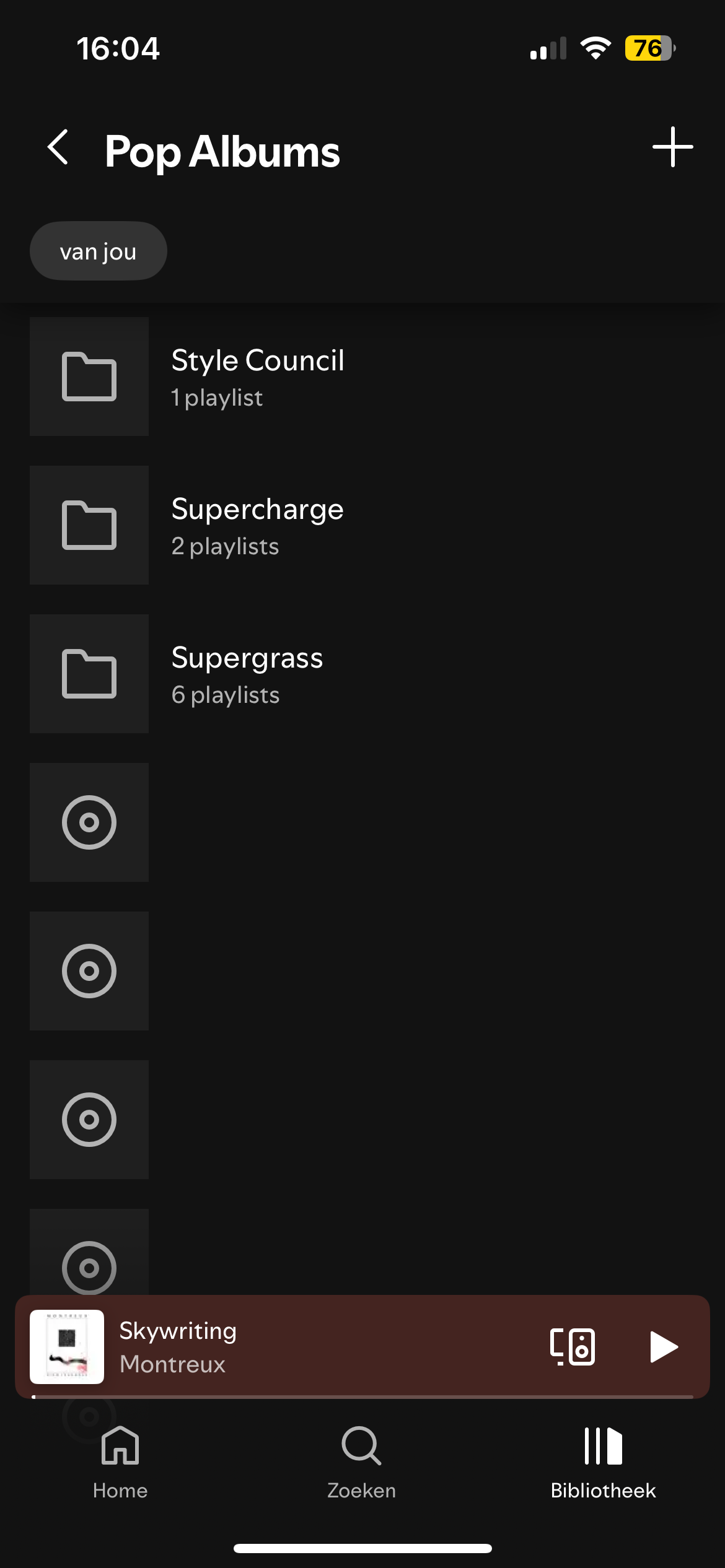
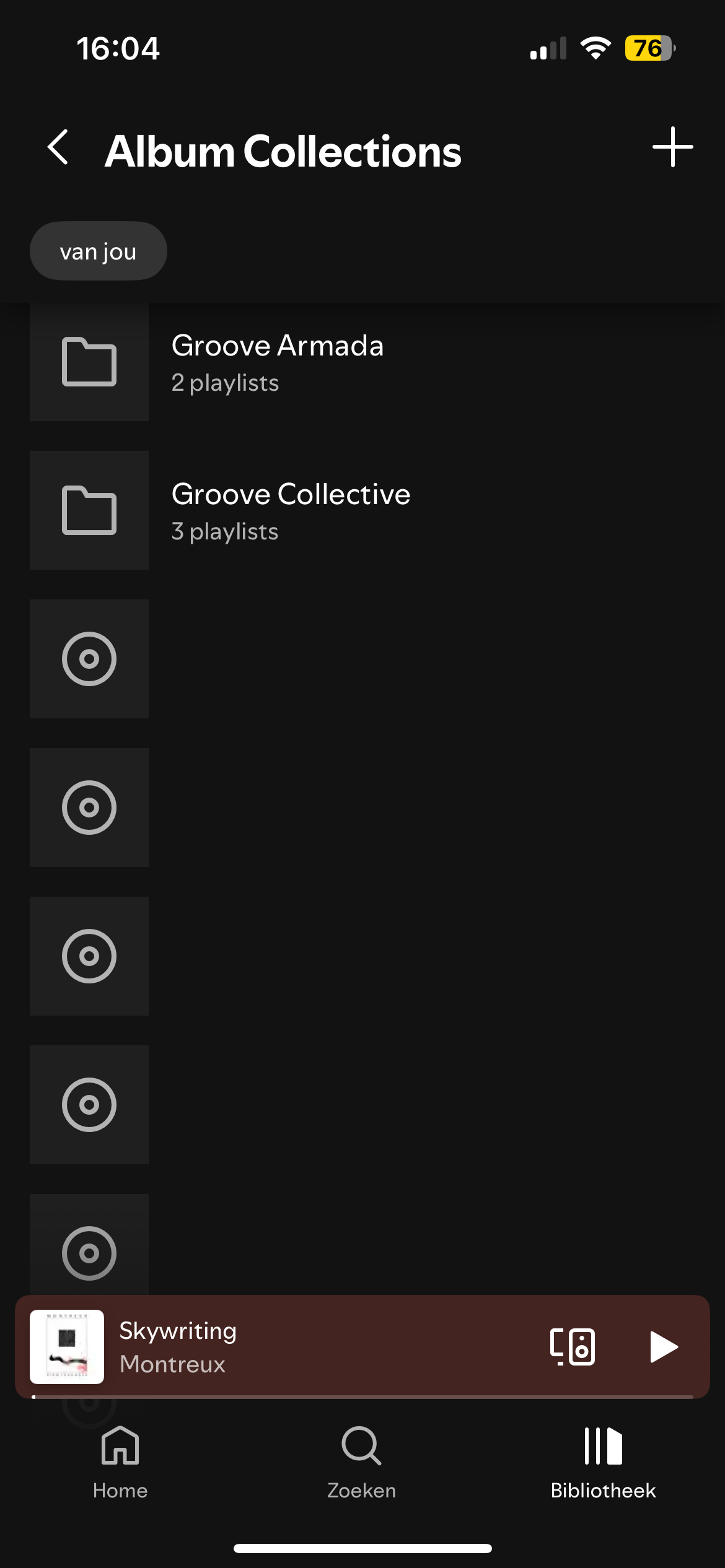
my iPhone.
Any suggestions?

Hi, I’m having a serious issue with Spotify on CarPlay.
I have a very large downloaded library (around 47 GB) with thousands of songs, artists and albums. On the iPhone app everything shows fine, but on CarPlay the lists are truncated: artists and albums stop showing after a certain point (artists at Q and albums at L), and I can’t access the rest of my library.
Plan
Premium
Country
Argentina
Device
(iPhone 14 Pro)
Operating System
(iOS 17, 18, 26 beta)
Hi, thanks for moving my post, but I want to clarify that my issue is not about playlists.
My problem is with artists and albums not being fully shown on CarPlay when offline.
I have a very large downloaded library (around 47 GB). On the iPhone app everything is fine, but on CarPlay the artist list cuts at “Q” and albums cut at “L”. This makes it impossible to use Spotify offline in the car.
If this is related to the same limitation that affects playlists (only showing a part of the content), then it means this bug has been around since at least 2016. It’s now 2025 — 9 years later — and still not fixed. That’s really disappointing for users with large libraries who rely on CarPlay.
Can you please confirm if this is a known limitation for artists/albums view as well, or if it’s a separate bug?
Appreciate you all flagging this and sharing your experiences. Just to confirm, playlists in CarPlay currently show a maximum of 200 songs.
I get that this isn’t ideal if you’ve got bigger playlists. While I don’t have any updates to share right now, I just want to say that your feedback is heard, and I’ll make sure it’s passed on to the right folks.
For now, keeping the app updated is always a good shout, and if anything changes, I’ll drop an update here.