How do I undo a romoved song from an artist

Accepted answers
All comments

Hey there,
Thanks for posting in the Community and welcome.
Just to confirm, is your account on free service or is it Premium? When you mentioned an artist's playlist, were you referring to a This is playlist type? It'd be awesome if you could help us clarify this.
If your account is on free service and you accidentally Hide a song (pressed the - button), you can go to the playlist, and locate the and more section. Looks like this:

There you'll find a list and previews of the songs that make part of the playlist. You can identify hidden songs, since they look grayed out. Make sure to go to the three-dot menu to the song and select Hidden. If you see the button turned out red, it means the song was hidden. By selecting it, the song will be restored to the playlist and it'll be played. The description above looks like this:
If your account is Premium, you can select the playlist, and there you'll see the list of all tracks. Once more, the hidden track will be grayed out, and to unhide it, you'll just need to tap the - button. Looks like this:
Let us know if you have further questions or if you were referring to a different behavior.


Keep us in the loop!
Hey, unfortunately I don't have a 'and more' button on the play list I am listening to and I don't think I am on a 'this is' playlist
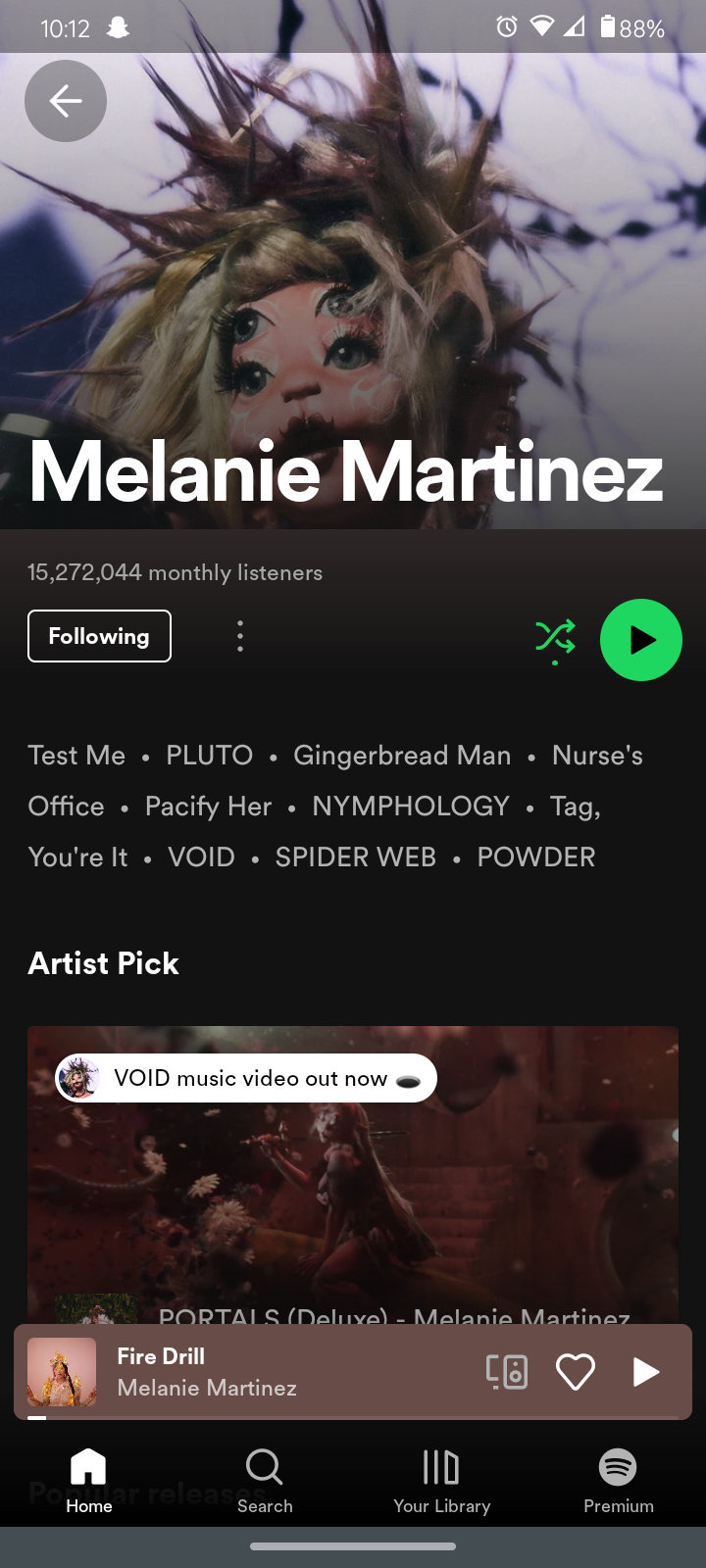
this is my screen. When I go on a song
I clicked the - in the circle
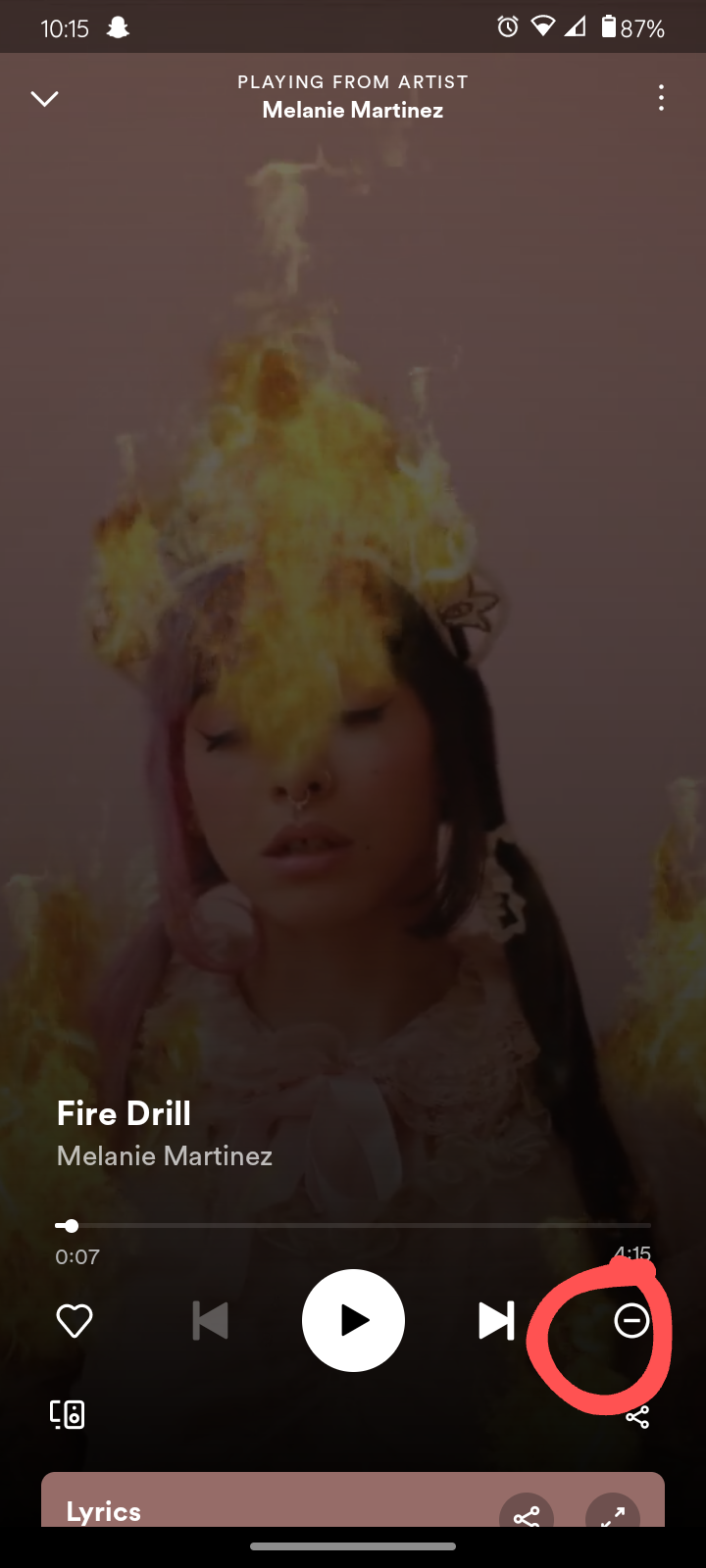
i didn't press the undo button in time and I don't know how to get the song back on the playlist I am listening to.
Thank you for your time.

Hi there @Fifi8,
Thanks for the post.
You can show hidden songs on Spotify. This way you'll see the songs that you've disliked and you can undo the hiding. Follow the steps listed in this support article.
Cheers.
Hi there @Fifi8,
Thanks for the post.
You can show hidden songs on Spotify. This way you'll see the songs that you've disliked and you can undo the hiding. Follow the steps listed in this support article.
Cheers.