[Windows] Fix top bar when Zooming In/Out the UI

The top bar also resizes when zooming, making it too small for the buttons to fit or too big unnecessarily (··· and minimize/maximize/close buttons).
This is how the top bar is on normal zoom (Ctrl+0). The top bar is the perfect size for the buttons:
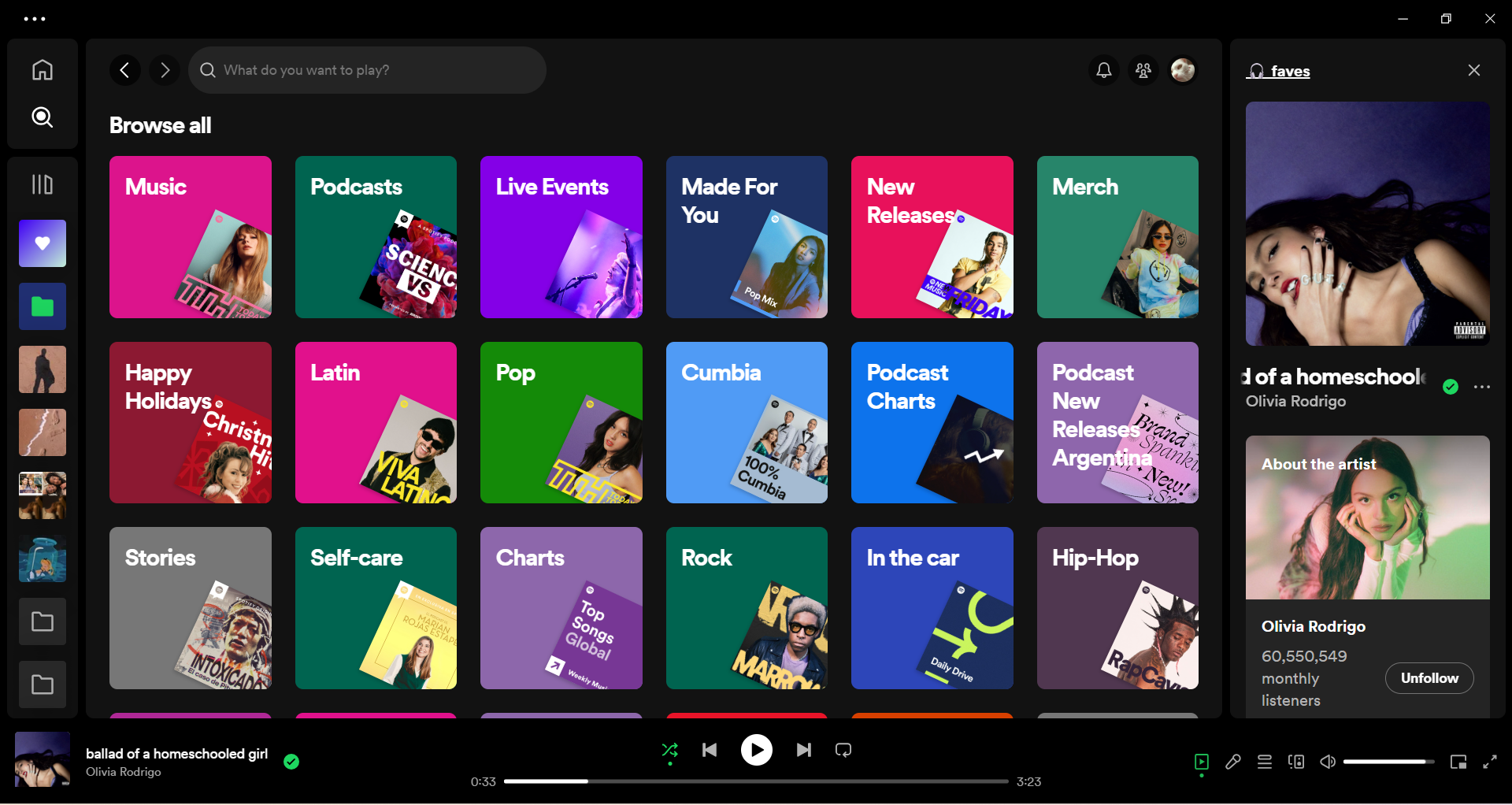
This is how I usually use Spotify, with 3 times zoom out (Ctrl+-), now the ··· is uncentered vertically and horizontally, and the minimize/maximize/close buttons cut into the UI:
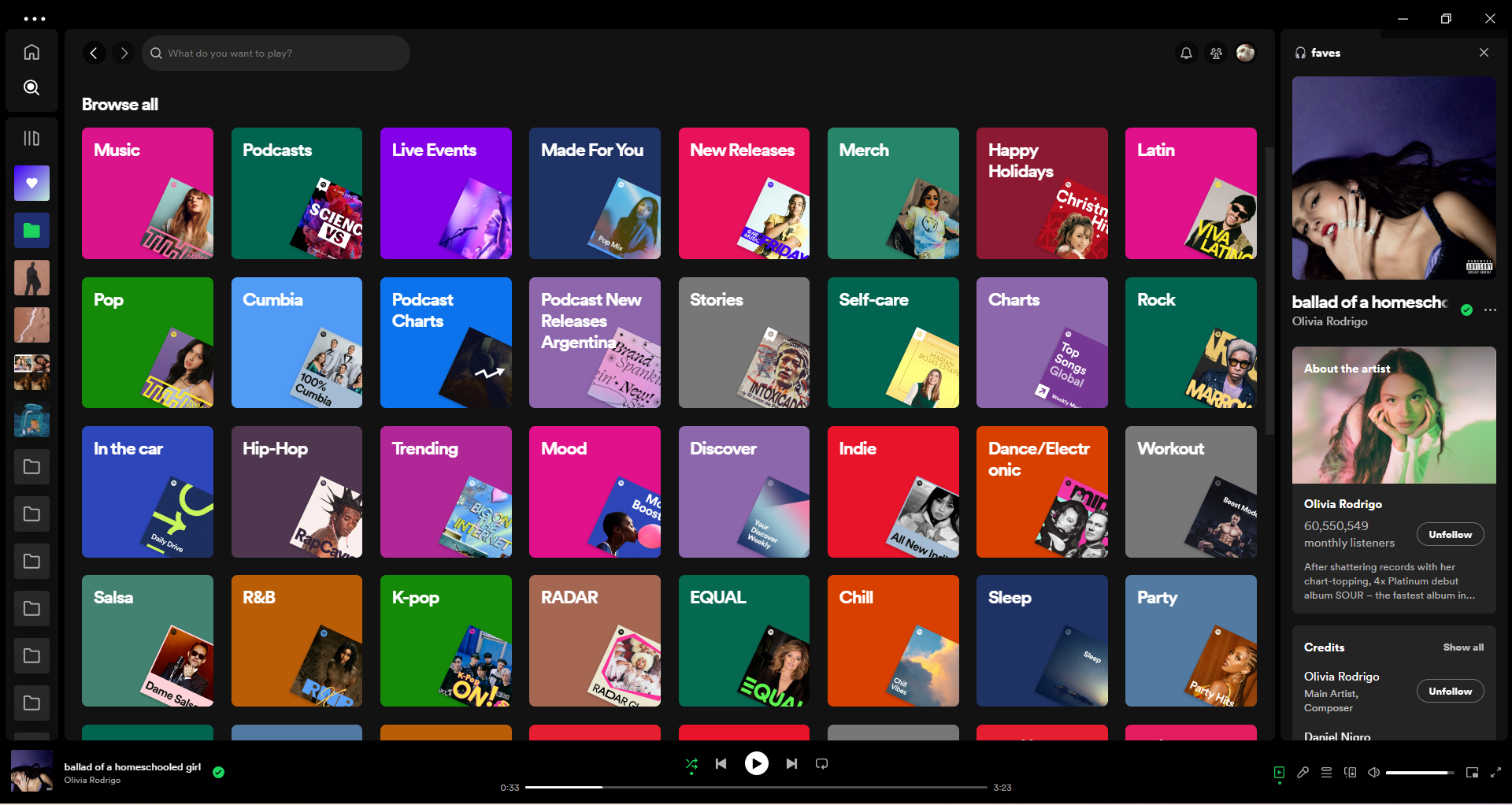
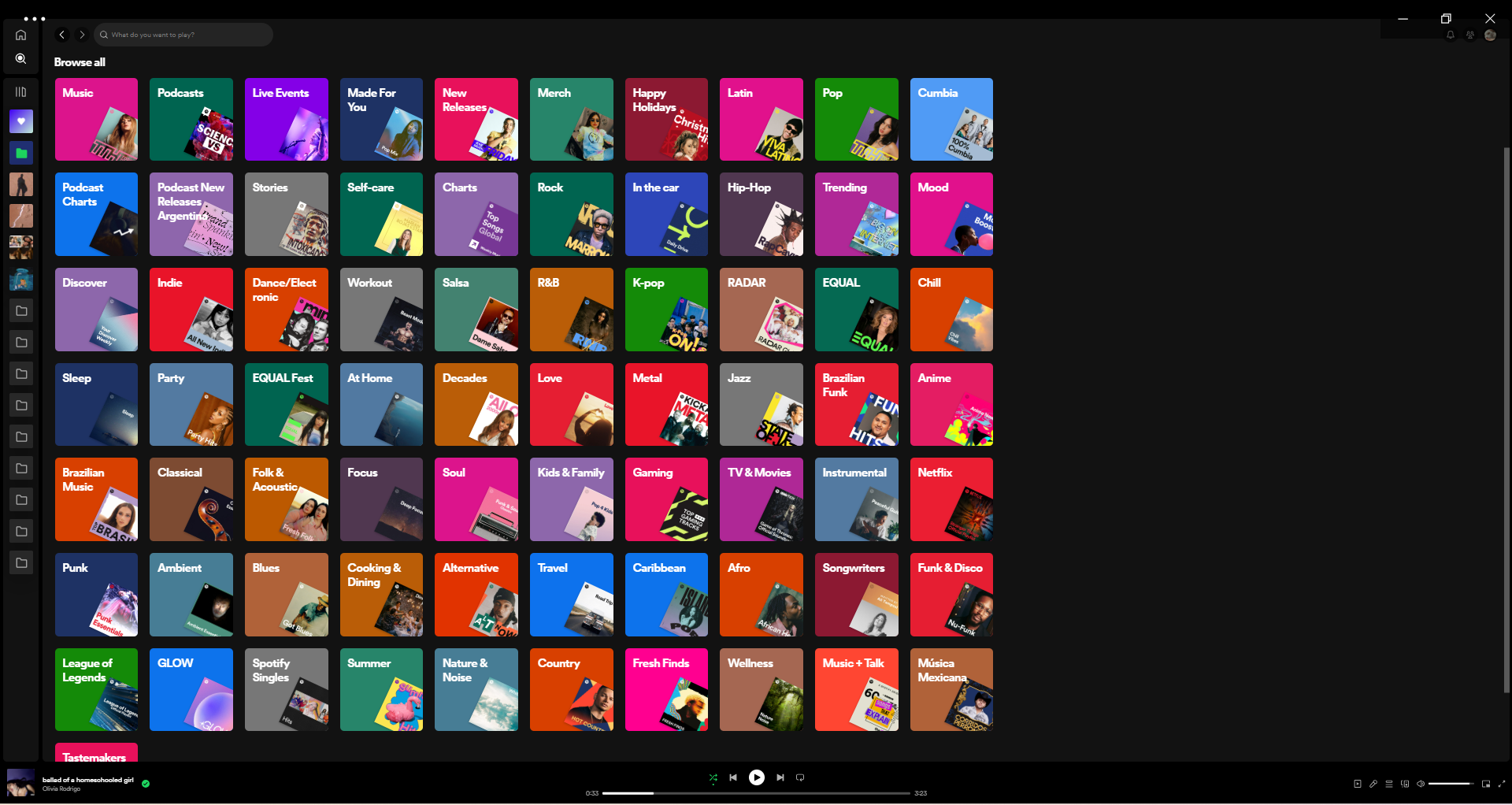
Zooming out even more can make the profile picture button unclickable as it is behind the close button:
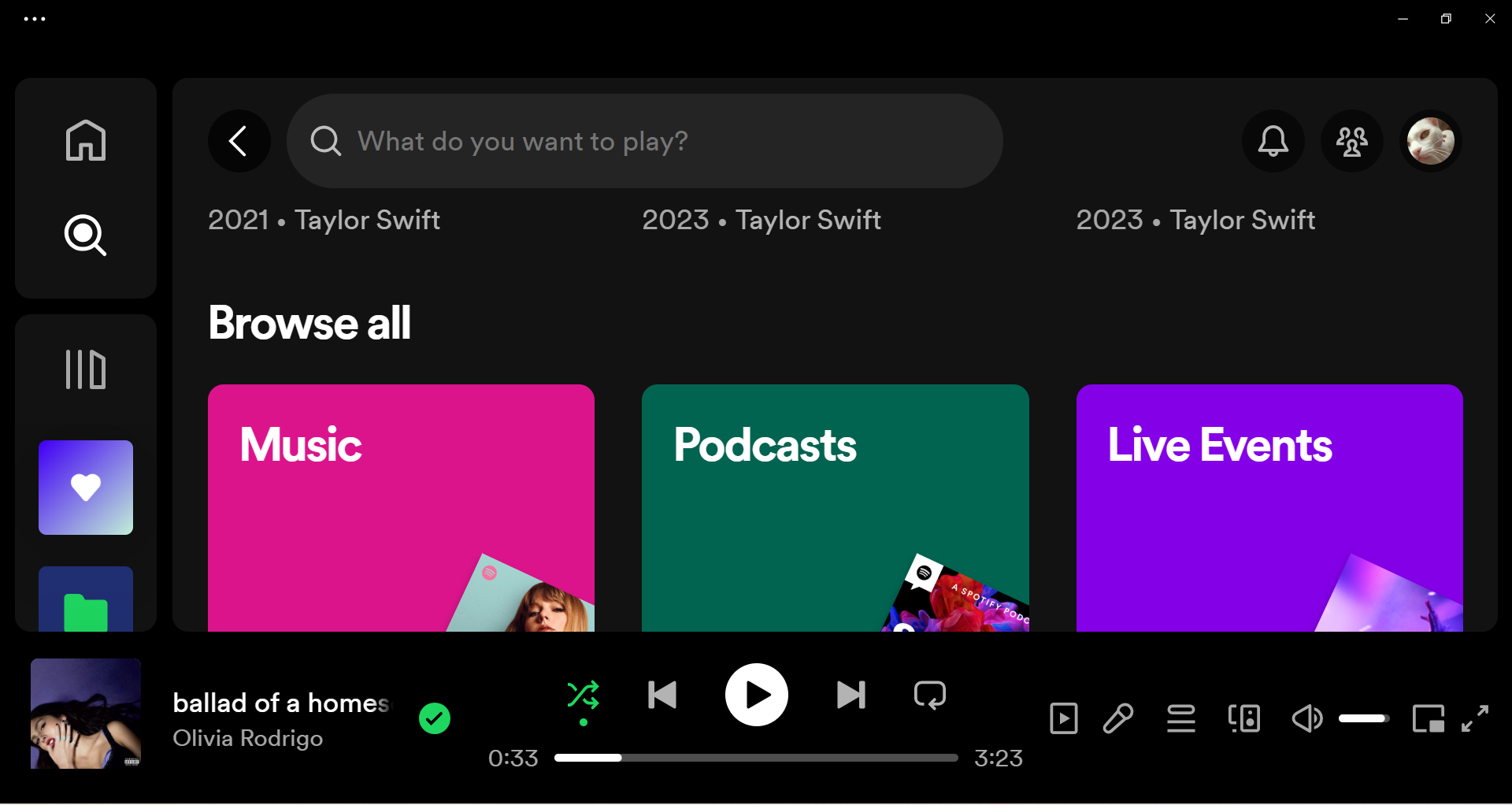
Obviously, no one uses Spotify this zoomed in, but the top bar is unnecessarily huge with 5 times zoom (Ctrl++):
Child Item
Status: Live Idea
Child Item
Child Item
Child Item
Comments
Child Item
Child Item