Lyrics no longer visible when you scroll down on my iOS app

the lyrics tab is no longer available under any of the now playing tabs.
Plan
Premium
Country
USA
Device
iPhone 13
My Question or Issue
Accepted answers
All comments

Hi there folks,
Thanks for reaching out to the Community and welcome!
@zensense, if you can't see the Lyrics tab under any song, try the following:
- Make sure you have a stable internet connection and offline mode is off.
- Try logging out and back in twice in a row. This will force a sync between your account and device.
- Perform a clean reinstall of the Spotify app by following these steps.
If nothing helps, would you mind sending us a video recording of what you see when you scroll down? You can attach it in your next reply in mp4 format, or you can also upload it to YouTube or Google Drive and make it public, so we can visualize it.
@jedijurist, please note that the availability of the Lyrics feature and the lyrics themselves can vary over time, as well as between markets, depending on the agreements we have in place with our rights holders. We add new content to Spotify every day, so if you can’t find something right now, it may appear (or reappear) soon.
Cheers!

On my iPad Pro I could not see the “lyrics” or “about the artist”. If I collapsed the full screen player and opened it again they would appear. So I followed your advice to log out x2 and now the lyrics etc won’t show up at all. The lyrics did show on my phone app.
Erased app and reloaded it and now it seems right.
Nevermind. It went back to not working.

Hi there @Bring_Back_Hearts,
Thanks for the reply. Could you please confirm the OS Version and app version you're using?
Keep us posted.
App version 8.9.42
iPadOS version 17.5.1
Still happening. It’s more likely to happen when I’m in the full screen view and skip to the next song. iPhone shows the lyrics but the iPad does not.
Now I just noticed the opposite happened. iPad had the “about the artist” but the iPhone did not.
iPhone version 17.5.1
app version 8.9.42 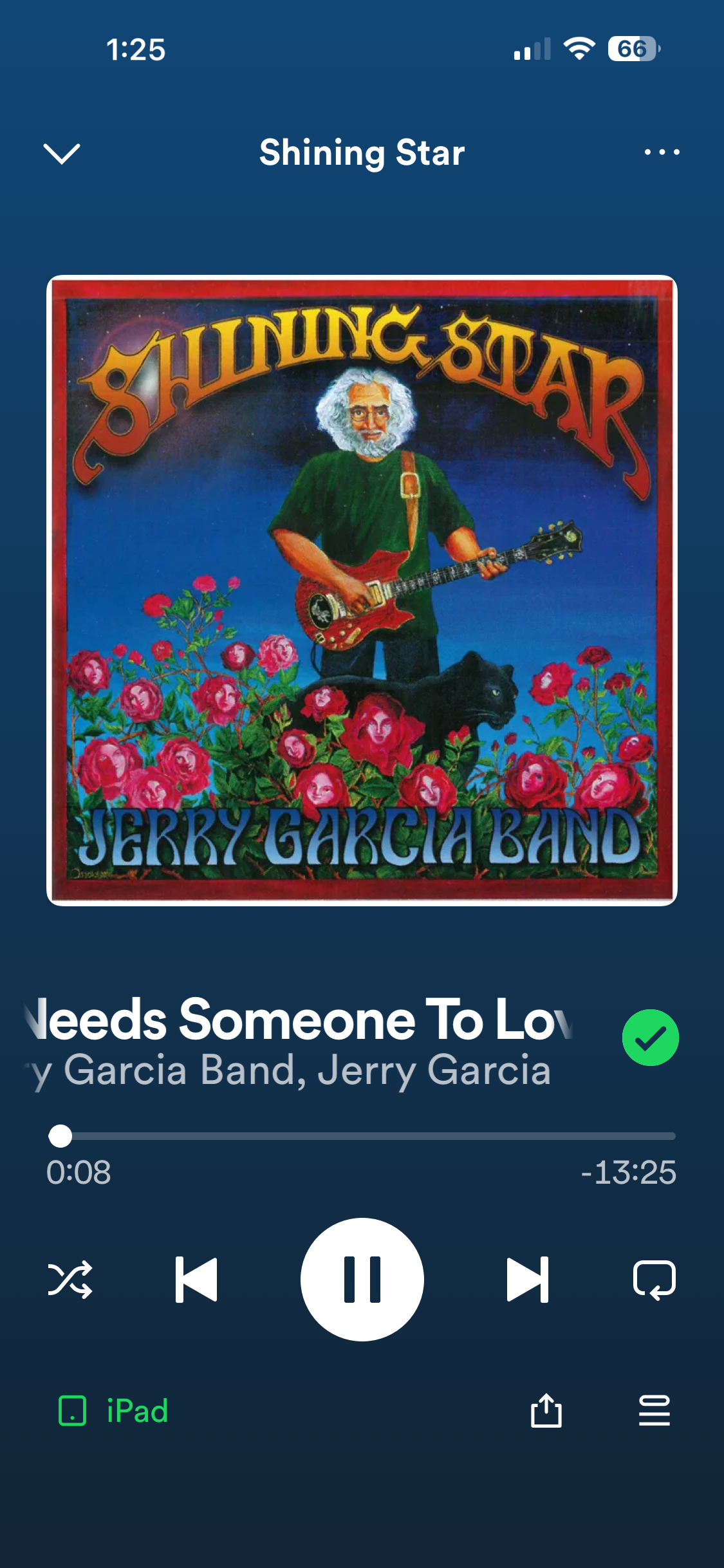
Hi there @Bring_Back_Hearts,
Thanks for your reply and the screenshots.
I couldn't help but notice in the screenshots that this is happening when you open the app on your phone, but you're playing from your iPad. If you change the playback to your phone, does the 'About the artists/Lyrics' stop working on your iPad and start working on your phone? Or is there no change?
Additionally, close the app on both devices and then open it in just one of them. Are you still missing the feature that way? Try it with both devices and let us know.
We'll be on the lookout!
No change when I do both of those options. Still happening.
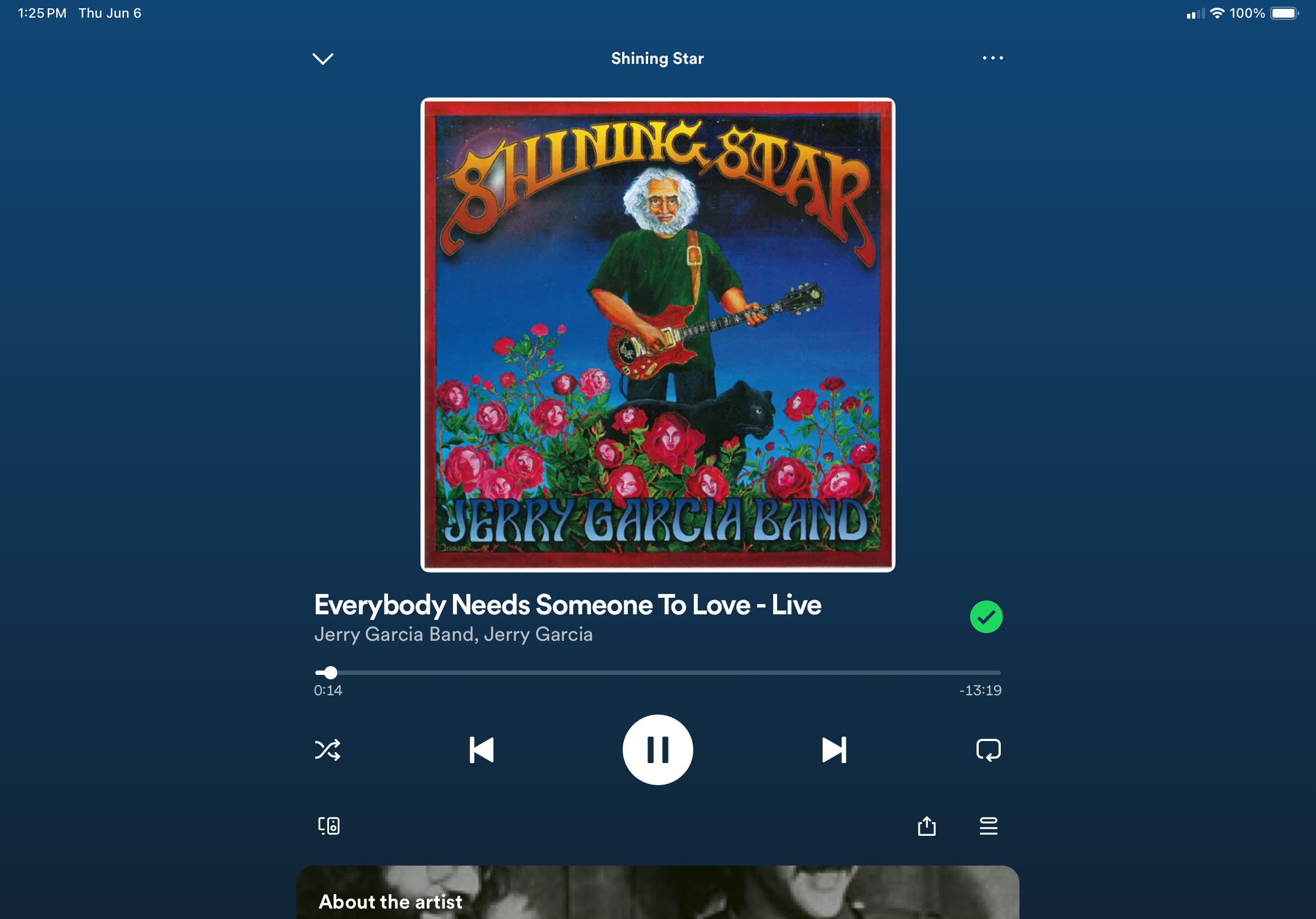
edit: added screenshots. Only playing on iPad this morning. First was how it was just playing through a playlist and nothing below pops up. Second shot is after I collapse it and reopen the full screen player. Then the about the artist appears.

Hey @Bring_Back_Hearts,
Thank you for keeping in contact.
In one of your previous posts you mentioned that the issue was temporarily resolved by erasing the app, so it's possible that the behavior could be cache-related. We understand you've already tried reinstalling the app, but to be sure that we're on the same page - did you use the steps for a clean reinstall mentioned in this article?
If so, and the issue persists, could you check if using a different network connection makes any difference? If you don't have another one available, you can use a mobile data hotspot to test it.
We'll be on the lookout.


On ipad, go to Settings, then General, then ipad storage. Go down to Spotify and click ‘offload app’ then reinstall. I did this and the lyrics facility came back
Same here on PC desktop for certain songs that don't have lyrics. Problem is, those same songs had lyrics last week (Call Me Al by Paul Simon, for example).