After switching to free plan, I can no longer play any songs

Every single artist and playlist songs is greyed and pressing the play button doesn’t do anything nor does it make the song hotbar show.
Here are things I’ve tried:
- Clean reinstall
- Using the shuffle (I am aware free users can only use shuffle, results are same)
- Restarting my phone
- Clearing my cache
- Clearing my downloads
- Logging out and signing back in
Accepted answers
All comments

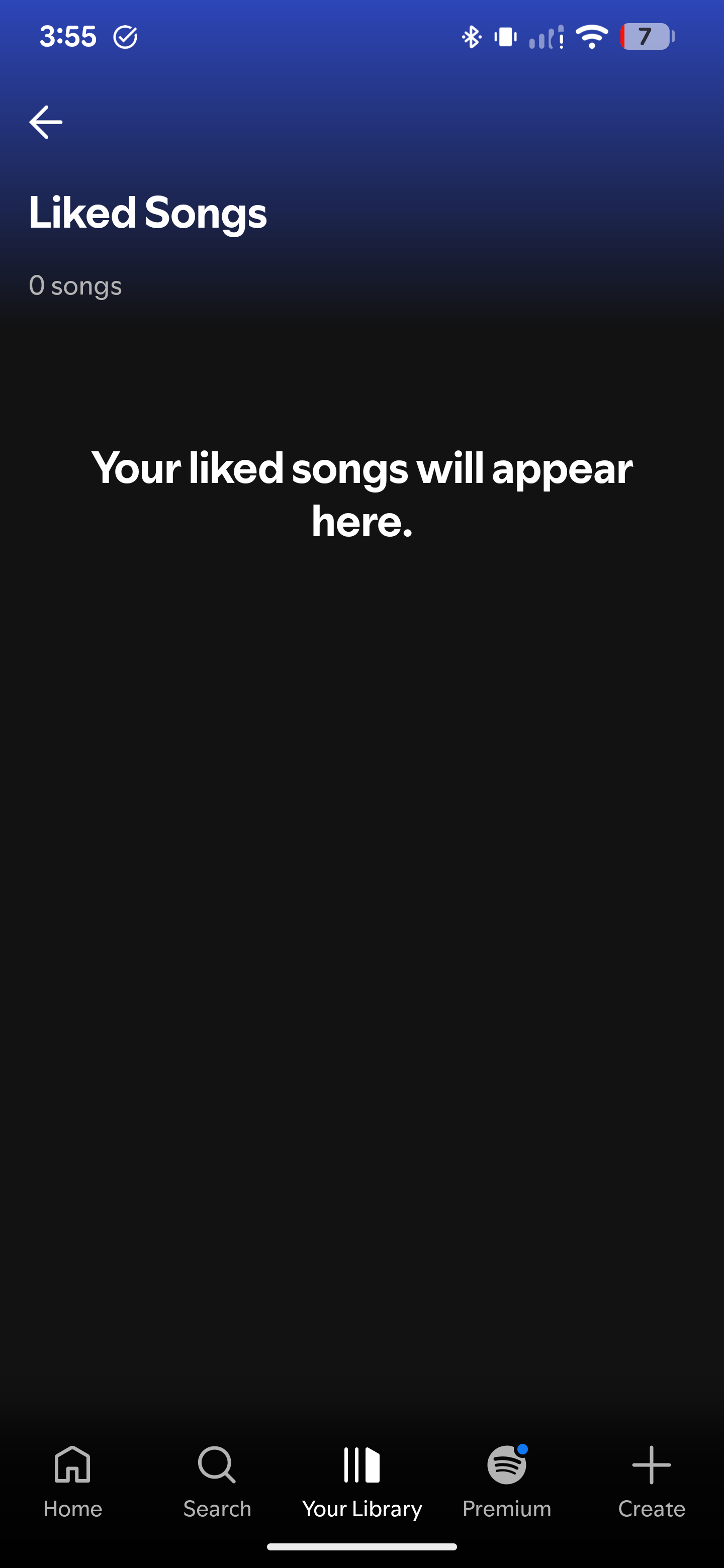
I did the same troubleshooting, this is messed up on so many levels. No wonder people are exporting their lists and moving away from this platform. This is borderline demonic behavior to force subscribers to remain subscribers. We see you. We don't forget. 👁️

Hi @iEslam,
Thanks for the reply.
We completely understand the concern, but there's nothing to worry about. The Spotify app can never delete playlists or remove songs from your library on its own, this is something that only you can explicitly do. So if it looks like this, then there's some other underlying issue causing the list to appear blank and we'll be happy to help you out with that.
Could you let us know what troubleshooting you've already tried? In addition to what @Yordan suggested, if you haven't done any of the following things, consider giving it a go:
- A clean reinstall of the app to force a re-sync (especially if this is only on your phone)
- If you use any kind of VPN or proxy server, disable it, as it's more than likely interfering with proper server communication.
- See if the same happens on different networks, both Wi-Fi and mobile data.
Let us know how it goes.
Hi there @baveee.
Welcome to the Spotify Community and kudos for the extensive troubleshooting you've tried so far!
Something else that comes to mind is checking the country settings on your account page and making sure your country is set properly. It's also worth taking a look at this article, as it some other things you can try.
If the issue persists, please share a short screen recording which captures how things look on your end, along with the exact version of Spotify you're running so we can investigate further.
Cheers 🤘