Can’t add songs to playlist

Plan
Premium
Country
USA
Device
IPhone 14
Operating System
ios 17.6.1
My Question or Issue
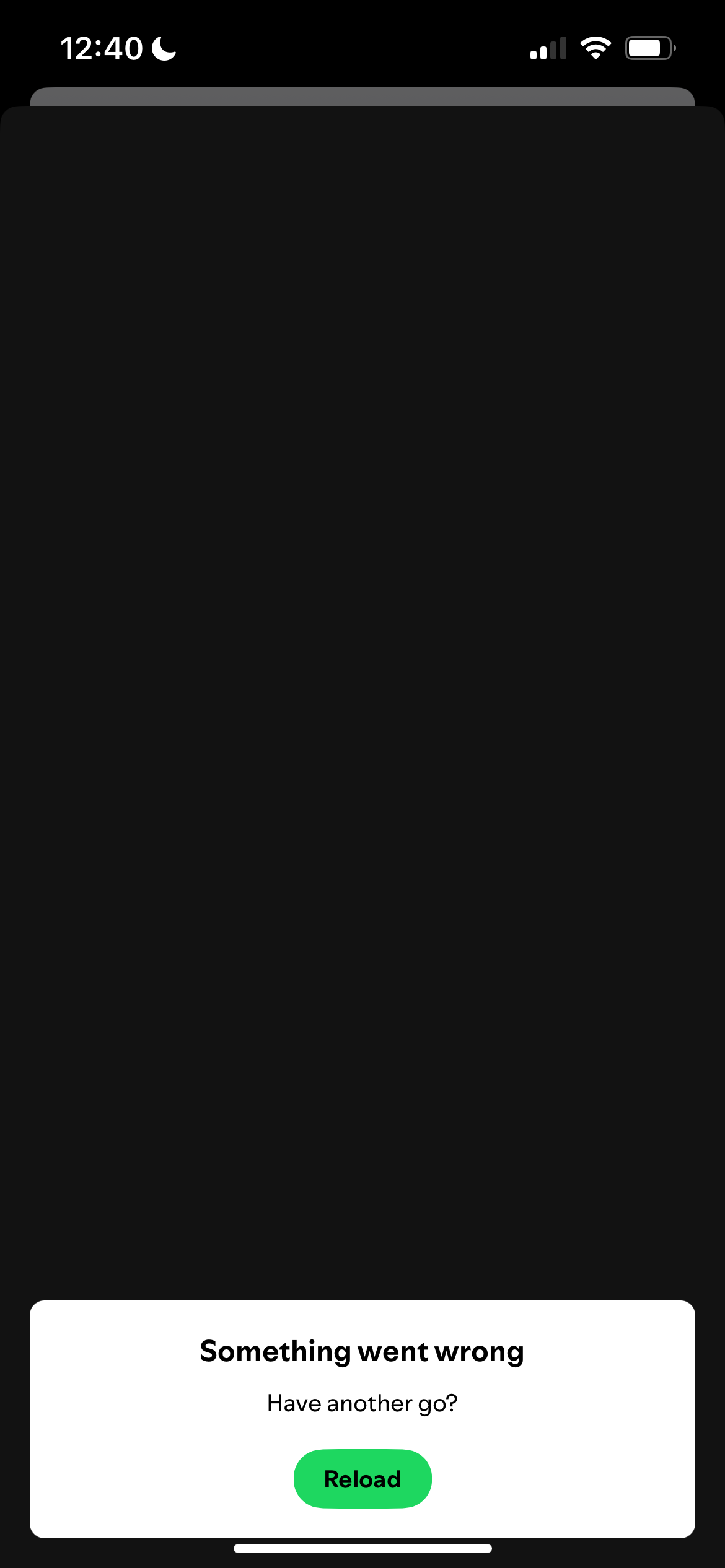
Everytime I attempt to add a song to my playlists, it says “something went wrong” and won’t let it reload. I’ve tried logging in and out, clearing cache and leaving the app. What do I do?
Accepted answers
All comments

Plan
Free
Country
Dominican Republic
Device
iPad 9th generation
Operating System
iOS 18
My Question or Issue
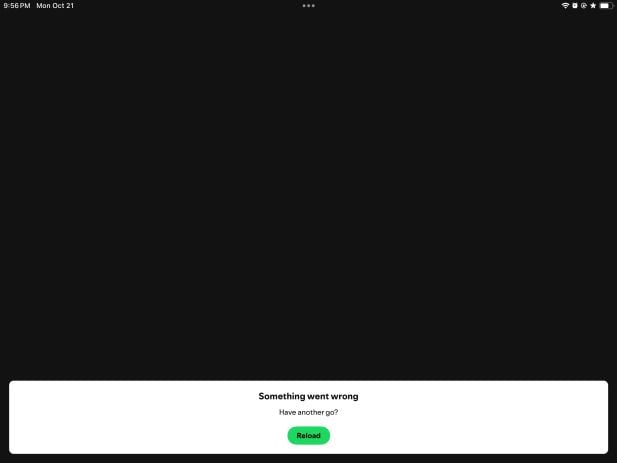
So when I want to add a song to a playlist I click the "add to this playlist" button and then the search bar it says something went wrong have another go? reload. I click reload but nothing happens so I have to close the app to get me out of there and it wont let me search any song there.
Had the same problem and this worked thank you!!

I am having the exact same issue and I have uninstalled an reinstalled multiple times and it doesnt help at all. This is wild how much this app is falling apart, for the first time in my life I am considering leaving Spotify because their app just doesnt work anymore
This did not solve this issue, it even after reinstalling it still gets stuck on this screen when I press the 3 buttons.

Hey there @krazyboi95,
Thanks for reaching out!
Just to confirm, is this happening with all songs or just a specific one? Have you tried adding the song(s) from the now playing view or another playlist/album instead of the Search page?
You mentioned you reinstalled the app, but just in case you haven't, make sure to give it a go with these steps.
If none of the above does the trick, send over the make, model, OS version and the Spotify version currently running on the affected device.
Keep us posted.
It happens when I try to add a song to any playlist. When I create a new playlist, and go to add songs it says something went wrong. I’ve attempted to delete the app multiple times in hopes it’s a random issue, but this issue has been ongoing for months. I’m not sure how to fix this and I need a solution as the app won’t let me create new playlists.
Hey @Ariannaiosue,
Thanks for getting back to us.
Have you tried logging in to your account using a different device to see if the same thing happens? You can also ask someone else to log in to their personal account using your phone to rule out any device or account related issues. You can create a new account for testing purposes if necessary.
Keep us posted on how it goes.

i’ve been having the same issue, it works fine on my laptop but hasn’t worked for months on my phone no matter what i do

Hi Yordan. I've been having the same issue where I cannot add songs to one specific playlist (I can add other songs to other playlists). I followed the instructions in your link and did a clean reinstall of the app on my computer. The problem seemed to be fixed for the day (I was able to start adding songs to the specific playlist again). But then the next day the same "Something Went Wrong" error started popping up again when trying to add songs to that playlist. Any suggestions besides doing a clean reinstall everyday?

Hey there, @1263207956,
Something you can try in the Spotify app is making a copy of the playlist in question and adding songs to it instead:
- Open the playlist and click on the three dots menu.
- Select Add to other playlist > New playlist.
- Now try adding a song to the new playlist to see if that works.
You can also try these steps via another device, if available.
Hope this helps! Let us know how it goes 👍

Plan
Premium
Country
UK
Device
Google Pixel 6
Operating System
Android
My Question or Issue
I've tried to add 'Alone, PT. II' to my playlist but it won't show up. Does anyone know if there is a licensing issue or something else? Thanks.

I had this issue today. I am attempting to build a large playlist of all of the local songs I have on my PC. I performed all of the recommended "fixes" to no avail. The issue appears to be that the playlist I built caps out at 10,000 songs. As soon as I removed 1 from that playlist, I could add another - but 10,000 appears to be the max.

i have been having the same problems. i regularly add songs to my favorite songs playlist.
just a week ago it suddenly decided to stop working. here is what i did and observed.
1) search for song, press the (+) button. it says "added to favorites" how ever the (+) does not turn into a green checkmark.
2) i click the "change" button that pops up next to "added to favorites" in the white message. it shows my all my playlists including my favorites. none have a green checkmark, proving that it has in fact not been added to favorites. when i then click on the (+) in that menu it says "something went wrong"
3) when i try to open the three dot menu, i have the same thing as krazyboi95 where the menu does not open and only a grey bar is visible at the bottom of the screen.
4) i added the songs over my pc which is signed into the same account. when i go to open the playlist on my phone and set sort to "recently added" they are now there in the playlist. the number of songs in the playlist is equal on both devices. however all these songs dont download, every song i added in the last week has a white (!) logo insted of a download.
deleting and downloading the entire playlist again didnt work, emptying cache didnt work, app reinstalation with proper steps as mentioned by support didnt work.
hope u can help.
i also want to say, the fact that this problem has been talked about in 2024 and im here, still having the same problem that is still not fixed is somewhat insane for a multi billion dollar cooperation. the most popular music streaming platform is failing in so many regards. just while trouble shooting this problem i already encountered a new one. it says "clear cache (your downloads will not be removed)". when i click it it makes me confirm it in a pop up, "do u really want to clear your cache, this will not remove your downloads". i click yes, it clears the cache, and guess what, it DID remove all my downloads. how can this happen to such a big company. pair this with the other weird issues i have been having for months with no fixes coming at all and this really makes me dislike Spotify. the only thing keeping me on this platform is that there is no better alternative right now and that everyone uses Spotify.
pls get it together


I've been having this issue for as long as I've been using spotify and I'm getting seriously sick of it.
Clicking "Add to [playlist]" hardly ever works. It says it was added, but it actually wasn't. It seems recently the bug has evolved to lie better, so it shows you a green check-mark as well, but still, didn't actually add anything to the playlist. When this happens trying again doesn't help, it just won't do it. Bringing up the context menu, then selecting "Add to another playlist" and then selecting the playlist I'm currently listening to always works. Problem is knowing your first try didn't work when you assume it did. I regularly encounter the bug on Windows and Android.
How this bug hasn't been fixed yet is beyond me. Sort it out FFS.
Hey @Ariannaiosue,
Welcome to the Spotify Community!
Does this occur with a specific song/playlist or with all in general? Have you tried using another way to add the song to a playlist? For example, if you're normally using the green checkmark, try tapping the three dots menu of a song > Add to playlist instead (or vice versa) to see if that does the trick.
If the issue persists, I'd recommend performing a clean reinstall of the app - this will rule out any potential issues with corrupted cache and ensure you're running the latest version of Spotify available.
Keep us posted on this. Cheers 🤘