Enhanced playlist is turned on by default

Accepted answers
All comments
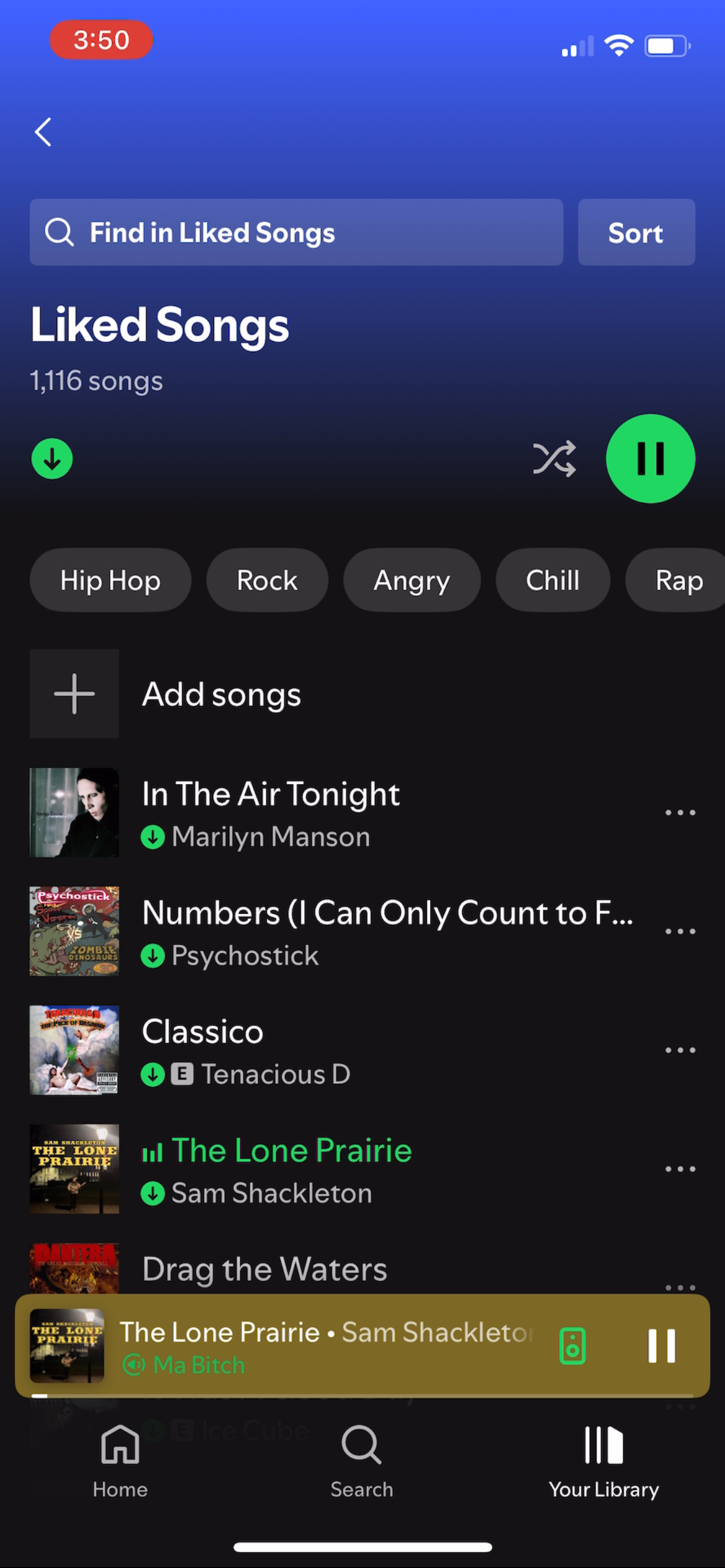
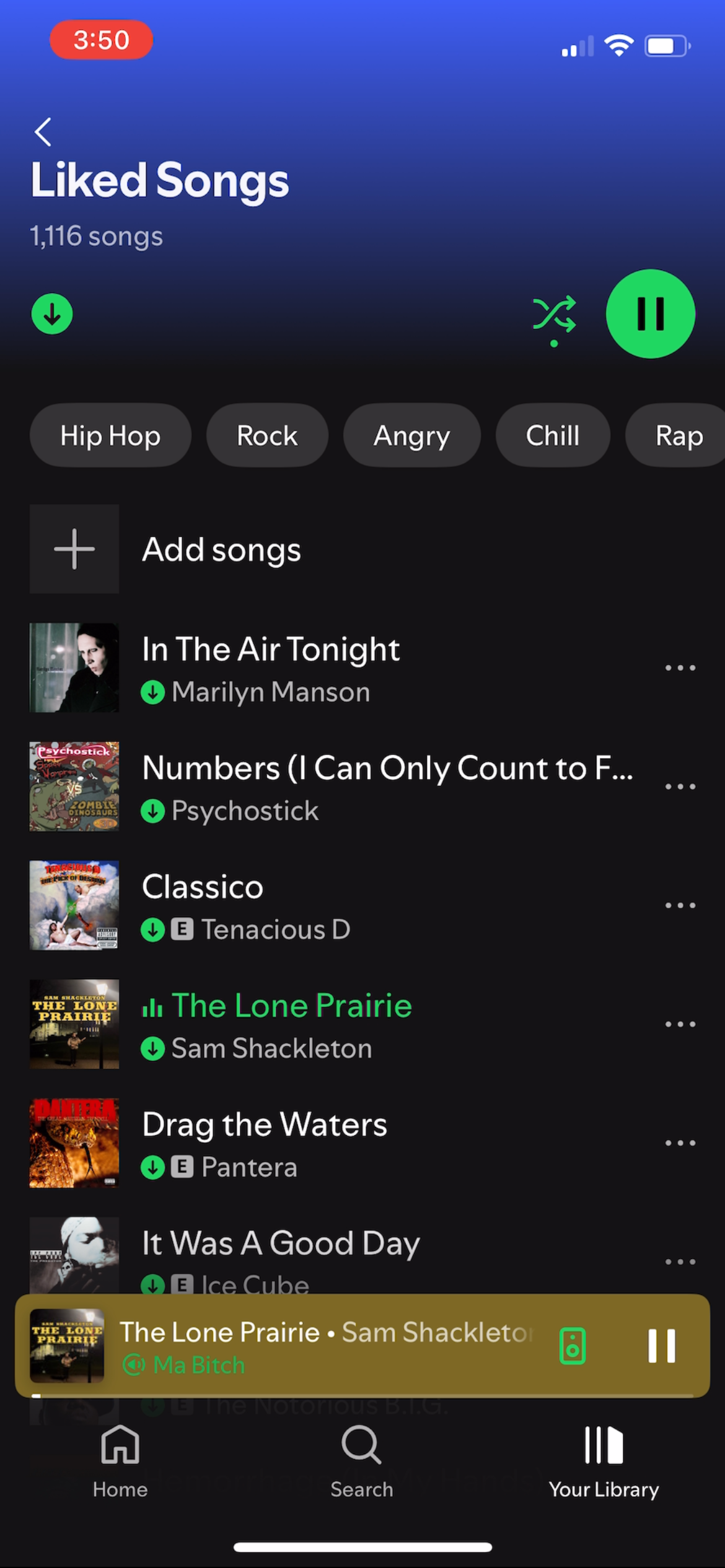
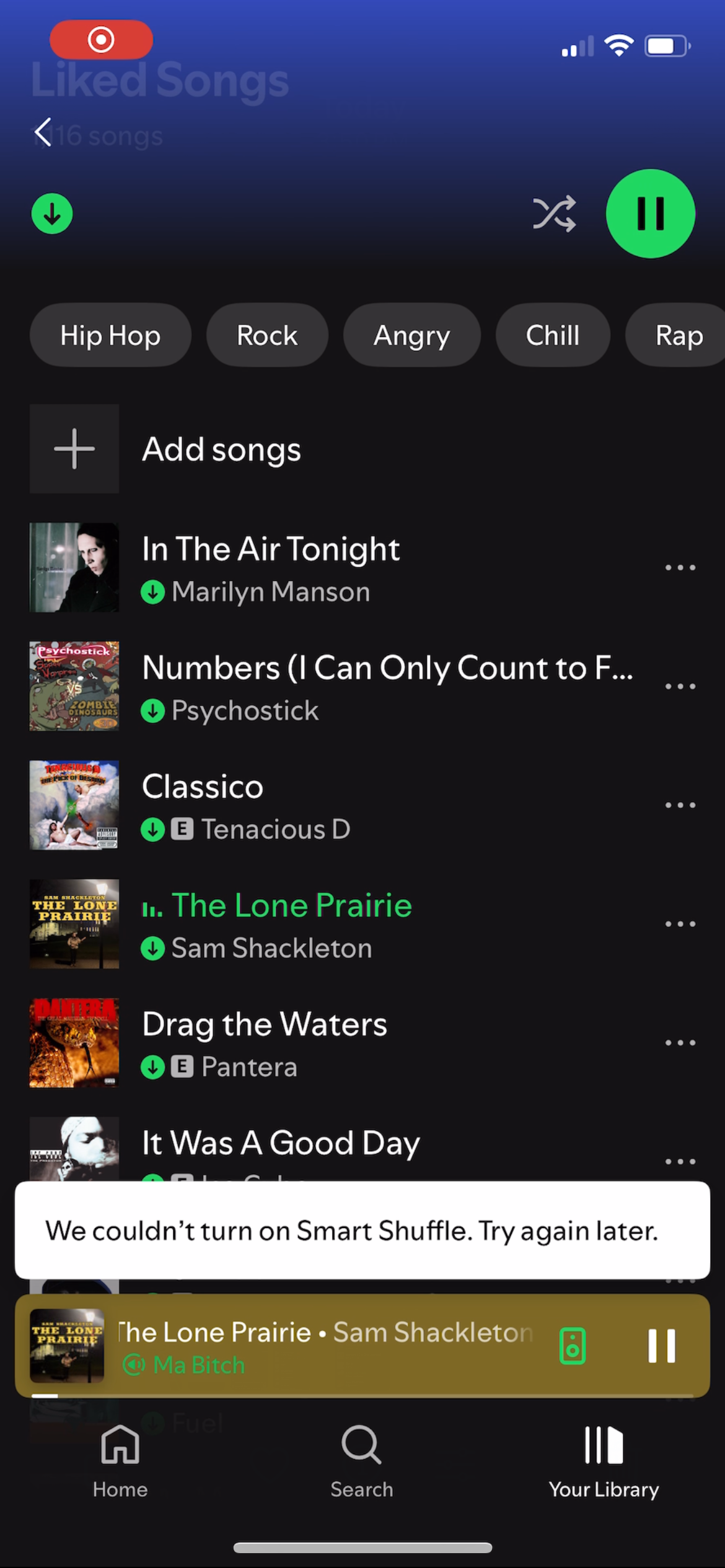
as you can see it’s trying to start smart shuffle but I didn’t click it and it kept cycling through shuffle to not shuffle to smart shuffle without a user input, no one is connected to my jam and I’m the only one connected to the Alexa so I’m not sure

Hello how are you?
Welcome to the Spotify Community! I'm happy to have you here 🙂
It may be that a clean reinstall of your Spotify can solve your issue!
You can check out how to do this in this link:
https://community.spotify.com/t5/FAQs/Perform-a-clean-reinstall-of-the-app/ta-p/4746485
Keep me informed, so I can keep helping you!
Cheers
ribezaz

I have version 9.0.36.697. I am unable to disable "enhance". When I tap the button, it just shows a list of suggested songs to add to the playlist.


Hey! I did some more research and found this thread:
https://community.spotify.com/t5/Ongoing-Issues/Smart-Shuffle-keeps-turning-itself-on/idi-p/6214670
Your issue is already being investigated by Spotify, and you can check it out at this link I provided 🙂
Cheers,
ribezaz
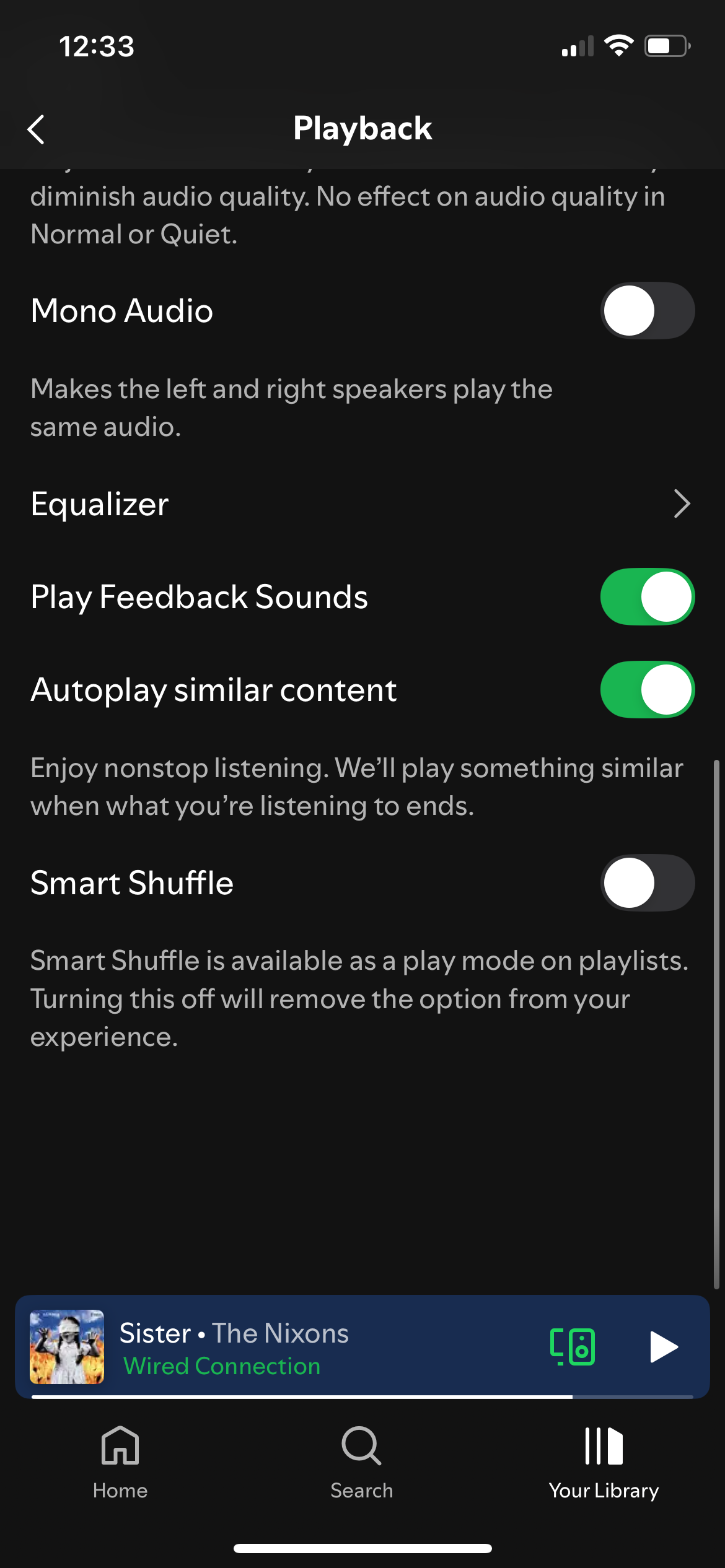
lol well I found this in my settings……
lol well I found this in my settings……