Main Search Bar Issue: Mac OS 10.15

United Kingdom
Premium Plan
iOS10.15 MacBook Pro mid-2012
Spotify Ver 1.2.37.701 (Desktop Application)
My Question or Issue
Any time I type anything into the main search bar, I get the "Something went wrong. Try reloading the page." with the "RELOAD PAGE" button which goes back to the home page.
I can still stream music but I have no joy searching.
What I Have Tried
- Clearing Cache
- Deleting Finder Library Folders
- Logging Out and In
- Restarting MacBook
- Reinstalling Spotify
- I can't think of anything else I can do
Accepted answers
All comments

Hi there folks,
Thanks for reaching out. We'll be glad to help you get the search working properly again.
@plantbased369 you mentioned in your post that your MacBook is using MacOS 10.15, is that correct? If so, then it appears it doesn't cover the minimum requirements for the Spotify app anymore, which would explain the issue. As you can see here, MacOS 11.0 or higher is required now. When your device doesn't cover the requirements, the app can still keep working for some time, but it's expected that various functions will stop working properly and eventually logging into the app won't work anymore. If possible, consider updating your MacBook to a version that covers the minimum requirements and everything should work once more.
@_aylensk_ can you let us know what device you're having issues on? Please tell us the exact device and OS version you're on so we can see if the case is the same for you. Check the aforementioned article to make sure you cover the minimum requirements.
Hope this clears things up.
@Joan Is there anything Spotify can do to restore this version (OS10.15)? This problem only started a couple days ago. When I had a conversation with customer support, I was given a test account and the search worked on that, but not the two separate accounts I have and tried.
Edit:
I have just installed ver10.14 (1 version earlier) and the search works there. A temporary fix for anyone experiencing the same issue.

Plan
Free
Country
Indonesia
Device
MacBook Pro (Retina, 13-inch, Late 2012)
Operating System
Mac OS Catalina 10.15.7
My Question or Issue
So, from yesterday, I found an issue where if I search for something on the Spotify desktop app, it quickly says "Something went wrong" message. But when I reload the page, it's quite fine as I can play the song and show the playlists. I tried restarting, reinstalling the app, and even clearing the cache, still is not working. I'm not using any VPNs whatsoever. It's fine for me on mobile and the website. Could you please tell me what the cause of this issue is and could you please fix the issue? Because I think it's because of the glitch or bug something.

Plan
Family/Premium
Country
Spain
Device
MacBook Pro (15-inch, 2018)
Operating System
Mac OS Catalina 10.15.7 (19H2026)
My Question or Issue
My search bar doesn't work. I was in my friends house. Just randomly connected to their wifi and all of the sudden my Spotify Search Bar didnt work. Asked stuff for their opinion on the matter they pointed on the new wifi connection might be the problem. Could be. Problem is I was going thrugh a playlist and then some random songs started pulling up and I couldn't change them with the music I wanted. Right then I've already tried to disconnect and connect again with my Iphone data. It didnt work either. They also asked me to change to the website app and repeat the task. It worked there.
Still doesn't work after going home and connecting to my prior wifi where I came from and where it worked fine.
Could you adress this problem please?
Chill guys its still me. Just providing some photo EVIDENCE.
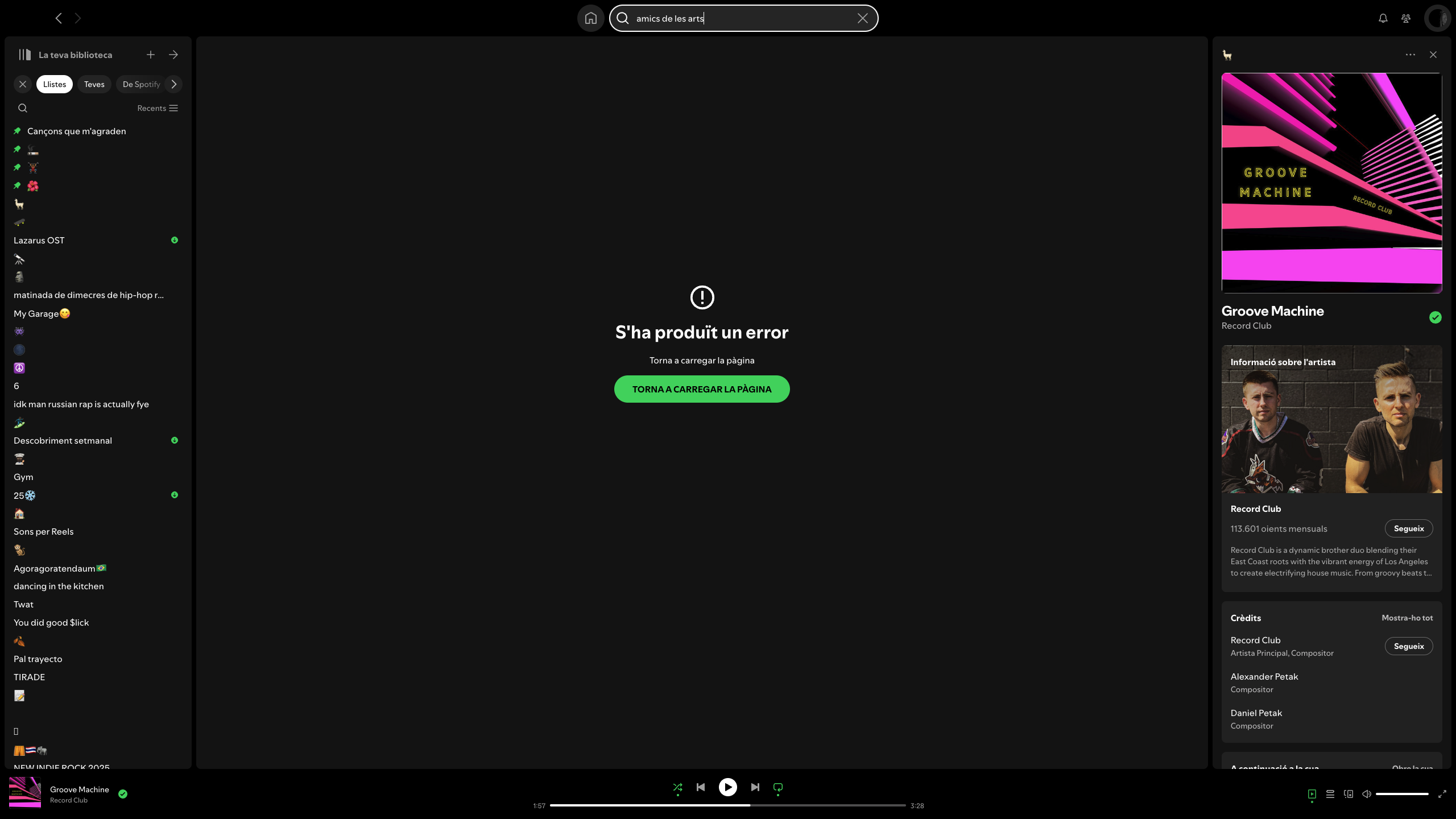
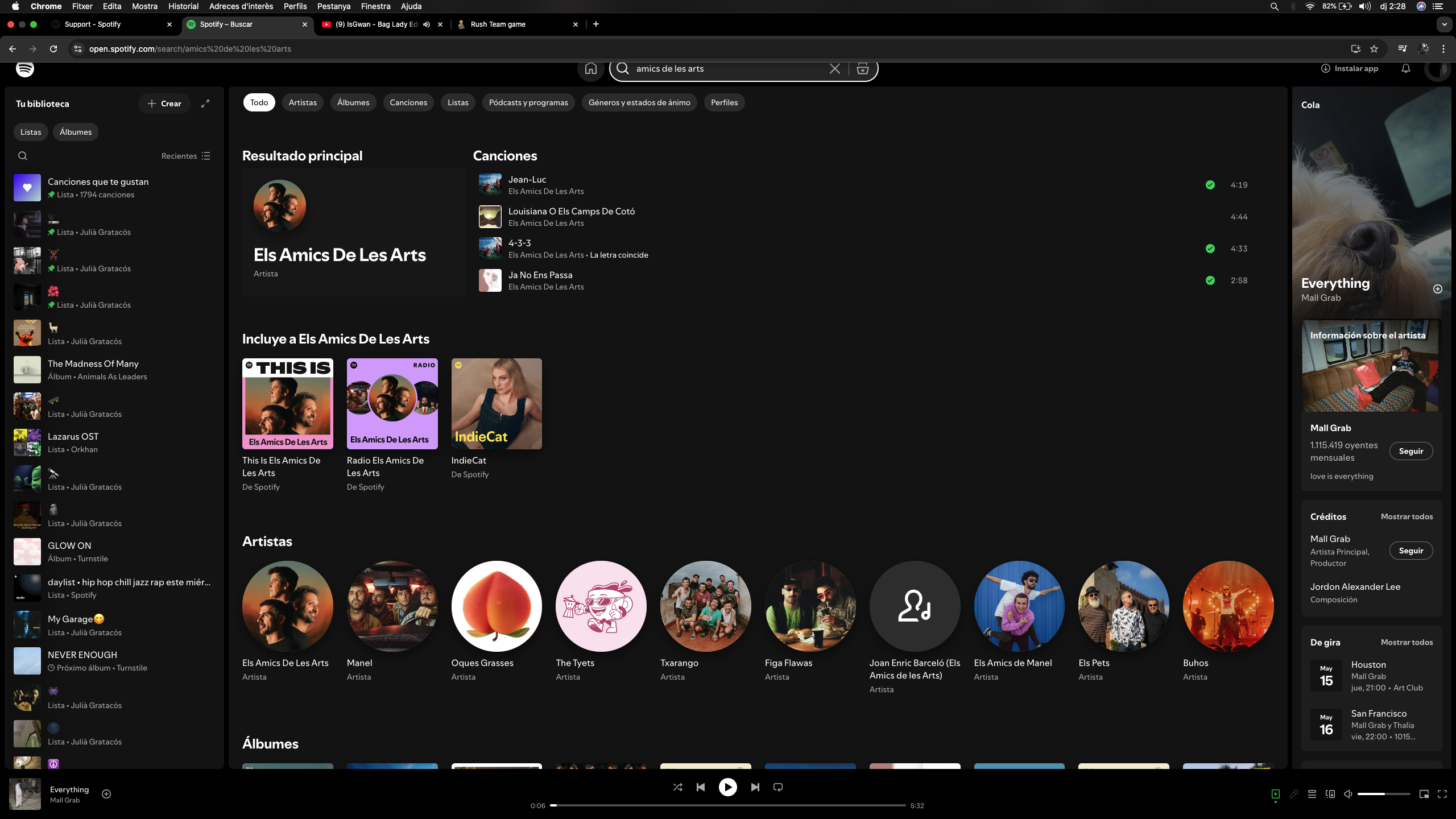
I have the same issue as well, and I tried to make a post about this.

I have the same problem. Since the application was discontinued on Mac OS Catalina, I can't update to the latest version and since yesterday I have a problem searching for songs, artists, etc. iMac 27 - Mac OS Catalina

Hi , the same here . No search possible since 2 days . It was working till now on catalina 10.15.7 ..... I tried to desinstal and re instal the right version for 10.15 without luck . It's a pitty that Spotify forces consumers to upgrade to a new OS . Not surprised . Same old game . 2018 new mac mini . 2025 Obsolete for Spotify .... 7 years ?

Hi everyone. Same here, macbook pro 2012, on catalina. No search function since 2 days. The only way to manage it is using the web player... What a shame. Come on devs @joan, you can do something for your users. I will try the solution by @plantbased369 : installing an old version (10.14).

Hey folks!
Chiming in to confirm that Spotify is currently supported on Mac OS 12.0 or above.
Once an OS version becomes unsupported, it's expected behaviour that some parts of the way the app interacts with it would become misaligned, sometimes causing errors such as the one mentioned here.
With this being said though, keep in mind that we'll still take this backstage to see if anything can be done and we'll keep you posted in case there's anything new to share. In the meantime, you can try using Cmd+K to see if that Search field would work for you.
Many thanks; cheers!
P.S. You can always find the updated list of platforms Spotify is supported on by checking this page here.

I'm still have this problem on OSx 10.15 catalina. Tried a clean install again but the problem still the same when I try to search a song.
Hello Vasil, using cmd+K I can use the search bar and find songs, but when selecting doesn't work.
Mac Osx Catalina 10.5
Imac 27" late 2013

I have same problem, noticed it 2 days ago. done fresh instal still no search. Maybe time to look else where deezer amazon etc

same here with catlina  (((

greetings to everyone,
i have a premium account (izmir/turkey) running on a macbook pro retina 2012,
macOS 10.5.7. [spotify's status: unable to update, running on version Spotify for macOS (Intel)1.2.37.701.ge66eb7bc] as the latest version of spotify is for macOS 11.0, 1.2.63.394]
my issue is that spotify cant do a search, as the page reads as: something went wrong, try reloading the page (after clicking 'reload page' it get backs to home screen). i did everything i can, logged out and logged back in several times, performed a clean reinstall, did several restarts for the macbook, but nothing worked out.
lastly, i'm concerned that since the latest spotify update doesnt work for macOS catalina version 10.5.7. the issue will remain unsolved (since the latest update for a macbook pro retina 2012 is the catalina macOS 10.5.7).
i would really appreciate any help. best regards & cheers
dear jose,
my device is a macbook pro retina 2012 running catalina macOS 10.15.7., as for the version of spotify: 1.2.37.701.ge66eb7bc, so basically 10.15 (the latest version is for macOS 11.0, 1.2.63.394 which ofcourse doesnt work with my macbook).
thanks much to everyone for reaching out to help, cheers
great, works with mac as well, thx for the share, cheers
dear @jose,
my device is a macbook pro retina 2012 running catalina macOS 10.15.7., as for the version of spotify: 1.2.37.701.ge66eb7bc, so basically 10.15 (the latest version is for macOS 11.0, 1.2.63.394 which ofcourse doesnt work with my macbook).
thanks much to everyone for reaching out to help, cheers
Dear Jose,
my mac is a imac late 2013
Osx 10.15.7 Catalina
Model Name: iMac
Model Identifier: iMac14.2
Processor Name: Quad-Core Intel Core i5
Processor Speed: 3.2 GHz
Number of Processors: 1
Total Number of Cores: 4
L2 Cache (per Core): 256 KB
L3 Cache: 6 MB
Memory: 24 GB
Spotify per macOS (Intel)
1.2.37.701.ge66eb7bc
I tried also a clean reinstall before but doesn't work.
I don't have another account

can't you guys fix this problem or no?
The problem is that I can't install the latest version because 10.15.7 was not supported by spotify... I think is an operation to obstacle the old computers and force to buy new one... I hate this!!!
Spotify please fix that bug!
hi, definitely need a bug fix for the macOS 10.15 version (1.2.37.701.ge66eb7bc)

Same Issue
India
Premium Plan
macOS 15.4.1 (24E263)
Spotify for macOS (Apple Silicon)
1.2.39.578.g0ea3f38b

Plan
Premium
Device
(Mac)
Operating System
(macOS Catalina)
My Question or Issue
Using app version on mac and for the last week when trying to type something in the search (artist, song, etc.), an error appears saying "Something went wrong. Try reloading the page" with a reload page button. Have already tried deleting spotify app and cache and restarting which has not resolved the issue.

Hey @wheathins, thanks for reaching out to the Community!
Can you try a clean reinstall of the app following these steps? These steps are more thorough than the simple reinstall and can solve common issues. If you're still having trouble, can you let me know the make and model of the device you're experiencing this on?
You can also send me a screenshot of where you’re seeing this, making sure to hide sensitive info when posting to the Community.
Let me know how everything goes!


I am long time Spotify user on Macpro Catalina Version 10.15.7 - cannot currently use search function - Error Message " Something went wrong" - have tried reload
and other obvious ways to correct - no success - Any help welcome
Thanks - Fergus CB
Plan
Free/Premium
Country
Device
(iPhone 8, Samsung Galaxy 9, Macbook Pro late 2016)
Operating System
(iOS 10, Android Oreo, Windows 10,etc.)
My Question or Issue
Thanks Billy-J for the response, but this did not solve the problem. I did have to download an older version 10.15 than the link in your instructions as I am still running macOS Catalina version 10.15.7 on an older iMac (27-inch, Late 2013). My Spotify is a premium family account and it was not having this problem until ~2 weeks ago. When typing a song, artist, album in the search bar, I am getting a "Something went wrong...Try reloading the page". with a Reload Page button. When I hit the button, the normal screens come back and I can follow all the links such as "Made for..." and "Recently Played..." and "Discover pics for you...." And when I first click on the search bar, the "Browse all..." buttons come up with all the different genres which I can follow all the links. But as soon as I type something in the search bar, then the reload error message again......
Followed steps and didn't work. I did have to download an older version of spotify than your link 10.15 because I am working off an older iMAC (27-inch, late 2013) running macOS Catalina Version 10.15.7. But it was working just two weeks ago, so I don't know. I can click on all the links with no problems. And when I click on the search bar, the links for different genres come up and I can follow those links. But as soon as I start clicking a song/artist/album in the search bar, I always get this error message. Clicking the reload button resets, but same problem every time.
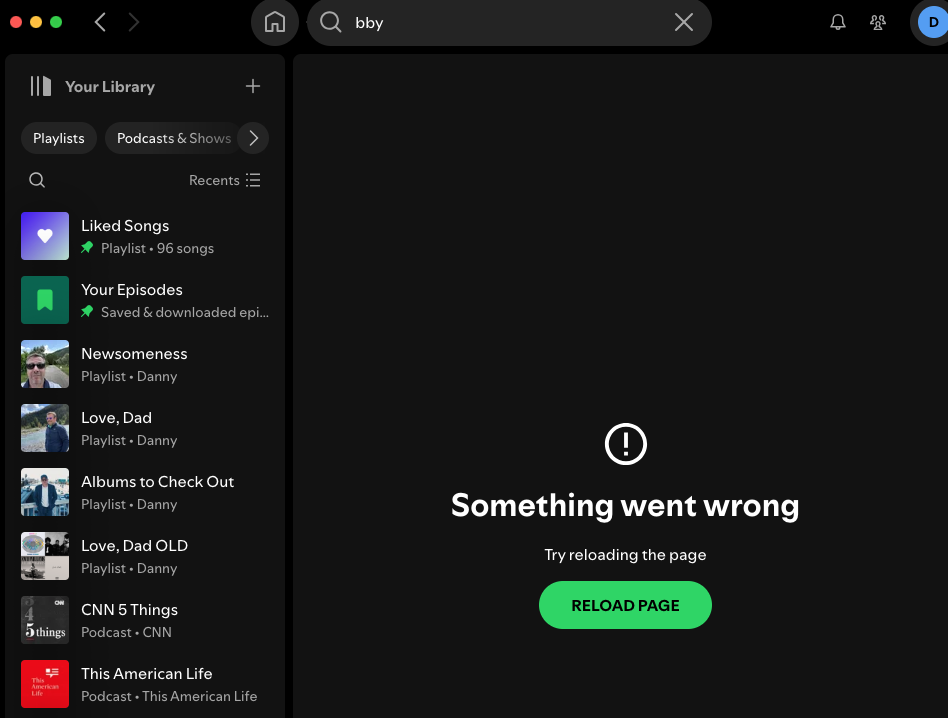
I have the same problem...
Hey folks!
Chiming in to confirm that Spotify is currently supported on Mac OS 12.0 or above.
Once an OS version becomes unsupported, it's expected behaviour that some parts of the way the app interacts with it would become misaligned, sometimes causing errors such as the one mentioned here.
With this being said though, keep in mind that we'll still take this backstage to see if anything can be done and we'll keep you posted in case there's anything new to share. In the meantime, you can try using Cmd+K to see if that Search field would work for you.
Many thanks; cheers!
P.S. You can always find the updated list of platforms Spotify is supported on by checking this page here.