Downloaded files are in app but the Spotify local folder is empty

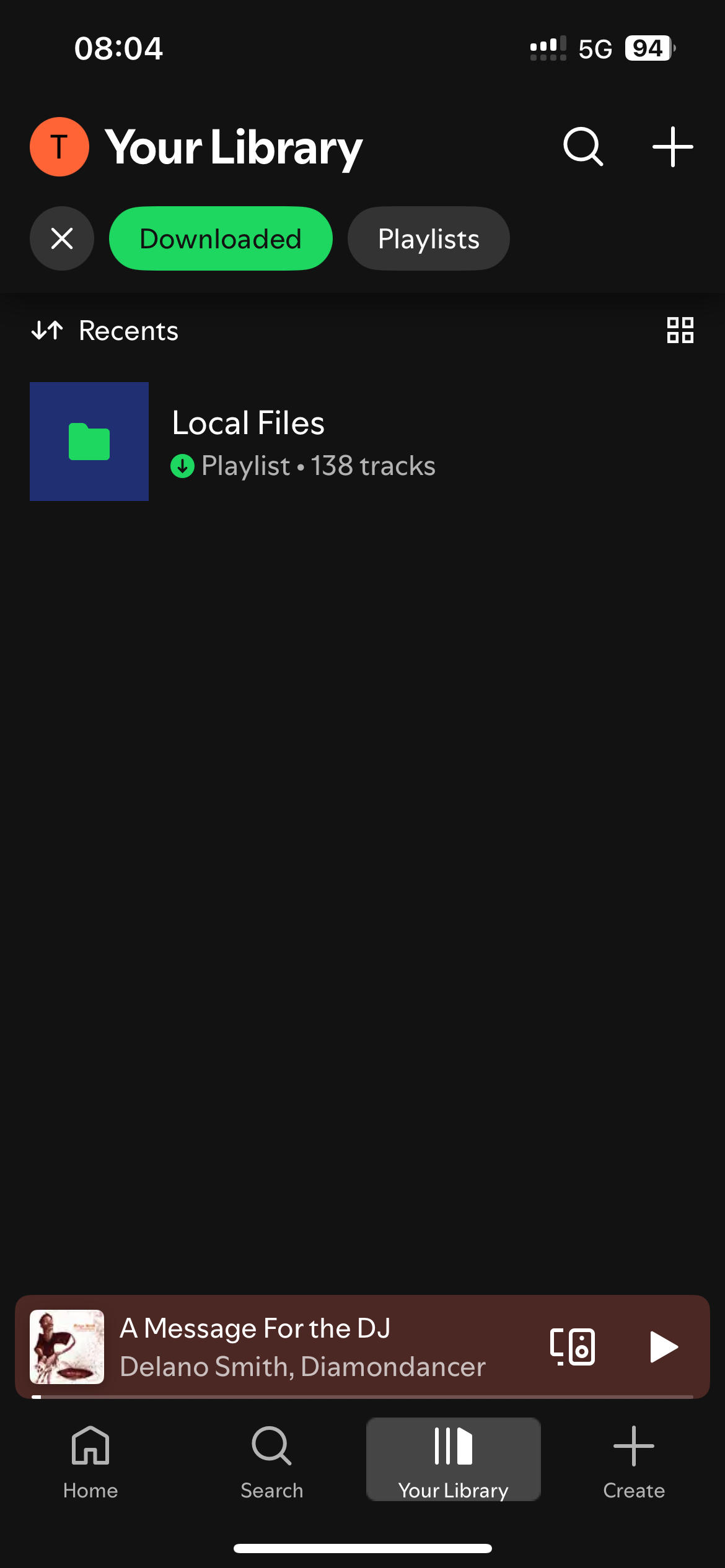
In the Spotify app on my phone I have 138 files in the Downloaded/Local files folder. (See attached image)
This is the only place for some of them, as they do not show up on my computer.
I want some of them on my computer.
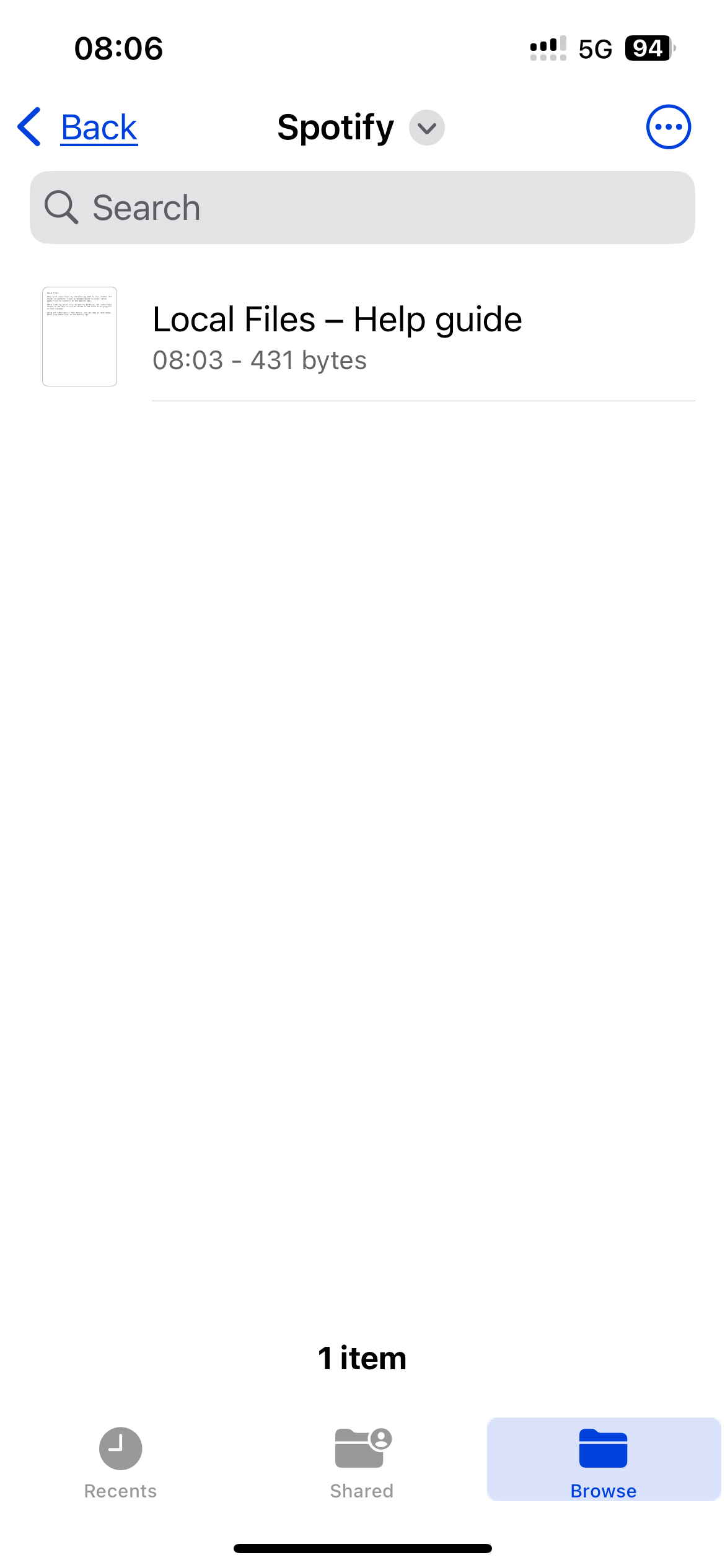
But when I browse to my Files/Spotify folder the only content is the help file. (See attached image)
Where are my files? I want them back. I do not have them anywhere else.
Please note:
The files play fine in Spotify on my phone so they must be somewhere.
I want to get them from that place so I can put them on my computer
Plan
Premium
Country
UK
Device
iPhone 16e
Operating System
iOS 18.5
Thank you,
Ted
Accepted answers
All comments

Hi there @2PartySystem,
Thanks for reaching out!
Do you use Apple Music? If so, it's possible that the songs are from there and aren't physically saved on your device. This can sometimes occur, as the Spotify app requires access to 'Media & Apple Music' in order to display local files - this doesn't apply to desktop, which might be the reason why you're not seeing them on your PC.
What you can do is check if a particular song from your local ones is available directly on Spotify and add it to one of your playlists on your phone - the changes will also sync on your PC, meaning you can play it from there as well.
Hope this helps.
Hi @dessi thanks for looking into this. It looks like you’re right - all the tracks are in Apple Music. Spotify doesn’t update on my laptop any more because my laptop is old and doesn’t support OS upgrades. Thanks for that.
Hi there @2PartySystem,
Thanks for reaching out!
Do you use Apple Music? If so, it's possible that the songs are from there and aren't physically saved on your device. This can sometimes occur, as the Spotify app requires access to 'Media & Apple Music' in order to display local files - this doesn't apply to desktop, which might be the reason why you're not seeing them on your PC.
What you can do is check if a particular song from your local ones is available directly on Spotify and add it to one of your playlists on your phone - the changes will also sync on your PC, meaning you can play it from there as well.
Hope this helps.