Cant download without putting 'downloads over cellular on'

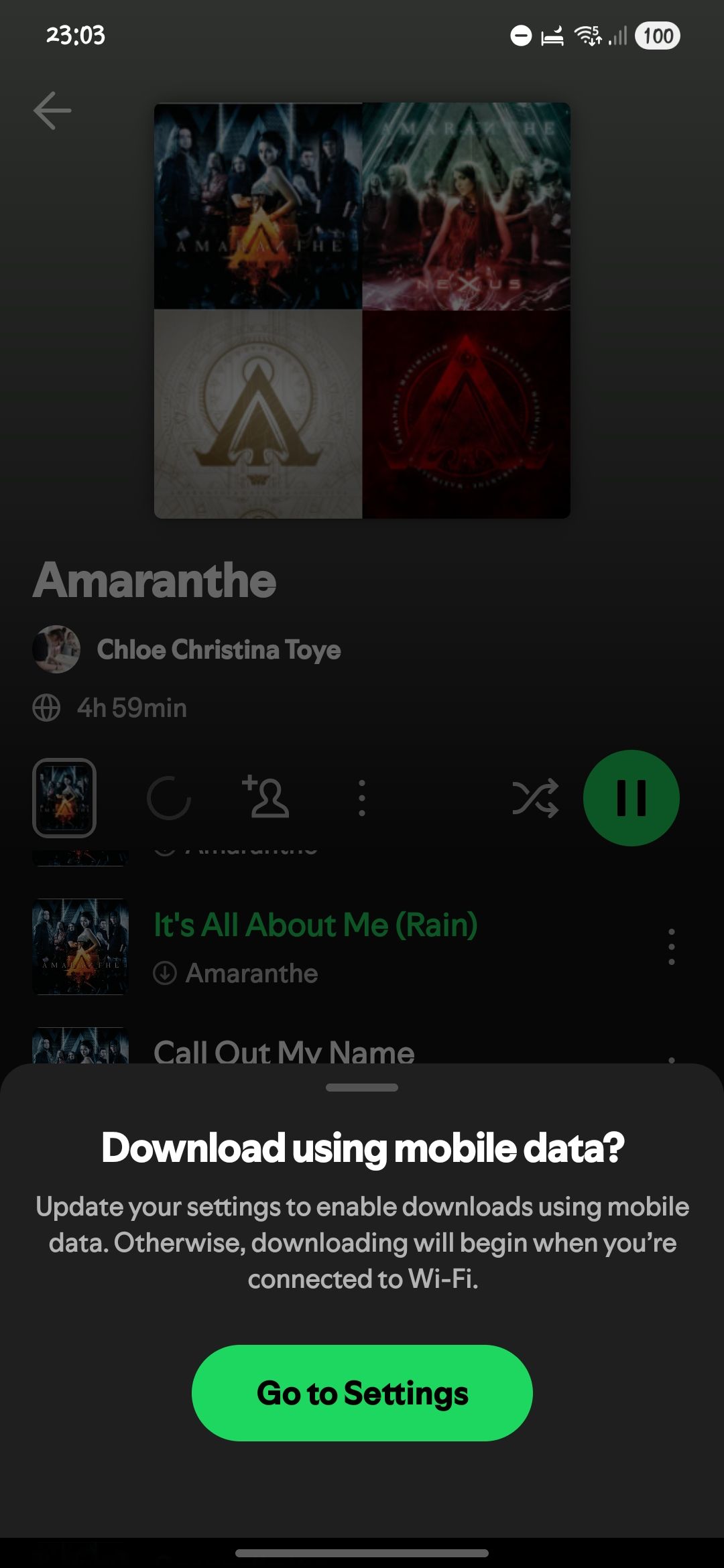
I went to download a playlist and its asking me turn the 'downloads over cellular' option on, iv never had this on, I always download my music over wi-fi never my data, and now I can't dowload music unless I have this option on
Plan
Premium
Country
UK
Device
Samsung Galaxy s23
Operating System
Android 16
Accepted answers
All comments

This is still a problem with no solution provided. Spotify insists on downloading over cellular even when connected to wifi for custom playlists. Curated "radio" playlists download over wifi with no issue but those playlists are objectively worse than Pandora in 2004. If I turn on the setting to allow cellular data downloads but disable my cellular data connection and leave the wifi connected the playlist downloads without issue, what a joke.

Hey @jxjcc,
Thanks for joining the thread and kudos for the troubleshooting you've done on your end.
Just to confirm, is this happening when Allow background data usage under Settings > Apps > Spotify > Mobile data is toggled on and Battery usage under Settings > Apps > Spotify > Battery is set to Unrestricted?
If yes, let us know your device model, OS version and Spotify version so we can forward the issue to the relevant team.
Cheers,
Hey there @chloetoye92,
Thanks for posting in the Community and welcome.
We'd suggest you make sure your device has the right permissions for Spotify to run on Wi-Fi. Some Samsung models have the option to restrict the usage in both mobile data and Wi-Fi. You can check that under Apps> Spotify> Connection and Data Usage.
Additionally, you can also check Spotify settings. Under Data-saving and offline> Downloading and streaming. Make sure Downloads over cellular is off.
It'd be also worth performing a clean reinstall of the app. By doing that, the app can be up-to-date and you can make sure the stored cache is not leading to this behavior.
Note: Be aware that reinstalling the app will remove all the content you've downloaded to listen to offline.
If issues persist, it’d be awesome if you could send us:
Keep us in the loop!