"Your Episodes" can't be removed from Your Library

We're seeing reports from some users that "Your Episodes" can't be removed from the Your Library section.
This seems to happen even though the Your Episodes folder is empty and on desktop devices only.
Comments

Same problem here, but on Windows. Happended after an update today.

Hey there folks,
Thanks for posting in the Community and welcome.
@resnin, just to confirm, are you able to see the episode that is causing this issue while using a different device? Are you following the podcaster whose episode you seem to be unable to remove from the folder?
On another note, we'd like to point out this idea. We'd suggest you show your support by adding your vote. You can subscribe to it as well, to get notified as soon as we share any news there.
@MasterBlitz2000, would you mind describing exactly what's happening on your side? Are you unable to remove episodes from the folder as well? Also, share with us:
- The make/model and OS of the affected device.
- The exact Spotify version you're running.
Keep us in the loop!

I have never used Spotify to listen or add anything correlated to Podcasts, but Spotify for some reason shows a 'Your Episodes' playlist for "saved & downloaded episodes". However, it does not allow the user to delete the playlist. For the next update, please delete the 'Your Episodes' playlist or allow users to for those like me who never utilizes or listens to podcasts

Hey, this also appeared after the latest update on mac (26.1). Its not showing on my iPhone. I only listen to music so I would like this removed as well.
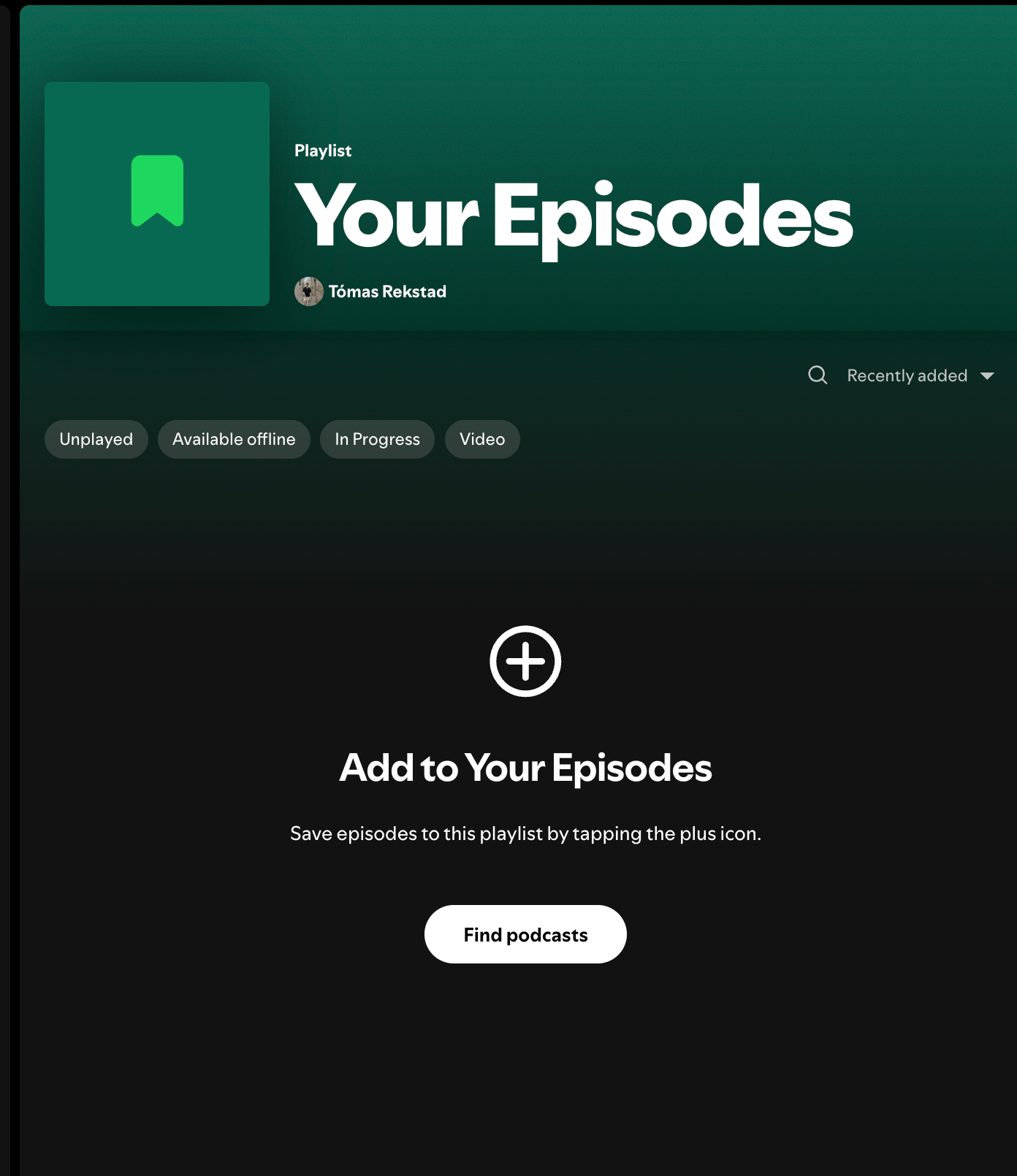

Same here, I don't have an option to remove this playlist and I don't listen do podcasts at all.

Having the same issue here with the latest update, it's extremely annoying that it is taking up the space, particularly now Spotify has forced us onto the narrower 3 grid library. Please remove this 'feature'.
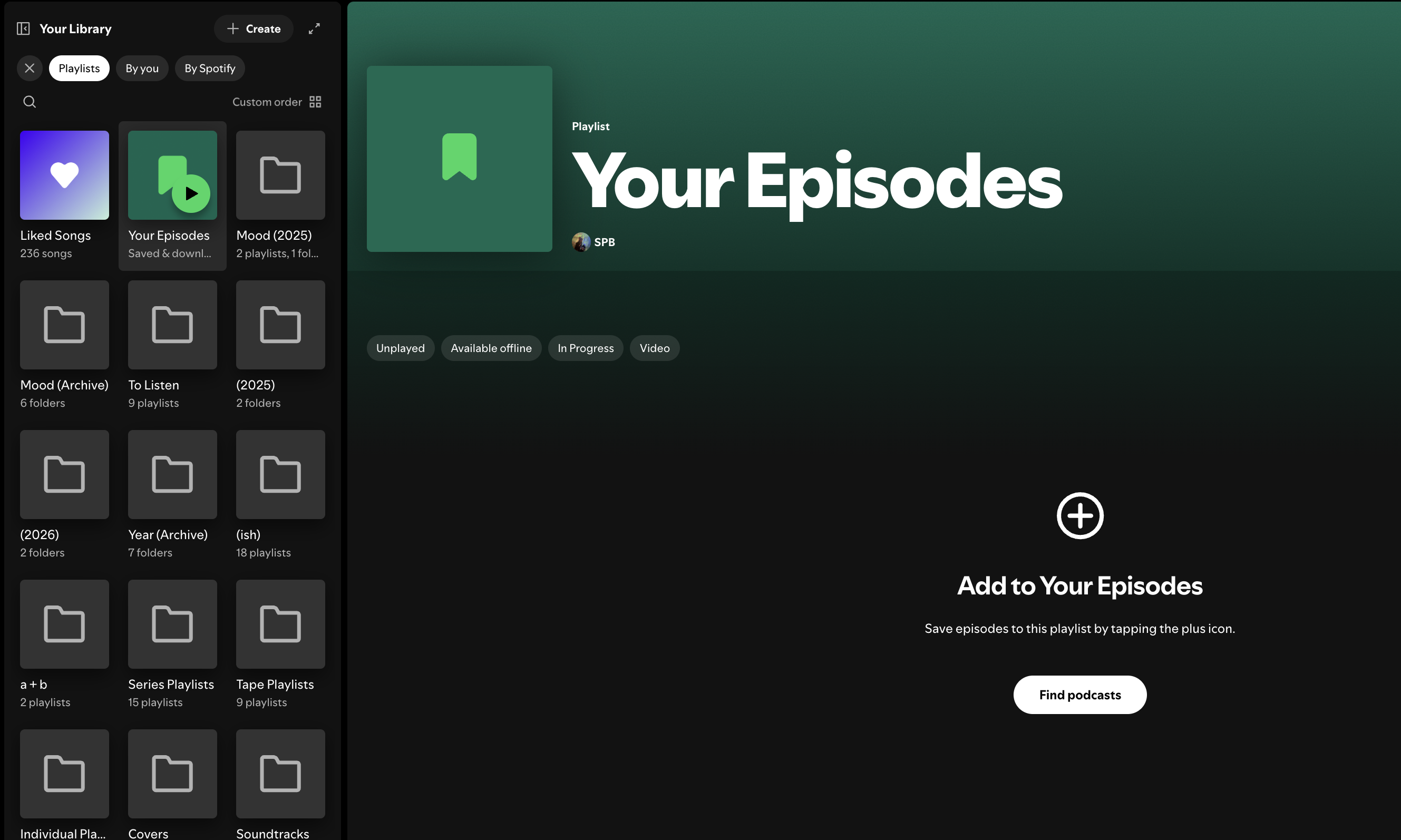

Hi there folks,
Thanks for the replies.
Consider trying to manually unpin the playlist as well. If that too doesn't work, then this definitely looks like a deeper lying issue that we'd like to look into further. Could you please provide us the following, similar to what @AlejaR suggested:
- Is this on all devices or only on specific one(s)?
- The exact makes, models and OS/Firmware versions of all your affected devices
- The exact Spotify Versions you use.
With this information, we’d be happy to investigate.
Keep us posted.
Hi Joan,
I have tried pinning and unpinning the Your Episodes playlist yet it still remains even though it is empty. I have just tried emptying my Liked Songs playlist to see if it has the same issue but it disappeared from my Library once it was empty.
This is only happening on my Desktop app, not my iPhone app.
I am using a 2021 M1 MacBook Pro running os26.1.
This change happened when I updated Spotify today, currently on: 1 . 2 . 78 . 418 . gaeeb5ebd
Thanks,
Simon
Hello,
so far this only happens for me on my Windows Desktop PC. It doesn't happen on my Android phone (Fairphone 6, Android 15). I wasn't able to check my old phone and my tablet yet. I already tried unpinning the playlist.
My PC is a custom PC running Windows 11 25H2
System Build 26200.7309
Feature pack Windows Feature Experience Pack 1000.26100.275.0.
The Spotify app is running version Spotify für Windows (64 Bit)
1.2.78.418.gaeeb5ebd
I hope this helps.
Thanks in advance.

Hi, I am not following any podcasters and cannot see what episodes could be causing this issue from any device I use. I have checked on my phone, tablet and desktop apps and its the same. The only place I don't have this problem is the web player and even there, I cannot see the possible cause of the issue.

My Spotify desktop app just updated and there is no way to remove the "Your Episodes" playlist. It cannot be unpinned or removed. I do not listen to podcasts, nor should I be forced to. The version is Spotify for macOS (Apple Silicon) 1.2.78.418.gaeeb5ebd. I am using a Macbook Pro, running Mac OS 15.7.2 (24G325). As of yet this issue has not appeared on my iPhone. I imagine with an update, it will. It's perplexing why users cannot control their playlists.

Amen. Why do this? I don't want Spotify placing something at the top of my Music Playlist that has nothing to do with Music. I've never listened to a podcast and don't plan to start. This is an abomination, both to my control as a consumer and to good design. C'mon...

I love and aesthetic profile. This playlist ruins the vibe for me 🥲

Even just being able to move "Your Episodes" or "Liked Songs" from the top. I don't feel this would be hard to implement.

Is this a new thing? How annoying I can't remove it from my playlists.

Come on!!! What is this?
You cant even hide it?

yet another completely useless update from spotify! if you're gonna force something into my library at least add the setting to toggle it off.

I would like to delete the terrible and unnecessary playlist called 'Your Episodes' that was added to my profile by Spotify. The only option I have is to pin the list. I can't even move it into a different folder so I don't have to look at its ugly face.
How do I delete this tone deaf and unasked for playlist?
Hey everyone,
Thanks for your reports on this - we appreciate it!
We've passed all the info you've provided on to our tech teams so they can have a closer look as well. In the meantime, we recommend keeping the app up-to-date. We'll make sure to keep you posted in this thread if we have any news to share.
If you haven't already, or should you come across this thread in the near future, it would be great to know the details mentioned by @Joan in this comment. These details will help us and the investigating teams.
Cheers!

Windows 11 desktop app. Started it up this morning, and there's suddenly a "Your Episodes" playlist I have never once seen or used below my pinned playlists. It's empty. Fine, whatever, I try to move it, but it won't budge.
I can't find a way to remove it, move it, turn it off, whatever. I like to keep my library well-ordered. This is disrupting my stuff. How do I banish it?

"Your Episodes" has got to go! 🤬 I use Spotify for music and don't want know anything about podcasts! This "feature" was forced upon me with Spotify for Windows (64 bit) update 1.2.78.418.gaeeb5ebd on Dec 5th 2025. I am running desktop version on Windows 10. You don't need the firmware info, just fix this!

+1. I don't listen to podcasts, not on Spotify or any other platform. I'm unable to remove this playlist from my sidebar.
Mac. Tahoe 26.1.
Spotify para macOS (Apple Silicon)
1.2.78.418.gaeeb5ebd
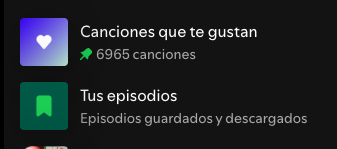

Please add an option in the settings to get rid of this "new" playlist if it's empty (as it was before). I don't listen to podcasts.

hahaha this is by design, there's no bug or issue here. Who thought that it was a good idea ? Is this what we get in return for the subscription price increase ?
If at least you could give us more button option for music control on desktop and mobile, it's almost 2026 and I still don't have a repeat song button when my phone is locked.

Spotify for macOS (Apple Silicon)
1.2.78.418.gaeeb5ebd
Same here

Please add the option to hide or remove the local files and your episodes playlists. I want to use local files and listen to podcasts but don't want these playlists. Or at least it would be nice if you could move them into a folder...
On windows 11 desktop app btw, and don't even have any podcasts but it shows up.

Plan
Premium
Country
Australia
Operating System
Windows 11
My Question or Issue
I have never liked or saved a podcast, yet the Your Episodes playlist is unable to be removed from my Library even though it's empty. I can't even pin my actual playlists above it because for some reason you can't have more than 3 pins. I'd really like to be able to just remove or hide it.

I don't want to know anything about your episodes in the library, I only listen to music, thank you


I came here to post the same question. I don't use Spotify for podcasts and this annoying useless playlist won't tempt me to.
Spotify isn't very good for podcasts compared to apps actually designed for doing that one thing like pocket casts or podcast addict.
Plan
Premium
Country
UK
Device
Samsung Galaxy A14
My Question or Issue
I want to remove the Your Episodes playlist from My Library and the only way to do that is to remove all episodes in the playlist but it still won't disappear. When I open the playlist, it is completely empty, but when I check how many episodes are in there by adding something else, it says there is an item in the playlist.
I have tried clearing my cache and data, reinstalling and logging out, and I have contacted support but they haven't helped me find a solution to the bug.
It is just the Your Episodes playlist that is the problem because when I removed everything from my Liked Songs, that playlist disappeared like it should. I have this issue on all my devices everywhere I log in, expect from web player.