Downtime [Feb 14th 2026]: Android users getting an error when accessing playlists

We’re seeing reports from Premium users on Android that they’re getting the error message “Something went wrong” when they try to access playlists.
Comments

The same issue on Galaxy S24 Ultra with Spotify 9.1.24.1723
Can't open and play any saved/downloaded playlist.
The only working playlist is "Offline Backup"

Same here,
All Playlist giving Error "Something went wrong"
Android 15
Germany
Premium User.
Happen after latest Update
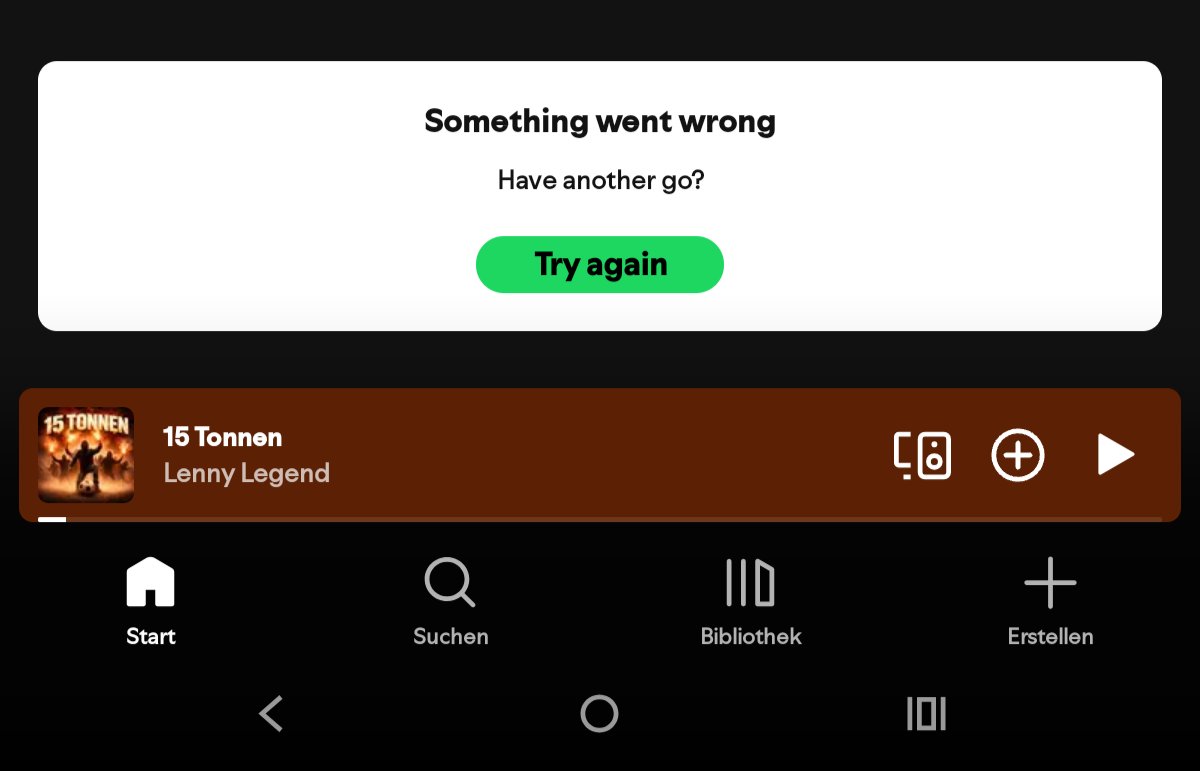

I'm having the same issue with my OnePlus 12, with the liked list and all other playlists

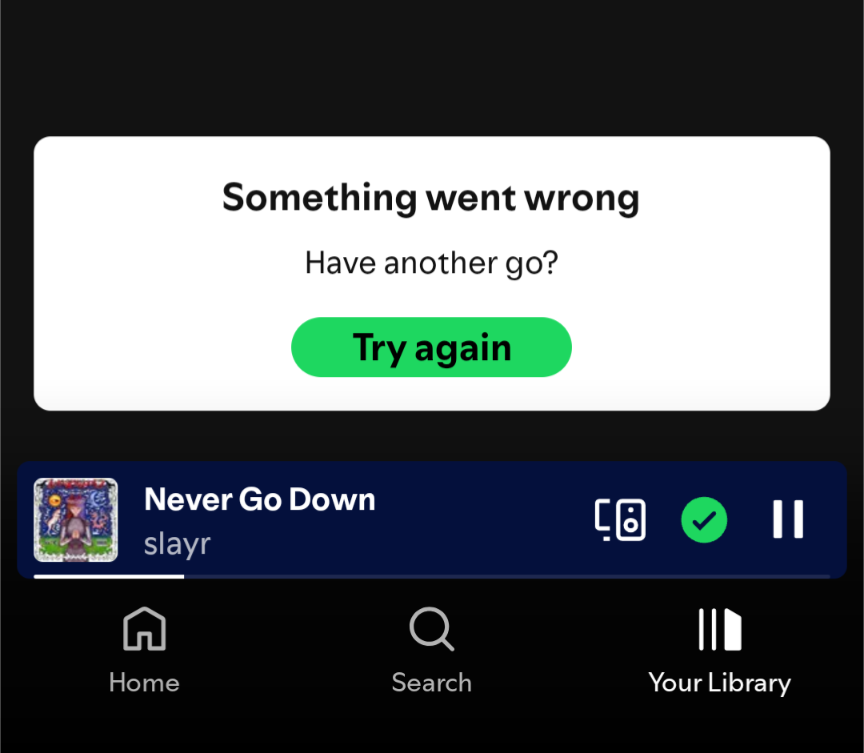
same. pixel 8a. on beta and release version. only dj x works

Plan
Premium/student
Country
US
Device
Samsung Galaxy S23
Operating System
Windows 11/Android
My Question or Issue
I can access any custom playlist on Spotify and can only see artist albums. I can see it on my pc but not on my phone. Here are the things I tried to do, but still haven't worked:
- updating
- Restarting the phone
- uninstalling and reinstalling
- clear cache
- not longer a beta tester
- checking network connection
- logging out 3 times and logged in
- make a new playlist (can't even access it)
- downloading the playlist
- making sure offline access is on
- making sure every account is synced and linked
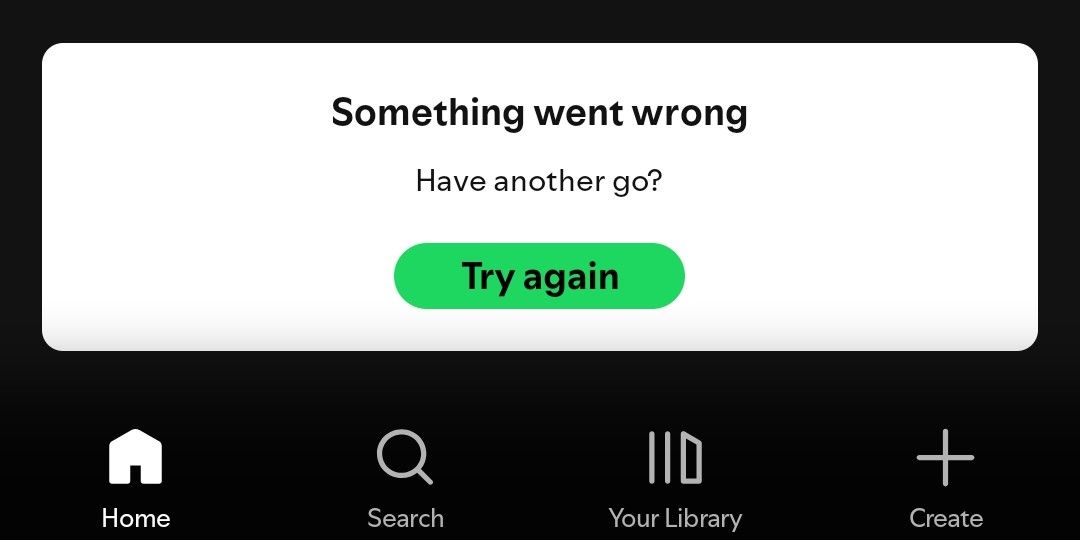
So far ive been getting nothing but this screenshot of my playlist or any custom playlist. What should I do in this scenario, because it was completely fine yesterday?
Hey im also having the same issue with my Samsung Galaxy S23. I am a premium student member though. 

I'm having the same error on my Samsung S22+. Tried clear cache, clear data, uninstall, reboot, reinstall multiple times. Also tried changing password. Playlists are fine from desktop.
I uninstalled the beta and left the beta channel.
Installed the stable Version and everything is working again.
The downside of it, have to download all Playlists again.

Hello, I've had the same problem since yesterday. I've already tried everything the previous poster suggested. All without success.

I'm having the same issue.
Have tried both beta and non-beta versions of the app. Have a Samsung Galaxy S25 with Android, OneUI 8

Same for me.
Xiaomi 13
Android 16
Spotify 9.1.24.1723
Also tried everything above.

I really don't know what to do either; it's impossible that I'm paying for such a pathetic service as the one Spotify has been providing lately.
Hey folks,
We’ve passed your info on to the relevant team, who are currently looking into it.
If you’re experiencing this issue, make sure to click +VOTE and Subscribe to the thread to be notified of any developments.
Cheers,

Same issue, tried to reinstall clear cache/data, use a different account, im in the country i made the account with the same payment info, i have strong internet nothing
Version 9.1.22.1630 is working. Before I used the beta and with the Update from yesterday the "something went wrong" Problem startet.
I first left the beta channel on Play store, uninstalled the beta that is causing the problem.
Reboot the phone.
Wait 30 minutes and installed the non beta Version.
After this everything is working again.
Just have to download all the songs again because they get lost with uninstall of Spotify.
IT WORKS ITS THE BETA TESTING THING JUST LEAVE IT AND REINSTALL

Com os mesmos problemas por aqui, zero acesso a playlists, só é possível ouvir músicas através da aba de pesquisas. Ja desinstalei e reinstalei, limpei cache e reiniciei o telefone mas o problema aparentemente é no app

Plan
Premium
Country
United Kingdom
Device
Oppo A96
Operating System
Android 13
My Question or Issue
I opened Spotify and clicked on my playlist (that I been using for the past 2 years), but it came up with an error message, I also switched from WiFi to mobile data just to see if it makes any changes, but the blue bar that usually says offline came up with a bunch of code stuff.
I have attached the picture below just so you can see what's going on, I have tried clearing cashe, closing this app and restarting it, I uninstalled it and reinstalled it again but still the same issue, hopefully someone can help sort this out for me
Thank you 🙂
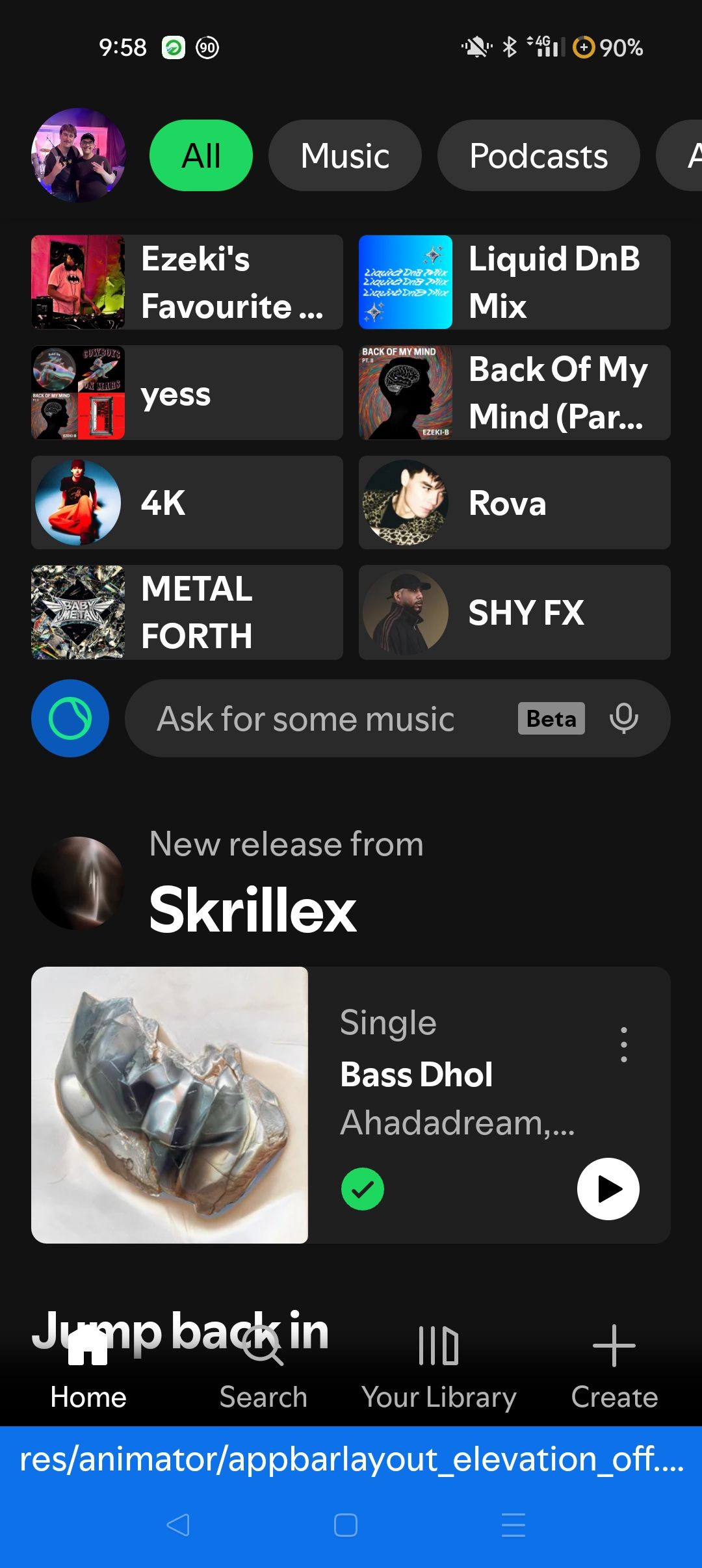
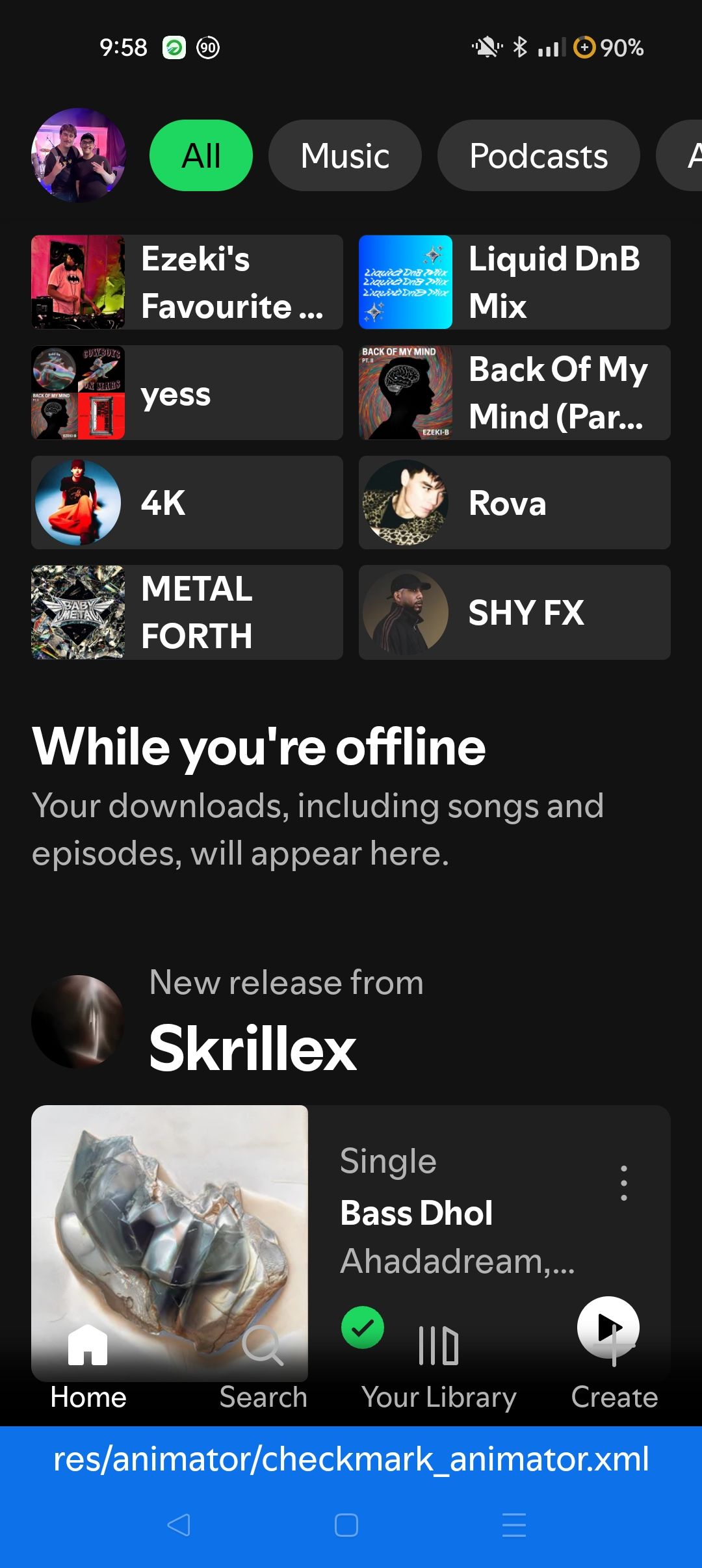
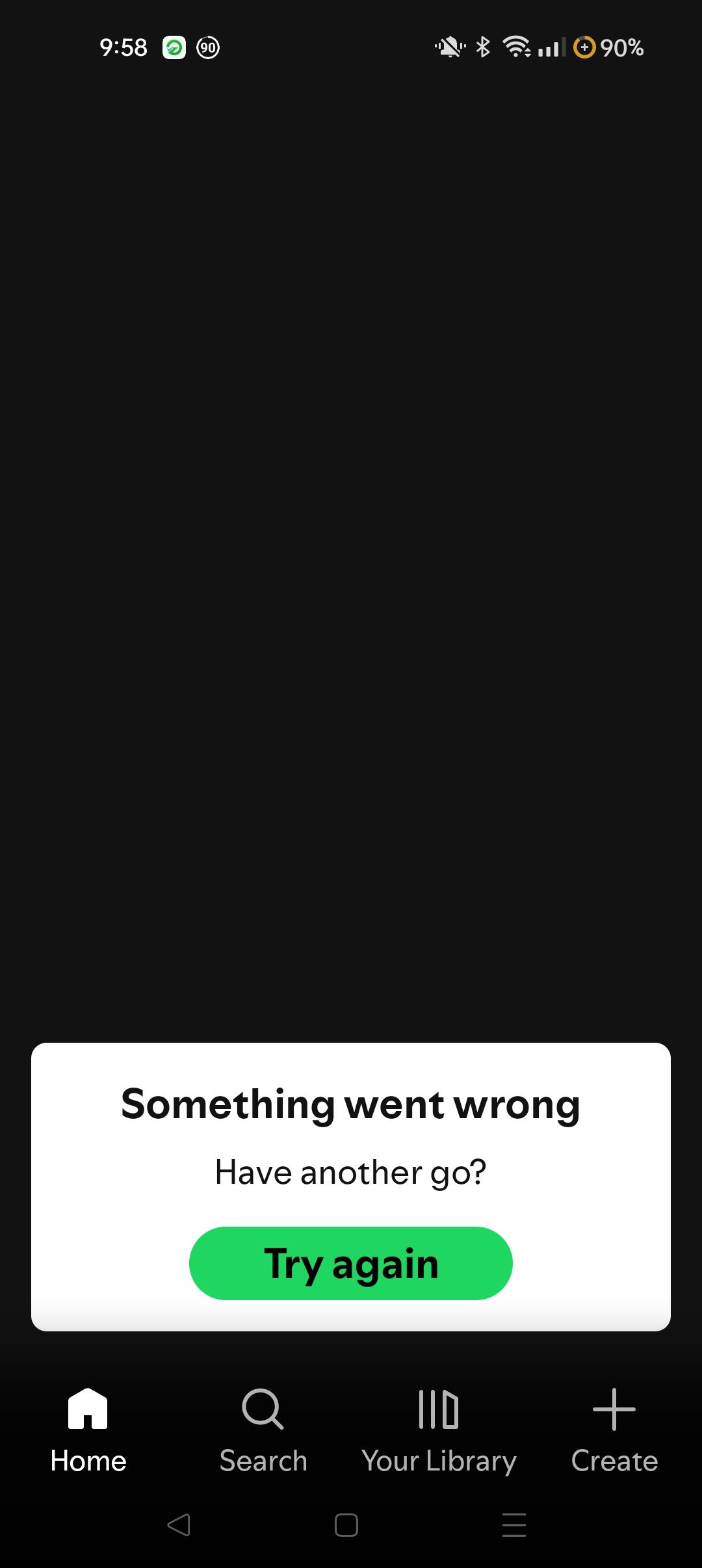

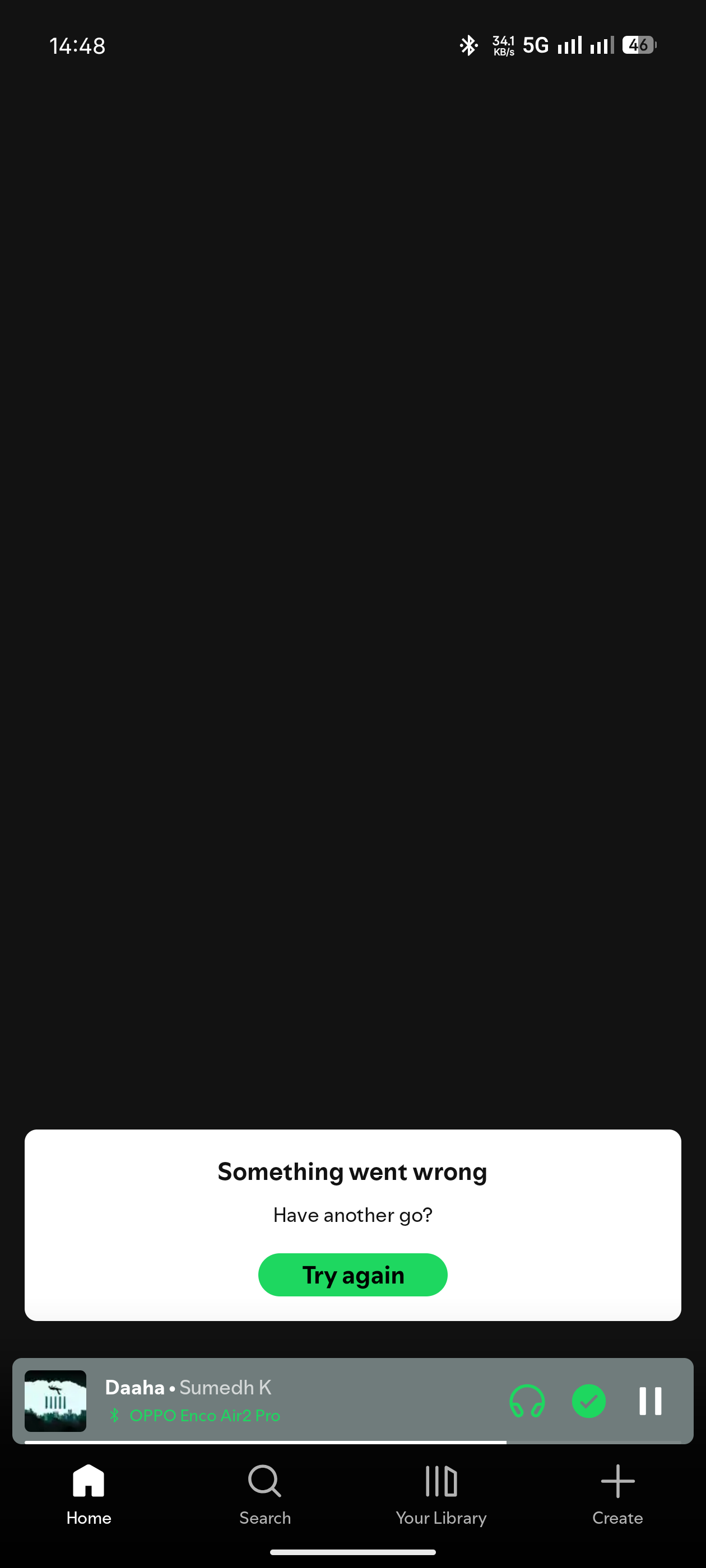
same problem not able to open playlist from 14/02/2026 afternoon, my friend was also facing the same issue from morning but it got resolved by now he is Premium user to,
Ok so if you leave beta, reinstall it, open your playlists, and then join beta again, that apparently works
Following on from what @gergeko & @Matty1966 said 🙂

Hello,
Same issue here since this morning. Tried everything, change phone settings for battery optimalisation, DNS, fresh installation, reset networks all without success. Using the app on a Pixel 10 Pro
Premium account

guys, it's the beta. uninstall the app, leave the program, install again. if that doesn't help, try again: join beta, install app, uninstall, leave beta, install again. worked for me and I've been trying to fix it for 2 hours now 🙂
good luck y'all!!

Same issue here as described in other comments, using Pixel 10 Pro

A Spotify Free user here.
The same issue is occouring when I try to open any of my personal/personalized playlists. Does not occur while opening any default/made by other, Spotify playlists.
The device is Android.
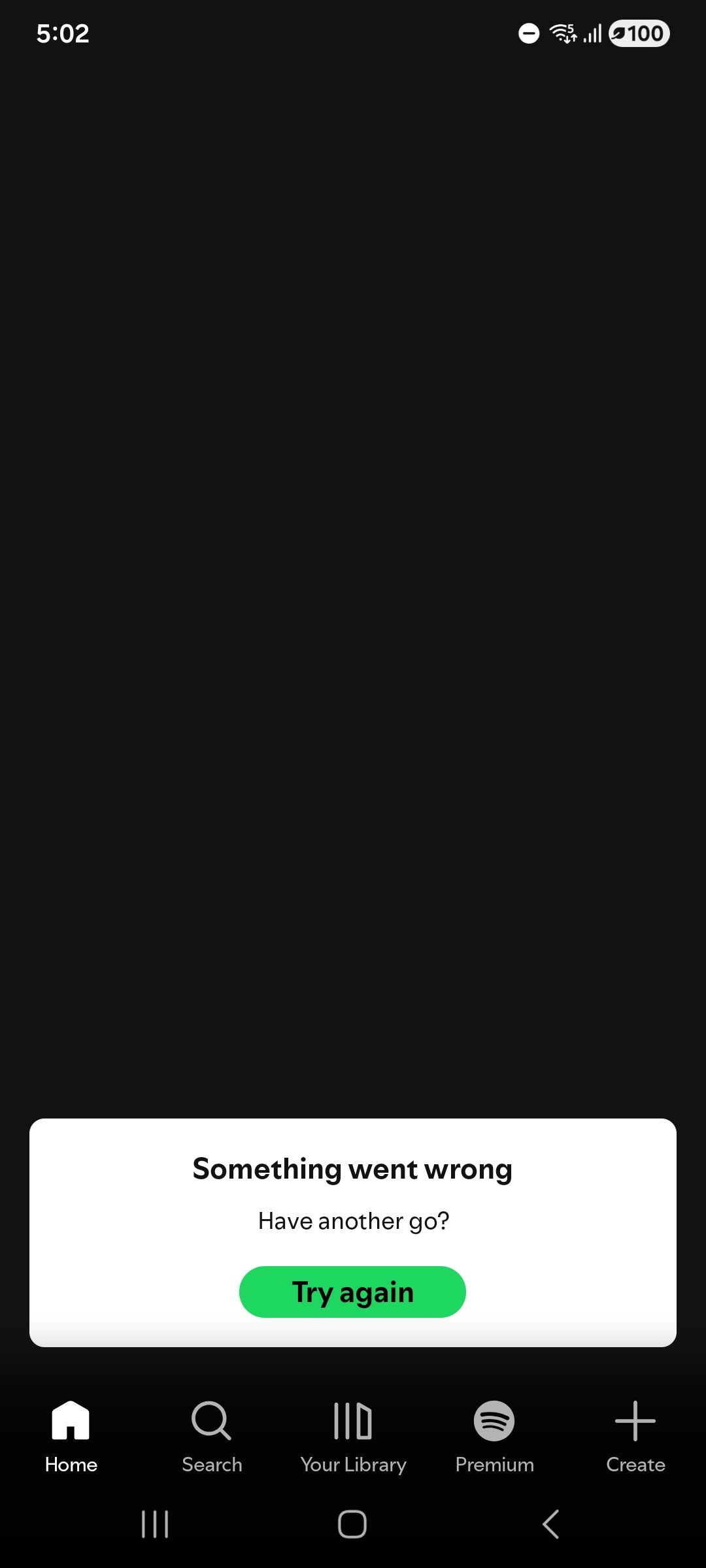

Same issue since 2/13. All items mentioned have been tried multiple times. It appears any of the My Daily Mixes or anything For You is not working
Same issue since 2/13. All "fix" items mentioned have been tried multiple times. It appears any of the My Daily Mixes or anything For You is not working. It works fine on my PC.

I got the same issue here I'm using a Xiaomi Redmi 13Pro with Android 15.
Download the latest APK manually, it should work.
I think it is caused by beta but unrolling from it doesn't seem to instantly give you the normal APK*?!


same problem on redmi note 14 pro
Plan
Premium
Country
Philippines
Device
Oppo A78 5G
Operating System
Android 15
My Question or Issue
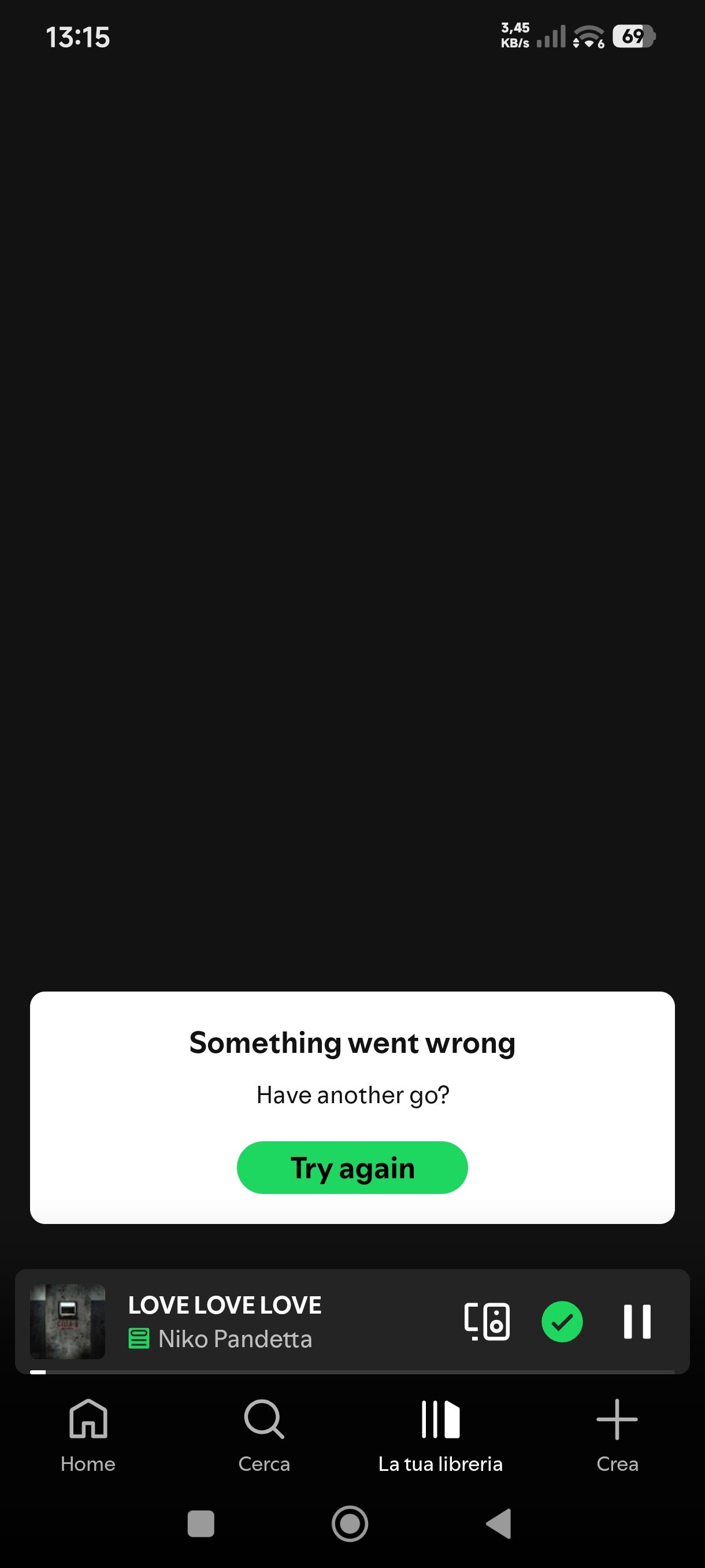
Just updated to Spotify 9.1.24.1723 and suddenly every playlist saved in my library gives me this message. (This is one example.)
Looking forward to this issue being resolved; thank you.
[Edit: Adding that I've cleared the cache and force stopped the app; on relaunch the error message still appears.]