Spotify Desctop App & Phone App Liked Songs Issues

Plan
Premium
Country
UK
Device
Desktop/Any Phone
Operating System
Windows 10
Hey guys,
I am adding songs to my liked playlist from anywhere, and whether I use the desktop or mobile app, they seem to just disappear, which is incredibly frustrating. Using the web app is the only way for me to permanently add songs to my liked list right now.
Accepted answers
All comments
Hey, thanks for getting back to me.
Yes, my liked playlist contained 4.5k~ which I suppose can be considered a large amount. I've only had this issue with liked playlist but will see if relogging helps at all

Hey @koi0001,
Thanks for your quick reply.
If logging out and logging back in doesn't do the trick, it's well worth running a clean reinstall of the app on your devices to get rid of any cached files that might be causing trouble.
However, if the issue persists, we can confirm our relevant team is aware of similar issues and we're gathering info about it in this thread. You can add your details we asked for here in that thread.
Hope this helps. If you need a hand with anything else, the Community is here for you.

This isn’t odd I have the same issue and I can’t add to my liked songs now either although I’m a paid member
Hey guys,
It has been awhile and I reinstalled spotify app but it still isn't updating, currently as far as four weeks back. Every other device seems fine.
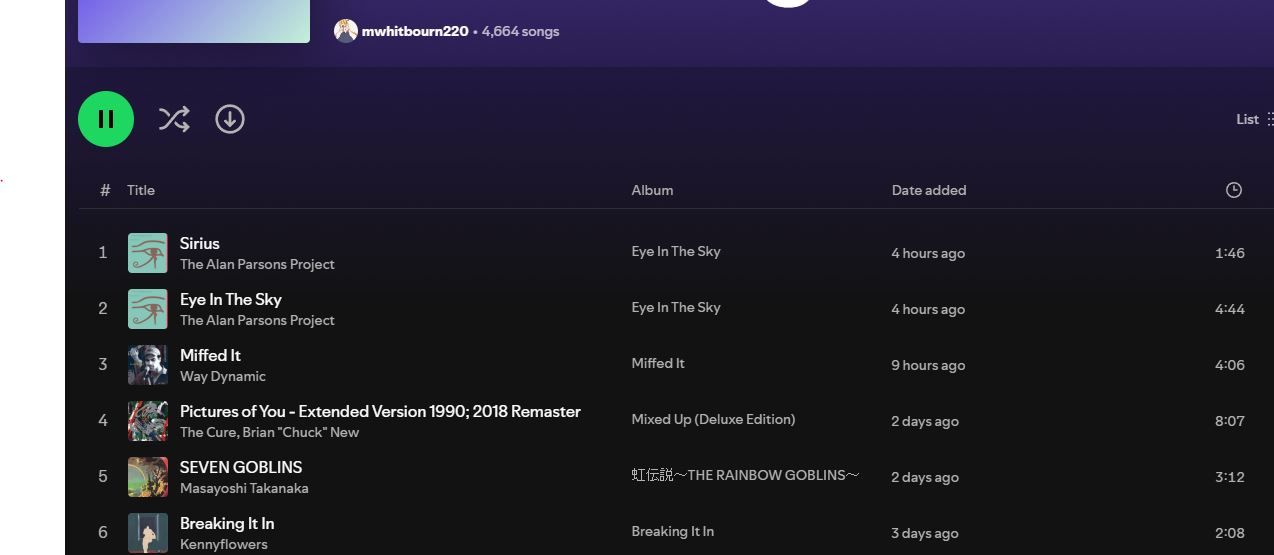
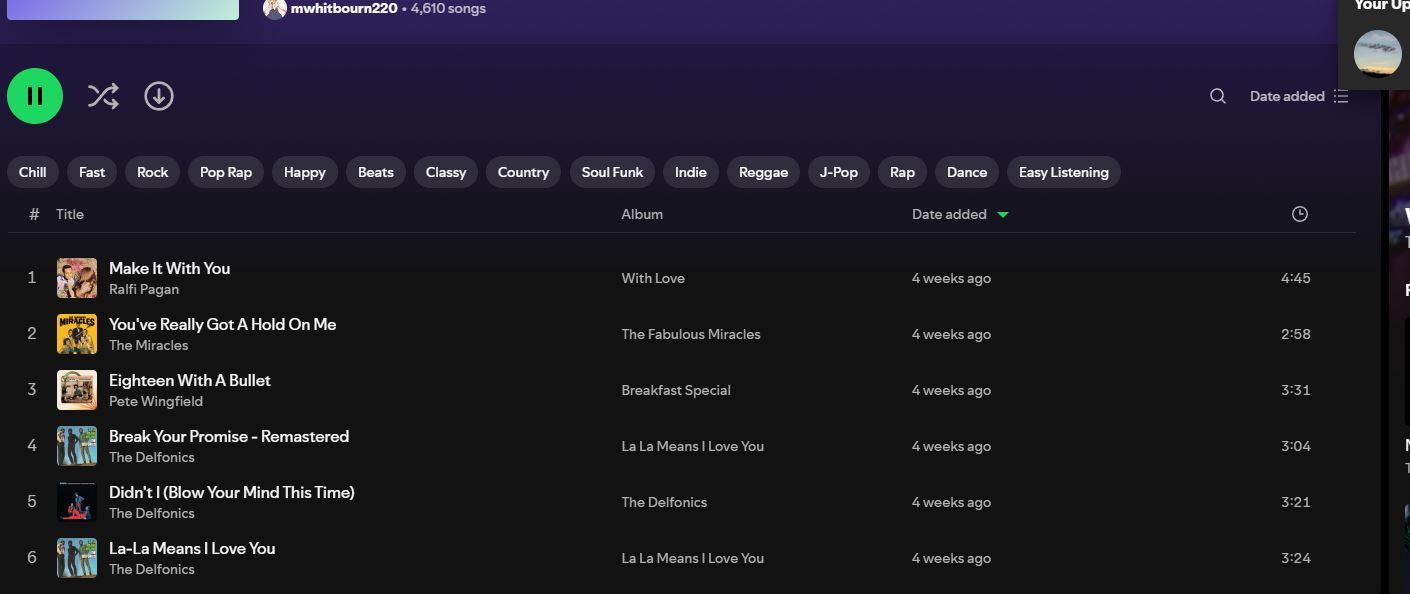

I've just noticed, the Liked Songs playlist in the Spotify Windows app doesn't contain all the songs. In the web browser app and in Android app, I have 391 songs. In Windows app, Spotify shows only 382 songs.
The last added song to the playlist that is shown in Windows app was added on Feb 7. But I have added 9 more songs afterwards, the next added song was on Feb 16, but this and later added songs are missing in Liked Songs Windows app.
I have logged out and logged in 3 times (in the Windows app), and cleared cache. It didn't help, still missing songs in Liked Songs.
The Windows app: Spotify for Windows (64 bit) 1.2.85.519.g549a528b,
Windows 10 with extended security updates, Spotify plan premium
I have uninstalled completely the Windows app and installed again, and the Liked Songs playlist is now complete, the missing songs has appeared in the Windows app. But neither logging out and in, or clearing cache earlier didn't help.



Hey @marta_m,
Thanks for your reply and glad to hear you've found a way to fix the issue and that the missing songs are now showing on your end!
@koi0001, @Goodybags22, we did have an ongoing issue related to this, which was resolved as already mentioned, but any songs you might have saved during this period could have been improperly cached, so we'd recommend removing them and adding them again to force a resync. We know it might be a bit of a hassle, but we think it might help in this case.
Let us know how it goes.
Hey there @koi0001,
Thanks for getting in touch about this and welcome to the Community.
Just to confirm, does this only happen with your Liked songs or with other playlists as well? Also, we'd like to know if your Liked songs playlist contains a large number of songs.
On another note, could you try logging out and logging back in to your account on your desktop and mobile apps twice in a row? This will help trigger a sync between your devices and account.
Keep us posted on how it goes.