tours from last year still showing up in my library

so, on the spotify app on my computer, in my library, there are three tour dates from an artist that happened last year. i cannot figure out how to remove them, and i dont like the way it looks. is there any way to remove them?
Accepted answers
All comments

I am also having the same issue.
I have tried restarting the app and completely re installing it.
There are no right click options to remove the concert.
I mean re setting the app, not restarting.

Hey there @dawnstripe,
Thanks for getting in touch about this.
Would you mind checking if you see the same across devices or only on a specific one? It's also worth checking on the web player. If this is only happening on a specific device, you mentioned that you've already reinstalled the app, but would you mind going through the steps of a clean reinstall, as it's more thorough than a normal one?
If it happens across devices, make sure to send us a screenshot so we can take a closer look. You can attach it to your next response by using the Insert image option in the post editor. Make sure not to send any private info.
We'll be waiting for your reply.
It is also occurring on my phone and on web player (pictured below). I also have already done the steps for a clean reinstall on my laptop already..
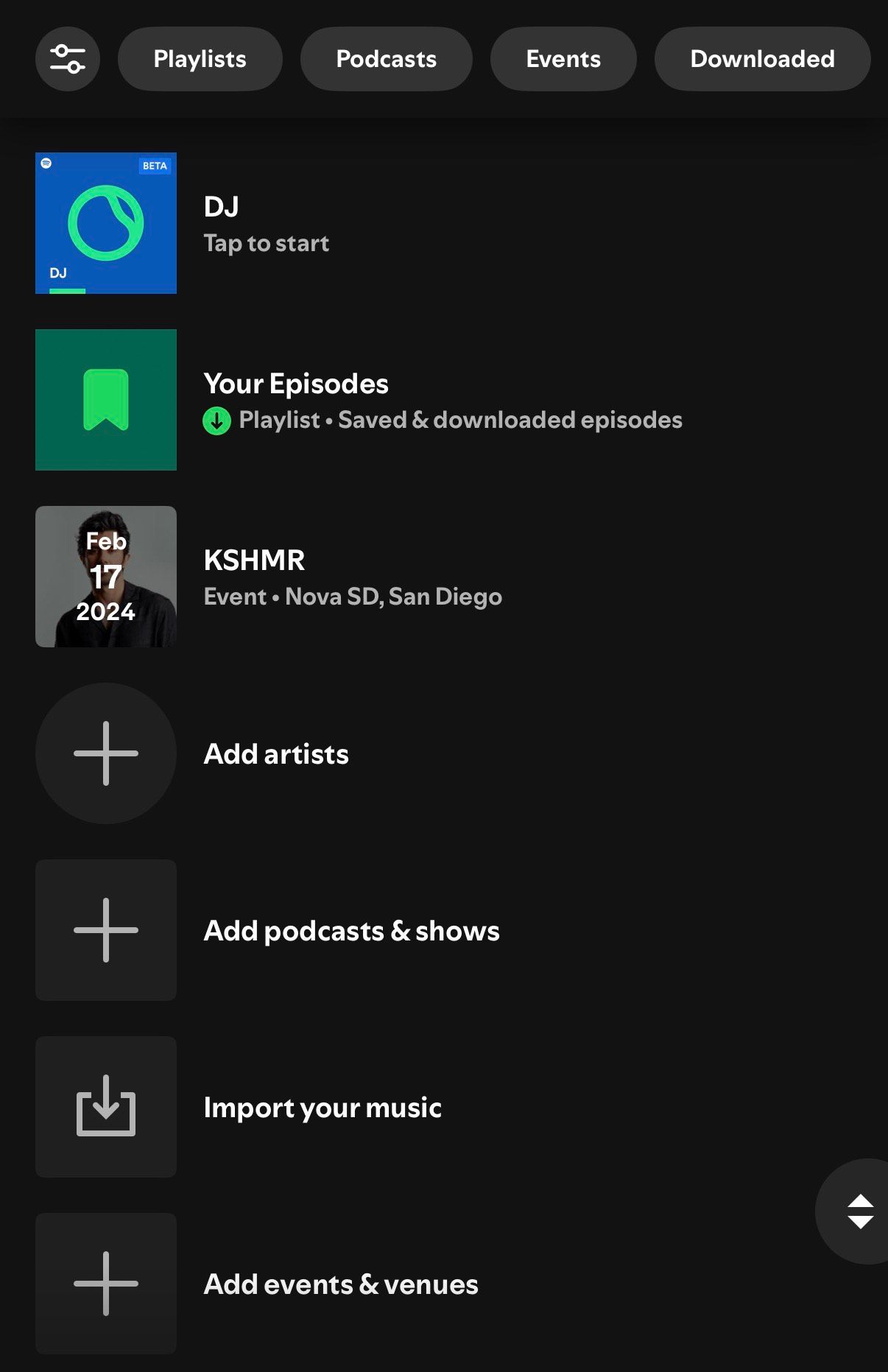
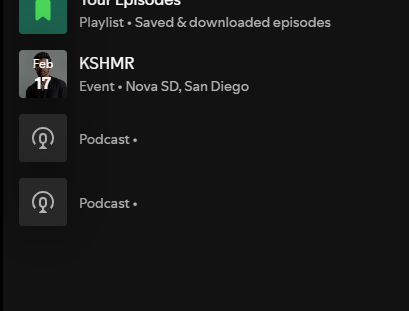



Hey there @dawnstripe,
Thanks for your reply and for the screenshots sent.
In this case, we'd recommend you go to your library on your phone and locate the event there. Tap an hold it until you see a pop-up menu at the bottom of the screen in which you'll see the option Remove from Your Library.
If the above doesn't do the trick or if the menu it's not appearing, we'd recommend you clean the cache of the app in all your devices. After that, use the Sign out everywhere option on your account page to force a re-sync of your account on all your devices.
Let us know how it goes. Keep us in the loop!
Hi, I didn't get a chance to try your advice as it seems like the app resolved the issue itself without me doing anything. I appreciate the help and the varying recommendations, though!
Hey @dawnstripe,
Thanks for getting back to us and letting us know.
Great news! If you need a hand with anything else, we'll be happy to help.
Cheers!
Hey @AriIsSomewhere,
Thank you for reaching out to the Community and welcome.
In this type of case, if you're using the desktop app on your computer, we'd recommend resetting your app's data by clicking the 3 dots on the upper corner of the window and selecting Help > Troubleshooting > Reset app data and restart. Bear in mind that this process will log you out of the current account and you'll need to log back in.
If the issue persists, we'd also recommend performing a clean reinstall of the app by following the steps in this article to see if it makes any difference.
Lastly, include in your next response a screenshot of the tours you see on your end to take a better look. Make sure the image doesn't have any private info such as usernames or email addresses.
We'll be on the lookout.