Google Cast/ Chromecast devices unavailable for Spotify Connect

Hey folks!
We've been made aware of reports from Android users indicating that Spotify Connect experiences issues showing available Google Cast /Chromecast speaker devices.
This is being looked into.
Comments

Hey @erikapuku,
Thank you for reaching out to the Community about this.
This type of case is commonly related to some damaged cache stored on your device that might be affecting the proper behavior of the app. So in this case, and if you haven't tried before, we'd recommend performing a clean reinstall of the app by following the steps in this article.
Also, since this could also be related with the network connection, would you mind resetting your router or trying a different Wi-Fi with your devices to see if it makes any difference? If you don't have another Wi-Fi network available, you can use a mobile data hotspot to test it.
Lastly, include in your next response the Spotify version you're currently running to continue investigating the case.
We'll be on the lookout.

This didn't work. Devices still appear and disappear at random.

Thanks for the response @erikapuku.
To continue investigating, does this only happen on your phone or do you not see your speakers via Connect on another device as well (for example on a PC)? It'd be great if you could share if you've noticed when this behavior started and if it was after a specific event, as well as send us the Spotify version you're currently using.
Hope to hear from you soon 🙂

Plan
Premium Individual
Country: USA
Device
(iPhone 8, Samsung Galaxy 9, Macbook Pro late 2016)
Operating System
(iOS 10, Android Oreo, Windows 10,etc.)
My Question or Issue
Good Morning All!
I have a SONY SRS-X9. I used to be able to enjoy listening to music on it through my wifi network. About 2 weeks ago, SPOTIFY stopped seeing my speaker over the network even though the SONY Music Center still sees it. I think that SPOTIFY just dropped support for it without any advance notice. I still can play music through the aforementioned speaker through bluetooth, but I don't like it as the sound quality is inferior to that of wifi. Please, help out!

I'm having the same issue and that solution did not work. My friend's Iphones can see my speaker (Samsung fridge with the screen) but my Galaxy S24 Ultra cannot. I recently got a replacement S24 Ultra and it cannot see the speaker either.

Hi there @BoerneRealtor,
Thanks for your reply in this thread.
First up, make sure you try the recommendations we've already provided in this thread. Additionally, go to your Account Overview page and Sign out everywhere. And remove access to all the apps you've connected to your account from here. You can easily reconnect your apps anytime. Once done, log back in and check if that makes a difference.
You mention this happens on two different devices, so it's worth checking with a different account. To do so, log in with a different account from any of the devices you mentioned. It can be a relative or friend's account.
Lastly, it's worth trying to reboot your modem/router.
Let us know how that goes.

I am also having issues on my Samsung galaxy s24, it been a week or 2, it won't display spotify devices. My sonos devices have disappeared, and also, if I play through sonos I can get it to play spotidy, but it doesn't interrupt my spoiftu session on my phone. I have also being to my friends and their spotify shows all their zones but my phone doesn't, so it's not my home wifi (which has been working for years) I've un-installed and reinstalled spotify.

Hey there @Adamxlevy,
Thanks for getting in touch about this here in the Community.
Just to confirm, is it only the Sonos device that doesn't appear in the Connect list? Also, would you mind trying all the troubleshooting steps mentioned in this thread to see if they work for you?
On another note, we'd like to know if the issue started after a specific event such as an update.
Keep us posted.

Hi!
I am having the same issue. I've tried troubleshooting with the Sonos support for over an hour, restarted my router, reinstalled Spotify and Sonos app, emptied cache, reconnected to WiFi... Basically it's just my Spotify that doesn't work. Both on my phone and PC it doesn't show the Sonos speakers, however it does show the phone on my pc and vice versa, when both have the Spotify app open. But it doesn't show any of the speakers I want to use. This started a few months ago and basically got worse since it did sporadically show the speakers at the beginning, now never.
Using an ASUS ZenFone 10 with android 14.
The Spotify connect option is obviously turned on...

Hey @SolarEntropy,
Thanks for reaching out.
We're sorry to hear the issue persists after trying these troubleshooting steps. To investigate this further, can you let us know if you're able to start the playback on your speakers through the Sonos app? If yes, what do you see when you open the Connect menu in the Spotify app?
Also, you've mentioned that you've enabled Spotify Connect Control in the settings. Have you made sure that Local device visibility is also toggled on?
Keep us posted.

I have the same issue. I can only see my own phone. No other devices like my Bluesound Powernode.
By the way; I have a Galaxy S24 and both Spotify Connect Control and Local device visibility are enabled

Anyone having this problem can just use the Google Home app to cast the music to a tv or device... Spotify still hasn't fixed this and should have a detect device button in its app cause every other app cast except there's on android. It only worked for a few days
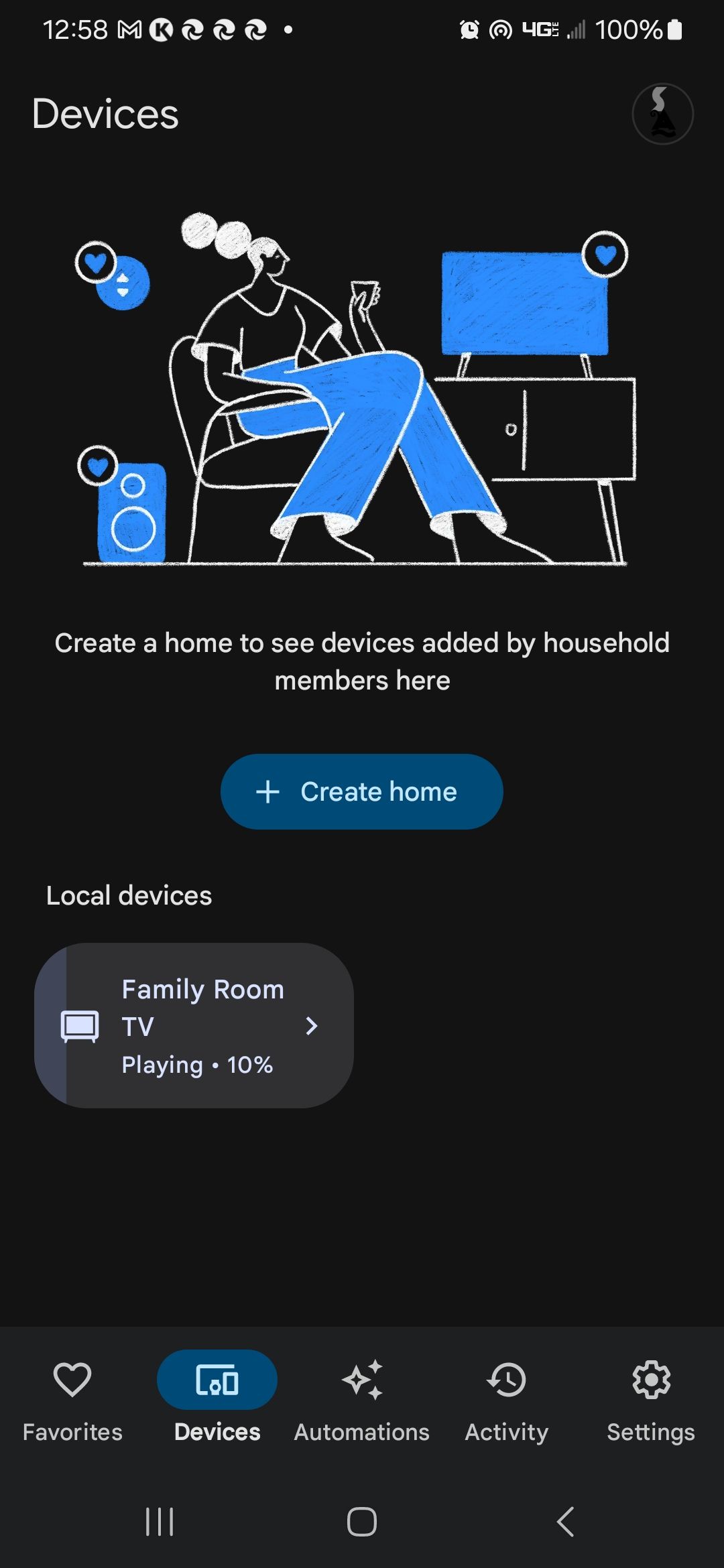
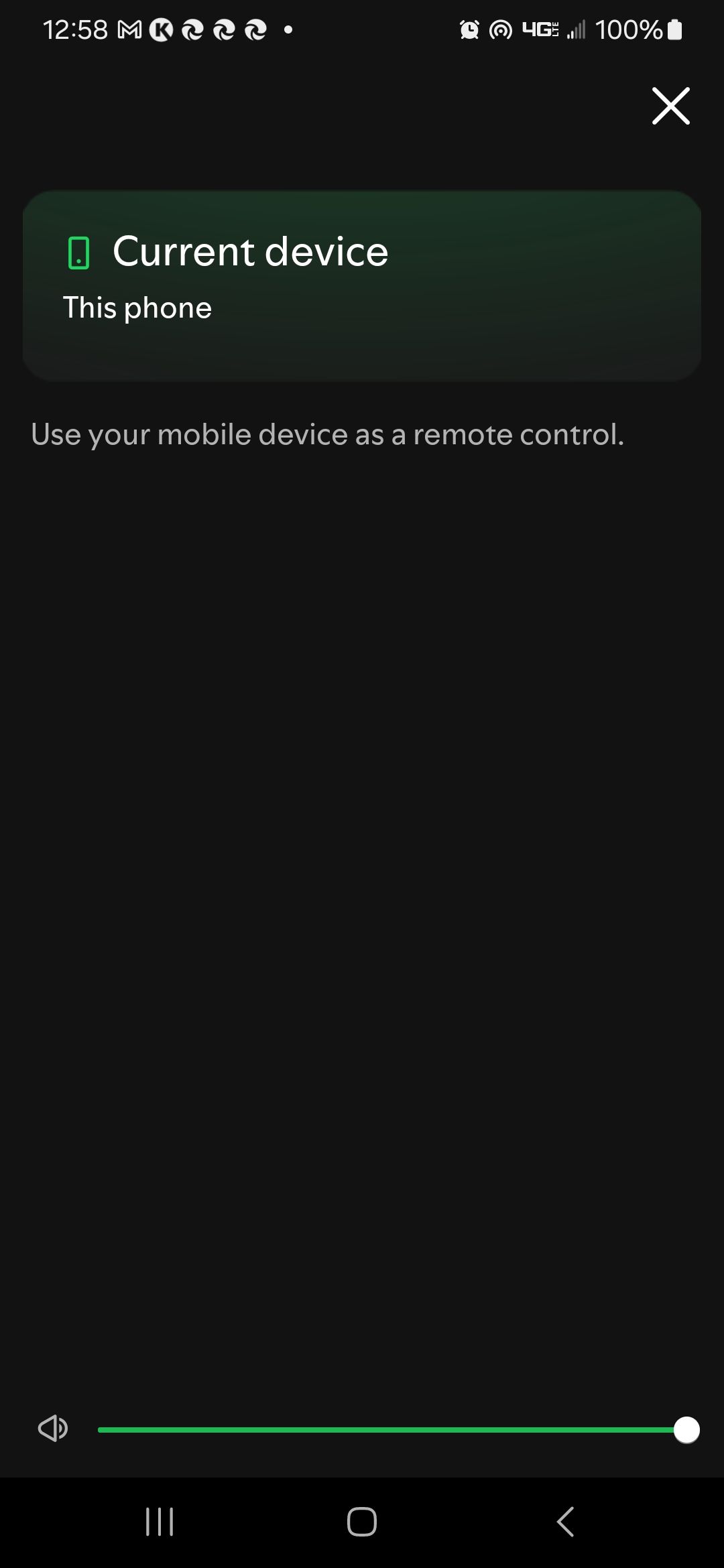
Hey folks,
Thank you for your messages.
In order to look into this further with the relevant team, would you mind confirming the troubleshooting you've tried so far? If you haven't tried yet, we'd recommend performing a clean reinstall of the app by following the steps mentioned in this article.
Also, include in your next response the following info:
- Your device info (make/model) and OS version
- Exact Spotify version
We'll be on the lookout.
2. I have completely un-installed it. Then reinstalled. Device still
didn't show up. Same problem.
Just started happening these last few weeks or so
version 9.0.2.459

Samsung galaxy s24 android 14-11
Reinstalled app, relogged in to Version 9.0.2.459. Same issue. cannot see other devices

Hey @sgrlalives,
Thanks for getting back to us with this info!
@JanJansen75, make sure to send the previously requested info so we can check this out.
Keep us posted.

I'm having the same problem. I have a family plan and I signed into another account on the same device and I can see all my devices. I tried reinstalling, signing out and back in, clearing cache and nothing seems to work.

The same here. Spotify doesnt see the Sonos speakers, but Sonos shows them. Some speakers are connected via ethernet, some via wifi. Spotify is installed on Win, iOS and Android.

I have a GGMM M7 speaker that used to work great with Spotify and stopped working in the last few months too.

Hi, has anyone found a solution to this problem? I have the exact same problem, Sonos was playing music from Spotify (I use it many hours every day) at a certain point it just stopped. No device appears in "Spotify connect" anymore.
Spotify version : 9.0.42.529

Same thing for my wife, i can see the devices fine but my wife does not, we both have Samsung galaxy S devices and the same exact settings on the same network, I can see the devices but she does not.
Hey folks,
Thanks for posting in the thread and apologies for the radio silence.
It would be very helpful if you could share the following (in case you've not already done so):
- All of the troubleshooting steps that you've gone over so far.
- The exact Spotify-version you're using.
- Device(s) and OS-version(s) this is happening on.
Make sure you've:
- Performed a clean reinstall.
- Signed out everywhere and removed all the apps you've connected to your account from here.
- Restarted your router and test with another Wi-Fi network or mobile data (if it's possible).
- Toggled on Local device visibility.
Appreciate the cooperation and the Community's here if anything else comes up in the meantime.

Hi .. I have the same problem as well. I have 3 smart speakers in my house all of which have spotify connect. The funny thing is that they dont show up (as spotify connect) only on my android device. (Samsung Galaxy s24 ultra) On every other device in my house, (Windows PC, MacOS, IpadOS and IOS ) they show up just fine. Also, they used to show up fine on my galaxy device fine until sometime earlier this year.
I have tried all the steps -- it doesnt help..
- Performed a clean reinstall. - NOPE didnt work
- Signed out everywhere and removed all the apps you've connected to your account from here. - NOPE didnt work
- Restarted your router and test with another Wi-Fi network or mobile data (if it's possible). -NOPE
- Toggled on Local device visibility. - NOPE didnt work
Interstingly though, the devices do become visible when i switch to mobile data.
When that happens the spotify connect for the devices shows up. After i connect to the device, it shows up again, and when i connect to wifi next (the same home wifi that my speakers are on).. ( the music keeps playing and shows the same device)
However if i then switch to my phone ( as the device playing the song ) it then refuses to show the same device it just played on . It just disappears, and instead all 3 speakers show.. but only the google cast option. The spotify connect option goes away. - Also note, if i initiate a playback from my windows PC using spoitfy connect, my galaxy phone will show the device in spotify connect as well... the issue seems to be that the android device is unable to see the spotify connect option for the spearker by itself.
@Ivelina this is a real issue that you have done nothing about in more than a year.
Device - Sansung Galaxy s24 ultra Android 16 .. spotify has been updated to the latest
Thanks for joining the thread with your detailed post @prithvikg. It really helps us with the investigation.
Since you've mentioned that the devices appear on your phone when you switch to mobile data, it's worth troubleshooting the Wi-Fi connection a bit.
The issue could be related to how your home network is handling Spotify's data. You can test with changing your router's DNS settings to a public service like Google DNS - 8.8.8.8 and/or 8.8.4.4. This could bypass potential issues with your internet service provider's default DNS.
Let us know if this makes any difference.

i have a WiiM Pro streaming audio device capable of Spotify Connect.
I can stream Spotify Connect (and i see Spotify Connect icons in my device list when streaming from - to:
- Apple IOS IPad --> WiiM Pro
- PC Windows 11 with Ethernet cable --> WiiM Pro
- Wireless laptop with Windows 11 --> WiiM Pro
i CAN'T stream Spotify Connect (and i don't see any Spotify Connect icons in my device list when streaming from - to:
Google Pixel 7 (Android 16 with update oct. 2025) --> WiiM Pro
Clearing cache, rebooting Pixel Phone, deleting Spotify app and reïnstalling it it doesn't change anything.
BUT:
While already streaming audio from my Windows 11 PC with Spotify Connect to my WiiM Pro, then i can see a live streaming session on my Spotify App on my Pixel 7 Android phone. I can easily take over this session with my android phone and turn my pc off.
So it seems there is a problem with the listing of the spotify connect capable devices on the network on Android Spotify.
When already streaming it works as it should.

Plan
Premium
Country
Canada
Device
Samsung Galaxy 2023
Operating System
Android
My Question or Issue
Spotify stopped offering Spotify Connect as a speaker option from my Android device sometime in September 2025.
This is NOT a network configuration issue as I can choose Spotify Connect as a speaker from the Spotify app on a Windows 11 device on the same network.
I have reinstalled the app on my phone, but this does not fix the problem. However, manually installing an older .apk released on Sept 12 (9.0.78.1116) restores the Spotify Connect functionality to the device.
Clearly this is a regression in the app.
Please tell me when I will be able to connect to my Spotify Connect speakers using my phone and the current version of the Spotify app?
It is not the WiFi connection. Suggesting it is a WiFi issue is a red herring. Please do not suggest it is a network issue.
1. Other types of devices on the same network offer the Spotify Connect option.
2. Older versions of the Android software offer the Spotify Connect option.
This is a regression in the Android Spotify software.
When will Spotify Connect functionality be restored to Android?

Hey @coolmuse,
Thanks for posting a few more details about the issue you're experiencing!
Just to make sure we cover all bases, would you mind giving the steps mentioned in this reply by @Ivelina a try? It would also be helpful to know the device specific details requested there, should the issue persist. This will help us with the investigation and also make sure we avoid repeating steps you've already given a shot.
On another note, we recommend ensuring that you're running the latest app version as well, as we're unable to guarantee optimal security & stability with older versions, along with unofficial ones.
Keep us in the loop!
For a few months now, I'm generally not able to see any of my local speakers and speaker groups in Spotify. I have 6 speakers in my home (all Google devices) and several speaker groups. Usually, when I go to Connect, the device list is empty, as in the screenshot. Sometimes one device might appear. Sometimes several. Not a lot of consistency. I can use Assistant to tell Google to play something via a device on Spotify and that works, but I can't do it through the Spotify app. Help! This is what I use Spotify for 90% of the time and it just doesn't work. I'm able to see the devices just fine in YouTube Music.
Plan
Premium family
Country
USA
Device
Samsung S24 Ultra
Operating System
Android 14