Issues accepting invites for Duo/Family plans

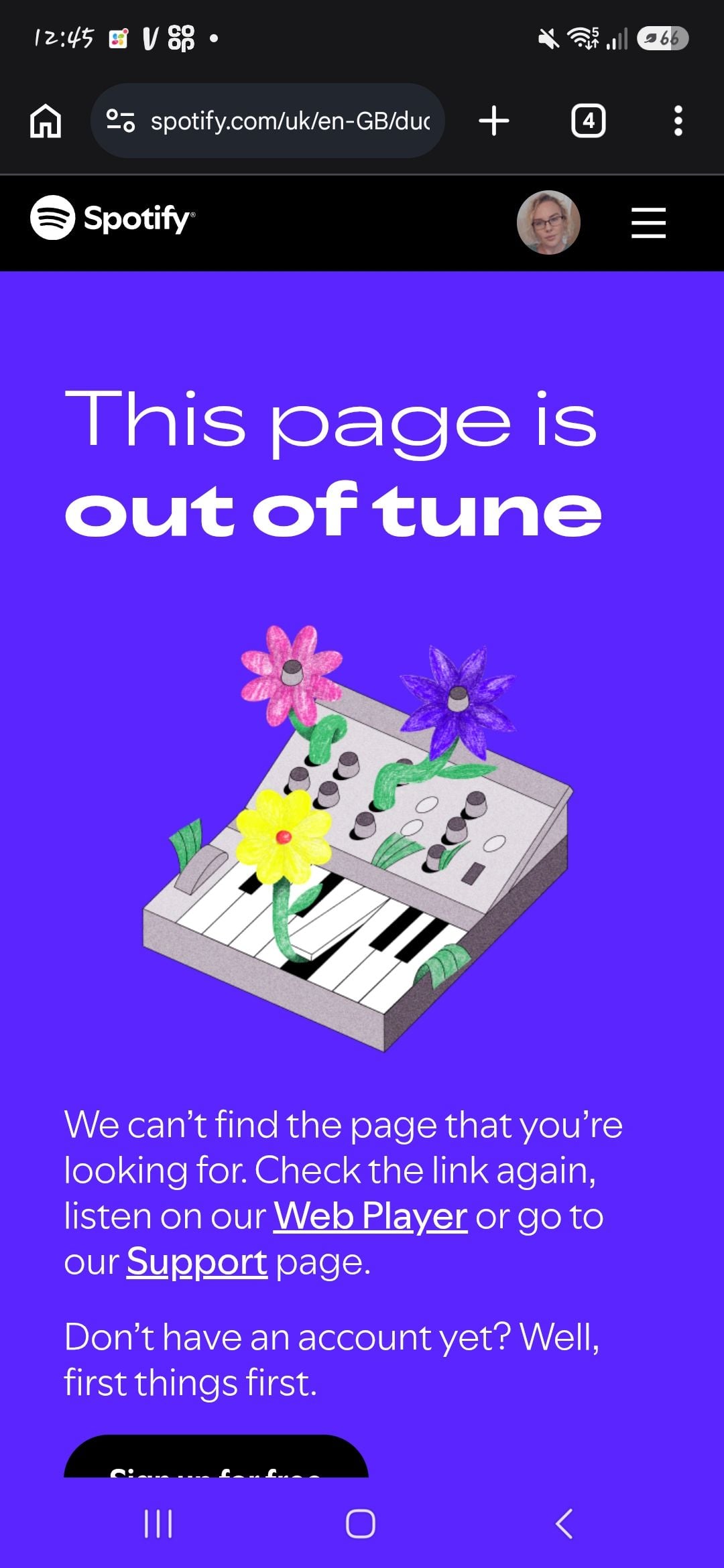
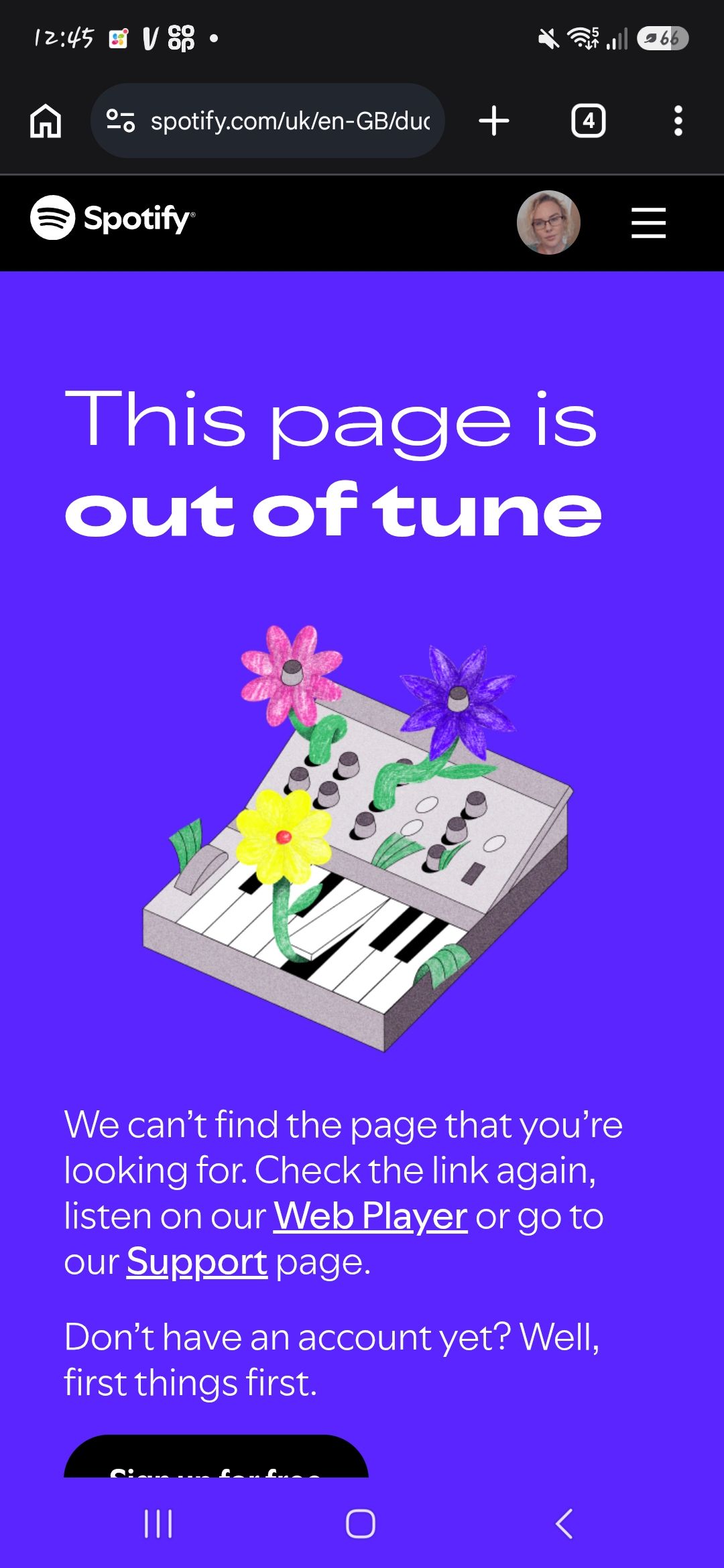
We received multiple reports from Duo/Family plan owners and users, stating that they are unable to access the Premium Plan page and send the invitation link, or accept the invitations. An error message "This page is out of tune" appears.
Comments

I keep getting this come up when trying to add my address so I can invite for premium
Plan
Premium Duo
Country
UK
Device
Samsung
Operating System
Android
My Question or Issue

Hi,
I would like to report an issue that I am currently experiencing with my Spotify Premium Family plan here in the Philippines.
I sent an invitation to my sister to join my Premium Family plan. However, whenever she clicks the invitation link, she receives the following error message:
"This page is out of tune. We can't find the page you're looking for. Check the link again, listen on our Web Player, or go to our Support page."
I have already tried the recommended troubleshooting steps, including:
Generating and sending a new invitation link.
Opening the invitation link in different web browsers.
Using Incognito/Private browsing mode.
Trying different devices and internet connections.
Unfortunately, the same error persists every time she attempts to accept the invitation.
Could you please check if there is an issue with Premium Family account or the invitation link? I would appreciate any assistance in resolving this problem so my sister can successfully join our Family plan.

Soy administrador de un plan familiar y cuando envio el link de invitación a una persona el link muestra un error diciendo que no puede encontrar la pagina que busca y que pida al administrador que envie una nueva invitación pero siempre que se envia una nueva invitación el link es exactamente igual y produce el mismo error.
Plan
Premium Familiar
Country
Colombia

There's an ongoing issue where the premium platinum users can't add members to the subscription plan with this error message being displayed in the screenshot attached. It's been hours now.

Hey folks,
Thanks for reporting this issue to us.
We’ve passed your info on to the relevant team, who are currently looking into it.
If you’re experiencing this issue, make sure to click +VOTE and Subscribe to the thread to be notified of any developments.
Thanks! We’ll keep you posted and let you know as soon as we have any updates on this.
Hey folks,
As a workaround, could you remove the country code from the link then try to accept the invitation again, e.g. https://www.spotify.com/fr-FR/family/join/confirm/(invitation code hidden)/?
Let us know if this helps.
Plan
Premium Platinum
Country
India
Device
Oneplus 12R
Operating System
Android 16
Unable to add members to the subscription with the error "This page is out of tune" being displayed upon trying to access the invite link

Update :
Removing country code from the invitation link worked just fine as suggested by @Ivelina . I'm now able to add members to my subscription plan as intended. This is just a workaround and I can't actually access the link generated by Spotify originally.
@Ivelina I'm unable to put my address in to get the link. When I get to the 3 step page for inviting someone, I press step 2 to add my address and I get this
Plan
Premium
Country
Czech Republic
Device
iPhone 13 PRO Max and HP ProBook 450 G10
Operating System
iOS and Windows 11 pro
My Question or Issue
Hello,
I'm having an issue with managing members in my Family plan.
I can't manage any of the existing accounts, and I'm also unable to add a new member.
When I generate an invitation link and the invited person opens it, they see the page with the option to join the subscription. However, after clicking the Join button, an error message appears saying: "This page isn't available."
I've tried multiple times, and the issue persists. I've also tested it on multiple devices, using my own account as well as an incognito/private browser window, but the problem remains the same.
Could you please help me resolve this problem?
Thank you.