one of mixes are empty with no songs

Plan
Free
Country
UK
My Question or Issue
I opened Spotify today and one of my mixes were completely empty, I found this weird because all of my other playlists and mixes were fine and hadn't changed. I looked online and done all of the suggested things (reinstall, clear cache and change location) none of which had worked. I also checked on my laptop to see if it was just my phone that wasn't working, but my laptop showed me the same thing. if anyone knows how to fix it please help.
Accepted answers
All comments

Plan
Free
Country
United States
Device
ASUS Zenbook
Operating System
Windows 11
My Question or Issue
Whenever I look at my daily mixes despite being on display and also in my for you section they are empty today. They were not like this yesterday and this morning. Also this happened in the browser version (I use Google Chrome)
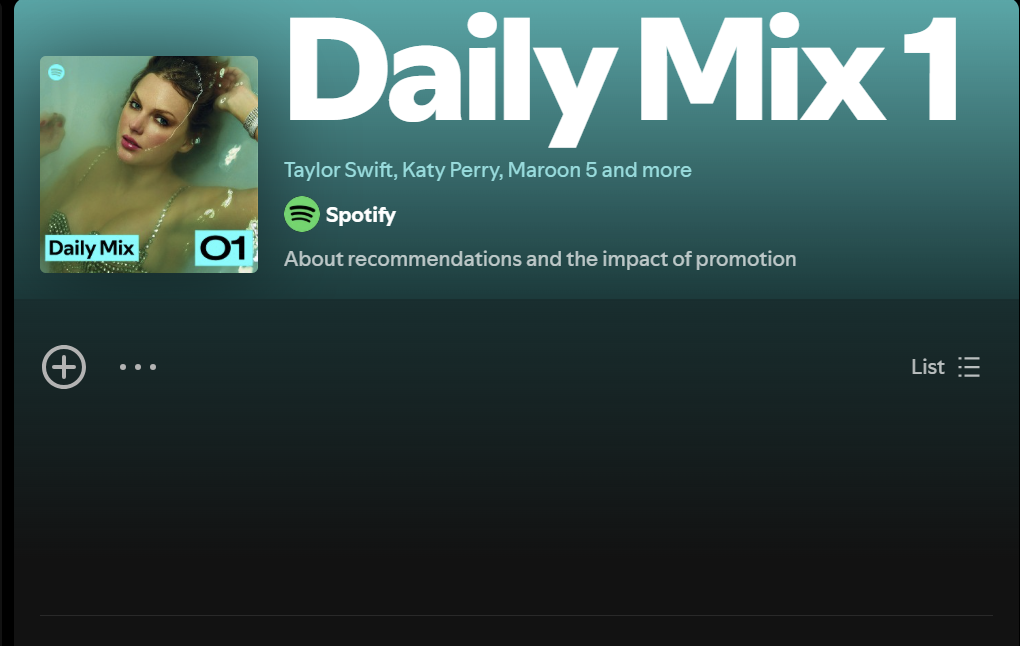
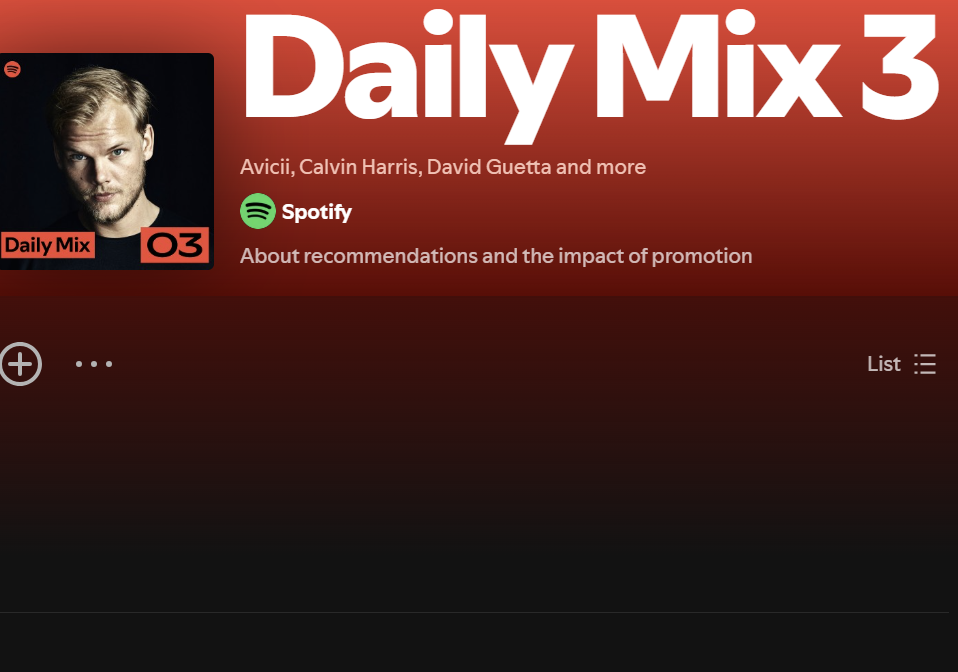

Hi
I'm experiencing the same thing on iOS and on the Mac OS desktop app. Both apps are running on the latest software. Playlists will play a few songs as normal then will not load the next song (shuffle is off). The screenshot attached shows what I see when I go to check the playlist. Same thing on the Mac desktop app.

Hi @shmonet,
Thanks for reaching out.
Would it be possible to try logging in with a different account on these same devices to see if the behaviour is any different? Perhaps you can ask someone you know to try with their account, since they'll have to have generated mixes of their own to test with. This step will helps us narrow down the possible root cause of this issue.
Let us know how it goes.

I’m having the same issue. I’ve logged in and out multiple times, cleared my cache, and uninstalled and reinstalled the app. It’s not working in the webplayer or the iOS app. I also tried an incognito window and it’s still not working. My app and phone are not due for any updates and have the most recent operating versions. I sent this playlist to someone on chat support and it works for them but still doesn’t work for me. It seems to be only happening with Spotify made playlists, not the ones I make myself or impacting my downloads. I can search for songs I know are on this playlist and play them from search.

Plan
Premium
Country
USA
Device
Mac Iphone and Macbook
Operating System
(iOS 10, Android Oreo, Windows 10,etc.)
My Question or Issue
This morning of all my previous library playlists under "This is" (Waxahatchee, Geese, R.E.M., Spain, The Band etc) all show no songs in the playlists as of 9/16/26. I've cleared cache, deleted apps on all devices, signed back in and still not showing. Is this a temporary glitch or any suggestions???



Hi, @mpeace01
Thanks for reaching out and welcome to the Spotify Community!
We suggest checking if it makes a difference using a different internet connection (another Wi-Fi network, mobile data or a mobile hotspot).
Also, does this same Playlist appear empty on the desktop app? Finally, if it's possible, let someone else log in temporarily on your mobile app, to check if some Playlists appear empty in another account or not.
Keep us in the loop!
Hey there @31qw2ou55qzyjbwz4wyh,
Thanks for posting in the Community and welcome.
Kudos for the initial troubleshooting! Would you mind sending us the name of the mix? Are you able to open the playlist, but it appears completely empty or does it crash? Does the artwork seem to be broken? Please add as many details as possible.
We'd also like to gather some additional info. Please send us:
Note: Be aware that this is a public space, so please don't share any personal information in the screenshots you send us.
Keep us in the loop!