Web Player: How to disable open.spotify.com and revert back to play.spotify.com URL?

Hi all,
I recently cancelld my premium subscription, and since then I've been suffering from a new UI for the spotify web player. This UI sucks to say the least. It also opens URLs through "open.spotify.com" instead of "play.spotify.com" and whenever I try to go to play.spotify - I'm redirected to open.spotify.
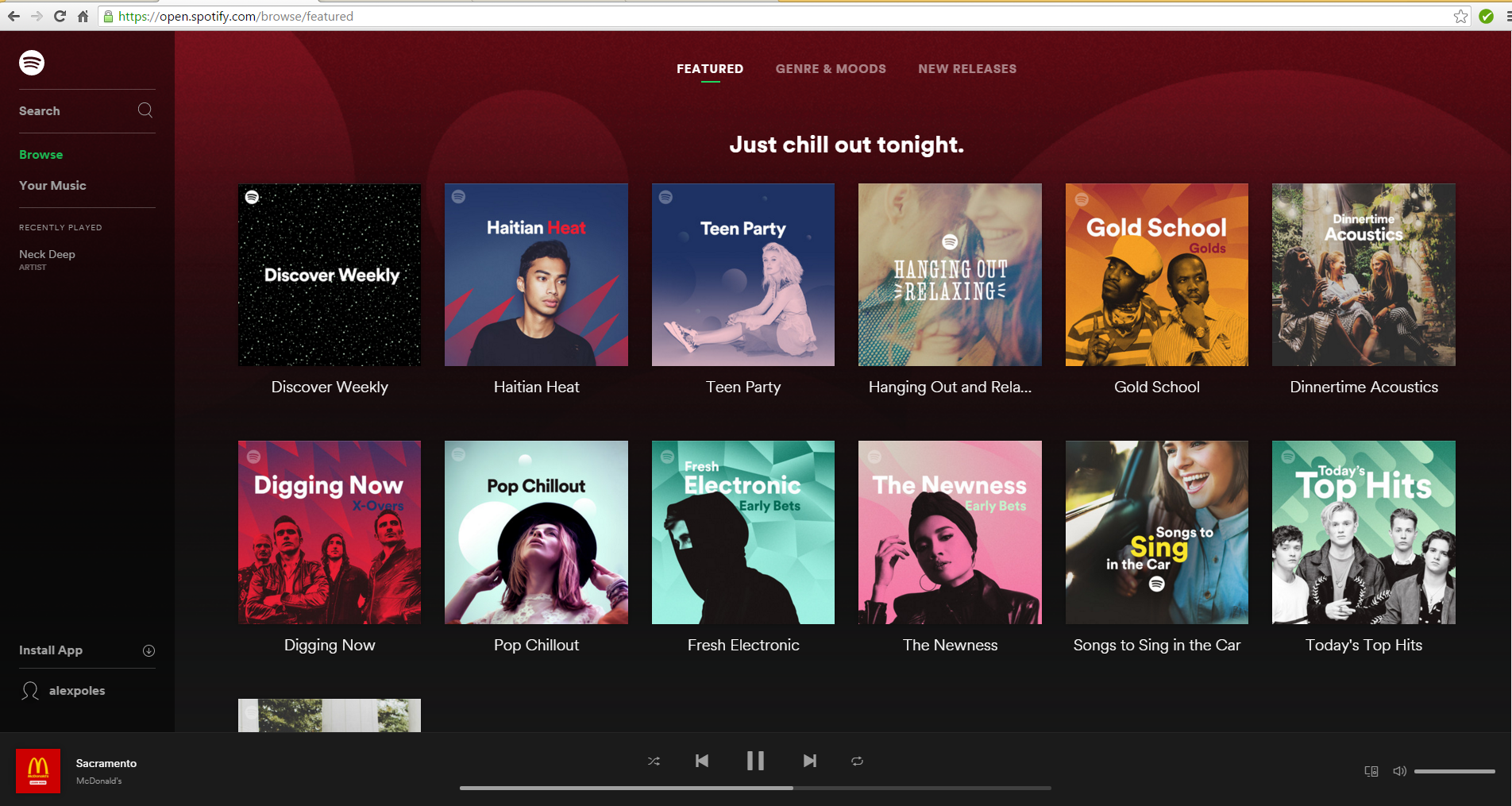
The reason I hate open.spotify is because there are an insane amount of limitations here. There is no way for me to access web player settings even. I've attached screenshots of my account page and the brose page respectively.
I've also noticed that this is only a problem on Chrome. I tried on IE and it worked just fine when I went to play.spotify.com. This problem has persisted across several computers, and I've observed the same computers going to play.spotify.com on different accounts. It's literally restricted to my account on Google Chrome.
Any help reverting back to Play.spotify.com is much appreciated.
Thank you. 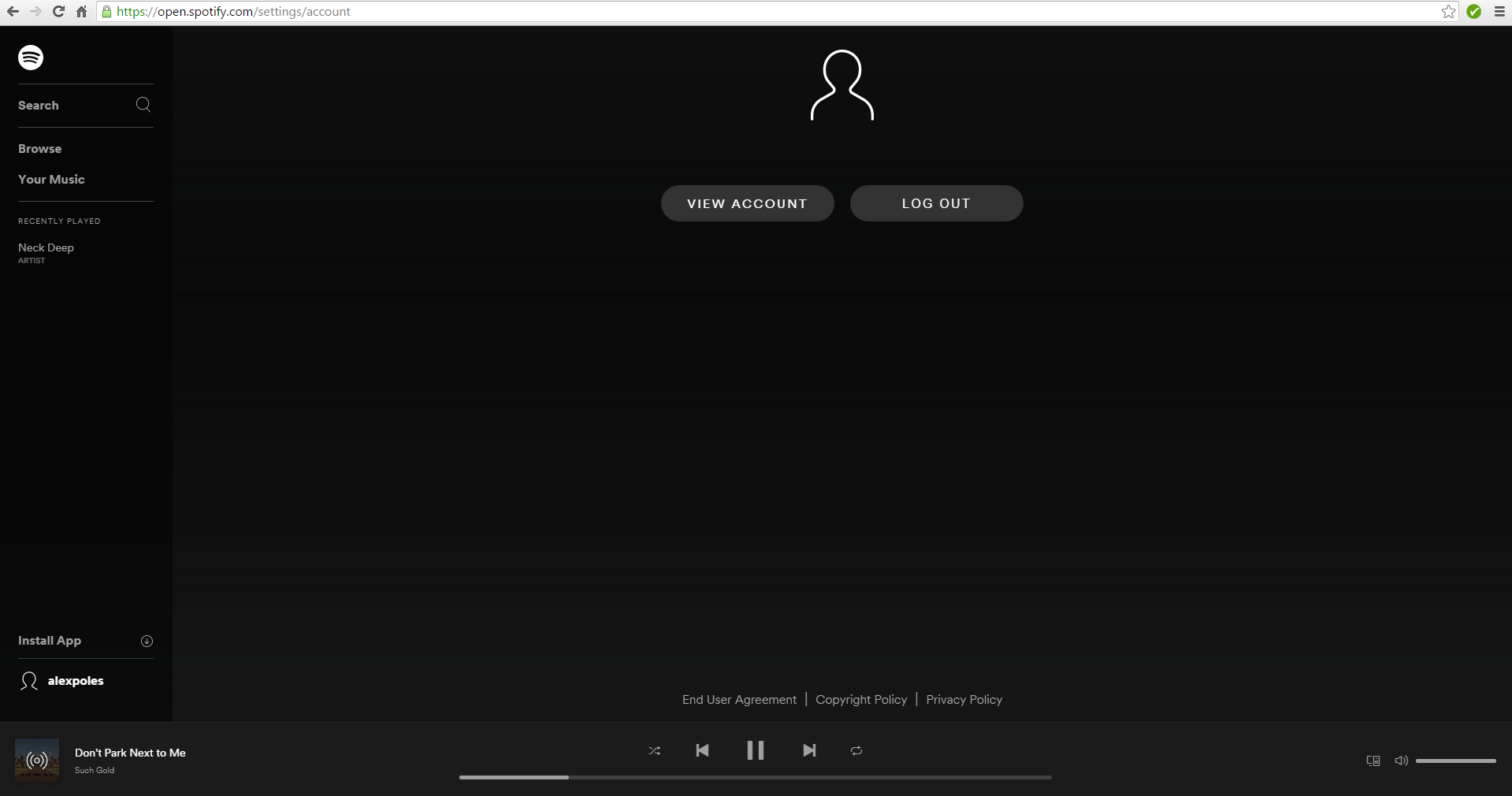
Accepted answers

Alright, that's it. I was **** off when they forced the new player on us, which is a terrible UI that's unfit for desktops and doesn't even show partial albums (when you have some songs from an album, but not the whole album saved) under "Albums", but I was willing to stick around as long as the User Agent trick worked to get the old player back. Now that this method has been killed, I'm never using Spotify again.
All comments

Hey @alexpoles, welcome to the Community!
Go to [ https://play.spotify.com/settings ] - Play open.spotify.com URLs in desktop app. Check it if you want to direct URLs to the desktop app, and uncheck it if you want to listen in web player : )
I want to listen in the web player for the most part. I use several public computers where I do not have the desktop app downloaded.
My issue is that I have no way to access play.spotify.com in Google Chrome. If I attempt to go to the link you specified, then I am immediately redirected back to https://open.spotify.com/settings/account .
At this URL, I'm unable to access any settings. It just showns me my first image in my initial post.
Okay, lets try this:
- Did you have AdBlock? If so make sure to disable it.
- Try to delete the cookies and the cashe from Chrome
- Log out from Web Player in Chrome and try to change the settings trough different browser then log back in Chrome and see if its working
If none of the above helping you, I`m sure this issue/bug is still investigating.
You can contact spotify support, for more information about whats happening with the new web player version.
@alexpoles hey back, sorry for the delay, but I forgot to suggest you that: Just uncheck it in you case. Then every track should open from the web. Give it a try 🙂


I also have this issue. Didn't cancel premium or change any settings.
Automatically redirected to open.spotify.com (which sucks)
Is this a new "feature" for everyone?
Really would be nice to get a solution to this.
This version of the web player is extremely stripped down and I have no interest in installing the desktop app.
Came back to this after a few weeks and it appears there is still no solution. And to top that off, it appears that the open.spotify url has gotten even worse - I can't even add songs to playlists or click the elipses of any song anymore. This is ridiculous that this version of the web player would even have been created.
Hey guys, I`m sorry that you`re experiencing troubles, but as this version of the web player is still not official and in that way can be unstable within different browsers or in different operating systems, so its out of my hands to provide you any further help about this. You can try to run it on incognito mode.
Anyway the best I can suggest, is to post in Ongoing Issues board, Spotify staff review this issues frequently, and they can assist you further about questions for the new version of the web player!
Be sure to post information about Your Device / OS / Version of the player.
I hope everything will be fine soon!

Same problem, this is ridiculous. I can't use the App at work.
**thinks more about returning to Google Play**

Yeah, also rather frustrated at the new open.spotify interface and feature set. It doesn't remember volume settings either which I find rather irritating.
Seems to be targeted at individual users. Play.spotify loads fine until I log in, then it boots me over to open.spotify.com (ad blocker disabled, browsing in a fresh session).
I wonder if they are trying to steer more people towards the desktop app, where they presumably have more control over content?
Oddly, Chrome and Firefox only give me the open.spotify.com but good ole' Internet Explorer gives me play.spotify.com. May be worth you giving a shot...

Same here. This is really poor. Sure, it's free, but isn't the idea to drive people to premium? I'm thinking I'll just have to give up Spotify completely becuase of this. Which sucks, I reall liked play.spotify.com but open.spotify.com is horrendous. You can't opt out, it's just simply forces you to use the crappy version.

Same issue, I can find posts of people with the same problem everywhere going back to early december, but no working solutions yet...
Does anyone know if this problem is even known with the Spotify developers and if anyone is working on it? It's so frustrating.. 😞 I wanted to contact Spotify about it but the site does not provide contact details and just refers to the community, where the issue has been mentioned already, so I'm not sure how to bring the issue to their attention.

Any update? open.spotify is rubbish in current state and have been for two months now. Is it really a testing? How can I opt-out?
Hi Martin,
thanks for the reply. I tried your link (https://community.spotify.com/t5/Ongoing-Issues-deprecated/idb-p/Spotify_Bugs) but got insufficient proviledges message. Is the link correct? Maybe I have restricted access, I joined the forum an hour ago.
Nope, Spotify doens't care about their user base. My guess is they **** people in hopes they'd go download the desktop program and/or upsell. But it's having the exact opposite effect...I'm reading about people leaving. Brilliant marketing...

Definitely not for upselling... I'm a premium member having the same issue, and am probably going to cancel because of it...
Haha, yeah that's what I said; they seem to want you to go to their downloaded app (because open.spotify.com is so bad) and buy upgrades but it's having the oppsite effect - people are leaving!
I'm also a premium subscriber with this issue.
I was able to get support for this through live chat but the steps they told me to follow didn't help and I didn't follow up again.
I realized that I have this issue in Chrome but not in Safari, so it's on my end and probably likewise for everyone else. Not Spotify blocking your access.
Disappointing that there is a whole thread for this and no response from Spotify.

My temporary workaround is to spoof my browser to IE using Chrome UA Spoofer.
The play.spotify.com version will stick - after that you can revert to your original Chrome settings.
Yes, same works for Firefox; I use "User Agent Switcher" and imported several agent types; if I switch to IE 11, go to play.spotify (which then does not redirect) and then set my browser agent back to default, it'll stay on the right webplayer.
However, I need to do this every single time I want to use the play.spotify webplayer, it's not a one-time fix, so it's a bit annoying, I really hope spotify will fix the issue soon.

Just to add another perspective to this, it is even annoying as a desktop app user. We want to share links in Skype that open in the desktop app, but they now redirect to open.spotify.
Spotify help tells me how to resolve this here:
https://support.spotify.com/uk/using_spotify/share_music/why-do-spotify-links-always-open-in-the-spotify-web-player/
but that is using the play.spotify player. and I cannot get links to open there, so even with those settings checked it is opening my stuff in the browser at open.spotify
It doesn't make any sense to make a secondary 'lite' browser version that breaks existing functionality, then force it on everyone wether they're paying or not, then never communicate that this change is going to happen and continue to stay silent after months of people asking for a solution
Madgick, I fully agree with you.
And just to let you know, that 'solution' does not work, if I switch browser settings and pretend to use I.E. then I can get into settings, but the option is unchecked for me and I'm still stuck with open.spotify if I don't pretend to use I.E.
So if it's any consolation, there's no solution just there that you could have reached if you wouldn't be redirected; even if you could reach the option it's no use (but maybe that just makes things worse).

I've got 2 accounts; my older one goes to play.spotify but the newer one force-forwards to open.spotify.com. This is designed to get around browser ad blockers, and there are many nowadays, plus how-to videos, etc. Once too many people learned how to avoid ads, they were forced to alter this, and I'll bet that soon, play.spotify will be no more. The open.spotify mimics the App. So, buy premium, or tolerate commercials, or do like me; I'm an Amazon prime member (since 2010); I get ad-free music stream, and its getting great! As a student (well, w/a dot-edu email to confirm) it's $59 annually and the perks far exceed the music. FYI
@paulandrewander wrote:So, buy premium, or tolerate commercials
Unfortunately, neither buying premium nor tollerating commercials has anything to do with it. There are many premium users who have been forced over (read prior replies) and there are people who tollerated commercials (myself, included) who have been forced over as well. On top of that, you don't need to tollerate commercials on open.spotify.com so there's really no connection to either of those things.
Spotify, unfortunately, just seems to not care at all and users are leaving because of it. It boggles the mind to think they forced people from the well thought otu interface of Play to the superbly underdeveloped interface of Open.

I pay for premium and I'm still stuck with this awful web player. Wait, I should say I "paid" for premium, because after I saw Spotify's lack of concern about this matter, I switched to Apple Music. Good riddance, Spotify.
is there another way to contact spotify?
The open.spotify sucks as a web player. As you guys said, the only wayt to use the good play.spotify is through IE.
I'm looking online for a solution for so far, nobody seems to have found a way to go back to play.spotify...

if you're on Chrome, download the User-Agent Switcher for Chrome extension, then go into its options and under its "Permanent Spoof List", add 'play.spotify.com' with IE10 set in the dropdown box. that should help hopefully

This worked for me on my Chromebook. As a Premium subscriber one shouldn't have to go to this extent just to be able to use radio and playlists without Chrome defaulting to the open player version.
Thank you a lot!
it's working perfectly : )
As Oliie said, it's quite sad we have to use an extension to use the web player normally...
Time to ditch my premium membership. With the Spotify desktop app having issues opening often and this downgraded webplayer, what is the purpose of paying for a service that I am not receiving?