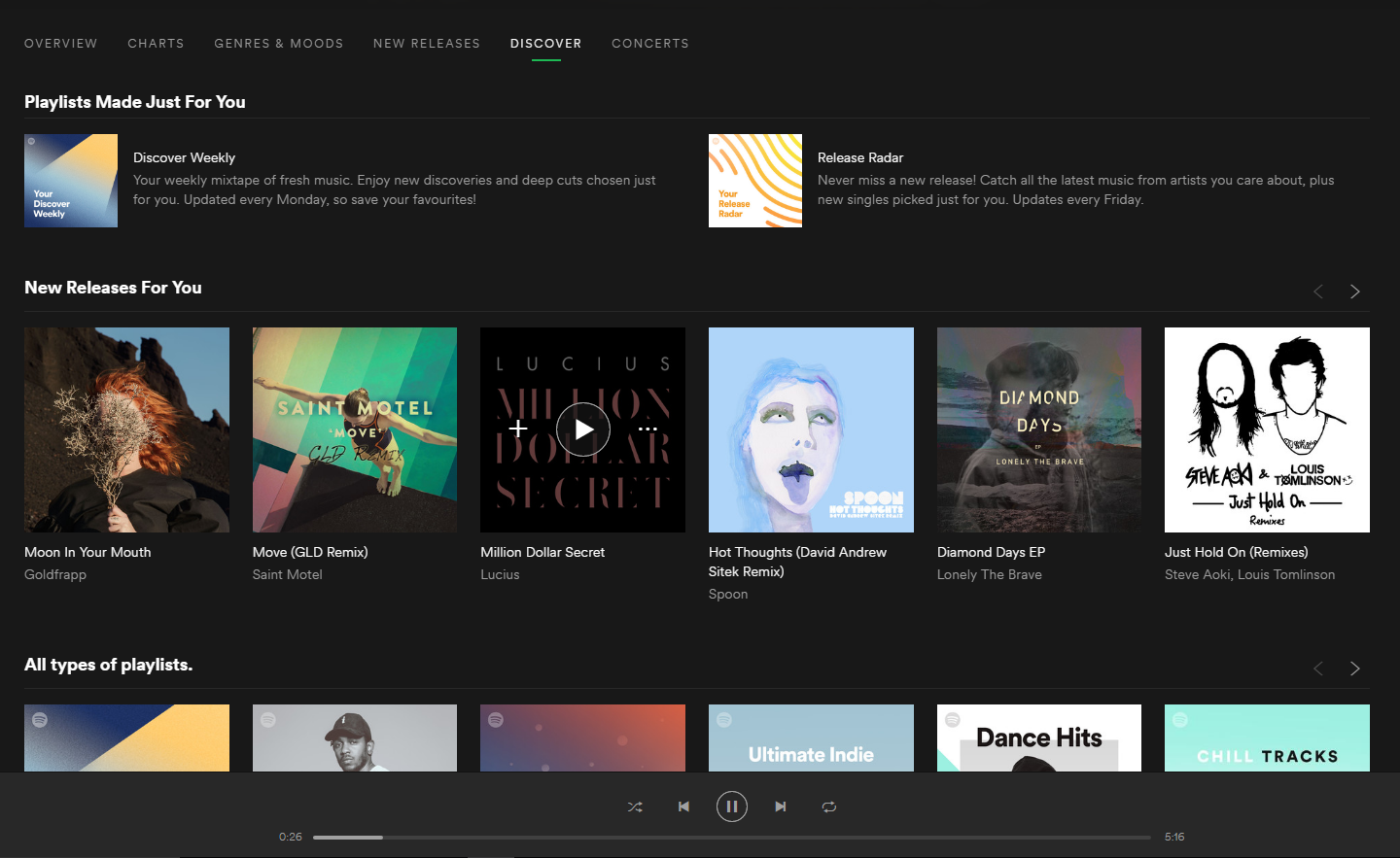
This week on my PC's the "recommendations for you" under Browse - Discover tab are suddenly gone. It seems to be a problem with the service rather than some my set up or settings, because it's happenend on two different computers and platforms (my work computer using the web browser version and WIN7 Pro and my home computer using the app WIN 10). I've tried closing and opening the programs and rebooting the computers. Nothing works.
Discover recommendations is the way I use spotify the most so for me suddenly losing it is akin to suddenly not getting the majority of cable stations you're paying for. The only saving grace is that I still have it on my phone, which I can use to control my PC. It's a pain but better than nothing.
I searched and found several other postings of this but no solutions, hence I'm posting it again. Frustratingly, one post by kjon_1 on Tuesday has been closed, and all that's there is his initial post explaining this exact problem and then a message from the moderator saying, "Good news, kjon_1. We're closing this now." So helpful, moderators. Thanks for keeping that up.
Spotify, please tell us how to get Discover recommendation back.
Thanks,
Chris