If Daily Mix,Friends Feed,Radio DON'T WORK try this solution

Hello, after some investigation i'll found a solution that work for me.
I don't know wich software do this (some antispyware or similar), but my HOST file was modified with this voice
0.0.0.0 spclient.wg.spotify.com
Remove the line, save the HOST file, restart spotify client and/or your desktop.
If you have trouble with managing HOST file, please read this guide.
http://www.thewindowsclub.com/how-to-set-the-windows-7-hosts-file-back-to-default
This solution work for me !!
Accepted answers
All comments

This totally worked! For the first time in three months I have the Daily Mix back.
Thank you!

Hi,
when i first saw this (a few months ago) it worked but now my Spotify has gone back to "The friend feed failed to load" but the Radio & Daily Mix works. I tried the solution again and the "0.0.0.0 spclient.wg.spotify.com" wasn't there.
Any other way?
I've seen the abba.json posts but I can't find it (I'm on a Mac)

Thank you so much, now all features works perfectly!

How to fix this on an android phone? tried this on 2 mobiles and still the same. Radio station error yet i am trying to play offline playlists?

I love this person

IT WORKS!!!!!!!!!! THANK YOU!!!!!!

Thanks you so much!! ♥

I don't know how you figured this out, but you're my new personal hero!
For all of you that say it didn't fix it: Make sure you edit the 'hosts' file, not the 'hosts.bck' one. I neither realized there are two hosts files, but it solved my problem.
Cheers

Have the same issue.
I can't also download Spotify update. It takes forever with no effect: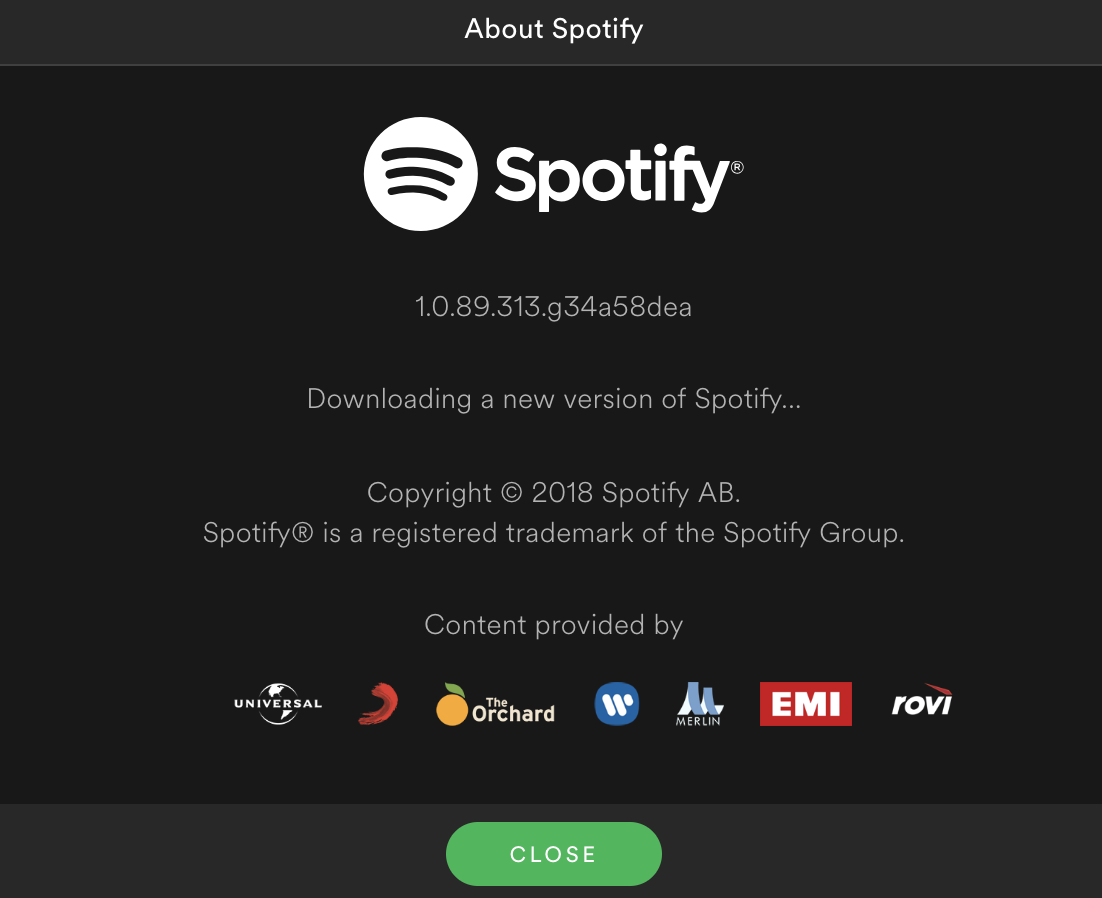

Worked great for me! thx

..

IT WORKED! Thank you! I have had this problem for a few months and have not been able to solve it until now!

my host file doesn't have anything on spotify but i'm having this problems
can u advise me?
this is my pc hosts file
# Copyright (c) 1993-2009 Microsoft Corp.
#
# This is a sample HOSTS file used by Microsoft TCP/IP for Windows.
#
# This file contains the mappings of IP addresses to host names. Each
# entry should be kept on an individual line. The IP address should
# be placed in the first column followed by the corresponding host name.
# The IP address and the host name should be separated by at least one
# space.
#
# Additionally, comments (such as these) may be inserted on individual
# lines or following the machine name denoted by a '#' symbol.
#
# For example:
#
# 102.54.94.97 rhino.acme.com # source server
# 38.25.63.10 x.acme.com # x client host
# localhost name resolution is handle within DNS itself.
# 127.0.0.1 localhost
# ::1 localhost

it work, thankyou for sharing

Thanks a lot.. it really works for me too 😄

There was nothing like this in my host file.
Daily Mixes will update but will not play on desktop (mac & windows) or on phone (apple & android) with my premium account.
This has been happening for some time--any help is much appreciated !
Hosts file location (Windows) :
C:\Windows\System32\drivers\etc